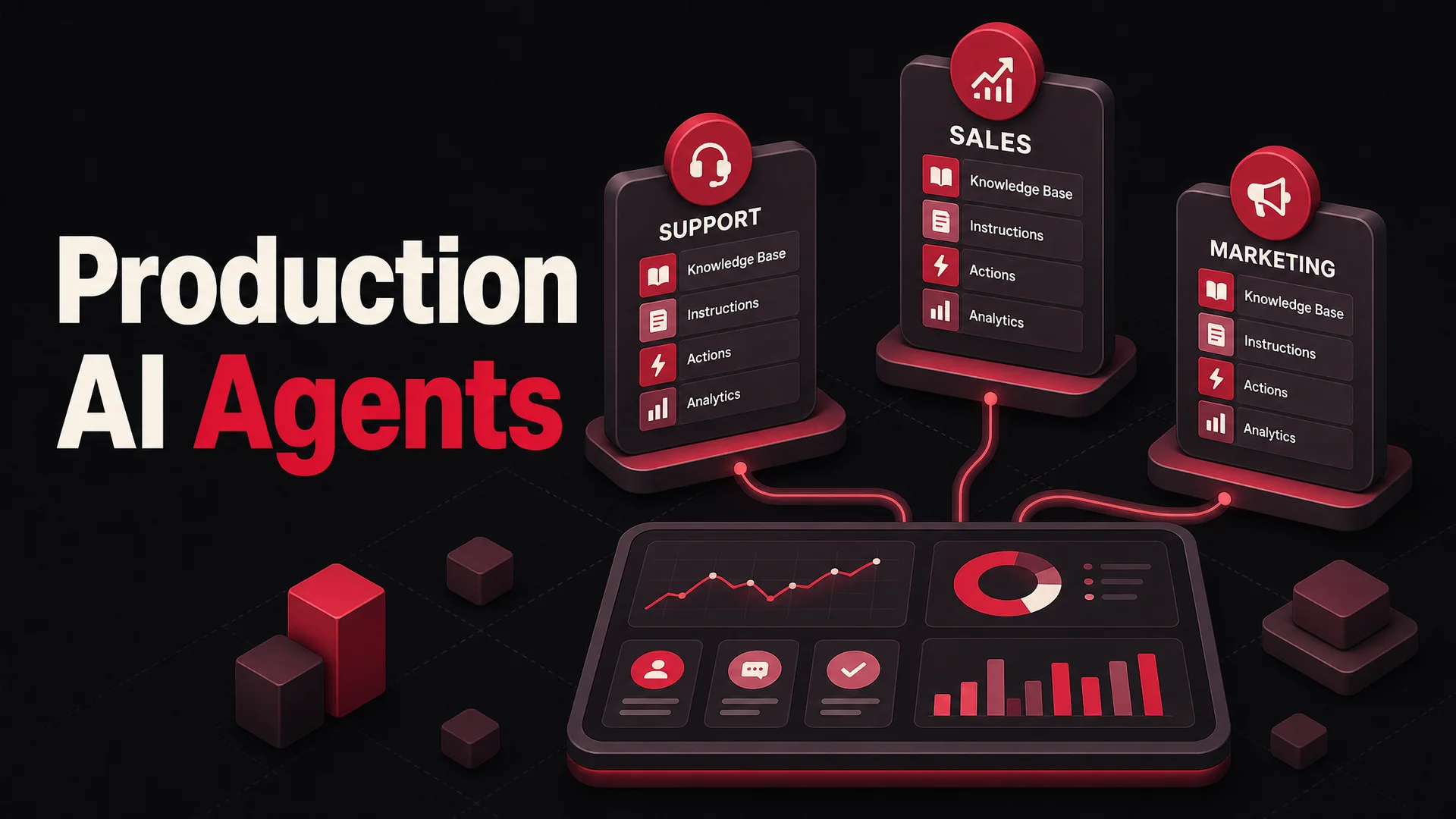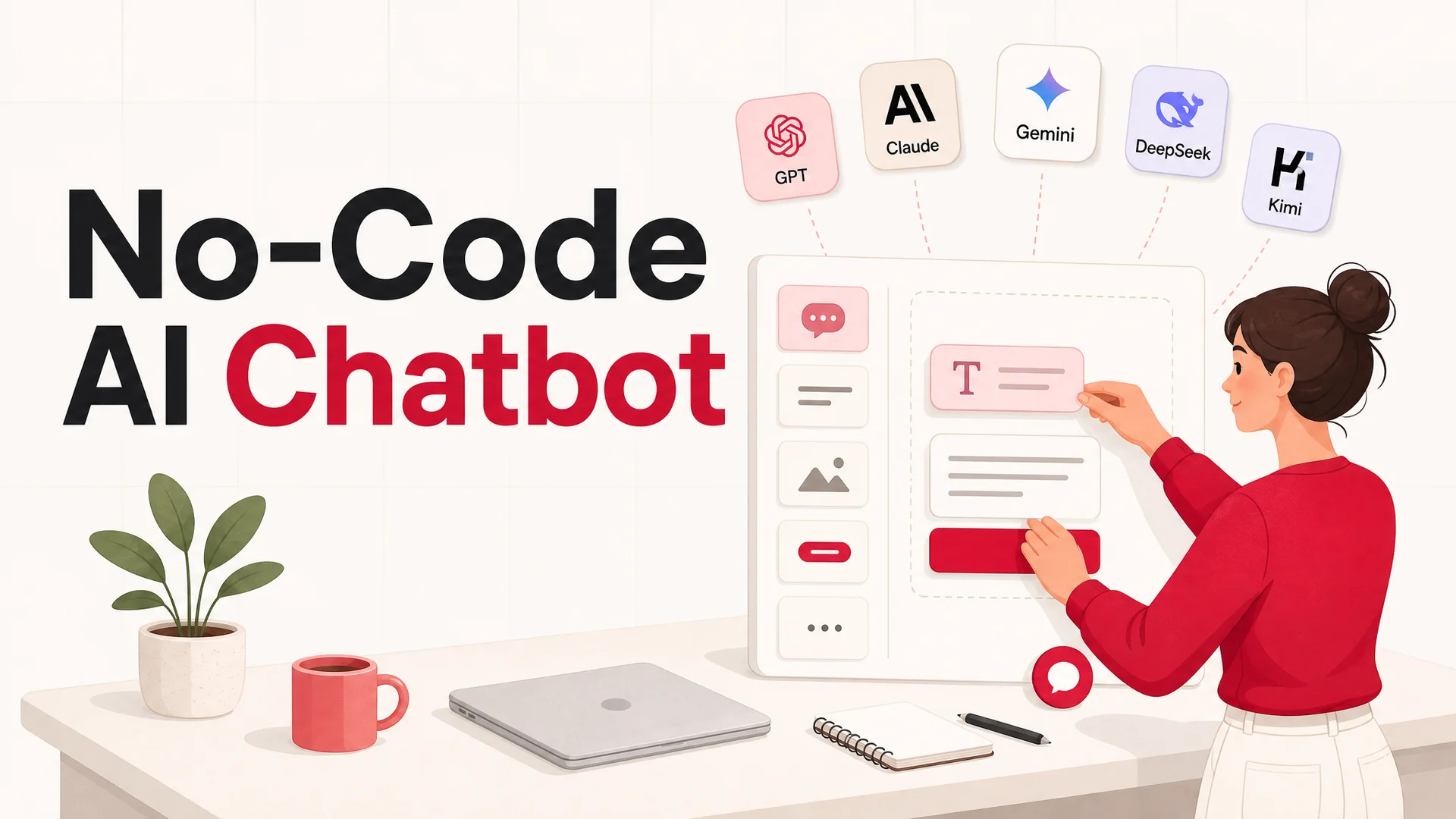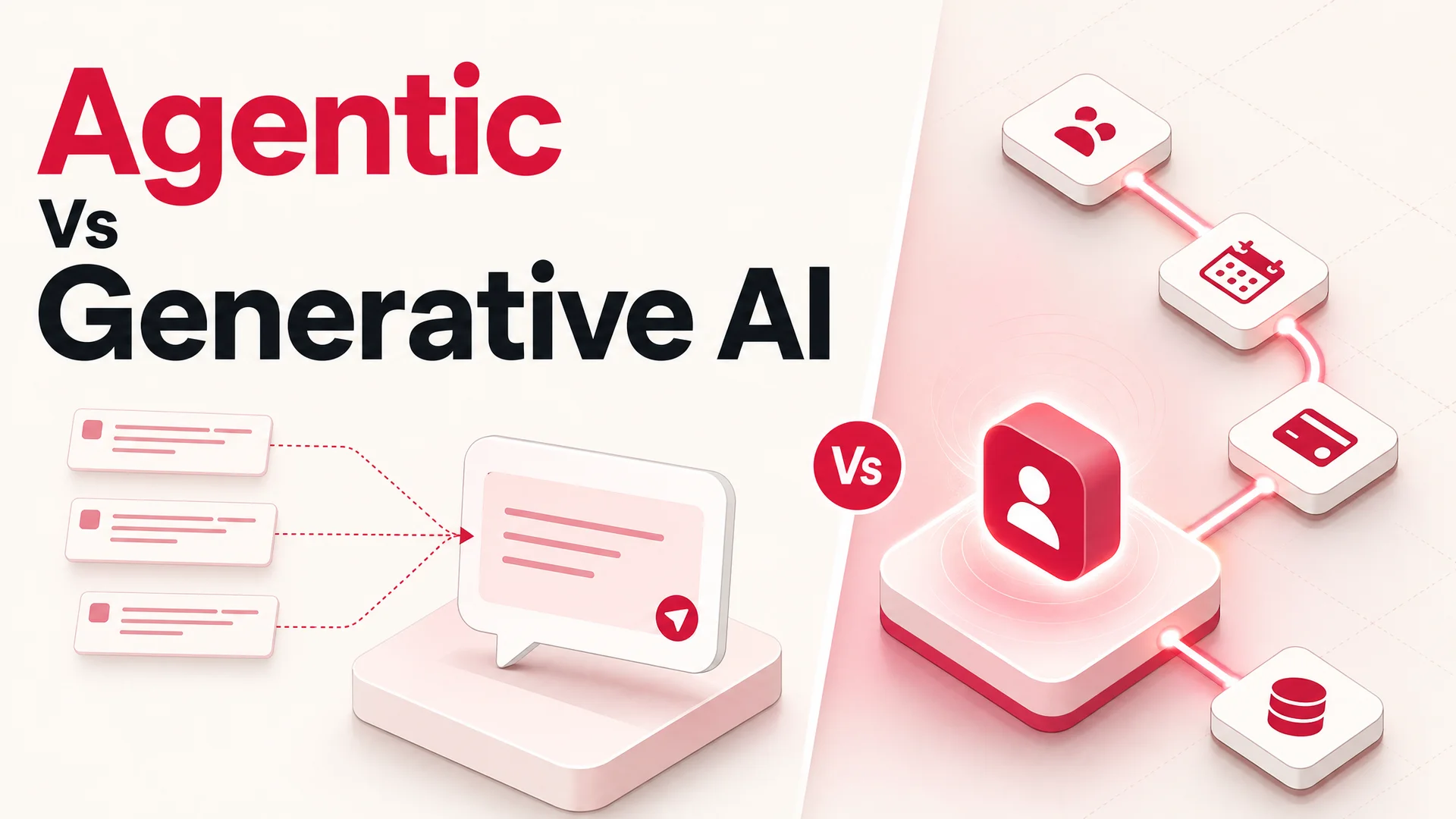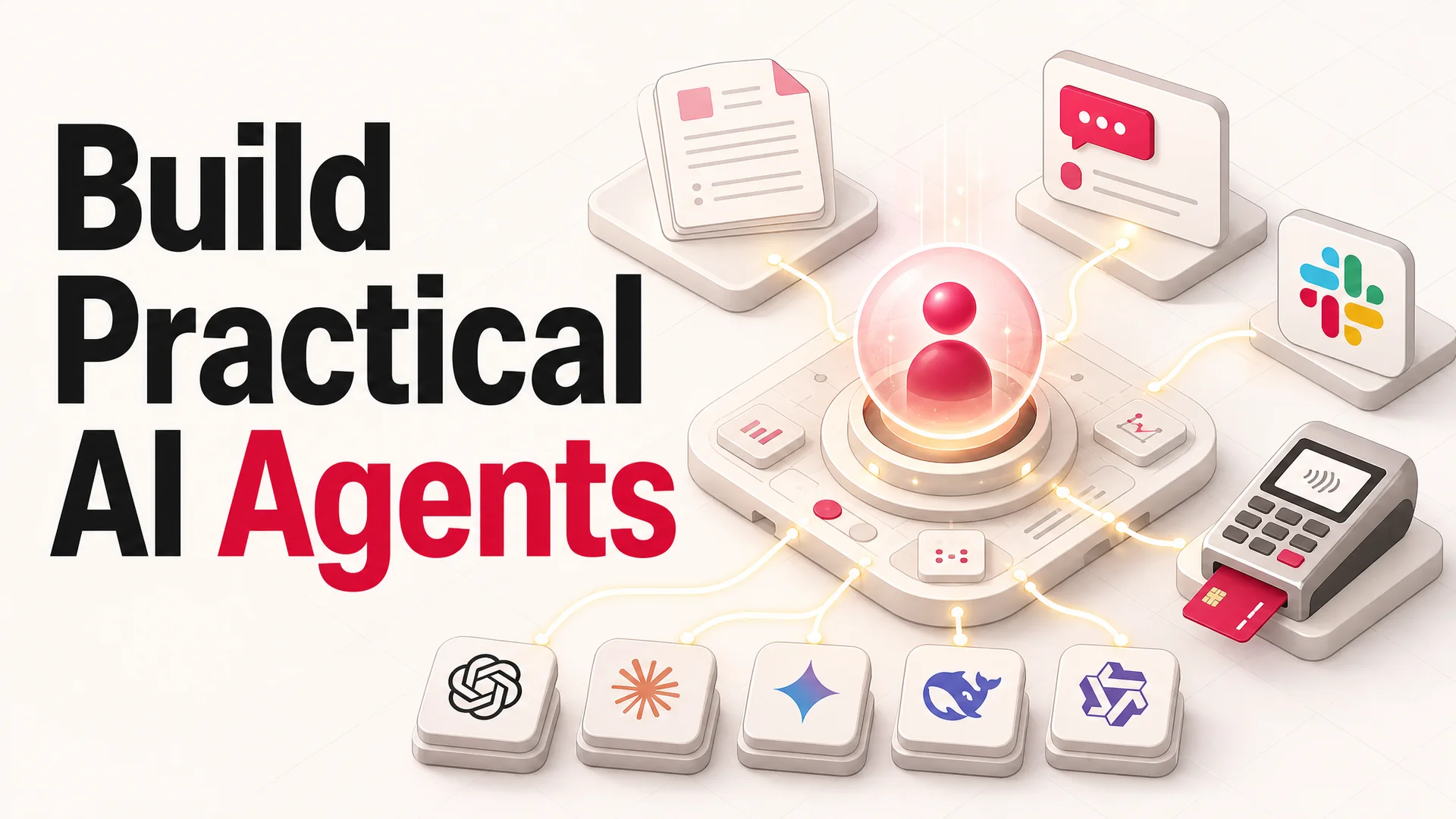
The category of software people are calling "AI agents" has moved from demo reels to production roadmaps in about eighteen months. By May 2026, the question is no longer whether to build one - it is which model to put underneath it, how to wire it into your tools, and how to keep its costs sane once it starts handling real traffic.
The shift is easy to miss if you only watch the headline benchmark scores. The deeper change is that the gap between "an AI that answers questions" and "an AI that does work for you" has finally closed. A modern agent doesn't stop at a paragraph of helpful prose. It looks up an order, refunds a charge, books the next available slot, posts a follow-up message in Slack, and writes a clean summary to your CRM - all inside one user turn, often without a human ever touching the loop.
If you run a support team, a product, or a small business, this is the year to build one. The tooling has caught up. The cost curve has bent sharply, mostly thanks to a wave of open-weight frontier models out of Chinese labs. And the playbook for getting from idea to live agent is now short enough to fit in a single article.
This is that playbook.
What an AI Agent Actually Is
Strip away the buzz and an AI agent is a piece of software that takes input, reasons about what to do, and then acts - often by calling other systems on your behalf. The "acts" part is what separates it from a plain chatbot.
A chatbot is the GPS that reads you the directions. An agent is the car that reads the directions, watches traffic, reroutes when the highway is closed, calls ahead to push your reservation by twenty minutes, and tells you why it did all of that when you arrive. Same map, very different relationship to the driver's seat.
Under the hood, an agent has three loops working at once: a perception loop that interprets what it just saw (a customer message, a webhook payload, an API response); a reasoning loop that decides what to do next given a goal and a set of tools; and an action loop that actually picks up the phone, hits an endpoint, or writes to a database. When people talk about "agentic" models in 2026 - Claude Opus 4.7, Kimi K2.6, GLM-5.1, Qwen3.6, MiMo-V2-Pro - they mean models specifically tuned to keep that second and third loop honest over long chains of decisions.
The practical implication for builders is that you don't have to choose between "smart" and "useful" anymore. The same agent that answers a refund question can also process the refund. The same agent that explains a feature can also schedule a demo and drop the contact into your CRM. That is the bar to design against.
How an AI Agent Works in 2026
The mechanics are easier to picture if you walk through what happens between a customer typing a message and the agent finishing its job.
It starts with input. A user sends a message - through a chat widget on your site, a thread in Slack, a WhatsApp number, or a Discord channel. That message comes in alongside metadata: who they are, what page they're on, what the last few turns of the conversation looked like, what's in their cart.
Then the agent grounds itself. It pulls relevant context from your knowledge sources. Two years ago this almost always meant retrieval-augmented generation: chunk the docs, embed them, query a vector store, stuff the results into the prompt. In 2026 the picture is more flexible. Models like Gemini 3.1 Ultra carry a 2M-token context window, and Claude Opus 4.6 / Sonnet 4.6 ship with 1M tokens at no surcharge. For many support agents that means an entire knowledge base, a full conversation history, and a set of policy documents can sit in-context, with retrieval used as a sharpening lever rather than a hard requirement.
Next, the agent reasons. The model looks at the user's intent, the grounded context, and the tools it has been told it can call, and it picks a plan. If the question is "where's my order?" it knows to call the order-lookup tool with the user's email. If the user is angry, it knows to escalate. If a policy says "no refunds after 60 days," it knows to follow that rule even when the user pushes.
Then it acts. The agent calls one or more functions - often many in sequence. Modern agentic models will happily run dozens of tool calls inside a single turn. Kimi K2.6, for example, was designed to coordinate up to 4,000 steps and 300 sub-agents over autonomous sessions that stretch to twelve hours. Most support work is far simpler than that, but the headroom matters: it means a customer journey that needs five back-to-back API calls is no longer a stretch goal.
Finally, the agent learns - or at least improves - from the outcome. Success and failure get logged. Conversations that ended in escalation get reviewed. Prompts get tightened. Tools that turned out to be misused get renamed or constrained. The agent that ships in week one is not the agent that runs in month six, and that is the point.
Why You Actually Want One
It is worth being concrete about the payoff, because "AI agent" has been said so many times in so many decks that the underlying value gets lost.
They convert volume into capacity. A support team that previously took 800 tickets a day with eight agents can take the same volume with the same eight agents covering the harder half, while an AI agent absorbs the routine half. That math compounds when traffic spikes - a viral moment, a Black Friday window, a product launch - because the agent does not need to be hired, onboarded, or paid overtime.
They are awake when you are not. Most of the world isn't on your timezone. An AI agent gives a four-person company in Berlin the same after-hours coverage as a 200-person org. Customers who would have bounced now get answered.
They personalize at scale without scaling headcount. Because the agent sees the full account context on every turn, it can recommend the right plan, surface the right help article, or apply the right discount without a human stitching the data together first. The unit economics of "tailored response" used to require a senior CSM. Now they require a tool call.
They get cheaper, fast. This is the change most builders underestimate. Open-weight frontier models from DeepSeek, Z.ai, Moonshot, MiniMax, Alibaba, and Xiaomi have collapsed the per-resolution cost of running a production agent. DeepSeek V4 Flash sits at $0.14 / $0.28 per million input/output tokens. MiniMax M2 runs at roughly 8% the price of Claude Sonnet at twice the speed. A well-routed agent can spend fractions of a cent on the easy 80% of traffic and reserve Claude Opus 4.7, GPT-5.5, or Gemini 3.1 Ultra for the hard 20%.
They do, not just say. This is the thing worth repeating. In 2024, "AI customer service" mostly meant a chat box that wrote a paragraph. In 2026, it means an agent that can take the action the paragraph used to recommend.
How to Build an AI Agent: The Six-Step Playbook
Every successful build I've seen follows roughly the same arc. The order matters; skipping a step almost always shows up as a problem two months in.
1. Define the job to be done
Start narrow. Pick a single workflow the agent will own end-to-end before you give it a second one. "Answer pre-sales questions, qualify the lead, and book a demo" is a real job. "Be helpful to customers" is not. Write down the inputs the agent will see, the outcomes that count as success, and the actions it is allowed to take. This document becomes both your system prompt and your evaluation rubric.
2. Gather and prepare the knowledge
The agent's quality is bounded by what it can see. Pull together the corpus it will be grounded on: product docs, FAQs, help-center articles, transcripts of resolved tickets, policy documents, pricing pages. Strip out anything stale or contradictory - agents are very good at confidently surfacing the wrong version of a refund policy. If you have structured data (order tables, account records), plan to expose it via tools rather than dumping it into the knowledge base.
3. Pick the model - or models
This used to be a one-line decision. In 2026 it is a routing strategy. The right answer for a support agent is rarely "use one model for everything." A good default split looks like this:
- Routine, high-volume turns - order status, password resets, FAQ-style questions - run on a fast, cheap model. DeepSeek V4 Flash, MiniMax M2, or Qwen3.6-35B-A3B are all strong choices and dramatically cheaper than the closed frontier.
- Hard reasoning, multi-step workflows, or anything that touches money - refunds, plan changes, complex troubleshooting - route to Claude Opus 4.7 (currently the SWE-bench Pro leader at 64.3% and a strong general reasoner), GPT-5.5 Pro, or Gemini 3.1 Ultra.
- Long-context tasks - agents that need to read an entire conversation history, contract, or knowledge base in one shot - lean on the 1M-context Claude Sonnet 4.6 or the 2M-context Gemini 3.1 Ultra.
- Regulated or air-gapped deployments - pick from the MIT-licensed Chinese open weights: GLM-5.1, Qwen3.6-27B, or MiMo-V2-Pro can be run on your own infrastructure with no data leaving the perimeter.
The goal is to push as much traffic as possible to the cheap, fast models without users noticing, and to reserve the expensive ones for the moments where the difference is felt.
4. Wire up the tools
This is where most agents stop being toys. Decide which APIs the agent can call: your order system, your billing provider, your calendar, your CRM, your shipping tracker, your knowledge base. Each tool needs three things: a clear natural-language description (the model reads it to decide when to call), a tight input schema, and a sensible failure mode. Agents will absolutely try to refund an order twice or book the same slot for two people if you don't constrain them. Idempotency keys, confirmation steps for high-risk actions, and human escalation triggers are not optional.
5. Test against real conversations, not happy paths
Spin up the agent in a sandbox and throw your hardest historical tickets at it. The ones that took 40 minutes to resolve. The ones where the customer was angry. The ones where the answer depended on a policy buried three docs deep. Evaluate three things: did it find the right answer, did it take the right action, and did it know when to hand off. Iterate the prompt, the tool descriptions, and the knowledge base until the failure modes are ones you can live with.
6. Deploy, observe, improve
Push the agent live on a single channel first - usually the website widget. Watch the transcripts daily for the first two weeks. Tag every escalation. Look for patterns: a tool the agent keeps misusing, a question type it consistently fumbles, a tone issue that's costing you. Fix in tight loops. Once it's stable on one channel, fan it out: Slack, Discord, WhatsApp, in-app, email.
The Build Paths: Trade-offs That Actually Matter
There are five common ways teams get an agent into production. They are not equally good for all situations.
Code it from scratch
You write the orchestration yourself, call model APIs directly, build your own tool-calling layer, and host the runtime. Frameworks like LangGraph or the official Anthropic and OpenAI agent SDKs help, but the integration work is yours.
When it makes sense: you're a research team, your agent is a core product surface (not an internal tool), or your workflow is genuinely unusual.
The cost: weeks to months of engineering time before the first real conversation, plus ongoing maintenance every time a model provider ships a breaking change.
Pre-built open-source frameworks
Rasa, the LangChain ecosystem, AutoGen, and similar give you scaffolding for the loops, memory, and tool calls so you don't write them from scratch.
When it makes sense: your team has Python depth and you want to own the runtime without owning the orchestration primitives.
The cost: you're still writing a lot of glue, and you inherit the framework's opinions about how an agent should be structured.
Model APIs plus a thin wrapper
Use OpenAI's, Anthropic's, or Google's hosted agent products directly, and write a small layer on top to integrate with your stack.
When it makes sense: the workflow is simple enough that you don't need much beyond what the provider already offers.
The cost: you're locked to that provider's roadmap and pricing, which is a real exposure given how fast the cost-per-token landscape moves right now.
No-code agent platforms
Upload your knowledge, configure the persona, define actions in natural language, and deploy across channels - all without writing code. Berrydesk sits in this category.
When it makes sense: you want a real production agent live this week, not next quarter, and you'd rather spend your engineering budget on the parts of your product that aren't AI plumbing.
The cost: less freedom to invent novel architectures. For 90% of customer-facing agents, that ceiling is well above what you actually need.
Hybrid
A no-code platform for the conversational core, with custom APIs and webhooks for the parts that touch your specific systems.
When it makes sense: almost always, if you're past the prototype stage. The base agent ships fast; the integrations are where your team's time pays off.
A Common Pitfalls List Worth Bookmarking
A few patterns show up in nearly every team's first production agent. Worth knowing before you hit them.
Over-trusting one model. Picking a single model and running everything through it is the easiest way to overspend or underdeliver. Routing - even simple two-tier routing - almost always wins.
Skipping tool design. Teams spend weeks on the system prompt and ten minutes on tool descriptions. The tools are how the agent acts; vague descriptions are how it acts wrongly. Treat each tool description like a small piece of documentation.
No human-in-the-loop on irreversible actions. Refunds over a threshold, account deletions, plan changes - anything you cannot undo with another tool call should require explicit confirmation, either from the user or from a human reviewer.
Ignoring transcripts. The single highest-leverage activity in the first month is reading conversations. Not dashboards. Conversations. Patterns hide in the actual text.
Treating launch as the finish line. A live agent is the start of the project, not the end. Plan for at least one engineer-day per week of ongoing tuning for the first quarter.
Building Your Agent on Berrydesk
Berrydesk is built around the idea that the playbook above shouldn't take a quarter to execute. The platform handles the orchestration, the model routing, the tool plumbing, and the channel delivery, so the work that's left is the work only you can do - defining the job, curating the knowledge, and deciding what actions the agent is allowed to take.
The flow is four steps.
1. Pick your model. Choose from GPT, Claude, Gemini, DeepSeek, Kimi, GLM, Qwen, MiniMax, and others - and route different conversation types to different models if you want the cost-quality split described above. You can change models later without rebuilding the agent.
2. Train it on your sources. Upload PDFs and help docs, point at your website, or connect Notion, Google Drive, or YouTube. Berrydesk handles ingestion, chunking, and re-indexing as your content changes.
3. Brand the chat widget. Match your colors, fonts, voice, and avatar. The agent should look like part of your product, not like a generic helper bolted onto the corner of the page.
4. Add AI Actions and deploy. Define the things your agent can actually do - book meetings, take payments, look up orders, escalate to a human, file a ticket - in natural language. Then ship the agent to your website, Slack, Discord, WhatsApp, or all of the above.
The whole loop, from first upload to a live agent answering real questions, is usually a single afternoon's work for the first version, and weeks of iterative tuning to make it great.
Build Your First Agent
The cliché about AI in 2024 was that everyone was talking about agents and almost no one had shipped one. The cliché in 2026 is the opposite: the cost of not having one is starting to show up in CSAT scores, response times, and support payroll. The tooling has caught up to the ambition. The model lineup has commoditized in your favor. The build path is short enough to walk in an afternoon.
Start small, ship the narrow version, watch the transcripts, and let the surface area grow from there.
When you're ready to skip the orchestration work and get to the part that matters, build your first agent on Berrydesk - pick a model, point it at your knowledge, and have it live by the end of the day.
 Berrydesk
Launch your AI agent in minutes
- Train on your docs, site, Notion, Drive, or YouTube
- Pick GPT, Claude, Gemini, DeepSeek, Kimi, Qwen, GLM and more
Set up in minutes

Chirag Asarpota is the founder of Strawberry Labs, the team behind Berrydesk - the AI agent platform that helps businesses deploy intelligent customer support, sales and operations agents across web, WhatsApp, Slack, Instagram, Discord and more. Chirag writes about agentic AI, frontier model selection, retrieval and 1M-token context strategy, AI Actions, and the engineering it takes to ship production-grade conversational AI that customers actually trust.