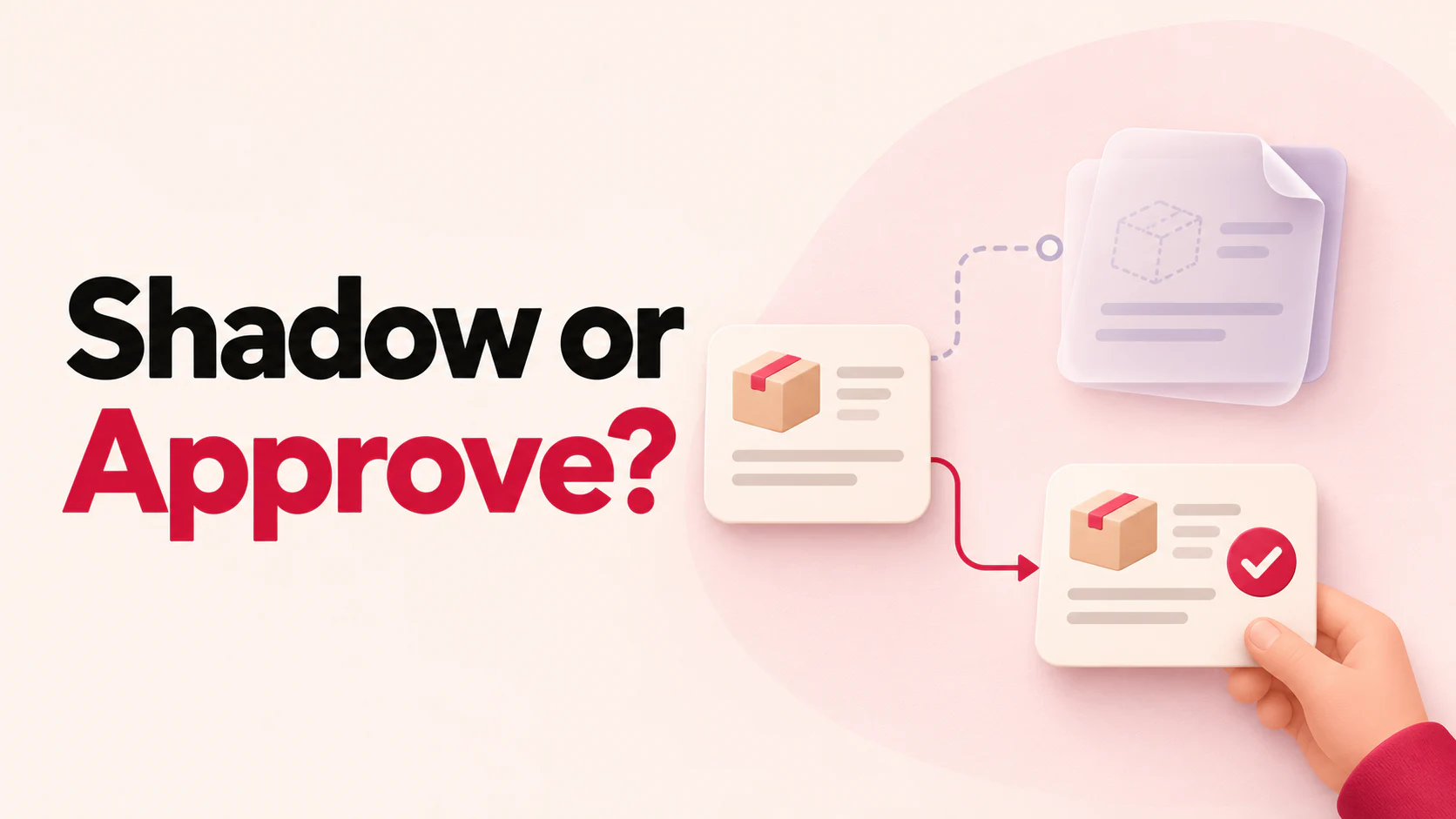
Shadow mode lets AI propose a reply or action privately while your usual support queue handles the customer. An approval pilot lets a named teammate review the specific proposal before a real reply or record change. Start with shadow mode to find mistakes in judgment. Move one action into a staffed pilot once you can show that the proposal is accurate and a reviewer can catch a bad one. AWS describes the same separation of live and shadow outputs for model testing. Amazon SageMaker shadow tests.
Put the controls where the work happens
Shadow mode. Replay synthetic or properly redacted tickets first. Use test records or read-only access, and block customer sends and live changes at the tool or integration boundary. Keep proposed drafts, intended actions and evaluation notes in a private review queue. Score them against the policy and records available when the request arrived. Use the support team’s actual decision as one piece of evidence.
Approval pilot. Pick one action, one queue and staffed hours. Show the reviewer the exact record, proposed fields, customer reply and evidence of eligibility. Give them a way to decline, edit, or take over. Set an approval expiry and return unanswered cases to the fallback owner. If they edit the target, fields, or effect, have them confirm the edited proposal. At execution, enforce the reviewer’s authority, recheck the current record and prevent duplicate attempts. Record the final outcome from the system that owns the change.
A simple pilot can keep the AI on drafting duty and let a staff member make the approved change in the ordinary admin console. If you build an approval button into a connected tool, treat the button as permission for one specific operation. Zendesk’s procedure testing docs give a concrete example of approvals reaching a connected system, even from a test ticket. Zendesk’s auto assist procedure tests.
The same delivery request in both modes
A verified customer asks to change the delivery unit on fictional order BD-1042 from 6B to 8B. Store policy allows unit changes until the warehouse hands the parcel to the carrier. The original order and warehouse status say the parcel is still on site.
- In shadow mode, the AI drafts the change and flags the need to recheck shipment state. The support queue handles the request through its usual process. In the review queue, score whether the AI chose BD-1042, proposed changing only the unit and identified the shipping cutoff.
- In the approval pilot, the teammate sees BD-1042, the masked address with the unit change, the warehouse status and the proposed reply. Before submitting the change, they recheck the warehouse record. If the carrier already has the parcel, the teammate declines and owns the carrier follow-up. If the update is still allowed, they perform it, verify unit 8B in the order system and then send the confirmation.
The second outcome matters because a correct draft can go stale while it waits for approval. Add that race to the pilot’s acceptance cases.
Decide when to advance or roll back
The counts below are example gates for one staffed queue. Set your own cutoffs before collecting results. Count a proposal as correct when its action, record, proposed fields and customer message match the policy and request. A correct decision to stop also counts. Treat a wrong customer or record, an unauthorized send, and an out-of-policy change as critical errors. Measure review wait from proposal creation to a decision. NIST recommends using pre-launch evaluation and maintaining a way to override, respond and recover after deployment. NIST generative AI risk profile, NIST AI RMF Manage 4.1.
| Phase | Exit gate | Stop or roll back |
|---|---|---|
| Shadow | At least 48 of 50 proposals match independent review. Include blocked cases for unverified identity, shipment already handed off and changed shipment status. Zero critical errors and zero live effects from the shadow path. | Any outgoing AI reply or live change triggers a stop. Disconnect the replay path and check the customer and tool records. Correct and rerun any case involving a wrong record or prohibited action before advancing. |
| Approval pilot | At least 29 of 30 proposals are correct across five staffed business days. Verify the external result for every approved change, with at least 10 completed changes. Zero unapproved, wrong-record or duplicate changes. | Pause on any unapproved action, wrong record, duplicate or missing decision record. Pause new intake if the 90th-percentile review wait exceeds 10 minutes in two consecutive shifts. Turn off pilot sends and writes. Return the cases to the ordinary support queue. |
Before resuming, assign an owner to reconcile in-flight cases and any changes already made. Run the failure case and a known-good case again with the receiving team. Record who approved the restart.
Where BerryDesk fits
Use Studio Playground to rehearse the fictional customer conversation. In the shared inbox, Take over puts a person in charge of a conversation and pauses AI replies. See Why the last AI reply? for recorded actions when available, and verify any claimed change in the connected system. Shadow mode and an approval pilot are rollout designs. Set up replay, approvals and the stop control in your queue or integration. AI-to-human handoff checklist.
Copy this acceptance checklist
Queue and allowed action =
Named reviewer and fallback owner =
Staffed hours and review wait limit =
Policy version and evidence links =
Owner who can stop outgoing actions =

[ ] Shadow can read test data and cannot send or make a live change.
[ ] Approval covers one exact record, action and set of fields.
[ ] A changed record or edited proposal must be reviewed again.
[ ] Reviewer, decision, attempt and external result can be reconciled.
[ ] Timeout, duplicate and unavailable-reviewer cases were rehearsed.
[ ] Staff demonstrated the stop control and recovered a pending case.

Exit sample and score =
Final decision and approver =
Use synthetic orders to exercise the controls with the team that will handle the queue. 12 staging cases and test worksheet. For a Shopify queue, the cancellation and refund guide gives concrete order states to use in the pilot.
 Berrydesk
Rehearse a support case with BerryDesk
- Try a fictional customer request in Studio Playground
- Practice handing a conversation to a teammate in the shared inbox
Set up in minutes