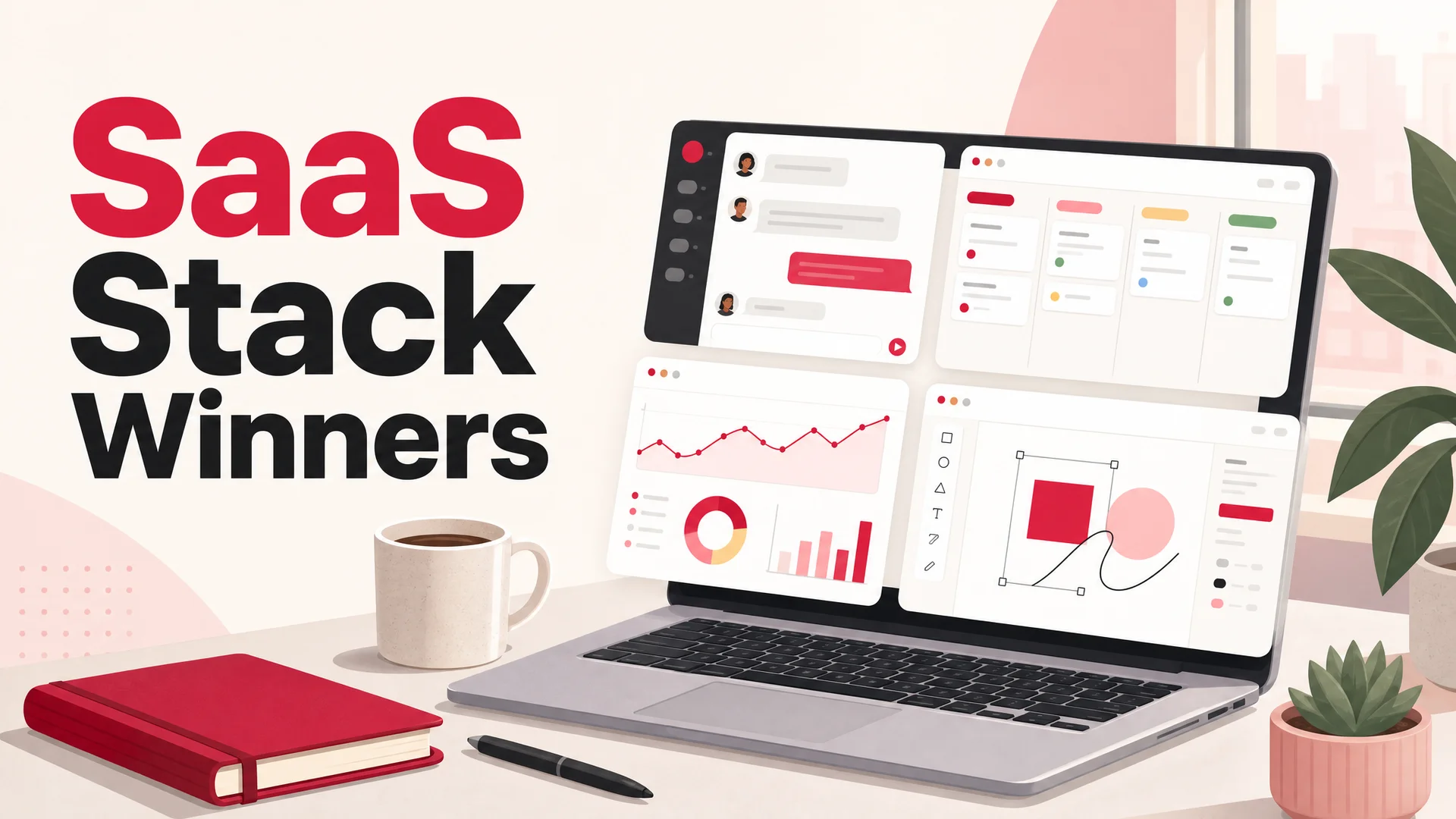
Almost every modern business runs on SaaS. The two-person studio, the Series-C startup, the global enterprise - they all pay for the same handful of cloud apps because the alternative (buying servers, hiring sysadmins, installing binaries) makes no economic sense anymore.
The appeal is the same it has been for a decade: a credit card, a login, and you're working. No procurement cycle, no IT ticket, no "we'll get to it next quarter." But the SaaS market has also gotten louder. There are more categories, more overlap between them, and more tools claiming to replace your other tools. Picking what actually belongs in your stack is harder than it used to be.
This guide cuts through that noise. It's a curated list of 30 SaaS products we see used by serious teams in 2026 - the ones that show up in real workflows, not just on G2 leaderboards. We've grouped them by what they do, so you can scan the section that matches your current bottleneck and skip the rest.
What Counts as a SaaS Tool
SaaS - Software as a Service - is software you rent and access through a browser. There's no installer, no license key sitting in a drawer, no IT admin pushing updates to a hundred laptops. You sign up, log in, and the product runs in the cloud while you work against it.
You already use SaaS even if you've never used the term. Slack, Google Workspace, Zoom, Notion, Stripe, GitHub - all SaaS. You pay monthly or annually for the right to use them, and the vendor handles servers, scaling, security patches, and feature updates on their end.
The category is popular for the obvious reasons:
- Almost no setup time - you can be productive in the first session.
- Constant improvement - features ship continuously, you don't wait for a 2.0 release.
- Predictable cost - a subscription line item instead of a six-figure capex purchase.
- Built for distributed teams - anyone with a login and a browser is in the same workspace.
The trade-off is that vendor risk is real. If a SaaS product goes down, raises prices, or pivots away from your use case, you feel it. Picking tools that are mature, well-funded, and aligned with how you actually work matters more than chasing whichever product launched on Product Hunt last week.
30 SaaS Tools Worth Knowing in 2026
Collaboration and communication
Distributed work is the default now, and the tools that hold remote teams together have gotten sharper. These five cover most of what teams need to talk, meet, and think together.
1. Slack - The default async chat layer for most modern teams. Channels keep conversations scoped, threads keep them readable, and the integrations directory lets you wire in everything from GitHub PR notifications to PagerDuty alerts. The newer AI-powered search and recap features make it usable even when you've been off for a week.
2. Microsoft Teams - The all-in-one collaboration hub for organizations already living inside Microsoft 365. Chat, meetings, file storage, and Office co-editing are tightly bound together, which is why it dominates in enterprise and regulated industries even when individual employees would pick something else.
3. Google Chat - Lightweight, fast, and tightly integrated with Gmail, Calendar, and Drive. If your company is on Google Workspace, this is the path of least resistance for internal messaging - especially with Spaces for project-scoped conversations.
4. Zoom - Still the meeting tool people actually click into without thinking. Beyond standard video calls, the AI Companion now handles summaries, action items, and follow-up drafts automatically, which has quietly removed a chunk of post-meeting busywork.
5. Notion - Wiki, doc editor, lightweight project tracker, and personal notebook in one. Teams use it for handbooks, design specs, meeting notes, and async standups. The AI features have matured into something that genuinely helps with summaries and rewriting rather than feeling tacked on.
Project and task management
Running a business is mostly tracking what's in flight, what's blocked, and what shipped. These tools make that legible to a team without devolving into ceremony.
6. Paymo - A combined time-tracking, invoicing, and project management tool that small agencies and freelancers reach for first. The value is having billable hours, deliverables, and invoices in one place, instead of stitching together three apps and a spreadsheet.
7. Productive - Built for agencies and professional services. It pairs project management with client portals, resource planning, and real-time profitability reporting, so you can see whether a retainer is actually making money before the quarter ends.
8. Trello - The Kanban board that taught a generation of teams how to think in columns. Its strength is simplicity: drag cards from "To Do" to "Done," and you have a project. Best for small teams, side projects, and content calendars where heavier tools would be overkill.
9. Asana - A more serious project tracker for teams that need timelines, dependencies, and goal alignment. The portfolio view in particular is useful for managers running five projects at once who want a single place to see what's at risk.
10. ClickUp - A productivity platform that tries to be everything: tasks, docs, goals, time tracking, whiteboards. Customizability is the selling point and the warning label - teams that don't impose a convention end up with a maze of views.
11. Basecamp - A deliberately opinionated, feature-light alternative. Message boards, to-dos, schedules, and files in a clean shell. If your team is drowning in tool sprawl, Basecamp's restraint is a feature.
12. Monday.com - A flexible work OS with strong automations and a friendly UI. Teams use it for marketing campaigns, product roadmaps, hiring pipelines, and almost anything else you can put in a board. The template library makes onboarding fast.
Marketing and sales
These tools help you reach customers, nurture them, and turn pipeline into revenue. The category has been reshaped by AI assistants in the last year - most of these now have genuinely useful generation and analysis features rather than gimmicks.
13. Ahrefs - A serious SEO and market intelligence platform. Beyond keyword and backlink work, the newer AI search visibility tools track how often your brand surfaces in answers from ChatGPT, Claude, Gemini, and other AI search interfaces - a real concern now that a meaningful chunk of buyer research happens inside a chat window instead of Google.
14. Mailchimp - The email platform that small businesses default to. Drag-and-drop builders, automations, audience segmentation, and reporting in a package that someone non-technical can run.
15. HubSpot - CRM, marketing automation, sales pipeline, service desk, and CMS in one suite. The free tier is generous enough to start with; the paid tiers scale into a full operating system for go-to-market teams.
16. ActiveCampaign - A marketing automation engine with deeper segmentation and journey logic than Mailchimp. Strong fit for ecommerce and SaaS companies running multi-step nurture flows where branching matters.
17. Pipedrive - A sales-rep-first CRM. The pipeline UI is the whole pitch: drag deals forward, get reminders for next steps, log calls without thinking about it. Less marketing surface than HubSpot, more focus on closing.
18. Loom - Async video for everything that doesn't justify a meeting. Sales reps record personalized intros, product teams walk through specs, support teams demo workarounds. The auto-generated transcripts and AI summaries make Looms searchable months later.
19. Elastic Email - A pragmatic email delivery platform that does both transactional and marketing sends. The pricing is friendly to high-volume senders, and the API is straightforward enough for developers to wire up in an afternoon. A solid option when SendGrid or Postmark feel overkill.
20. Coupler.io - Reporting automation that pulls data from HubSpot, Facebook Ads, Stripe, GA4, and dozens of others into Sheets, BigQuery, or Looker Studio. Useful when your weekly performance review is held together by hand-copied numbers.
Customer support and AI agents
Support has changed more than any other category in the last 18 months. Long-context, agentic models can now handle the bulk of routine tickets end-to-end - including taking actions like booking, refunding, and looking up orders - and the tools below reflect that shift.
21. Berrydesk - An AI agent platform built specifically for customer support. You pick a model - GPT-5.5, GPT-5.5 Pro, Claude Opus 4.7, Sonnet 4.6, Gemini 3.1 Ultra, DeepSeek V4, Kimi K2.6, GLM-5.1, Qwen 3.6, MiniMax M2 - train it on your docs, website, Notion, Google Drive, or YouTube content, brand the chat widget, attach AI Actions for things like booking and payments, and deploy to your site, Slack, Discord, WhatsApp, and beyond. The model choice matters more than it used to: routine traffic can route to DeepSeek V4 Flash at $0.14 per million input tokens, with Claude Opus 4.7 reserved for the hard escalations. The result is resolution costs measured in fractions of a cent. Start at berrydesk.com.
22. Zendesk - The incumbent help desk for serious support orgs. Ticketing, omnichannel routing, knowledge base, workforce management, and reporting at scale. The native AI features have caught up to the standalone tools, but you pay for the platform.
23. Intercom - Combines live chat, in-product messaging, and AI agents. Strong fit for SaaS companies that want to support and onboard users inside their app, not just answer external email.
24. Freshdesk - A clean, mid-market help desk with ticketing, live chat, and self-service portals. Less sprawling than Zendesk, easier to roll out, and reasonable for teams of 5–50 agents.
25. Tidio - Live chat plus chatbot for small businesses and online stores. The templates and Shopify integration make it a fast win for ecommerce teams who don't need an enterprise platform.
Analytics, productivity, and design
The remaining ten cover the work that holds the rest of the stack together - measuring it, automating it, and making it look right.
26. Google Analytics 4 - The default web analytics tool, for better and worse. Event-based tracking and the integration with Google Ads and Search Console make it hard to skip, even if the UI still confuses people coming from Universal Analytics.
27. Airtable - Spreadsheets with structure. Teams use it as a content calendar, a CRM, an applicant tracker, an asset library - anywhere a Google Sheet starts straining under its own weight. The Interfaces feature now makes it possible to ship a passable internal app on top of an Airtable base in a few hours.
28. Clockify - Free time tracking that scales. Useful for agencies billing hours, founders auditing where their week went, and any team running a budget against a project.
29. Grammarly Business - Writing assistance across email, docs, and chat. Beyond grammar, the tone and clarity rewriting features quietly raise the floor on customer-facing communication.
30. Canva - Design software for people who aren't designers. Social posts, decks, ads, internal slides - all built from templates that look good without a brand designer reviewing them. The Magic Studio AI tools have absorbed a lot of what people used to open Photoshop for.
31. Miro - Infinite whiteboard for brainstorming, journey mapping, and async workshops. The AI clustering tool is genuinely helpful when a session has produced 200 sticky notes and someone has to make sense of them.
32. Typeform - Forms and surveys that don't feel like forms and surveys. Great for NPS, lead capture, customer research, and post-purchase feedback where response rates depend on the form not feeling like work.
33. Notion AI - Writing, summarizing, and Q&A inside your Notion workspace. Useful when half your company's institutional knowledge already lives in Notion docs.
34. Zapier - The connective tissue for the rest of your stack. Send new form responses to your CRM, post Stripe payments to Slack, kick off onboarding emails when a deal closes - without touching code.
35. Figma - Collaborative design and prototyping. The default tool for product and design teams in 2026, with co-editing that makes design reviews a live conversation instead of an exported PDF and a comment thread.
(Yes, the section title says 30. The list runs a bit longer because a few categories deserved an extra entry. Treat it as a buffet, not a checklist.)
What to Watch Out for When Buying SaaS
The convenience of SaaS comes with a few traps that compound if you're not paying attention.
Tool sprawl. It's easy to add a new SaaS subscription on a credit card and forget about it. Six months later you're paying for three things that overlap. Run a quarterly audit: what's the bill, what's actually being used, and what's been replaced by something else?
Data lock-in. Some tools make it easy to get your data in and hard to get it back out. Before you commit to anything that holds customer records, financial data, or content, check the export story. CSV exports, API access, and data residency options all matter.
Pricing per seat versus per usage. Per-seat pricing penalizes growing teams; per-usage pricing penalizes successful campaigns or busy support weeks. Read the fine print on both, and model what your bill looks like in 12 months at the growth rate you're hoping for.
AI feature inflation. Every SaaS product now has an "AI" sticker. Some of it is real and useful - long-context summarization, agentic actions, sharper search - and some of it is the same regex search behind a chat input. Test the AI features on real work before paying extra for them.
Building a Lean Stack That Actually Works
You don't need 30 tools. You need three or four that map to where your business is now, and the discipline to add new ones only when an existing tool clearly can't carry the load.
If you're a pre-revenue startup, the answer might be Slack, Notion, Linear, and a payments provider - and that's enough for the next year. If you're a mid-market company with a real support volume, the upgrade that pays for itself fastest is usually an AI agent that deflects routine tickets so your humans can focus on the hard ones. If you're an agency, time tracking and invoicing tied to project management is the thing that quietly recovers margin.
Most of these tools have free plans or generous trials. Use them. Nothing surfaces a bad fit faster than a real team trying to use a tool for a week.
And if customer support is on your shortlist, Berrydesk is built for exactly this moment in AI: pick the model that fits each conversation, train on the content you already have, ship AI Actions instead of dead-end chat, and pay closer to cents than dollars per resolution. You can have an agent live on your site this afternoon - start at berrydesk.com.
 Berrydesk
Add an AI support agent to your stack in an afternoon
- Train Berrydesk on your docs, site, Notion, Drive, or YouTube in minutes.
- Pick from GPT-5.5, Claude Opus 4.7, Gemini 3.1, DeepSeek V4, and more.
Set up in minutes

Chirag Asarpota is the founder of Strawberry Labs, the team behind Berrydesk - the AI agent platform that helps businesses deploy intelligent customer support, sales and operations agents across web, WhatsApp, Slack, Instagram, Discord and more. Chirag writes about agentic AI, frontier model selection, retrieval and 1M-token context strategy, AI Actions, and the engineering it takes to ship production-grade conversational AI that customers actually trust.