A website without a working chat experience in 2026 feels like a storefront with the lights off. Visitors expect to ask a question and get an answer in the same breath - not be told that someone will reply within one business day.
The good news: the tooling has finally caught up with that expectation. AI agents trained on your own knowledge can now resolve a majority of routine support tickets, qualify pipeline, surface the right product page, and trigger booking or refund flows directly inside a chat - all without a human in the loop for the easy cases. The harder question is which platform to actually run on. The list of vendors is long, the marketing pages all say the same things, and the underlying model landscape has shifted twice since this time last year.
This guide cuts through the noise. It covers what a modern chatbot builder really is, what to demand from one in 2026, and seven platforms worth a serious look - starting with the one we build, Berrydesk.
What "Chatbot Builder" Means in 2026
"Chatbot builder" used to mean a drag-and-drop tool for designing scripted conversation trees. That category is essentially dead. What people are buying today is an AI agent platform: a layer that takes a frontier language model, points it at your data, wraps it in a branded interface, and gives it the ability to take actions on behalf of the user.
The shift matters because the bottleneck has moved. In 2023 the model was the constraint - you spent your time forcing GPT-3.5 to stay on-script. In 2026 the model can hold your entire knowledge base in its context window and reason about it for hours; the constraint is now the platform that wraps it. That platform decides which model handles which question, how the agent is grounded, what it's allowed to do, and how cleanly it hands off to a person when it should.
The features that actually move the needle today look like this:
- A model picker that lets you route easy traffic to a cheap open-weight model (DeepSeek V4 Flash, MiniMax M2, Qwen 3.6) and reserve frontier models (Claude Opus 4.7, GPT-5.5 Pro, Gemini 3.1 Ultra) for hard escalations.
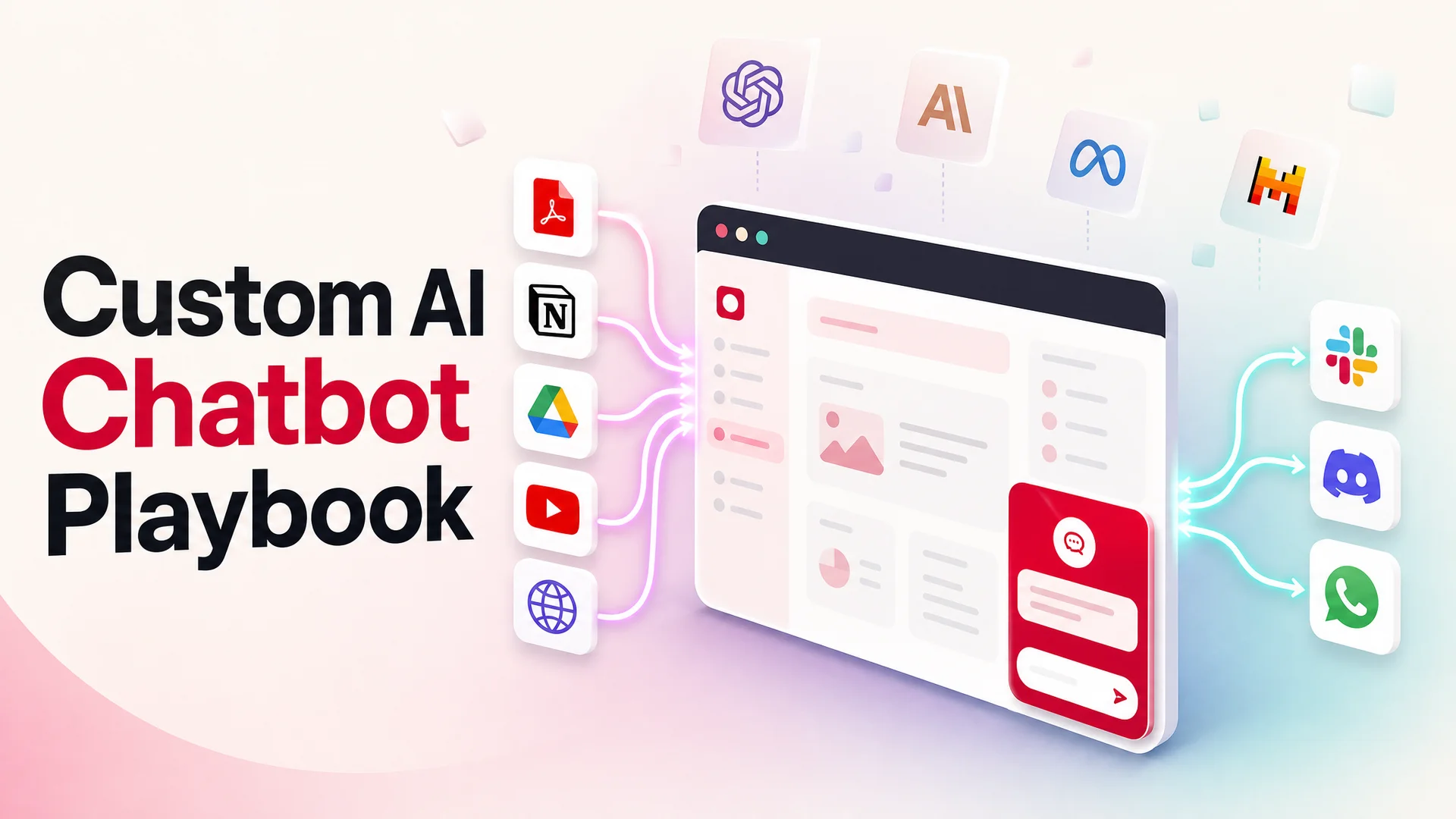
- Knowledge ingestion that goes beyond file upload - full website crawls, Notion, Google Drive, YouTube transcripts, help-center exports, and incremental sync.
- Long-context grounding, where 1M–2M-token windows let the agent see your full policy library and conversation history in-context, turning RAG from a hard requirement into a tuning lever.
- AI Actions - the ability for the agent to call your APIs to book a meeting, look up an order, issue a refund, or take a payment. Agentic tool-use models like Kimi K2.6, GLM-5.1, and Claude Opus 4.7 have made this reliable enough for production.
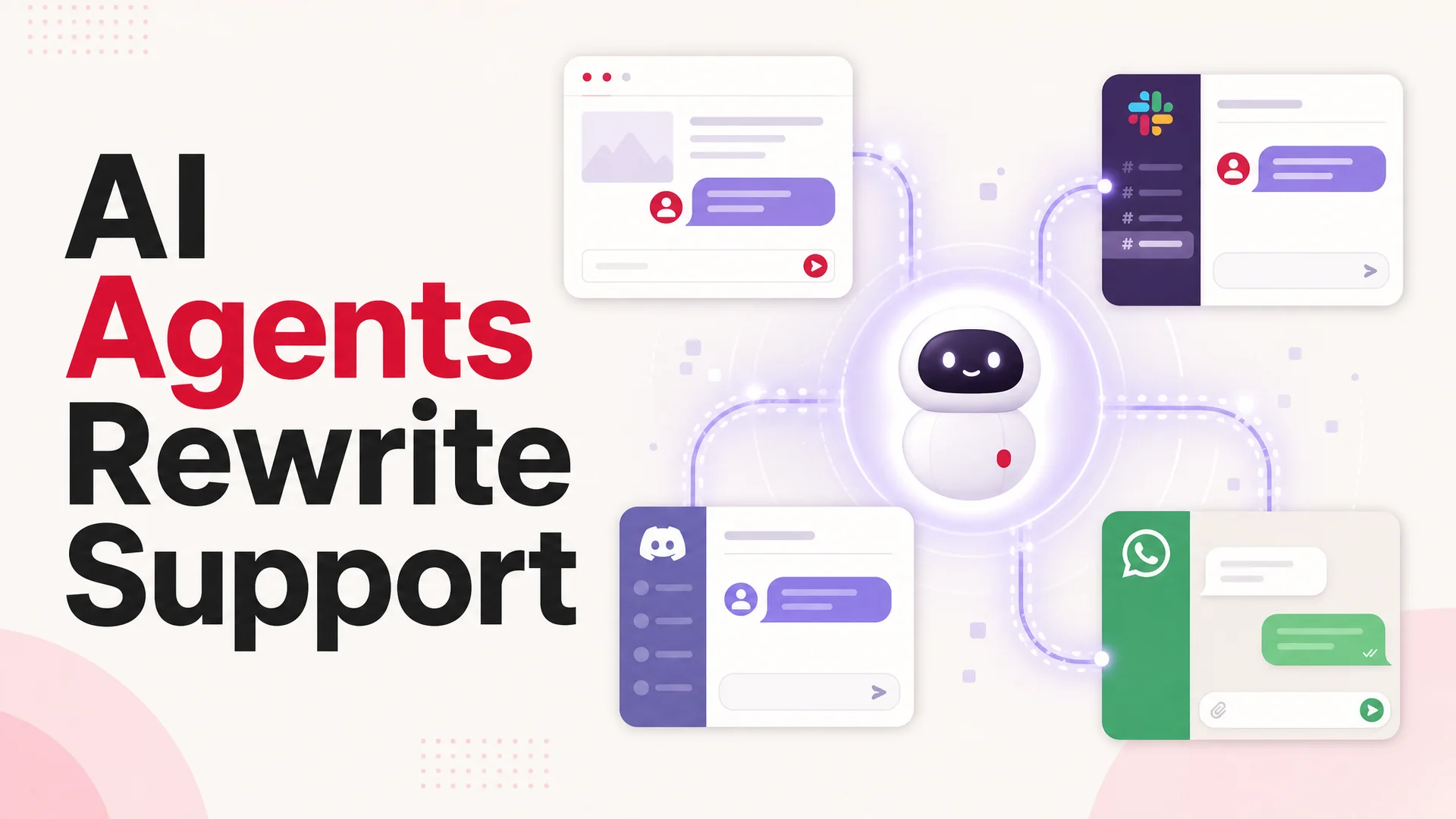
- Multichannel deployment so the same agent shows up on your website, in Slack, on WhatsApp, in Discord, and inside your help desk, with a single source of truth.
- Analytics and feedback loops that surface what the agent is failing on so you can fix the underlying knowledge or workflow.
Why a Website Chatbot Pays for Itself
Before getting to the shortlist, it's worth being concrete about the return.
Coverage. A website agent is on at 03:00, on weekends, and on holidays. Most B2B SaaS companies see 25–40% of inbound chat traffic outside of business hours; that volume used to evaporate or land in a queue.
Time-to-first-response. Email and ticket queues introduce a multi-hour gap. An AI agent collapses that to seconds. Speed of first response remains the single feature most strongly correlated with customer satisfaction in support surveys.
Deflection economics. A well-trained agent handles 40–70% of routine tickets - order status, password resets, plan questions, basic troubleshooting - at a marginal cost of a fraction of a cent per conversation when routed to an open-weight model like DeepSeek V4 Flash at $0.14/$0.28 per million tokens. The same volume on human agents typically runs $5–$15 per ticket fully loaded.
Pipeline qualification. Instead of a static "talk to sales" form, a chat agent can ask qualifying questions in natural language, confirm fit, and either book a meeting on the spot via an AI Action or hand a warm summary to a sales rep.
Always-on insight. Every conversation is structured data about what your customers are confused by, what they want, and where your docs fall short. That feedback loop is harder to extract from email and phone.
Linear cost scaling. A human team scales linearly with ticket volume. An agent scales roughly with token spend, which itself is dropping fast as open-weight frontier models push prices down.
With that as the baseline, here are the platforms worth evaluating.
The Shortlist
1. Berrydesk - Best Overall AI Agent for Websites
Berrydesk is built for teams who want a production-grade support agent live on their site by the end of the afternoon, without locking themselves into a single model or a single channel. The pitch is straightforward: pick a model, train it on your content, brand the widget, wire up AI Actions for the things you actually want it to do, and deploy.
Key features:
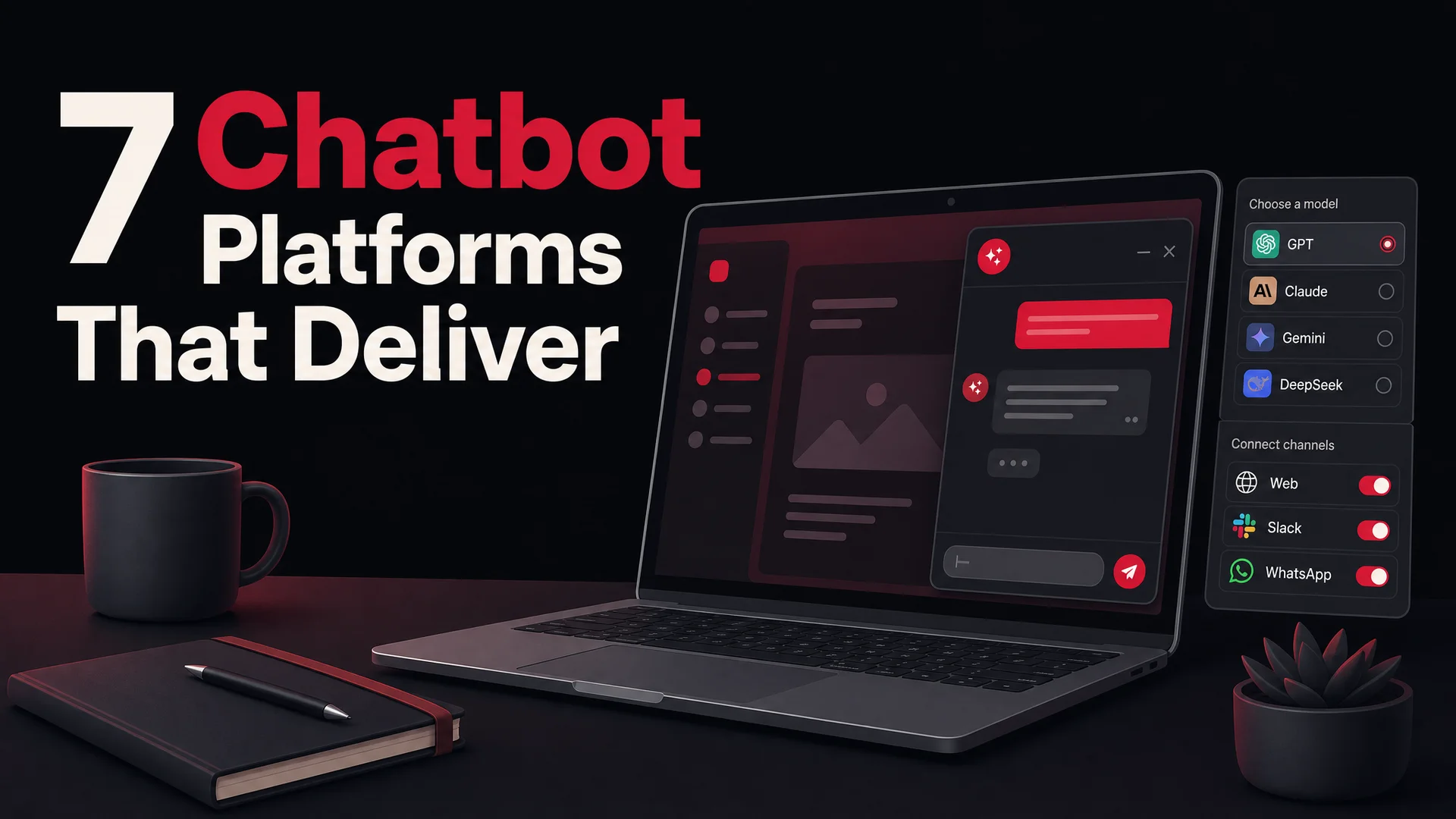
- Multi-model by default. Choose from GPT-5.5 and GPT-5.5 Pro (parallel reasoning, top-tier general intelligence), Claude Opus 4.7 (leads SWE-Bench Pro at 64.3% - and is the strongest general reasoner for nuanced support cases), Gemini 3.1 Ultra (2M-token context, native multimodal), DeepSeek V4 and V4 Flash (1M context, open-weight, frontier quality at a fraction of the price), Kimi K2.6 (agentic-first, hours-long autonomous sessions), GLM-5.1 (754B-param MoE, MIT license), Qwen 3.6 (Apache 2.0 dense model that holds its own against far larger rivals), MiniMax M2 (open-weight, ~8% the cost of Claude Sonnet at twice the speed), and more.
- Train on the sources you actually have. Upload PDFs and docs, crawl your full website, sync from Notion, connect Google Drive, ingest YouTube transcripts, or paste in Q&A pairs. Re-sync runs incrementally so your agent never goes stale.
- AI Actions for booking, payments, lookups. The agent can take real action - schedule a meeting, take a payment, look up an order, escalate a ticket - using the agentic tool-use capabilities of frontier models. Configure them with a few fields, no glue code required.
- Branded widget. Match colors, copy, avatar, suggested prompts, and conversation starters to your site. Embed with a single script tag.
- Deploy anywhere. The same agent ships to your website, Slack, Discord, WhatsApp, and other channels from one configuration. No retraining required.
- Smart routing for cost. Send routine traffic to a cheap open-weight model and reserve Claude Opus 4.7 or GPT-5.5 Pro for the conversations that actually need them.
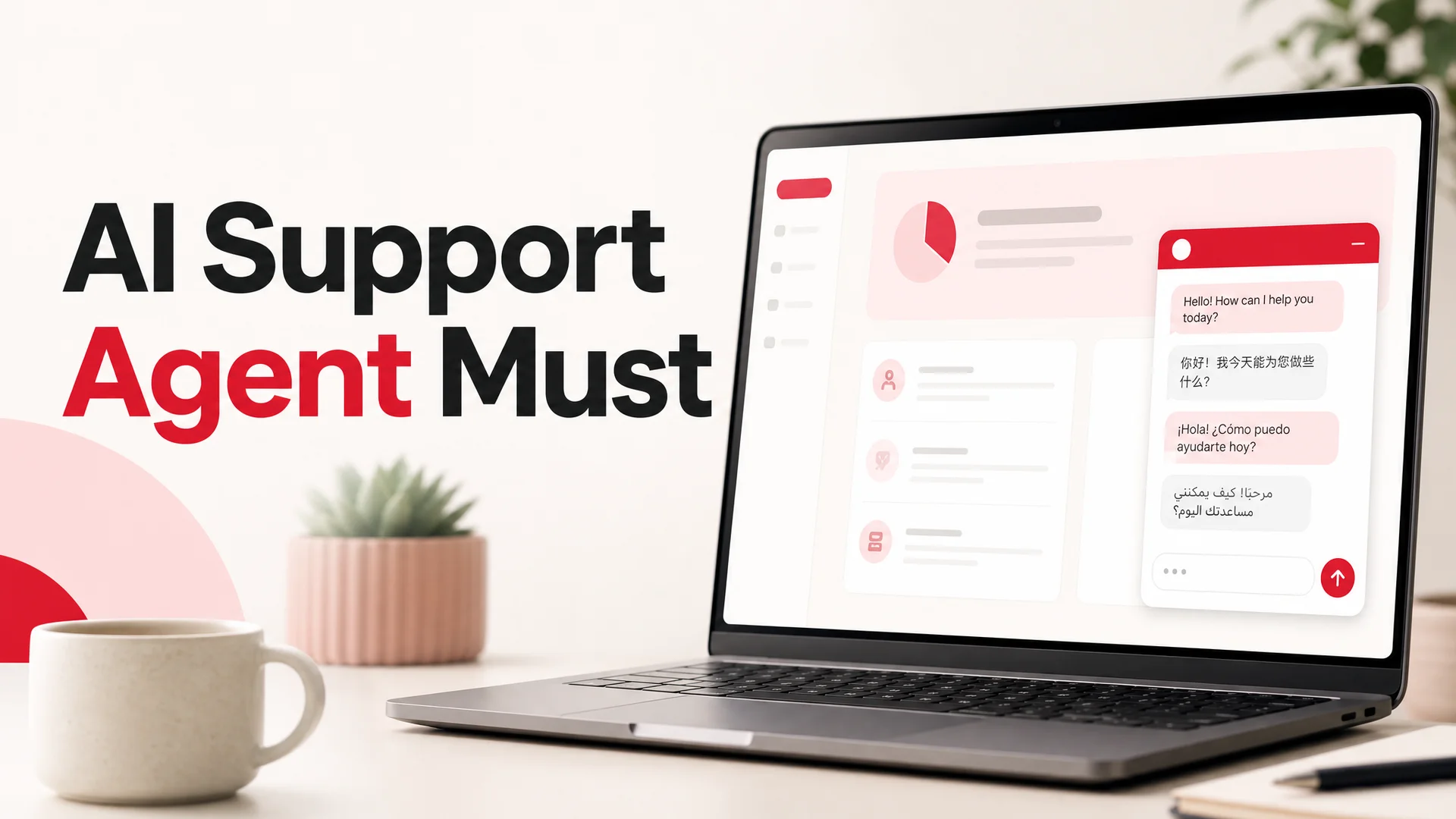
- Analytics, human handoff, and a multilingual interface out of the box.
Pricing: Free plan to get started. Paid plans scale with usage and feature depth.
Best for: Teams of any size who want an agent that's fast to launch, easy to brand, and flexible enough to move with the model landscape rather than against it. The combination of model choice, channel coverage, and AI Actions is the strongest all-around package on this list.
2. Intercom - Best for Existing Intercom Shops
Intercom's Fin agent sits inside its broader messaging and support suite. If your team already lives in Intercom for inbox, help center, and outbound messages, Fin slots in cleanly and inherits all of that context.
Key features:
- Fin AI agent for autonomous resolutions with handoff to live agents.
- A/B testing on conversation flows.
- Tight coupling with Intercom inbox, help center, and CRM.
- Targeting and personalization based on user attributes.
Pricing: Seat-based plans start around $39/seat/month, with Fin charging roughly $0.99 per AI-resolved conversation on top of seat fees. The per-resolution model gets expensive quickly at high volume.
Best for: Mid-market and larger teams already paying for Intercom who want one less tool to integrate. Less compelling if you're starting from scratch - you'll pay for a lot of platform you may not need.
3. HubSpot Chatbot Builder - Best If Your CRM Is HubSpot
HubSpot's chatbot lives inside the broader HubSpot CRM. The advantage is data flow: every conversation is automatically a contact record, with the resulting properties and lifecycle stage updates flowing into your sales and marketing workflows.
Key features:
- Visual flow builder with goal-based templates.
- Native HubSpot CRM, marketing, and service integration.
- Reporting that ties chat outcomes to deals and tickets.
Pricing: A basic chatbot is included free. Anything serious - AI features, automation, integrations - requires a paid HubSpot tier.
Best for: Marketing-led teams already on HubSpot who want chat data unified with the rest of their funnel. Weaker as a standalone agent platform if you're not committed to the broader HubSpot ecosystem.
4. Zendesk - Best If You're a Zendesk Help-Desk Shop
Zendesk's AI agents are designed for high-volume support operations with established ticketing workflows. The integration with Zendesk's macros, knowledge base, and routing rules is the main draw.
Key features:
- Autonomous ticket resolution using your existing knowledge base.
- Omnichannel - web, email, voice, social, messaging apps.
- Deep ties into Zendesk's reporting, SLAs, and triage.
Pricing: Suite plans start at $55/agent/month, with AI agent features as an add-on at roughly $1.00 per automated resolution.
Best for: Established support orgs already running Zendesk who want their AI agent inside the help-desk system of record. A heavyweight choice for a small team - and the per-resolution fees on top of seat fees deserve careful modeling.
5. Salesforce Agentforce / Einstein - Best for Salesforce-First Enterprises
Salesforce's AI agents work natively inside the Salesforce ecosystem and lean heavily on CRM data for personalization. Agentforce is the more capable of the two and is positioned as the autonomous-agent layer on top of Service Cloud.
Key features:
- Native Salesforce CRM integration.
- NLP for intent recognition.
- Web, mobile, and messaging-app deployment.
- Mature reporting tied into Salesforce dashboards.
Pricing: Requires a Service Cloud license. Einstein Bots add-on starts at $75/user/month; Agentforce starts at $125/user/month.
Best for: Large enterprises already standardized on Salesforce. The CRM depth is real, but the cost and implementation overhead make it a poor fit for almost anyone outside that profile.
6. ManyChat - Best for Social and SMS Campaigns
ManyChat focuses on conversational marketing in social channels - Instagram, Messenger, WhatsApp, SMS - rather than website support. It's designed for marketers running campaigns, not support teams answering questions.
Key features:
- Visual flow builder with marketing-oriented templates.
- Audience segmentation.
- SMS and email broadcast alongside chat.
- E-commerce integrations for cart recovery and order updates.
Pricing: Free tier available; paid plans start around $15/month and scale with contacts.
Best for: D2C brands, creators, and e-commerce teams whose primary channel is Instagram or Messenger. Underpowered as a website knowledge agent.
7. Chatfuel - Best No-Code Builder for Small Teams
Chatfuel is a long-running no-code chatbot builder that has steadily added AI capabilities on top of its template-driven roots. The strength is approachability - a non-technical owner can build something usable in an afternoon.
Key features:
- Drag-and-drop flow builder with pre-built AI blocks.
- Integrations with Zapier, Google Sheets, and other small-team staples.
- Multi-platform support including Messenger, WhatsApp, and Instagram.
- Lightweight A/B testing.
Pricing: Free trial; paid plans from around $15/month.
Best for: Small businesses and solopreneurs who want a friendly path into chatbots, with social channels as the primary surface. Less suited for teams that need deep model choice or AI Actions wired into internal systems.
What Actually Matters When Choosing
Model choice and routing. A 2026 platform should not lock you into a single provider. The cost story has changed too quickly. DeepSeek V4 Flash at $0.14/$0.28 per million tokens, MiniMax M2 at roughly 8% the price of Claude Sonnet, and open-weight Qwen 3.6 variants for on-prem deploys mean you can serve the bulk of traffic for almost nothing - but only if your platform lets you route. Insist on multi-model support and per-flow model selection.
Grounding quality. The agent is only as good as what you've trained it on. Look for native website crawling, document upload, and direct connectors to wherever your real knowledge lives - Notion, Drive, your help center, even YouTube. Ask how often it re-syncs and what happens when a source changes.
Long-context capability. With Gemini 3.1 Ultra at 2M tokens and Claude Opus 4.6, DeepSeek V4, and Kimi K2.6 all at 1M tokens (and shipped without a context surcharge in most cases), an agent can hold an entire mid-sized knowledge base in-context. That changes the engineering tradeoffs around RAG significantly. Platforms that still treat retrieval as the only path are working with one hand tied behind their back.
AI Actions. A chat that can only answer questions is half a product. The agentic tool-use generation - Kimi K2.6 (300-sub-agent swarms, 12-hour sessions), GLM-5.1 (8-hour plan-execute-test-fix loops), Claude Opus 4.7, Qwen 3.6, MiMo-V2-Pro - has made it realistic to let agents book meetings, take payments, and trigger refunds in production. Make sure your platform exposes that.
Channels. Decide up front whether you need chat only on your site or also in Slack, Discord, WhatsApp, and your help desk. Most teams underestimate channel sprawl and end up either retraining the same agent three times or running inconsistent experiences. Choose a platform that ships once and deploys everywhere.
Compliance and deployment options. Regulated industries should pay attention to where data lives and which models are allowed. The MIT- and Apache-licensed open-weight Chinese models - GLM-5.1, Qwen 3.6-27B, MiMo - make on-prem and air-gapped deployments newly viable for healthcare, finance, and government use cases. Closed-frontier-only platforms can't offer that.
Pricing model. Per-resolution pricing (Intercom Fin, Zendesk AI) sounds clean but punishes scale. Token-based pricing rewards smart model routing. Seat-based pricing only makes sense if your agent volume is bounded. Model out three years of expected ticket volume against each pricing model before committing.
Analytics and editability. You will be tuning your agent forever. Look for transparent conversation logs, easy ways to flag a bad answer, and a fast path from "this answer was wrong" to "the underlying source is fixed."
Common Pitfalls
A few traps to avoid, regardless of which platform you pick:
- Treating the launch as the finish line. The first version of your agent will resolve maybe 40% of traffic. Getting to 70% is a function of looking at conversations every week and patching the gaps.
- Skipping human handoff design. A polite, fast escalation to a person beats a confident wrong answer every time. Decide what triggers a handoff and how the context gets passed.
- Over-training on marketing copy. Your help center, internal runbooks, and past ticket transcripts are usually a better training corpus than your homepage.
- Letting AI Actions ship without guardrails. A refund flow needs limits. A booking flow needs calendar conflict logic. Treat actions as production code, not chat.
- Hiding the agent. A chat widget tucked away in a corner of one page does a tenth the volume of a prominent, persistent one. Place it where conversations actually happen.
Frequently Asked Questions
What is a website chatbot, exactly?
A website chatbot is a software agent embedded in your site that talks to visitors in natural language. Modern ones are AI agents - language models trained on your content, wrapped in a branded interface, and capable of taking actions in your systems on the user's behalf.
How does a modern AI chatbot actually work?
It takes the visitor's message, combines it with relevant context from your knowledge sources (either retrieved via search or held in long-context), passes that to a language model, and returns a grounded answer. If the agent is wired up with AI Actions, it can also call your APIs mid-conversation - for example, looking up an order or scheduling a meeting - before responding.
Rule-based bots vs. AI agents: does the distinction still matter?
Less than it used to. Rule-based flows still have a place for legally constrained interactions (e.g., regulated disclosure scripts) and for very narrow, deterministic tasks. For everything else, AI agents are now the default. The reliability gap that justified scripted flows in 2022 has mostly closed.
What features are non-negotiable in 2026?
Multi-model support, training on your own data with multiple source types, AI Actions for tool use, multichannel deployment, transparent analytics, human handoff, and a brandable widget. Anything missing from that list is a 2024-era product.
Do I still need RAG with 1M+ context windows?
For small to mid-sized knowledge bases, you can often skip retrieval and stuff everything into context. For large or rapidly changing corpora, retrieval is still the right answer - but it's now a tuning lever rather than a structural requirement. The right platform makes both work.
The Bottom Line
The chatbot category has been eaten by AI agents, and the platform you pick should reflect that. Multi-model flexibility, real grounding on your data, AI Actions, and clean multichannel deployment are the bar. Anything below that is a relic.
If you want to skip the procurement marathon and have a branded agent live on your site this afternoon - trained on your content, wired into the model that fits the job, and ready to take actions - start with Berrydesk. Pick a model, point it at your knowledge, brand the widget, and deploy. Build your agent for free at berrydesk.com.
 Berrydesk
Launch a branded AI support agent on your site this afternoon
- Pick from GPT-5.5, Claude Opus 4.7, Gemini 3.1, DeepSeek V4, Kimi K2.6, GLM-5.1, Qwen 3.6, and more
- Train on your docs, website, Notion, Drive, and YouTube - then deploy to web, Slack, WhatsApp, Discord
Set up in minutes

Chirag Asarpota is the founder of Strawberry Labs, the team behind Berrydesk - the AI agent platform that helps businesses deploy intelligent customer support, sales and operations agents across web, WhatsApp, Slack, Instagram, Discord and more. Chirag writes about agentic AI, frontier model selection, retrieval and 1M-token context strategy, AI Actions, and the engineering it takes to ship production-grade conversational AI that customers actually trust.