Every extra click between a curious visitor and a confirmed call is a chance for the conversation to die. Tabs get closed. Calendars get checked and forgotten. The Slack ping pulls them away. By the time someone gets back to your scheduling page - if they ever do - the moment of intent has cooled.
The teams that book the most calls have figured out the same thing: scheduling needs to happen at the peak of intent, not after it. That means the calendar has to come to the customer, inside the same conversation where they just said "this looks interesting."
That is exactly what Berrydesk's Cal.com and Calendly AI Actions do. When a visitor signals they are ready - whether they ask for a demo, push back on pricing, or hit a question your docs cannot fully answer - your AI agent surfaces real availability and confirms the meeting without leaving the chat.
Why In-Chat Booking Outperforms a "Schedule a Call" Link
The gap between a CTA and a confirmed booking is where pipeline quietly leaks. A traditional handoff looks like this: the agent says "happy to set you up with someone - here is our scheduling link," the visitor opens it in a new tab, scrolls past the form, second-guesses the timezone, and bounces. Even when they do book, the conversation context is gone. Your sales rep walks into the call cold, with no record of the questions that drove the meeting in the first place.
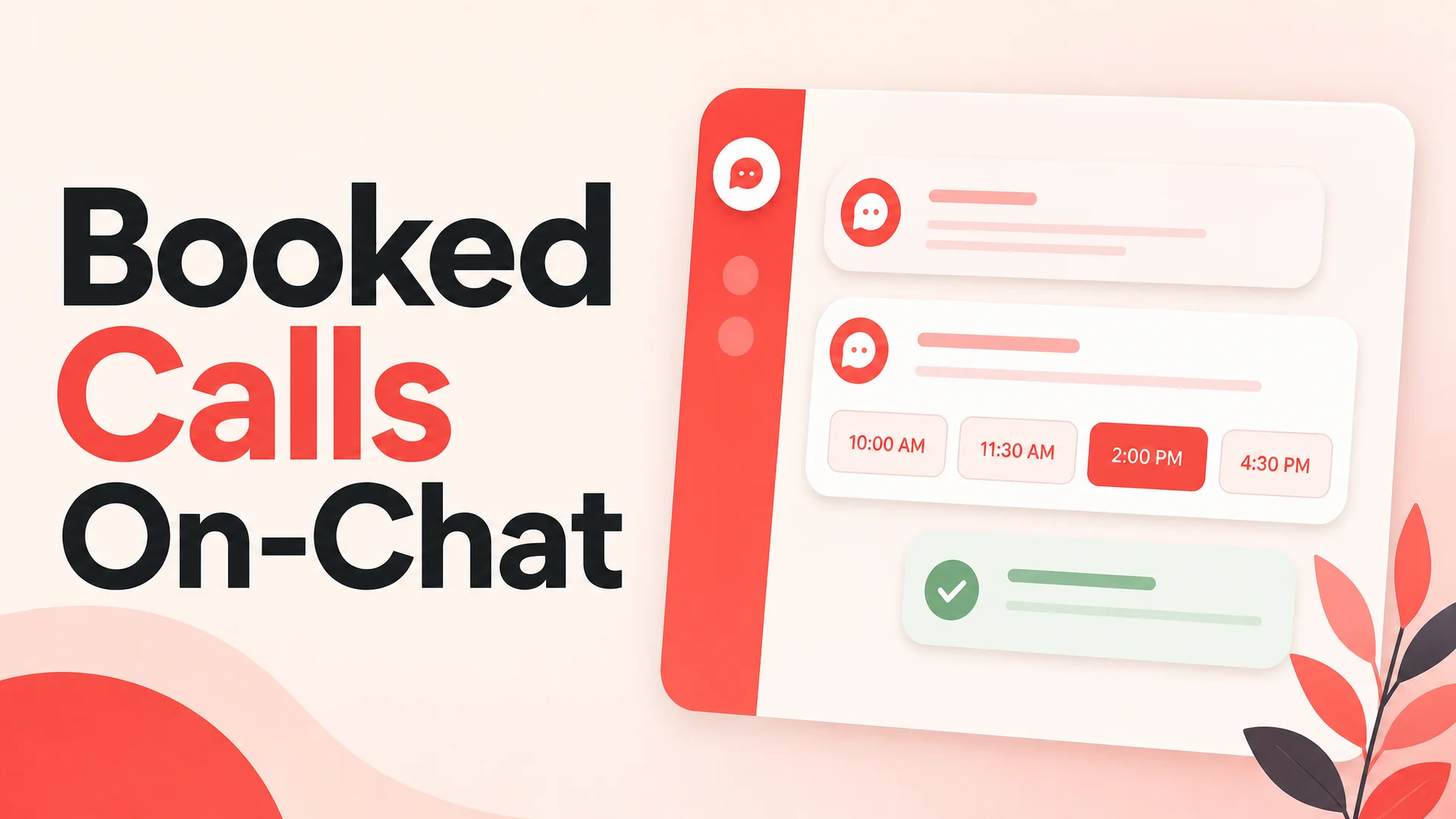
In-chat booking compresses all of that into one motion. The agent reads the moment, offers a handful of available slots in the visitor's local time, takes the confirmation, and writes the prior conversation into the calendar invite as context. The visitor never leaves. The rep walks in informed. The meeting actually happens.
There is also a quieter benefit worth naming: every booking that completes in chat is one fewer email thread your team has to manage, one fewer reschedule that lives in someone's inbox, and one fewer "did this ever get booked?" question in standup. Friction removed from the customer side is friction removed from yours.
What Modern AI Agents Bring to Scheduling
A booking flow is only as good as the model deciding when and how to offer it. Throwing a calendar at every visitor who says "hi" is just as bad as never offering one - both leave money on the table. The decision needs nuance: is this person actually ready, or are they still researching? Is this a support question that should be solved in chat, or a sales conversation that should escalate to a human?
The agentic models that landed in 2026 are dramatically better at this judgment call than the chatbot generation from even a year ago. Berrydesk lets you choose your underlying model - Claude Opus 4.7, GPT-5.5, Gemini 3.1 Pro, DeepSeek V4, Kimi K2.6, GLM-5.1, Qwen3.6, MiniMax M2.7, and more - and the differences show up in exactly these moments. Claude Opus 4.7 and Kimi K2.6, for instance, are tuned for tool use first; they recognize that "what's your enterprise pricing?" after three minutes of qualification questions is a buying signal, not a support ticket, and they call the booking action without prompting you to babysit them.
The cost story has shifted just as much. With DeepSeek V4 Flash priced at $0.14 per million input tokens and MiniMax M2.7 running at roughly 8% the cost of Claude Sonnet at twice the speed, you can route the bulk of routine pre-sales chat to an open-weight model and reserve the frontier closed models for the moments that actually warrant them - a high-value account, a complex multi-stakeholder objection, an enterprise security question. Booking flows ride on top of whichever model you pick, so the economics improve without changing the customer experience.
Long context windows matter here too. Claude Opus 4.6 and Sonnet 4.6 ship with a 1M-token window at no surcharge; Gemini 3.1 Ultra goes to 2M; DeepSeek V4 and Kimi K2.6 also reach 1M. That means the agent does not need to forget the first ten minutes of the conversation by the time it offers a meeting. The full thread - questions, objections, the URL the visitor came in on, the docs they were sent - can flow into the booking action as context for whoever takes the call.
Setting Up Cal.com Booking in Berrydesk
Cal.com is the simpler of the two flows because it is link-based. You give Berrydesk your event URL, and the agent does the rest.
1. Connect your Cal.com event
Open your Berrydesk dashboard, navigate to the AI Actions section, and add a Cal.com action. Paste in the event URL for whichever meeting type the agent should book - a 15-minute intro call, a 30-minute demo, a customer success check-in. You can wire up multiple events if different conversation paths should lead to different meeting types.
2. Tell the agent when to use it
This is the step most teams skim, and it is the one that separates a useful booking flow from a noisy one. In the action's instructions, describe the conditions under which the agent should offer a call. The model uses this as guidance, not a hard rule, so write it the way you would brief a new rep.
Some patterns that work well:
- Intent-triggered: "Offer the calendar when the visitor asks about pricing, requests a demo, or mentions their team size is more than 50 people." This catches qualified buying signals without spamming everyone who lands in chat.
- Frustration-triggered: "If you have attempted to resolve the same question twice and the visitor is still stuck, offer a call with a human instead of trying a third time." This is the support version - booking becomes a graceful escalation rather than a dead end.
- Stage-gated: "Only offer the calendar after the visitor has shared their name and the company they work at." Useful when you want a minimum amount of qualification before consuming a rep's calendar slot.
3. Set the guardrails
Cal.com actions in Berrydesk respect any availability rules you have already set in Cal.com itself - working hours, buffer times, daily caps. You do not need to duplicate them in the agent's instructions. What you do want to spell out is anything specific to the conversation: which event to use for which intent, whether to ask for a phone number before confirming, what to do if the visitor asks for a slot outside the available window.
Setting Up Calendly Booking in Berrydesk
Calendly works through an authenticated connection rather than a public URL, so the setup adds one step but unlocks more configurability.
1. Authenticate Calendly with Berrydesk
From the AI Actions page, choose Calendly and walk through the OAuth handshake. Berrydesk will pull in your event types automatically once the connection is live.
2. Pick the right event type for the action
Each Calendly action maps to a single event type. Most teams set up two or three: a short qualifying call, a longer demo, and a support escalation slot. The agent will only ever offer slots from the event type you have selected, which prevents it from accidentally booking a 60-minute strategy session when a 15-minute intro was the right move.
3. Write the instruction
Same idea as Cal.com - describe the trigger conditions in plain English. A few that hold up in production:
- "Call this action when the visitor explicitly asks to talk to someone, see a demo, or schedule a meeting."
- "Before offering slots, confirm the visitor's timezone if it has not been mentioned. Adjust the displayed times to match."
- "Limit the booking window to the next seven days. If the visitor asks for something further out, narrow the range and let them know."
- "Check whether the visitor has already booked a call earlier in this conversation. If they have, do not offer the calendar again - confirm the existing booking instead."
4. Decide on duplicates and reschedules
A common edge case: someone books a call, comes back to chat the next day, and asks a follow-up question. You probably do not want the agent offering them another slot. Berrydesk passes the conversation history into the action, so a one-line instruction - "do not offer a new slot if a meeting from this conversation is already on the calendar" - is enough to handle it.
A Concrete Scenario: From Pricing Question to Booked Demo
Picture a 40-person SaaS company evaluating your product. The buyer lands on your pricing page after reading a comparison post, opens the chat widget, and asks, "do you have volume pricing for teams of 40?"
A static FAQ would link them to a pricing PDF. A first-generation chatbot would paste a pricing table and call it done. A Berrydesk agent running on Claude Opus 4.7 or Kimi K2.6 reads the signal differently: this is a qualified buyer asking a sales question, and a 60-second pricing answer is not what closes the loop. It answers the immediate question with a clear range, acknowledges that the right number depends on their use case, and offers three time slots for a call with the account team - pulled live from Cal.com, in the buyer's timezone.
The buyer picks 2pm Thursday. The agent confirms, drops the meeting on the calendar, and quietly attaches the chat transcript to the invite. Your AE walks into Thursday's call already knowing the team size, the comparison they were running, and the exact pricing question that brought them in. The first five minutes of the call - usually spent re-establishing context - are now spent on substance.
Multiply that across a few hundred chats a week and the math gets interesting fast.
What to Watch Out For
A booking action is one of the highest-leverage things you can wire into a support agent, but it is easy to undermine if the surrounding pieces are sloppy. A few things worth getting right.
Do not make the agent the gatekeeper of human time without judgment. The instinct to wire the calendar to every conversation is strong; resist it. If your reps' calendars fill up with low-intent bookings, they will start ignoring the channel - and the high-intent meetings will get lost in the noise. Use intent triggers, not greetings.
Test your trigger language with real conversations. Run a week of chat transcripts through the agent in a staging environment with the booking action enabled, and review which conversations got an offer and which did not. Tune the instruction until the agent's judgment matches yours. This takes an afternoon and saves months of misfires.
Make sure your event types match your conversation paths. If you only have a 60-minute discovery call configured, the agent has nothing shorter to offer the visitor who just wants ten minutes to ask a clarifying question. Add a short call type and let the agent route to the right one.
Watch the timezone logic. Most scheduling friction at 2026 is no longer about availability - it is about timezone confusion. Frontier models handle this well when given context, but they need the context. A one-line instruction reminding the agent to confirm timezone before offering slots prevents a surprising amount of "wait, that was supposed to be in EST?" rebookings.
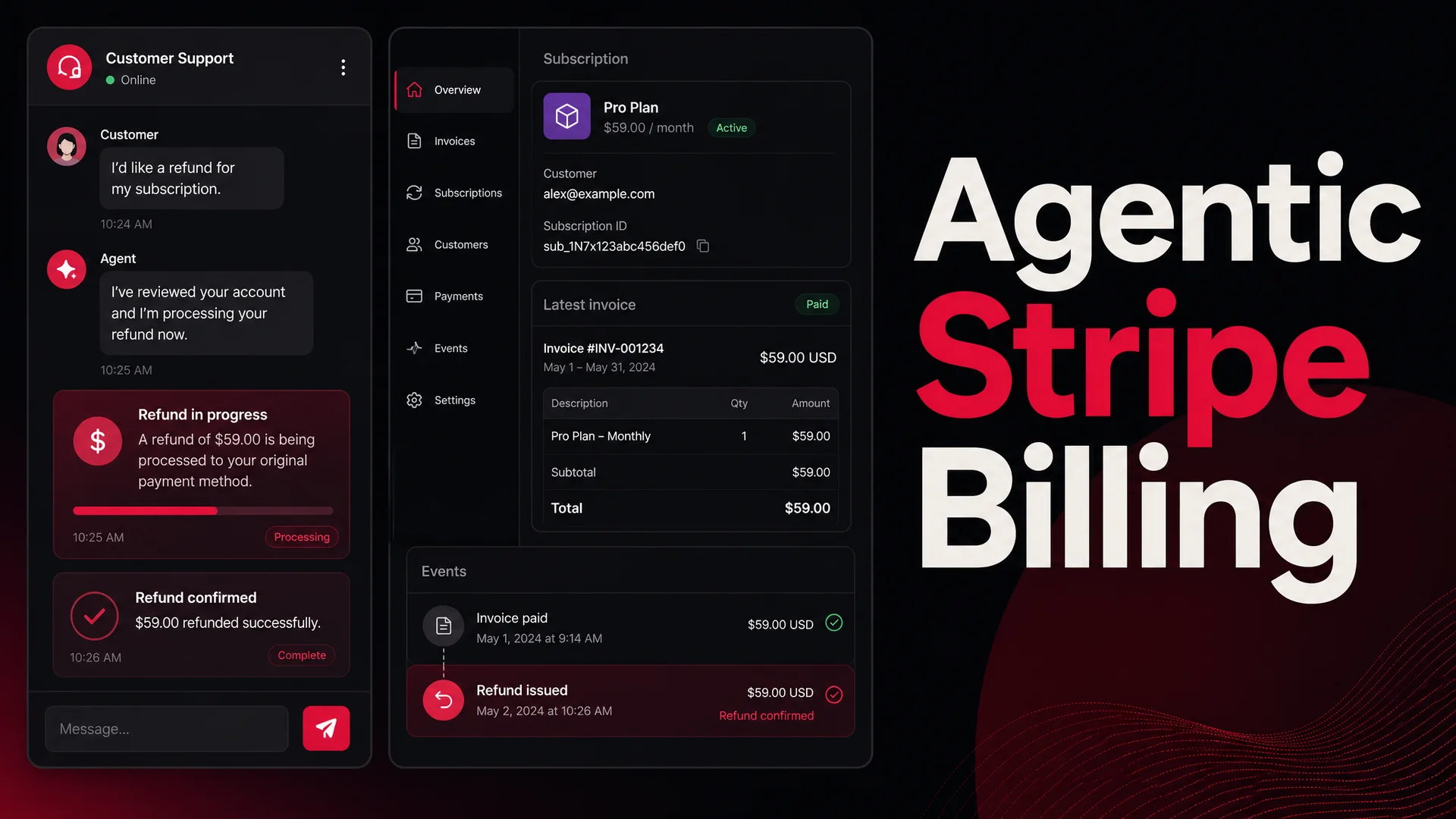
Pair booking with the rest of your AI Actions. Scheduling is one node in a larger graph. The same agent that books a call should also be able to look up an order, issue a refund within policy limits, take a payment, or hand off to a human in Slack when the situation calls for it. Berrydesk treats all of these as composable actions, which means the agent can fluidly move between "let me solve this now" and "let me get a person on this" within the same conversation.
Where In-Chat Scheduling Is Headed
The next twelve months will keep pushing this further. The agentic models that landed in 2026 - GLM-5.1's eight-hour autonomous loops, Kimi K2.6's twelve-hour coding sessions with up to 300 sub-agents, MiMo-V2-Pro's million-token context - are overkill for a single booking, but they hint at what is coming for support workflows. Agents that can not just book a call, but prep the rep for it, draft the follow-up email, update the CRM, and notice the next morning that the meeting got rescheduled and quietly send a confirmation. The scheduling step becomes one move in a longer choreography.
For now, the pragmatic win is the simplest one: stop sending visitors to a separate scheduling page, and let your agent close the loop where the conversation is already happening. The lift is small. The conversion delta is not.
Ready to try it on your own site? Spin up an agent at berrydesk.com, connect your Cal.com or Calendly account in the AI Actions panel, and watch what happens when there is no friction left between intent and a booked call.
 Berrydesk
Let your AI agent close the loop on every booking
- Connect Cal.com or Calendly in under a minute and let your agent schedule on the spot
- Pair booking with refunds, order lookups, and payments through Berrydesk AI Actions
Set up in minutes

Chirag Asarpota is the founder of Strawberry Labs, the team behind Berrydesk - the AI agent platform that helps businesses deploy intelligent customer support, sales and operations agents across web, WhatsApp, Slack, Instagram, Discord and more. Chirag writes about agentic AI, frontier model selection, retrieval and 1M-token context strategy, AI Actions, and the engineering it takes to ship production-grade conversational AI that customers actually trust.