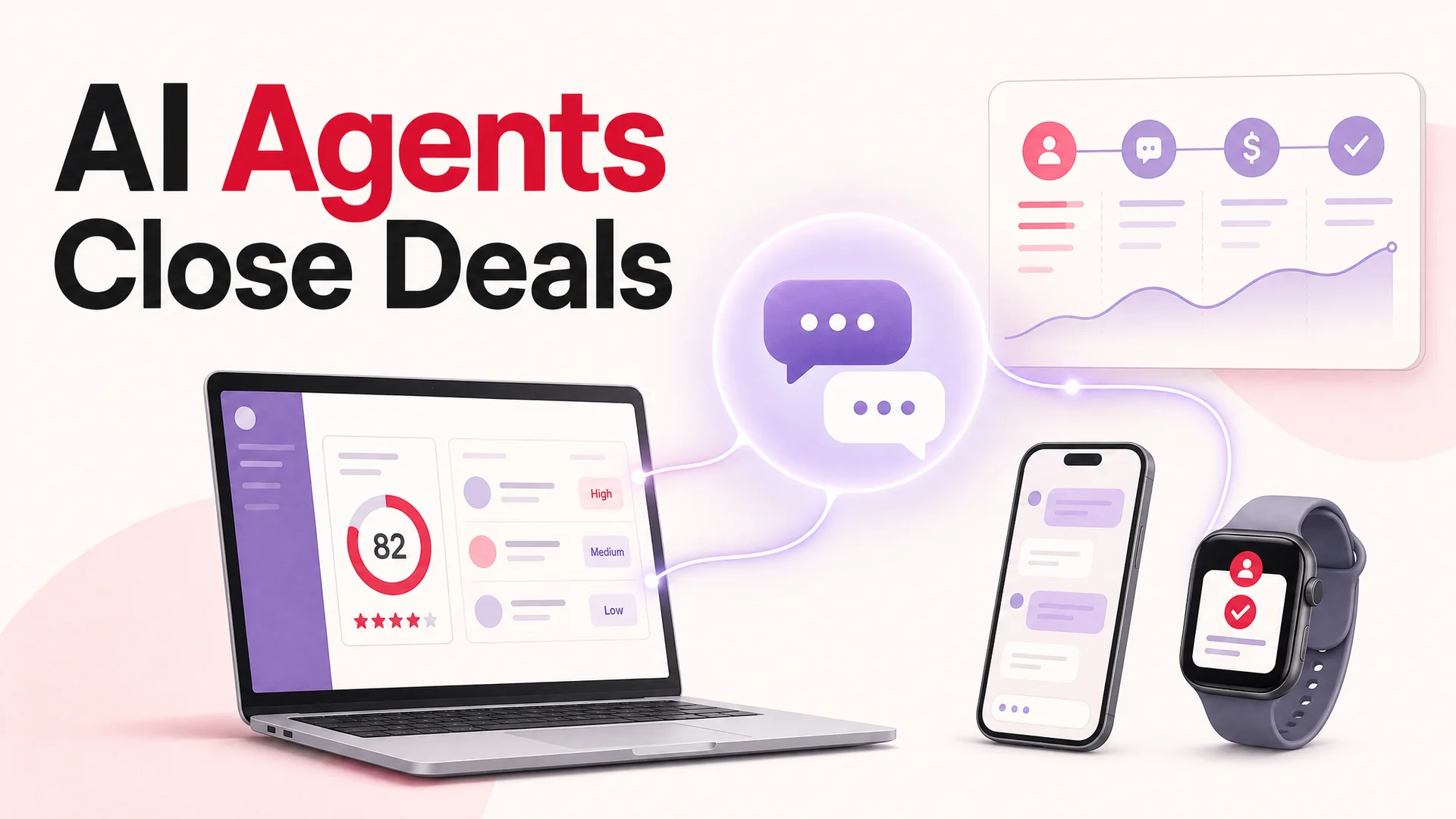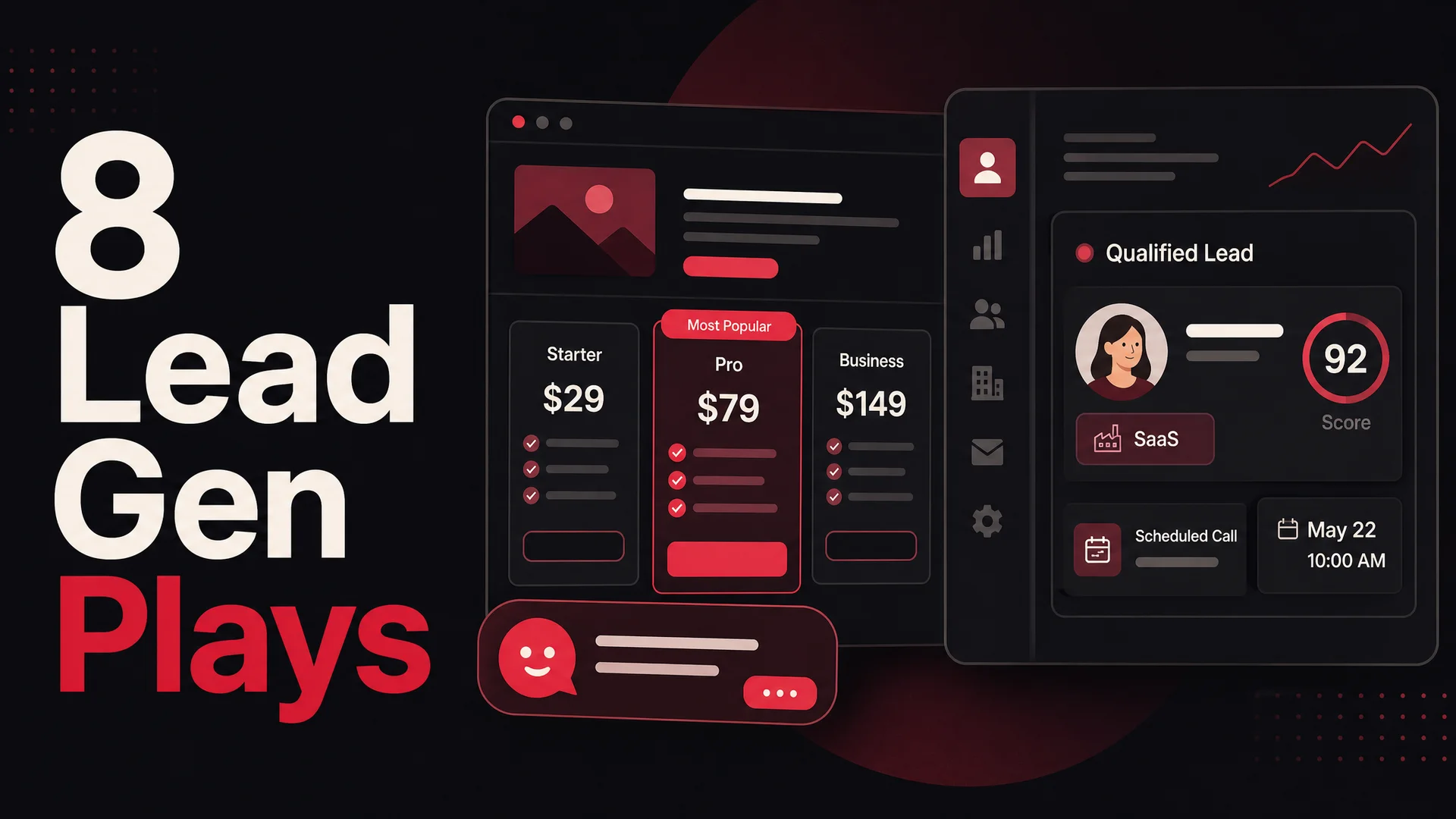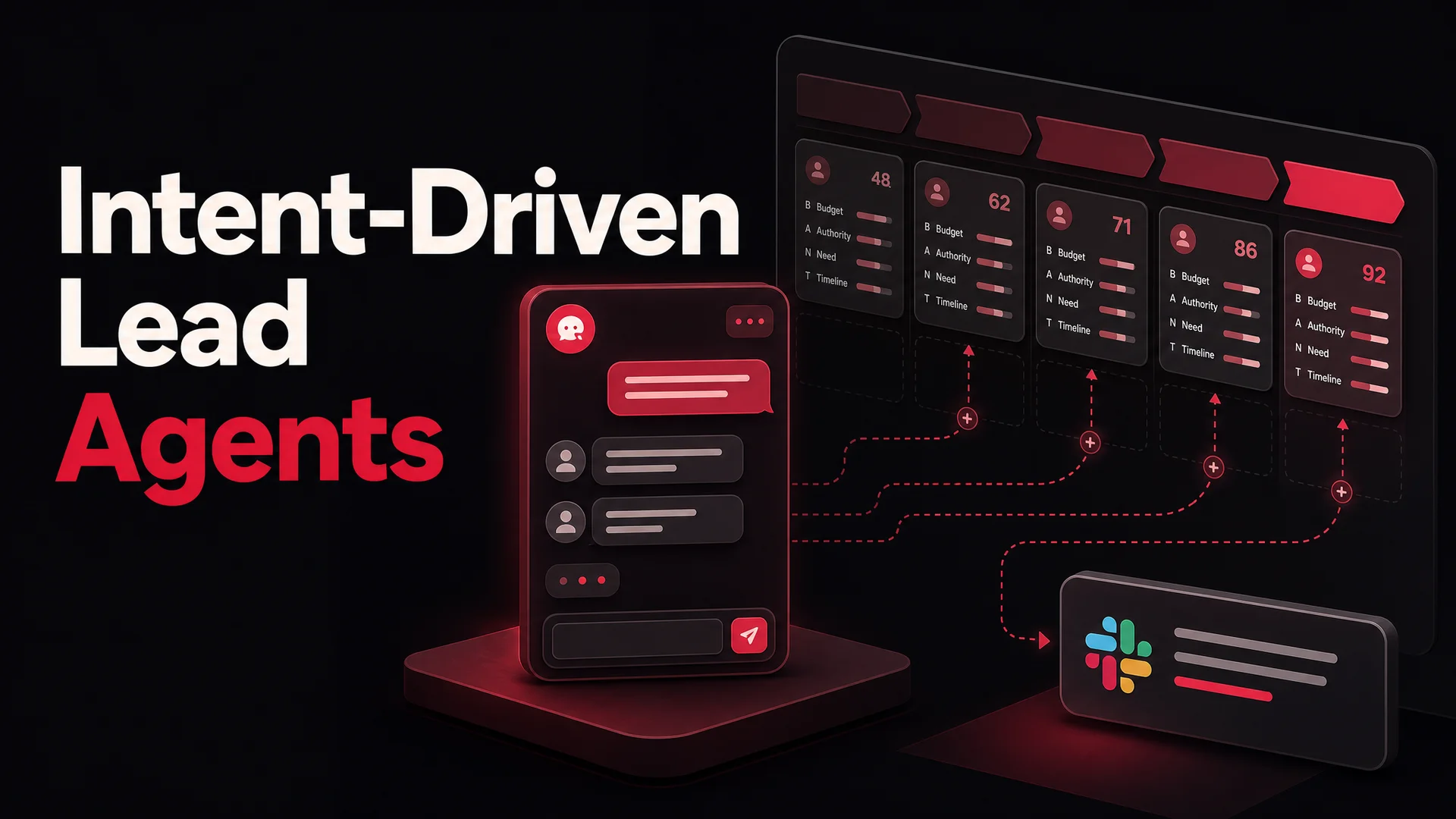
You can have a category-defining product, a beautifully engineered website, and a pricing page that converts. None of it matters if the right people never reach the form, never get a follow-up, or get treated like every other anonymous visitor on the page. Lead generation is the connective tissue between the product you've built and the customers who'd pay for it. When that tissue is weak, growth stalls - not because the product is bad, but because the pipeline is leaking at every step.
Sorting good leads from time-wasters used to be one of the most expensive things a small revenue team did. A rep spends fifteen minutes on a discovery call only to learn the prospect has no budget, no authority, and no real timeline. Multiply that by a hundred inbound forms a week and you have a sales floor that runs on caffeine and disappointment.
In 2026 that math has flipped. AI agents trained on your product, your pricing, and your ideal-customer profile can take the first conversation, score it, and hand your reps a short list of people who actually fit. The agents are cheap to run, available at every hour, and - thanks to a wave of frontier and open-weight models released in the last six months - finally good enough to feel like a teammate rather than a survey form. This guide walks through what's broken in traditional lead generation, what an AI lead-gen agent actually needs to do well, how qualification works inside a modern agent, and how to design and ship one that converts.
Why traditional lead generation is quietly bleeding pipeline
Before getting into the build, it's worth being honest about what's not working. Most teams know the symptoms - flat conversion, sales reps complaining about lead quality, marketing complaining about follow-up - but the root causes tend to be the same five problems, in slightly different clothing.
Follow-ups die in someone's inbox. The cliché that "the fortune is in the follow-up" is true, and it's also the part that breaks first. A sales rep working forty open opportunities cannot reliably nudge a cold lead on day three, day seven, and day fourteen. The lead gets a single email, no reply, and is forgotten. By the time anyone returns to the CRM record, the buyer has signed with someone else.
Human bias quietly disqualifies good leads. Reps build mental shortcuts to triage volume: certain titles look serious, certain industries don't, a free email address is a red flag, a vague company name isn't worth a call. Some of those heuristics are useful. Most are wrong on the margins, and the margins are where competitive deals live. A founder using a Gmail address can absolutely be your best customer. A Fortune 500 inquiry from procurement might never close.
Coverage stops when humans stop. A lead that lands on your site at 2 a.m. on a Sunday during a product evaluation is one of the most valuable signals you'll ever get - and the most likely to evaporate. If they have to wait until Monday morning for a reply, they will spend Sunday looking at your competitors. High-intent buyers don't wait. They compare.
The handoff between marketing and sales loses leads in the seam. A lead fills out a form. It hits a marketing automation tool. It gets scored, routed, queued for a sequence, eventually assigned to a rep, and finally - sometimes - called. Each hop loses a percentage. Half the leaks happen because someone changed a Salesforce field name and a Zap silently broke.
Speed-to-lead is measured in hours, not seconds. The data on response time has been brutally consistent for a decade: contacting a lead within five minutes makes them an order of magnitude more likely to qualify than contacting them within an hour. Most teams aren't even close to that.
The pattern across all five problems is the same. Lead generation is being run by humans on a schedule, while buyers operate continuously and impatiently. Closing that gap is exactly what AI agents are good at.
Why AI agents have quietly become the best lead qualifiers on your team
A qualification conversation is a strange hybrid. It is part interview, part discovery, part product demo, and part babysitting. The prospect wants information, the rep wants to know if the prospect is worth a follow-up, and both sides are trying to read each other through a contact form. AI agents are well suited to that mess for three reasons that did not all hold even a year ago.
The conversational quality gap closed. Claude Opus 4.7 and GPT-5.5 Pro reason in parallel through ambiguous answers, ask follow-up questions that build on what was just said, and gracefully recover when a prospect says something off-script. Gemini 3.1 Pro can reference a 2-million-token context window, which means an agent can hold your entire knowledge base, the prospect's prior session history, and your sales playbook in working memory at once. The result is a conversation that does not feel like a decision tree pretending to be human.
The cost cratered. DeepSeek V4 Flash sits at roughly fourteen cents per million input tokens and twenty-eight cents per million output tokens - small enough that a high-volume site can qualify thousands of inbound leads a day for the price of a single SDR's lunch. Open-weight agentic models like Moonshot Kimi K2.6, Z.ai's GLM-5.1, and MiniMax M2.7 give you frontier-class reasoning without frontier-class pricing, and they all carry permissive licenses so regulated industries can self-host.
Agentic tool-use matured. Models like Kimi K2.6 (which can run twelve-hour autonomous sessions and orchestrate up to three hundred sub-agents), GLM-5.1 (an eight-hour plan-execute-test-fix loop), and Qwen3.6 made AI Actions reliable enough to use in production. A 2026 qualification agent does not just ask BANT questions - it books the discovery call, writes the lead into your CRM, fires the right Slack alert, and pulls in enrichment data, all inside the same conversation.
What a good AI lead-gen agent actually does
Most "AI chatbots" sold for lead capture are barely more than a fancy form. A pop-up appears, asks for a name and email, and dumps the result into a spreadsheet. That's not lead generation - that's data collection with extra steps.
A real AI lead-gen agent does six concrete things in every session.
1. It listens before it asks
It reads page context, conversation content, and behavior signals to decide whether someone is even worth qualifying. A visitor who's been on the pricing page for three minutes asking about seat limits is a different conversation than someone who just hit the homepage.
2. It carries memory across sessions and channels
A returning visitor should not have to re-introduce themselves. Modern agents remember that this is the third time the prospect has visited the pricing page this week, that they downloaded a whitepaper on Tuesday, and that they asked about SOC 2 last time. With a million-token context window now standard on Claude Sonnet 4.6 and DeepSeek V4, the agent can hold the full transcript history for a single account and pick up exactly where the last conversation left off. That continuity is half of what makes a person feel "qualified" - they feel known.
3. It works while everyone else is asleep
An agent that responds in under five seconds at 3 a.m. on a Sunday will out-convert any human team in the world, simply because no human team is awake. For globally-distributed buyers - a London product manager evaluating you on a Tuesday morning that is Monday night for your Pacific-time sales floor - this is the difference between a closed-won and a competitor's onboarding email.
4. It qualifies in dialogue, not in a form
Static forms ask everyone the same five questions. Agents do not have to. If a prospect says they are evaluating for a 5,000-seat enterprise rollout, the agent skips the budget question (it is implied) and goes straight to procurement timeline, security review, and incumbent vendor. If the prospect says they are a solo founder, the agent prioritizes setup time and pricing transparency. This adaptive branching is how a five-question conversation extracts more useful signal than a fifteen-field form.
5. It validates, disqualifies, and scores in real time
The hardest part of qualification is saying no politely. Agents are good at this in a way that humans struggle with, because they have no ego invested in the outcome. If the prospect's stated budget is a tenth of your floor price, the agent can warmly suggest a smaller alternative or self-serve path, log the conversation, and free your reps to talk to people who can actually buy. Modern reasoning models also catch contradictions - a prospect claiming "decision-maker" while also saying "I need to ask my manager" gets a soft follow-up rather than a misleading lead score.
Every answer feeds a scoring model that updates the lead grade as the conversation progresses. A prospect who starts at C and reveals a Q3 deadline, a confirmed budget, and ownership of the buying process can be promoted to A by the time they ask to book a demo - and the routing logic should respond instantly, putting them in front of a senior AE rather than a generic SDR queue.
6. It captures contact info only when the lead is warm - and writes everything down
Asking for an email at the start is the conversational equivalent of asking for someone's number before saying hello. The agent waits until the prospect is leaning in, then asks. When the lead lands in your CRM, it comes with the conversation, the signals, the objections, and a recommended next step - not just a name and email.
Every transcript, every score, every follow-up commitment is logged and synced. There are no half-remembered call notes, no Slack DMs to a teammate that get lost, no fields left blank in the CRM because someone was running between calls. Six months of that data is also a goldmine for tuning your ICP, your pricing pages, and your product positioning.
How to build a qualification agent that actually converts
The mechanics are not complicated, but the order matters. Skip the first step and the rest of the work is wasted.
Step 1: Decide what "qualified" means before you build anything
The single most common mistake is launching an agent before you have a written definition of a good lead. Your agent will faithfully execute whatever logic you give it; if your logic is fuzzy, your pipeline will be fuzzy. Sit down with sales, marketing, and customer success and write a one-page document covering: minimum company size, target industries, deal-breakers (geography, regulatory exclusions, incompatible tech stacks), the budget threshold below which a self-serve path makes more sense, and the specific job titles that count as decision-makers in your category.
This document is the brief you will hand to the agent as part of its system prompt. It is also the thing that will need to be updated quarterly - ICP drifts faster than most teams admit, and an agent running on last year's definition will quietly send your reps the wrong leads.
Step 2: Choose the model - or, increasingly, the right mix of models
A 2026 qualification agent does not have to run on a single model. The smartest deployments route by intent. A few realistic configurations:
- Claude Opus 4.7 or Sonnet 4.6 - most natural conversational quality and best handling of subtle buyer intent. The 1M-token context means the agent can carry your full sales playbook, ICP description, and conversation history without aggressive trimming.
- GPT-5.5 Pro - when the agent needs to do multi-step reasoning across plan comparisons, ROI ranges, or eligibility logic without losing thread.
- Gemini 3.1 Pro / Ultra - when the conversation might involve images, screenshots, or video walkthroughs the prospect uploads ("here's our current setup, can your product replace this?"). 2M-token context handles long technical docs.
- DeepSeek V4 Flash, MiniMax M2.7, or Qwen 3.6-27B - high-volume, cost-sensitive deployments where you want the AI to handle the first ninety percent of the conversation cheaply, and only escalate the qualified ten percent to a premium model or a human.
- GLM-5.1 or Qwen 3.6 (open-weight, MIT/Apache licensed) - regulated industries that need an on-prem or air-gapped deployment.
A good pattern is routed inference: cheap models for greetings, smalltalk, and FAQ-shaped questions; mid-tier reasoning models for qualification; frontier models for the high-stakes moment where the agent is deciding how to close out the conversation and whether to ask for contact info. Berrydesk supports per-action model routing so you don't have to commit to one tier for every interaction.
Step 3: Train it on what it needs to know
An AI agent is only as good as the context it has access to. For lead generation, that means three buckets of knowledge:
Product and pricing. Upload your pricing page, features documentation, comparison pages, and any sales decks. Berrydesk accepts PDFs, raw text, full website crawls, Notion workspaces, Google Drive folders, and YouTube transcripts. If your competitive battle cards live in Notion, connect Notion directly so the agent stays current as the docs change.
Customer and ICP context. Give the agent a written description of your ideal customer profile, the disqualifying signals, and the typical use cases you serve. This is what lets it qualify, not just collect.
Policy and tone. Add the things you don't want the agent to do - make pricing commitments, promise features that are on the roadmap but not shipped, talk down a competitor by name. This becomes the guardrail layer.
With Berrydesk's 1M-token context window on the default models, you don't have to be precious about what to include. Load the playbook, the docs, the FAQs, and the policies. The agent will pull what's relevant for each turn.
Step 4: Write the qualification questions, in the order they should be asked
The BANT framework - Budget, Authority, Need, Timeline - is still the most defensible structure for B2B qualification, but it should not feel like a checklist. Reframe each pillar as a conversational thread:
- Need. Open with this. "What problem are you trying to solve right now?" gets a real answer; "Are you in market for a solution?" gets a rehearsed one. Need is also the easiest signal for the agent to validate.
- Timeline. Lead naturally from the need. "When does this need to be solved?" tells you whether to route to a rep this week or to a nurture sequence.
- Authority. Ask without being interrogative. "Who else would be involved in evaluating this?" outperforms "Are you the decision-maker?" because it surfaces the actual buying committee instead of forcing a yes/no.
- Budget. Last, and gently. "Do you have a rough range in mind, or are you still scoping?" gets more honest answers than a hard dollar figure, and an experienced model will infer budget from the surrounding signal anyway.
Augment with whatever industry-specific questions matter for your scoring: tech stack for a developer tool, headcount for an HR product, monthly order volume for an ecommerce app. Keep the total to seven or eight questions; anything longer and conversion drops sharply.
Step 5: Design the conversation, not just the script
Good agents feel like good salespeople, which means they listen more than they ask. Three principles to bake in:
Acknowledge before pivoting. When a prospect says something substantive, the agent should reflect it back in one sentence before moving on. "It sounds like the manual reconciliation is eating fifteen hours a week - that's a real cost. Can I ask how your finance team is structured today?" feels human; "Great, next question:" does not.
Hold tangents loosely. If the prospect asks a product question mid-qualification, answer it. The agent should be trained on your full product documentation, not just the qualification flow, so a detour into "does this integrate with NetSuite?" is a chance to demonstrate knowledge, not a derailment.
Always offer an exit. Some prospects want to talk to a human, some want a price, some want to read a case study before going further. Bake those exits into every step. An agent that traps people in a flow has a worse close rate than one that lets them leave gracefully and follows up later.
Step 6: Brand the widget and decide where it triggers
The widget needs to feel like part of your site - same colors, same voice, same logo. That's table stakes. The more interesting decision is where and when it activates, and this is where most lead-gen deployments either thrive or pollute their CRM.
Default behavior - pop on every page after five seconds, ask everyone for an email - is the worst possible setting. It floods the lead list with cold visitors and trains your sales team to ignore the inbound. Instead, configure intent-based triggers:
- On the pricing page, after the visitor has scrolled past 50% or spent 45 seconds, open with: "Looking at plans? Happy to help match you to the right tier."
- On product or feature pages, only after a return visit or an exit-intent signal.
- In the conversation itself, when the prospect says words like "demo," "trial," "pricing," "team of," "migrate from," or asks a question that the FAQ knowledge base doesn't fully answer - that's the moment to lean in.
The agent should be quiet until there's a real signal, then very engaged once there is. This keeps the eventual lead list clean and the sales team's time respected.
Step 7: Set up the qualification flow with AI Actions
A scored conversation is only as useful as what happens next. AI Actions are what distinguish a lead-gen agent from a chat widget - structured behaviors the agent can invoke based on conditions you describe in plain English.
For lead generation, you'll typically wire up two or three:
Capture Lead. Triggered when the conversation crosses a threshold of intent - explicit interest in the product, a clear use case, a question about pricing or implementation. The action presents an inline form with the fields you actually need (usually name, email, company, role, and maybe team size). Importantly, the form only opens after the agent has heard enough to know this is a real lead, not a tire-kicker.
Book a Meeting. For higher-intent signals - "can I see this in action," "we're evaluating this week," "who do I talk to about enterprise" - the agent can skip lead capture and drop the prospect directly into a calendar slot via the booking action. This is the highest-conversion path, because you're meeting the buyer at the point of peak interest.
Notify Sales. A silent action that fires alongside the lead capture, posting a structured summary to Slack or your CRM: prospect's stated use case, role, pain points, sentiment, and the agent's recommended priority (hot, warm, nurture). This is what gives sales a real briefing instead of a name.
For each action, write the trigger condition in natural language. A working example for the Capture Lead action: "Trigger when the user has expressed clear interest in evaluating or purchasing the product, has shared at least one specific use case or pain point, and has not yet shared their contact information. Do not trigger for general curiosity, competitor research, or job applicants." That last sentence matters more than people expect - without disqualifying conditions, you'll discover your lead list is forty percent recruiters and competitive researchers within a week.
Step 8: Write the qualification prompt
Inside the agent's instructions, write a qualification rubric the model can apply during conversations. Keep it specific, behavioral, and grounded in what your sales team actually wants to know. A working template:
"You are a sales-focused AI agent for [company]. Your job is to identify and qualify potential customers without sounding like a form. During conversations, naturally surface the following before asking for contact details:
- What problem the visitor is trying to solve - Their industry and rough company size - Whether they're evaluating actively or researching for later - What they've tried or used before - Whether there's a specific timeline or trigger event
Use sentiment and signal cues to gauge readiness. If the user shows strong intent (mentions a deadline, asks about implementation specifics, compares plans), prioritize them as high. If signals are mixed, qualify further before capturing. If signals indicate a poor fit, be helpful but do not push for contact info. Always be conversational, never read a script."
This kind of prompt, paired with a frontier model, produces conversations that feel like talking to a competent SDR rather than a survey form.
Step 9: Wire it into the systems where the lead actually lives
The agent should be able to push the qualified lead into your CRM with the full transcript and a structured score, book the discovery call directly on the right rep's calendar based on score, territory, and product line, trigger a Slack or email alert for hot leads so a human can jump in within seconds, send a tailored follow-up email or kick off a sequence for warm leads who did not book, and surface the conversation in your analytics stack so marketing can see which campaigns are producing real pipeline.
Step 10: Deploy where your buyers already are
Once it works on your website, extend it. Berrydesk deploys the same agent to Slack, Discord, WhatsApp, Messenger, and a handful of other channels with a few clicks. For B2B SaaS, the WhatsApp and Slack deployments are increasingly where deals start - Slack because partners and prospects share Connect channels, WhatsApp because it's the default messaging layer in most non-US markets. The agent carries the same brain across all of them.
Step 11: Test, score, and iterate weekly
Treat the agent as a continuously-tuned system. In the first month, sample twenty conversations a week and grade the agent's scoring against what your reps would have done. Look for patterns: is it overqualifying anyone with an enterprise email domain? Is it underqualifying solo founders who are actually high-LTV? Is it missing intent on a specific product line?
Every model in the 2026 stack benefits from explicit feedback. Update the system prompt with the patterns you find, refine the scoring rubric, and re-test. Six weeks of this discipline is usually enough to get the agent's grading agreement with your sales team above eighty percent - at which point the reps stop second-guessing the queue and start trusting it.
Common pitfalls to avoid
Most failed AI qualification deployments fail in predictable ways.
Asking for the email too early. This is the single most common mistake. A 5-second-after-page-load pop-up demanding "What's your email?" will tank your engagement rate and pollute your lead list. The agent's job in the first sixty seconds is to be useful, not to harvest.
Treating qualification as data extraction. The temptation is to ask every question on your CRM form. Resist. The agent should leave with enough information to score and route, not to fill in twenty fields. Anything else can be enriched after the fact from third-party data or pulled from the booking confirmation.
Skipping the disqualification path. Teams obsess over the conversion side and forget that disqualifying badly fits leads is half the value. Build a polite, branded "this might not be the right fit, here is what we'd suggest instead" flow. It will save your reps thousands of hours and improve your close rate on the leads who do get through.
Letting the agent overpromise. Models, even the best ones, will sometimes invent capabilities to be helpful. Add explicit guardrails: do not commit to roadmap items, do not promise specific pricing without confirmation, do not claim integrations that don't exist.
Choosing one model and forgetting about it. The model landscape is moving fast enough that the best choice in November is rarely the best choice in May. Build your stack so you can swap models per-route without re-architecting. The teams getting the most out of agents in 2026 are routing aggressively - cheap models for volume, expensive models for the moments that matter.
Letting RAG become a crutch instead of a tool. With million-token context windows now standard, a lot of qualification agents do not need a vector store at all - the entire knowledge base fits in context. RAG is still useful for very large or frequently-updated corpora, but it is now a tuning lever rather than a hard requirement.
Treating every channel the same. A WhatsApp lead-gen flow should be much shorter and more transactional than a website flow. People text differently than they browse. Configure channel-specific behavior; don't ship one personality to every surface.
Not closing the loop with sales. If the AI captures fifty hot leads and your sales team responds in three days, you've just built a more efficient way to disappoint buyers. Wire the lead notification into Slack with an SLA, and have someone owning the response time.
Forgetting that humans still close. The agent's job is to qualify and route, not to replace your sales team. The handoff matters: a transcript that lands in the rep's inbox with a clean summary, a score, and the next-step suggestion is worth more than a perfect agent that hands over raw chat logs.
Skipping the analytics step. Read the conversation transcripts every week, especially the ones that didn't convert. The agent will surface objections you didn't know your prospects had, language you didn't realize they used, and competitors you didn't realize you were losing to.
Open-weight vs closed frontier: picking the right engine for qualification
This question used to be a one-line answer - "use the best model." It is more interesting now. Closed frontier models (Claude Opus 4.7, GPT-5.5 Pro, Gemini 3.1 Ultra) still lead on the very hardest reasoning, on instruction-following under unusual prompts, and on multimodal handling when the prospect uploads a screenshot or a contract. For complex enterprise qualification - multi-stakeholder, multi-step, lots of edge cases - they are usually still the right call.
Open-weight frontier models - DeepSeek V4, Kimi K2.6, GLM-5.1, MiniMax M2.7, Qwen 3.6-27B - give you eighty to ninety percent of the quality at five to fifteen percent of the price, plus the option to host them yourself for compliance reasons. GLM-5.1 in particular is an interesting choice for lead generation because it's MIT-licensed and was trained for agentic tool-use; the same characteristics that make it good at autonomous coding loops make it good at running a multi-turn qualification flow with structured action calls.
The right answer for most teams in 2026 is "both, routed by intent." Use an open-weight model for the first ninety percent of the conversation and escalate to a closed frontier model when the lead is high-value or the conversation gets unusual. Berrydesk lets you set this routing declaratively, and lets you change it as the model landscape shifts - which it will.
Where this is going
The next twelve months of qualification will look less like chat and more like collaboration. Agents will spend more time researching the prospect before the conversation starts (pulling enrichment data, reading the prospect's own website, looking up their job change history) so the conversation itself can be shorter and more relevant. They will hand off to humans inside the same thread, not as a hard transfer but as a ride-along where the rep can jump in with one message. They will run multi-agent setups - one agent qualifying, another fetching context, a third drafting the follow-up email - and the fact that this is all happening will be invisible to the prospect.
For now, the practical takeaway is simpler. If your team is still treating lead qualification as a job for forms and SDRs, you are leaving real revenue on the table. The tooling has caught up. The cost has come down. The models are good enough.
A well-configured agent triggers on real intent, qualifies in dialogue, captures contact info only when warm, and hands sales a richer lead than any form would have produced. The build itself is mostly judgment, not engineering. Pick a model. Train it on the docs and the playbook. Decide where it triggers. Write the qualification rubric. Wire the actions. Read the transcripts. Tune.
If you want to stand a qualification agent up on your own site this week, Berrydesk is the fastest path: pick a model, point it at your docs and pricing pages, design the conversation, wire in your CRM and calendar, and ship to your site, Slack, WhatsApp, or wherever your prospects already are. The first agent takes an afternoon. The pipeline shows up the same day.
 Berrydesk
Turn every visitor into a qualified pipeline opportunity
- Trigger on real buying intent, not every page view
- Pick from GPT-5.5, Claude Opus 4.7, Gemini 3.1, DeepSeek V4, Kimi K2.6 and more
Set up in minutes

Chirag Asarpota is the founder of Strawberry Labs, the team behind Berrydesk - the AI agent platform that helps businesses deploy intelligent customer support, sales and operations agents across web, WhatsApp, Slack, Instagram, Discord and more. Chirag writes about agentic AI, frontier model selection, retrieval and 1M-token context strategy, AI Actions, and the engineering it takes to ship production-grade conversational AI that customers actually trust.