Customer loyalty in 2026 is built on one thing: whether the support experience feels like it was designed for the person on the other end of the conversation. Buyers churn from brands that treat them like a ticket number and stay with the ones that remember who they are, what they bought, and what they were trying to do five minutes ago. Personalization has stopped being a "nice differentiator" - it is now table stakes.
The hard part is delivering it at scale. A boutique brand with 50 customers can hand-craft every reply. A mid-market SaaS with 50,000 monthly conversations cannot. Most companies try to bridge that gap with generic macros and a thin layer of merge tags, and customers see straight through it. The frustration shows up in your CSAT, your churn cohort, and eventually your revenue.
This is the gap that modern AI support agents close - but only if you build them deliberately. A bot that just answers FAQs is not the same thing as an agent that remembers context, infers intent, takes real actions on the customer's behalf, and adjusts its tone to who it is talking to. Below is a practical playbook for building the second kind of agent, with concrete advice for the model and tooling landscape as it stands in May 2026.
Why generic chatbots stopped working
If you deployed a chatbot in 2023 and haven't touched it since, your customers have already moved on from it. The first wave of bots was built around scripted intents and shallow keyword matching, and the second wave around early LLMs that could string sentences together but had no memory, no tools, and no real grounding in your business.
Two things broke that model. First, customer expectations climbed. People who use ChatGPT, Claude, and Gemini in their personal lives now expect support conversations to feel just as fluid - and they get annoyed fast when a bot can't follow a simple two-turn conversation. Second, the models themselves leapt forward. With Claude Opus 4.7 leading SWE-bench Pro at 64.3%, GPT-5.5 Pro running parallel reasoning, and Gemini 3.1 Ultra holding 2M tokens of context natively, the engine inside a modern support agent is in a different league from anything available even a year ago.
The implication for your support stack is simple: the technical ceiling on what a chatbot can do has been raised dramatically, and the bar your customers will tolerate has risen with it. A custom, personalized agent is now within reach for any team - but a generic one will actively cost you accounts.
How to build a personalized AI support agent in four steps
Below is the structure we walk every Berrydesk customer through. It is the same recipe whether you are launching your first agent or replacing a legacy bot that has stopped pulling its weight.
Step 1: Define the agent's actual job
Before you touch a model picker or an integration, write down the job description for the agent. This sounds obvious, and it is the step most teams skip - which is why so many AI support projects end up as expensive FAQ widgets.
Treat the agent like a new hire. You wouldn't sit a new support rep down on day one, hand them a laptop, and say "good luck." You would tell them which queues they own, which questions to escalate, what tone to use, and which actions they're allowed to take without asking. Your agent needs the same scope.
Some concrete framings that work well:
- Tier-1 deflection agent. Owns repetitive questions - order status, password resets, refund policy, shipping windows - and routes anything multi-step or emotionally loaded to a human.
- Sales and pre-purchase guide. Lives on the marketing site, qualifies intent, recommends products based on what the visitor describes, books demos, and hands warm leads to AEs.
- Product-expert agent. Embedded inside a SaaS product, answers "how do I…" questions in context, walks users through configuration, and surfaces relevant docs without the user having to search.
- Internal helpdesk agent. Sits in Slack, handles IT and HR questions for employees, opens tickets in Jira when something needs a human.
For each role, the personalization layer is different. A pre-purchase agent should remember which products the visitor browsed and infer budget from the questions they ask. An in-product agent should know which plan the user is on and which features they have actually used. Pin down the role first, then the personalization design follows.
A common pitfall worth flagging: trying to make one agent do all four jobs at once. It almost never works. Split them by surface and audience, share the underlying knowledge base, and let each agent specialize.
Step 2: Map your audience segments
A personalized agent only feels personalized if it understands who is on the other side of the conversation. That means doing the segmentation work up front, not after launch.
Picture a mobile gaming studio. The audience reaching out to support breaks into clean segments: brand-new players who installed the app yesterday, mid-funnel players hitting their first paywall, hardcore players grinding endgame content, and parents managing their kid's account. Each one needs a different voice, a different default assumption, and a different escalation path. A new player wants warmth and patience. A hardcore player wants you to skip the basics and get to the actual mechanic. A parent wants reassurance about billing controls.
Now apply the same lens to your business. Even a B2B SaaS usually has at least three obvious segments: trial users, paying admins, and end-users invited into the product by an admin. Their questions, urgency, and tolerance for friction are wildly different.
In practice, segmentation shows up in three places inside a Berrydesk agent:
- System prompt. A short personality and tone brief that sets the default voice - friendly and exploratory for newcomers, dense and technical for power users.
- User context injection. Whatever you already know about the user - plan, region, language, recent activity, open orders - pushed into the conversation at the start so the agent doesn't have to ask.
- Branching logic. Different AI Actions or escalation rules depending on segment. A trial user asking about pricing should be routed to a sales flow; a paid admin asking the same question should hit billing.
If you don't know your segments yet, the fastest way to find them is to read 100 transcripts from your existing support channel and cluster them by hand. The segments will jump out within an hour.
Step 3: Collect, organize, and stage your data
The model is only the engine. The fuel is your data, and the difference between a generic-sounding bot and an agent that genuinely speaks your brand's language is almost entirely a data quality problem.
Start with the corpus you already own:
- Help center articles and product documentation. The single highest-leverage source. If your docs are out of date, fix them before training - the agent will repeat whatever is in them.
- Past tickets, chat transcripts, and email threads. These teach the agent your customers' actual phrasing, the long tail of edge cases, and the patterns of resolution your best reps already use.
- Internal runbooks and macros. The institutional knowledge your senior reps use to solve hard cases. Most teams have these scattered across Notion, Google Docs, and Slack canvases.
- Public site, blog, pricing pages, and changelogs. Critical for any agent that sits in front of the funnel. Re-crawl these on a schedule because they change.
- Recorded calls and demo transcripts. Underused. Sales and onboarding calls contain the real questions prospects are asking right now.
- Community forums, subreddits, and Discord channels. A goldmine for the language gaps - what customers call your features versus what you call them internally.
Berrydesk pulls directly from documents, websites, Notion, Google Drive, and YouTube, which covers most of the above without you having to build a pipeline. The trick is curation, not collection. Feeding raw, contradictory, or stale content into an agent will make it sound confused. Spend the time to deduplicate, archive obsolete pages, and tag content by audience segment.
One thing the 2026 model landscape changes here: long-context models have made the RAG-versus-fine-tuning question much less binary than it was. Gemini 3.1 Ultra carries 2M tokens, Claude Opus 4.6 and Sonnet 4.6 carry 1M with no surcharge, and DeepSeek V4 and Kimi K2.6 also offer 1M context. For most support use cases, an entire mid-sized knowledge base now fits inside the prompt, and RAG becomes a tuning lever you reach for when you need precision over a very large corpus, not a hard architectural requirement.
Step 4: Pick a platform that won't lock you in
This is where most projects either accelerate or stall. The platform you choose determines which models you can call, how fast you can iterate, where you can deploy, and how much it will cost to run at volume.
A short checklist for what to actually evaluate:
Model flexibility. The frontier moved more in the last six months than it did in the prior eighteen. You want a platform that lets you swap models without rebuilding your agent. As of May 2026, the lineup worth being able to reach includes GPT-5.5 and GPT-5.5 Pro for general reasoning, Claude Opus 4.7 for the hardest multi-step work, Gemini 3.1 Ultra for long-context and multimodal, and the open-weight tier - DeepSeek V4 Flash at $0.14/$0.28 per million tokens, MiniMax M2 at roughly 8% the cost of Claude Sonnet at twice the speed, Kimi K2.6 for agentic workloads, GLM-5.1 for autonomous loops, Qwen3.6 for strong open performance, and MiMo-V2-Pro for reasoning-heavy on-prem deploys. A smart routing layer sends routine tickets to the cheap open-weight models and reserves the frontier for the hard escalations.
Action-taking, not just answering. A 2026 support agent should be able to do the work, not just describe it. Look for a platform with a real AI Actions framework - booking, payments, refunds, order lookups, ticket creation, account changes. Agentic models like Kimi K2.6, GLM-5.1, Claude Opus 4.7, and Qwen3.6 have made tool use reliable enough that this is no longer demoware.
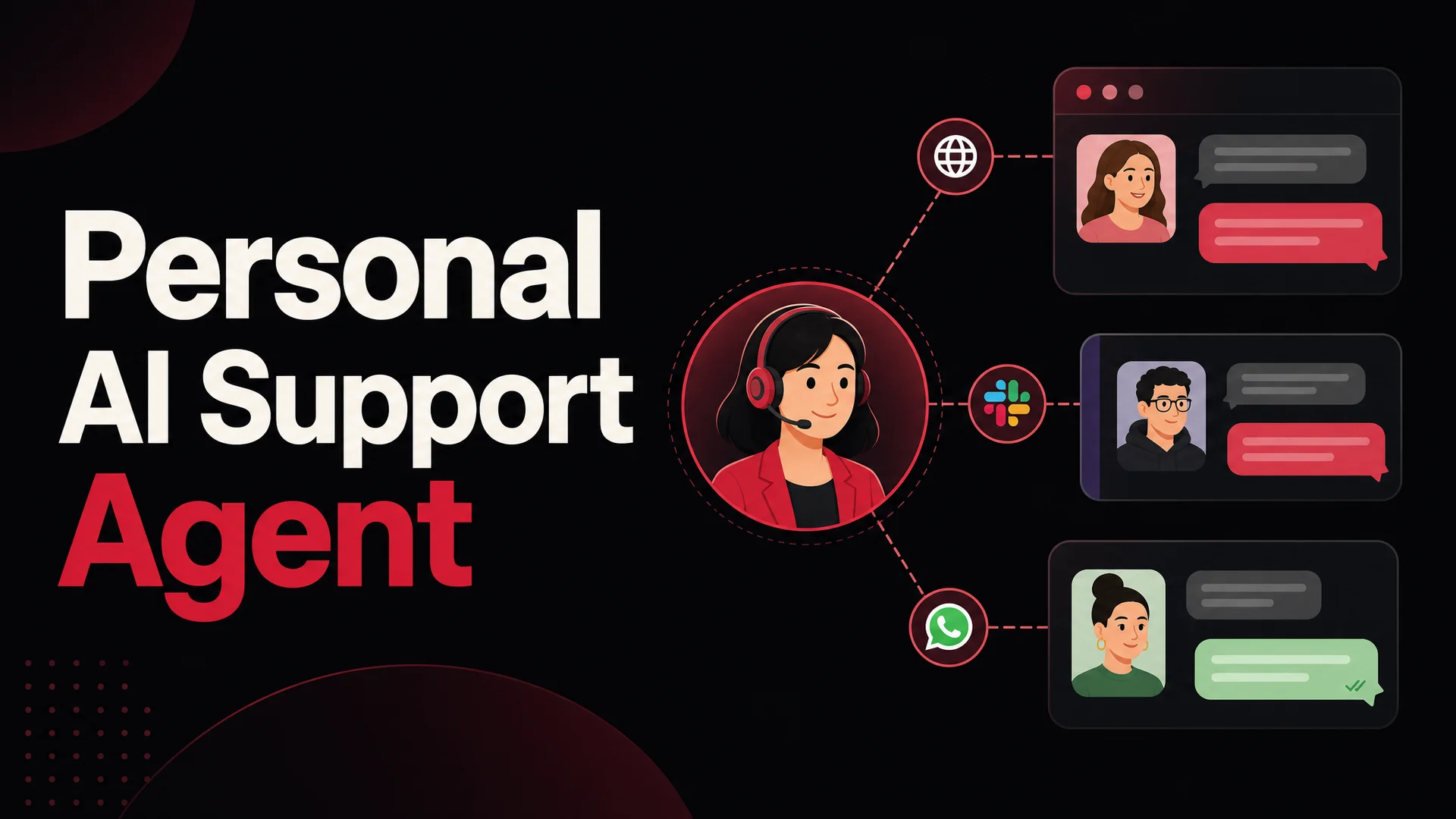
Channel coverage. Customers no longer live in one place. Your agent needs to be on the website, in Slack, in Discord, and on WhatsApp without being rebuilt three times. Berrydesk deploys to all of them from a single agent definition.
Branding and white-label control. A widget that screams "powered by [vendor]" undercuts the personalization you just spent weeks building. The chat UI should look like part of your product.
Analytics that drive iteration. You need conversation-level visibility - which questions hit the agent most, where it deflected versus escalated, where it confidently said the wrong thing. This is the feedback loop that turns a launched agent into a good one.
Data residency and deployment options. If you operate in a regulated industry, MIT- and Apache-licensed open-weight models like GLM-5.1, Qwen3.6-27B, and MiMo make air-gapped and on-prem support agents genuinely viable for the first time. Make sure the platform you pick can talk to those backends, not just the OpenAI API.
The way to think about this checklist: pick the platform that gives you optionality on every axis you might care about a year from now. The model market is moving too fast for a one-vendor, one-model bet to age well.
Common pitfalls to avoid
Even with the right platform, a few patterns derail support-agent projects. They are easy to dodge if you know to look for them.
- Treating the launch as the finish line. The first version of an agent is a starting point. The 10 hours per week you spend reviewing transcripts in month one will determine whether it ever crosses the 70% deflection mark.
- Over-trusting one model for everything. A single-model deployment leaves money on the table. Routing routine traffic to DeepSeek V4 Flash or MiniMax M2 and reserving Claude Opus 4.7 or GPT-5.5 Pro for the hardest 5% of conversations typically cuts inference cost by 80% or more without touching quality on the cases that matter.
- Skipping the escalation design. An agent without a clean handoff to a human is a liability. Define the triggers - sentiment, confidence, topic, account tier - before launch, not after the first complaint.
- Letting the knowledge base rot. The agent is only as accurate as the docs behind it. Set up a recurring re-crawl and a quarterly content audit.
- Building one giant agent instead of several focused ones. A specialized billing agent and a specialized onboarding agent will outperform a single jack-of-all-trades, every time.
Building your agent on Berrydesk
Berrydesk is built around the workflow above. The product is designed so that a non-technical operator can ship a production-grade, personalized support agent in an afternoon, while still giving engineering teams the depth they need for complex deployments.
The four-step setup is intentionally short:
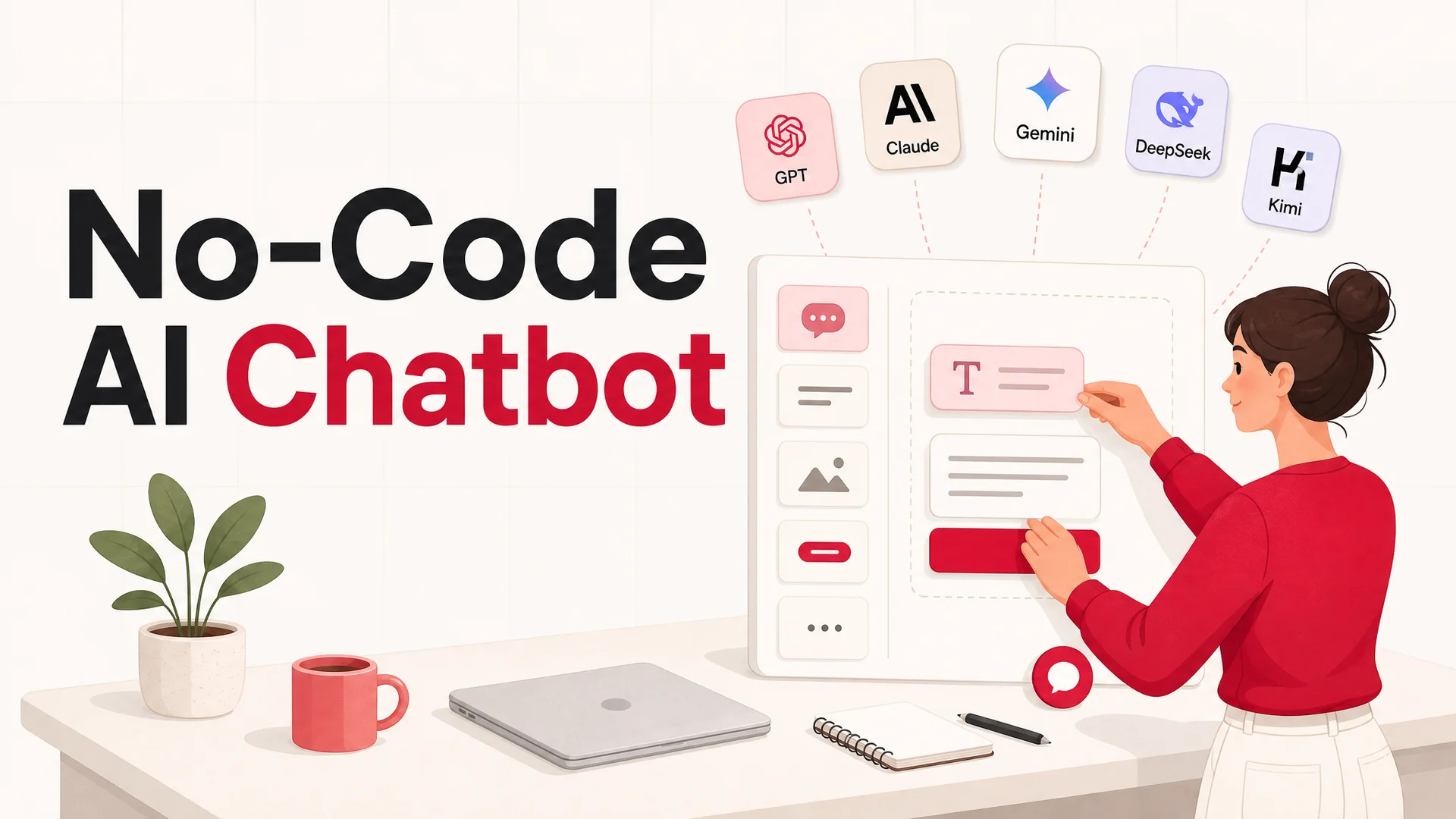
- Pick your model. Choose from GPT-5.5, GPT-5.5 Pro, Claude Opus 4.7, Claude Sonnet 4.6, Gemini 3.1 Ultra and Pro, DeepSeek V4, Kimi K2.6, GLM-5.1, Qwen3.6, MiniMax M2, and others. Mix and match per agent or per route.
- Train on your sources. Upload documents, point at your website, connect Notion, sync Google Drive, or pull from YouTube transcripts. Re-sync on a schedule.
- Brand the widget. Colors, copy, avatar, personality. The widget should look like your product, not ours.
- Add AI Actions and deploy. Wire up bookings, payments, order lookups, or any custom tool, then deploy to your website, Slack, Discord, WhatsApp, and more from a single agent definition.
The platform handles the parts most teams underestimate - multi-language coverage out of the box, conversation analytics, escalation rules, and the routing layer that lets you balance cost against capability across the open-weight and frontier model tiers.
A quick walkthrough
Once you've created your account at berrydesk.com, the flow looks like this:
- From the dashboard, click New Agent to start a fresh agent build.
- Choose your data sources. Upload PDFs and docs from your machine, paste a website URL and let the crawler fetch and chunk the pages, or connect Notion, Google Drive, or a YouTube channel. You can stack as many sources as you need.
- For specific Q&A pairs that have to be answered word-for-word - pricing, SLAs, refund policy - drop them into the Q&A section so the agent treats them as authoritative.
- Open Settings → AI and write your system prompt. This is where the personalization brief lives: tone, segment-specific behavior, what to ask the user up front, and what to do with the answer.
- Pick the model. Default to a frontier model like Claude Opus 4.7 or GPT-5.5 for quality testing, then move routine traffic to DeepSeek V4 Flash, MiniMax M2, or Qwen3.6 once you trust the agent's behavior. Adjust the temperature based on how much variability you want in the voice.
- Configure your AI Actions - bookings, refunds, payment links, ticket creation, custom API calls. Test each one in the playground before you go live.
- Click Deploy to generate the embed snippet for your site, and turn on the Slack, Discord, and WhatsApp channels you need.
That's the entire path from zero to a personalized agent in production. Iteration after launch is where the real gains come from - review transcripts weekly, tighten the system prompt, fix gaps in the knowledge base, and add new AI Actions as you spot them.
The takeaway
Personalized support at scale is no longer a stretch goal reserved for companies with huge engineering teams. The model landscape has done most of the heavy lifting - frontier reasoning, million-token context, reliable tool use, and an open-weight tier that has crushed the unit economics of running an AI agent at volume. The work that remains is the work that has always mattered: knowing your customers, defining the agent's job clearly, feeding it good data, and iterating after launch.
If you want to put the playbook to work, you can build your first agent on Berrydesk in well under an hour. No credit card, no engineering required - just your knowledge base and a clear sense of who you're trying to help.
 Berrydesk
Launch a personalized AI support agent in minutes
- Train on your docs, site, Notion, and Drive - no engineering needed
- Pick from GPT-5.5, Claude Opus 4.7, Gemini 3.1, DeepSeek V4, Kimi K2.6, and more
Set up in minutes

Chirag Asarpota is the founder of Strawberry Labs, the team behind Berrydesk - the AI agent platform that helps businesses deploy intelligent customer support, sales and operations agents across web, WhatsApp, Slack, Instagram, Discord and more. Chirag writes about agentic AI, frontier model selection, retrieval and 1M-token context strategy, AI Actions, and the engineering it takes to ship production-grade conversational AI that customers actually trust.