By now you have almost certainly seen the screen recordings: ChatGPT, on its own little virtual computer, opening a browser, logging into a SaaS dashboard, filling out a form, downloading a CSV, and quietly turning it into a slide deck while you go make coffee.
The reactions split predictably. Half of LinkedIn calls it the end of operations work. The other half points out that it still occasionally clicks the wrong button and orders 40 lbs of sweet potatoes instead of 4.
Both camps are missing the more interesting question, which is the one a support leader, an ops manager, or a small founder actually wants answered: what can I do with Agent Mode this quarter that is worth the time, and where does it still fall over? This piece is meant as a working answer - what Agent Mode is in 2026, what it can and cannot do, and ten workflows that hold up beyond the demo.
What ChatGPT Agent Mode actually is
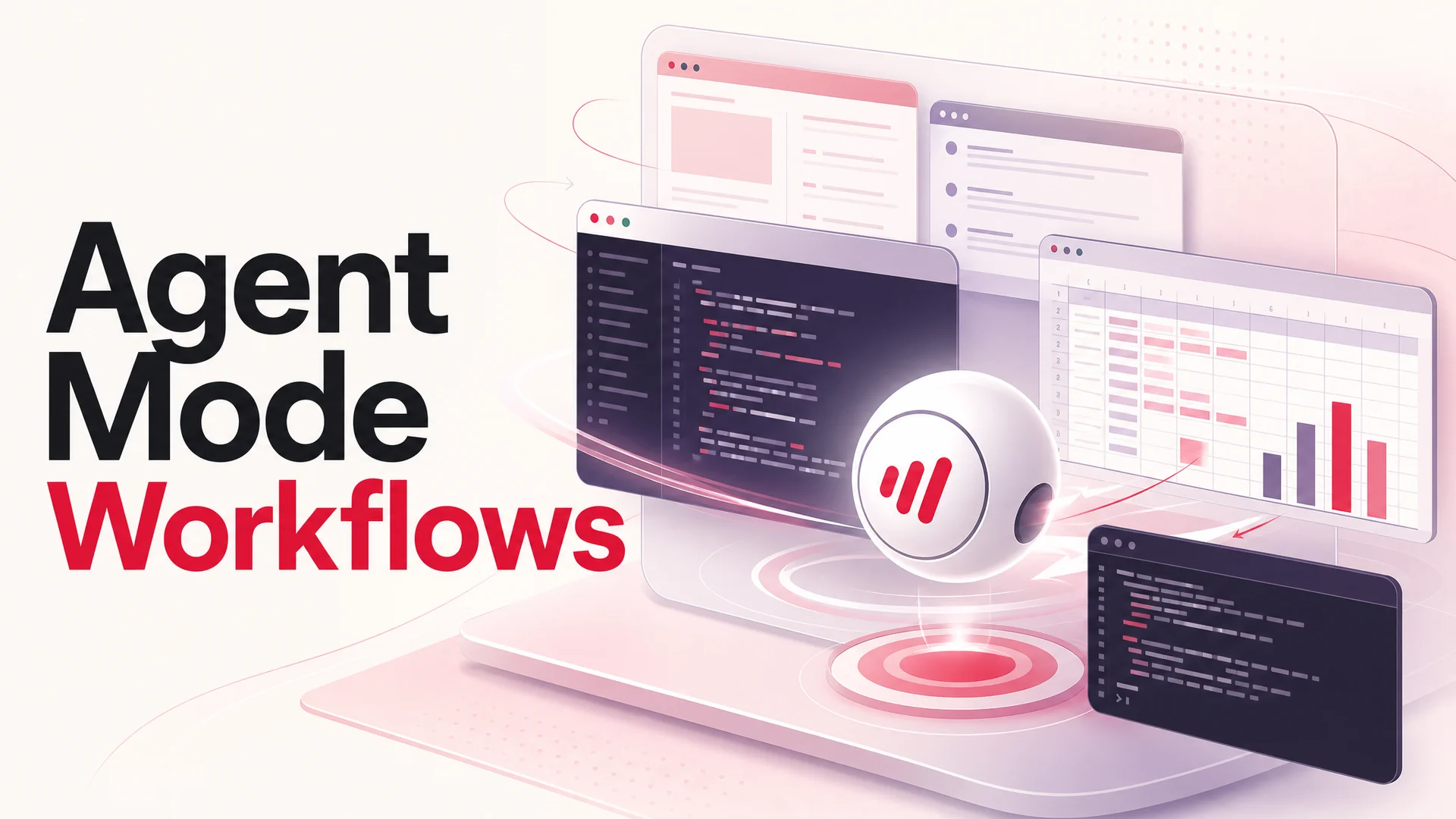
Agent Mode is OpenAI's name for letting a single ChatGPT session plan a task, then carry it out on a sandboxed virtual machine. Inside that VM the model has a visual browser it can drive with mouse and keyboard, a terminal, a Python runtime, a small filesystem, and read-only connectors into things like Gmail and Google Drive. You give it a goal in natural language; it strings together the steps.
The version most people are using sits on the GPT-5.5 stack, with GPT-5.5 Pro available for paid tiers when a job needs the heavier parallel-reasoning model. That matters because Agent Mode is bottlenecked by reasoning quality more than anything else. A weaker base model means more dead ends, more confidently wrong clicks, and more "I'm sorry, I cannot proceed" moments halfway through a real task. The jump in agentic reliability from GPT-5.0 to GPT-5.5 is the reason Agent Mode finally feels like a tool you can leave alone for ten minutes instead of a demo you have to babysit.
A few mechanics are worth pinning down up front:
- It narrates as it goes. You see a live view of what it is clicking and typing, and you can pause, take over the browser, or correct it mid-flight.
- It asks before doing anything risky. Payments, sending email on your behalf, anything irreversible - the agent stops and asks for explicit confirmation, and refuses some categories outright.
- Connectors are read-only. The Gmail or Drive connectors pull context in; they do not send mail or move files. Anything write-side has to happen through the visual browser, where you can see and stop it.
- It can be scheduled. Recurring runs are first-class - every Monday at 9, on the first of the month, and so on.
- It is trained against prompt injection. Not bulletproof, but materially better than first-generation web-browsing agents that would happily follow malicious instructions buried in a webpage.
What it can do well
Treat Agent Mode less like a smarter chatbot and more like a junior ops contractor who has access to your browser. The shape of the work is similar:
Research, analyze, package. Pull together a competitive landscape, an industry overview, or a list of vendors, then hand back a real deliverable - an editable slide deck, a structured spreadsheet, a brief. The "package" step is where Agent Mode pulls ahead of plain ChatGPT; you stop getting walls of text and start getting files.
Web interaction at human speeds. Click through a flow, fill a form, apply filters, download an export. With a 2-hour login session and the ability to hand control back to you for SSO or 2FA, it can complete real workflows in tools that have no public API.
Code, terminal, spreadsheets. It writes and runs code in the sandbox, does data cleaning, builds quick visualizations, and fixes its own broken scripts. For one-off ETL work this is genuinely fast.
Connector-grounded tasks. Read your inbox to draft a status email. Read your Drive to assemble a brief. The connector reads context; the agent then operates the browser to ship the result.
The honest limitations: connector writes are off the table; high-risk steps require approval and sometimes refusals; slide generation, while improved, still produces decks that need a polishing pass; and long, brittle multi-step jobs will still occasionally derail and need a human nudge.
How to access it
Agent Mode is enabled on Plus, Pro, Team, Enterprise and Edu plans. Open the tools menu in the composer and pick Agent, or just type /agent to switch into it for a single message. Availability is now global across supported countries. Quotas vary by tier - Plus users get a meaningful but limited monthly run count, while Pro and Team plans are sized for teams who actually live in the agent.
A simple operating pattern
The teams getting the most out of Agent Mode tend to share a setup:
- Describe the outcome, not the steps. "Produce a 6-slide competitor brief on these three companies, with sources." Not "open google.com, search…". The model is better at planning than you are at writing the plan.
- Wire in the data sources. Drop the links, attach the files, enable the relevant connector. The more grounded the input, the less it has to guess.
- Watch the narration for forks. The point in the run where it picks between two paths is the cheap moment to steer. Pause, redirect, resume.
- Iterate on the deliverable, not the prompt. Once it produces the file, edit the file directly and ask the agent to apply the corrections. This is faster than re-prompting from scratch.
- Schedule the ones that work. Anything that ran cleanly twice is a candidate for a recurring run.
Ten workflows worth borrowing
These are the patterns that keep showing up in practice - distilled from public threads, customer conversations, and our own testing. They are deliberately a mix of consumer and operator use cases, because the techniques translate across.
1. Drafting a long-form research artifact
Wikipedia-grade entries, internal wiki pages, onboarding docs. The agent is genuinely good at structure, citations, and pulling together the skeleton of a 2,000-word piece. The trade is that you need a domain expert to fact-check before publishing - Agent Mode will confidently cite a real-looking source that does not say what it claims.
2. Bulk inbox triage and unsubscribe
Point it at Gmail, ask it to surface promo and newsletter senders from the last 90 days, then have it work through unsubscribe links one by one in the browser. In our tests it cleared roughly two-thirds of subscriptions before hitting flows it couldn't navigate (CAPTCHAs, login walls, weird unsubscribe pages). Worth it for the time saved; not worth it without you watching the first run.
3. Spinning up an end-to-end e-commerce store
A surprising number of users have walked Agent Mode through a full WooCommerce setup - provisioning a host, pointing DNS, installing the stack, configuring payments, and generating starter product imagery. It takes dozens of back-and-forths and you still need to sanity-check security settings, but the time-to-first-checkout compresses dramatically.
4. Turning meeting raw material into a PRD
Drop in a Zoom transcript, a Notion board, and a calendar export. Ask for a Product Requirements Document, a slide deck for the kickoff, and a list of tickets to file. The agent reconciles dates from the calendar, pulls open questions from the transcript, and produces editable artifacts - not a wall of text. This is the workflow most product teams underrate.
5. Mapping benefits and government resources
Less glamorous, more useful. Ask it to walk through state-level unemployment, healthcare, or food assistance programs for a given ZIP code, summarize eligibility, and generate the application checklist. The reason this works well is that the source sites are messy public webpages - exactly the territory where a human-in-the-loop browser agent earns its keep.
6. Personalized local recommendations
Curated dessert lists, allergy-aware takeout, gluten-free brunches. The agent scans menus across Yelp, Google Maps, and individual restaurant sites, builds a comparison, flags allergens, and surfaces seasonal items. The trick is to give it constraints (budget, dietary, neighborhood) rather than open-ended "find me good food."
7. Curriculum and worksheet generation for kids
Weekly schedules tied to ages and skill gaps, with printable worksheets attached. Parents and tutors have been quietly running this every Sunday night. The structure of the deliverable matters here - ask for a one-page weekly plan plus PDFs, not a 4,000-word philosophy of education.
8. Sports and racing analysis
Feed it a list of race or game URLs and ask for a structured analysis: form, recent results, weather, track condition, and a ranked recommendation with reasoning. The honest read is that it is a useful analyst, not an oracle. People wrap it in their own staking rules; they do not blindly trust the picks.
9. Recipe-driven grocery automation
Tell it what you have in the fridge and what you want to cook this week. It builds a list, opens Instacart, and adds items to your cart, including reusing existing carts rather than starting fresh. You confirm before checkout. This is one of the cleanest examples of Agent Mode replacing a 30-minute weekly chore.
10. Long online learning sessions
Logging into a course platform, working through quiz questions, iterating on wrong answers. The most extreme reported case involved one user pushing 4,000 questions through multiple agents in parallel. We will leave the ethics of that to you and your institution; technically, it shows that the agent is comfortable operating across hours-long sessions when given clear sub-goals.
Solid prompts to start from
You do not need a prompt library. You need a few patterns that map to the way Agent Mode plans:
- "Summarize my inbox by topic for the last 14 days, draft a one-pager with action items in a Google Doc, and surface anything that looks like it needs a same-day reply." (Gmail connector for read; browser for write.)
- "Compare these three vendors on pricing, integration depth, and SOC 2 status. Produce an editable slide deck with one slide per vendor, plus a final recommendation with the trade-offs explicitly listed."
- "Every Monday at 09:00, pull this site's analytics, refresh the KPI sheet at this link, and email me the deltas vs. last week with anything outside ±15% flagged."
The shape that works: outcome, sources, deliverable, optional schedule.
Where Agent Mode is not the right tool
A frank read on the gaps, because the demos do not show these:
- Customer-facing automation at scale. Agent Mode is built for you delegating tasks to it inside your own session. It is not a customer support agent. The economics, latency, and audit story are wrong for that job.
- Anything that needs strong identity guarantees. Because the agent operates as you, in your browser, you cannot easily attribute actions to it for compliance.
- Workflows where determinism matters. Refunds, postings, financial closes - you want a system that fails the same way every time, not a planning agent that picks a slightly different path on each run.
- Workflows where the cost matters per call. Each agent run is an expensive reasoning loop. For high-volume jobs, narrower automation is dramatically cheaper.
The wider 2026 context: agentic models are everywhere now
Agent Mode is the best-known agentic experience because OpenAI shipped the polished consumer surface, but the underlying capability is no longer unique to GPT-5.5. The agentic frontier in 2026 is unusually crowded:
- Claude Opus 4.7 leads SWE-bench Pro at 64.3% and is the model of choice when you need careful, long-horizon coding and tool use. Claude Opus 4.6 and Sonnet 4.6 also ship with a 1M-token context window at no surcharge, which changes how much state an agent can hold in working memory.
- Gemini 3.1 Ultra stretches the context window to 2M tokens and is natively multimodal across text, image, audio and video - the right pick when an agent has to reason over a long video, a stack of PDFs, and a transcript at once.
- Moonshot Kimi K2.6 is built explicitly for agentic work - 12-hour autonomous coding sessions, swarms of up to 300 sub-agents, and 4,000 coordinated steps in a single run. Open weights.
- Z.ai's GLM-5.1 posts 58.4 on SWE-Bench Pro, beats GPT-5.4 (57.7) and Claude Opus 4.6 (57.3) on that benchmark, and runs an 8-hour autonomous plan-execute-test-fix loop. MIT-licensed and trained entirely on Huawei Ascend 910B silicon.
- Alibaba's Qwen 3.6 family - particularly the dense Qwen3.6-27B (Apache 2.0) and Qwen3.6-35B-A3B MoE - has become the practical default for teams that want a strong, locally deployable agentic base.
- DeepSeek V4 Flash delivers production-grade quality at $0.14 / $0.28 per million input/output tokens, which is what makes high-volume agent work economically possible at all.
- MiniMax M2 / M2.7 is around 8% the price of Claude Sonnet at roughly 2x the speed - the kind of cost curve that turns agents from a feature into infrastructure.
- Xiaomi MiMo-V2-Pro rounds out the open-weight side, with reasoning-first behavior and 1M-token context.
The relevant takeaway for an operator is that "agentic AI" no longer means "ChatGPT Agent Mode plus everyone else." It means a portfolio. The right architecture for any non-trivial deployment routes routine traffic to a cheap open-weight model and reserves the frontier closed models for the hard escalations.
Common pitfalls when you actually deploy
A short field guide, since this is where most teams stub their toes:
- Don't grant connector access broader than the task. A read-only Gmail connector still sees your entire inbox during the run. Scope it the way you would for any contractor.
- Watch out for prompt-injection in scraped content. The agent is trained to resist it, but if you let it browse low-trust pages and then act on what it reads, you are still in the threat model. Treat retrieved content as untrusted input.
- Don't schedule a run you have not watched succeed twice. Recurring runs amplify mistakes. The first cron-style failure of a slightly-broken weekly agent is a week of bad data.
- Set the success criteria explicitly. "Done" should be a file existing in a specific Drive folder, or a row appended to a sheet - not "the agent stopped talking."
- Keep humans on the irreversible steps. Even when the agent could click "send" or "pay" itself, it is rarely worth letting it.
Where Berrydesk fits
Agent Mode is for delegating your work. Berrydesk is for the work your customers send you. Different surface, same underlying ideas - agentic reasoning, tool use, careful guardrails - applied to the very specific shape of customer support.
With Berrydesk, you choose the model that fits the job: GPT-5.5 or Claude Opus 4.7 for the hardest reasoning, Gemini 3.1 for multimodal and ultra-long context, DeepSeek V4 Flash or MiniMax M2 for the bulk of routine traffic, GLM-5.1 or Qwen3.6 for regulated or on-prem deploys. You train it on your docs, website, Notion, Google Drive, or YouTube. You brand the chat widget. You wire up AI Actions for the agentic part - bookings, refunds, order lookups, payments - so the agent does not just answer, it resolves. Then you deploy it to your site, Slack, Discord, WhatsApp, and wherever else your customers actually are.
The thing Agent Mode taught the broader market - that a model with a browser, a terminal, and the discipline to ask before doing anything risky is dramatically more useful than a model alone - is exactly the design principle a modern support agent needs.
If you want to try it, start at berrydesk.com and you can have a working agent in under ten minutes.
 Berrydesk
Launch a branded AI support agent in minutes
- Pick from GPT-5.5, Claude Opus 4.7, Gemini 3.1, DeepSeek V4, Kimi K2.6, GLM-5.1, Qwen, MiniMax and more
- Train on docs, websites, Notion, Drive, or YouTube - then wire up AI Actions for bookings, refunds and payments
Set up in minutes

Chirag Asarpota is the founder of Strawberry Labs, the team behind Berrydesk - the AI agent platform that helps businesses deploy intelligent customer support, sales and operations agents across web, WhatsApp, Slack, Instagram, Discord and more. Chirag writes about agentic AI, frontier model selection, retrieval and 1M-token context strategy, AI Actions, and the engineering it takes to ship production-grade conversational AI that customers actually trust.