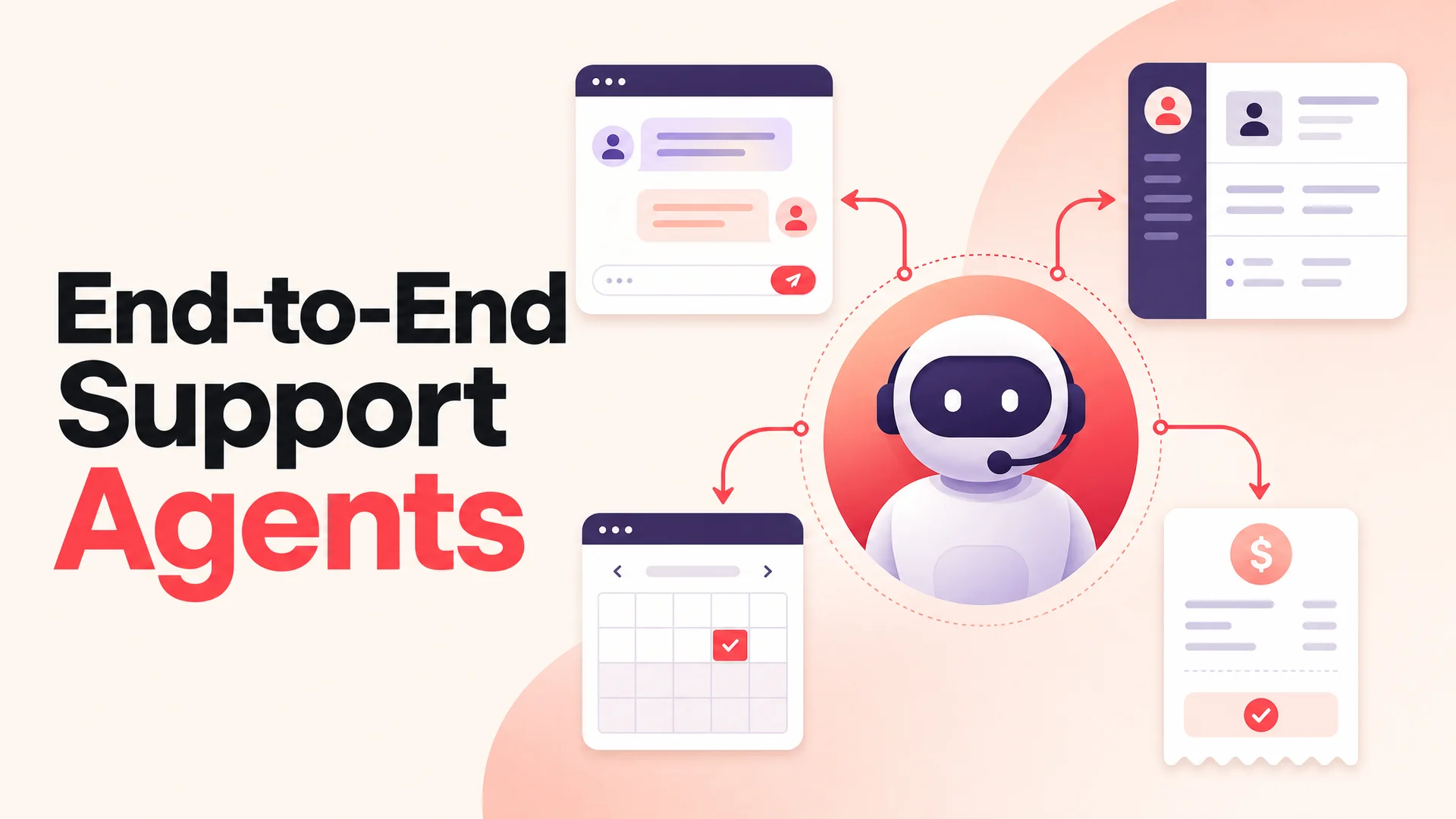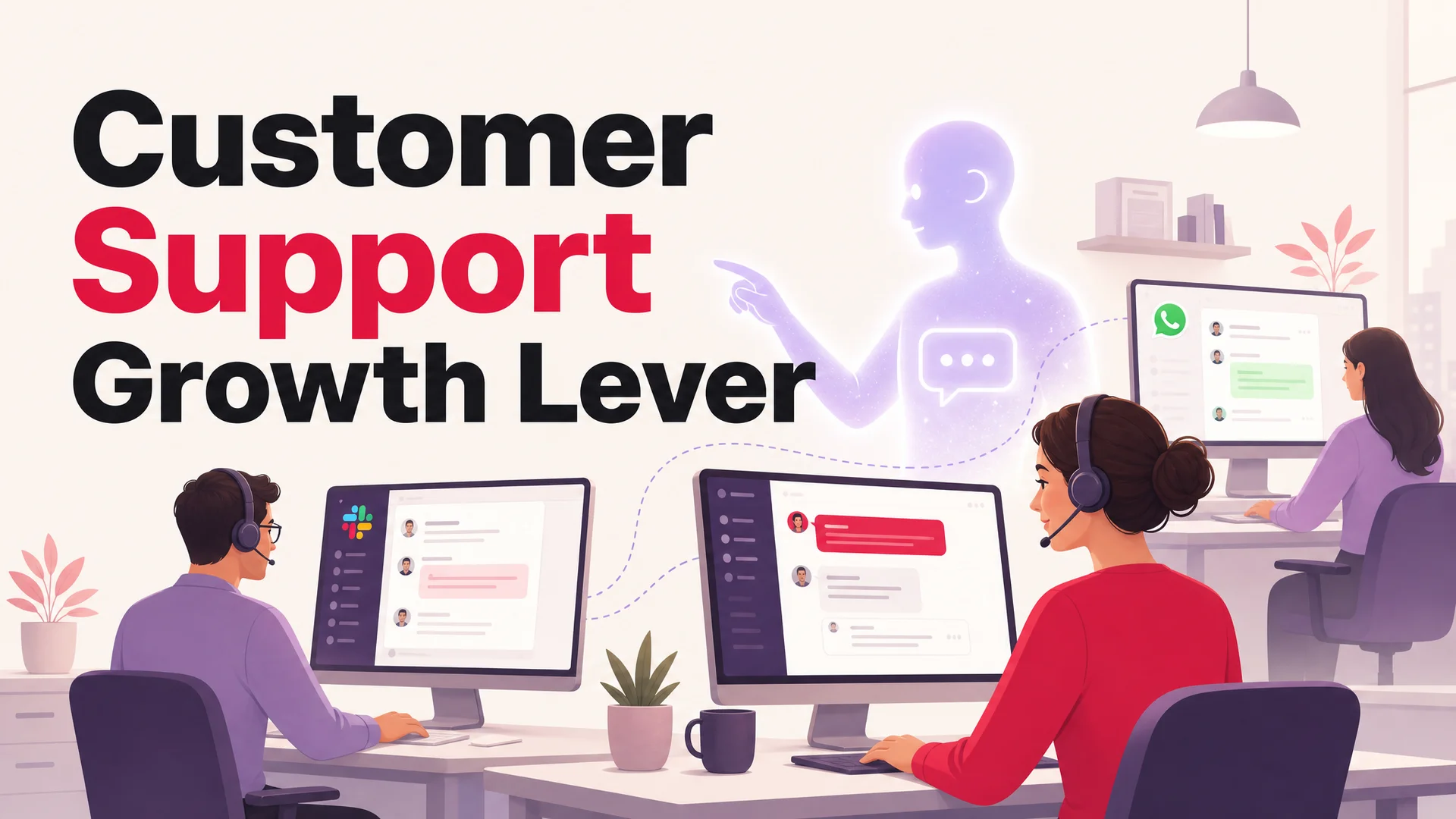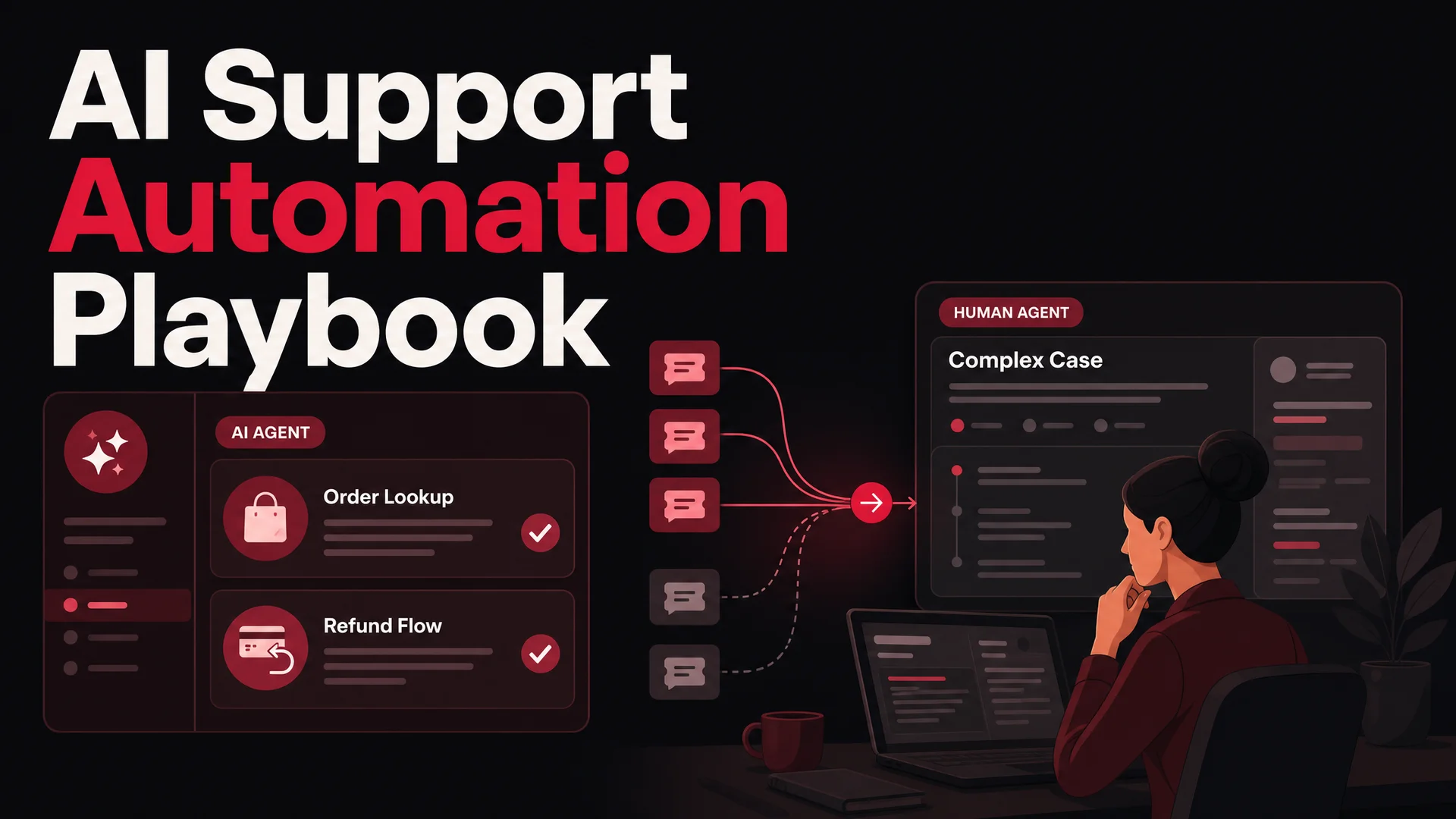
Customer service automation is the practice of letting software resolve the routine slice of your support work - order checks, password resets, refund requests, appointment changes - so that humans can spend their hours on the cases that actually need a human.
In 2026, that definition has quietly changed. The "automation" of five years ago meant decision trees, keyword routing, and a glorified FAQ widget. Today it means an AI agent that reads your knowledge base, talks like a person, and can call your booking system or your payment processor mid-conversation. The shift matters because the gap between a good support team and a great one is no longer about how fast humans type - it is about how cleanly the boring work gets handled before a human ever sees it.
Customer support automation gets discussed so often that most teams assume the playbook is settled. Pick a chatbot. Drop in a few canned replies. Wire up a couple of routing rules. Call it done. It is not done. Not even close. Underneath the obvious surface, there is a layer most teams never reach - usually because nobody told them it existed, or because they followed advice written for a 2022 chatbot landscape that no longer applies.
The frontier has moved. GPT-5.5 ships with parallel reasoning. Claude Opus 4.7 leads SWE-Bench Pro at 64.3%. Gemini 3.1 Ultra holds two million tokens of context. Open-weight models like DeepSeek V4 Flash, MiniMax M2.7, and Kimi K2.6 have collapsed the cost of high-quality reasoning to fractions of a cent per resolution. Automation today is not "buy a bot." It is system design - picking the right model for the right ticket, with the right tools, behind the right guardrails.
Done well, automation does more than thin out your queue. It tightens the entire customer experience, gives your humans room to do work that actually requires humans, and quietly shifts how customers feel about your brand. Done poorly, it scales your worst process flaws into a 24/7 assault on your CSAT score.
This guide walks through what modern automation actually buys you, the seven-step playbook that holds up against the 2026 model landscape, the tooling stack worth investing in, and how to keep the human element where it belongs.
Why customer service automation is a different conversation in 2026
A handful of changes in the underlying model landscape have made automation viable in places it simply was not a year ago. It is worth understanding them, because they shape every decision downstream.
Frontier reasoning is good enough to trust on the first reply. Claude Opus 4.7 leads SWE-bench Pro at 64.3% on complex coding work, and the same generation of reasoning shows up in everyday support flows: it reads multi-document context, weighs policy against a customer's specific situation, and gives an answer that sounds like a senior agent rather than a script. GPT-5.5 Pro adds parallel reasoning for deliberative tasks, and Gemini 3.1 Pro tops GPQA Diamond at 94.3%. The practical effect is that "the bot's answer was wrong" - the single most common reason support teams disabled their first-generation chatbot - is no longer the default outcome.
Open-weight Chinese models have collapsed the unit economics. DeepSeek V4 Flash, released April 24, 2026, runs at $0.14 per million input tokens and $0.28 per million output tokens. MiniMax M2 lands at roughly 8% the price of Claude Sonnet at twice the speed. Z.ai's GLM-5.1 is MIT-licensed, beats GPT-5.4 and Claude Opus 4.6 on SWE-Bench Pro, and was trained entirely on Huawei Ascend chips. Moonshot Kimi K2.6 ships with 12-hour autonomous coding sessions and orchestrates swarms of up to 300 sub-agents. Alibaba's Qwen 3.6 family covers everything from a 27B dense Apache 2.0 model that beats 397B-param rivals on agentic coding benchmarks to a proprietary Qwen3.6-Max-Preview at the top of the leaderboard.
For support, this means a routed deployment is now obvious. Routine traffic goes to a cheap, fast open-weight model. Hard escalations and ambiguous cases go to a frontier closed model. The blended cost per resolution drops by an order of magnitude.
Long context killed the RAG-only architecture. Claude Opus 4.6 and Sonnet 4.6 ship with a 1M-token context window at no surcharge. Gemini 3.1 Ultra has 2M. DeepSeek V4 has 1M. That is enough room to hold an entire knowledge base, the customer's full conversation history, the relevant policy documents, and the live order details - all in a single prompt. RAG is still useful as a tuning lever, but it is no longer load-bearing.
Tool use is finally production-ready. Models like Claude Opus 4.7, Kimi K2.6, GLM-5.1, Qwen3.6, and Xiaomi's MiMo-V2-Pro are agentic-first. They were trained to call tools, read responses, recover from errors, and chain steps. In support, this is what turns a chatbot into an agent: the difference between "here is how to cancel your subscription" and the agent actually canceling it for you.
Benefits worth automating for
The list of benefits has not changed much since the first chatbot wave; what changed is whether the benefits are actually achievable.
Round-the-clock coverage without a graveyard shift. A modern AI agent does not get tired, does not need a handoff document, and does not care that it is 3 a.m. in São Paulo. The same agent stays consistent across business hours and after hours.
Resolution times measured in seconds, not minutes. With AI agents, first response is essentially instant, which means the new benchmark is first resolution. Teams report that 60–80% of routine tickets now resolve in a single turn.
Human agents focused on cases that justify a human. Pull the easy work off the queue and what is left is genuinely interesting: angry customers, ambiguous policy calls, multi-system bugs, retention saves. The morale effect is real - agents who spend their day resetting passwords burn out faster than agents who spend their day on cases that matter.
A unit cost low enough to ignore. Implementing a well-tuned AI agent on routine traffic typically reduces customer service costs by around 30%, calibrated against earlier-generation models. With DeepSeek V4 Flash and MiniMax M2 in the mix, the cost of a single AI-handled resolution drops to fractions of a cent.
Consistent answers across channels. A scripted policy on Slack, a different phrasing in email, a third version on the website chat - that drift is what makes customers feel like the company does not have its act together. An AI agent trained on a single source of truth gives the same answer in the same voice everywhere it lives.
Scaling without a hiring spree. When a marketing campaign lands, when a product release goes viral, when an outage triggers a flood - those are the moments your support team buckles. AI agents absorb traffic spikes without re-staffing.
The seven-step playbook
Step 1: Find the three to five places where support actually hurts
Do not start with a model. Do not start with a vendor. Start with what is breaking.
Automation only delivers when you can name the specific places where your support process is slow, repetitive, or quietly burning trust - for either your customers or your team. That clarity does not come from intuition. It comes from your ticket history.
- Pull your last 500 to 2,000 tickets. Tag them by hand if you have the time, or run them through a classifier - Berrydesk, Claude Sonnet 4.6 with its 1M-token window, or even a one-off Qwen3.6 batch job will do. The point is to get them into intent buckets, not channel buckets.
- Group by reason, not by category. Forget product taxonomies. The buckets that matter are things like "where is my order," "how do I cancel," "this feature is broken," "I was charged twice," "I need to change my plan."
- Score each bucket on three axes:
- Volume - how often it shows up.
- Impact - how much agent time it consumes per resolution.
- Emotion - how often it lands the customer in a frustrated or urgent state.
A bucket that scores high on any two of those three is a strong automation candidate. A bucket that scores high on all three is the one you build first.
One more move that almost nobody does: actually talk to your support agents before you finalize the list. Dashboards surface what is measurable. Agents will tell you about the soul-crushing two-minute task that happens forty times a day and never appears in a report - the password reset that requires three internal tools, the refund check that requires Slacking finance, the address change that requires re-issuing a shipping label.
Step 2: Map the current workflow before you touch a tool
Once you know which friction points to attack, resist the urge to start building. The next step is to document - in plain detail - what currently happens when one of those tickets lands today.
Most teams skip this entirely. They jump from "we should automate refunds" to "let's evaluate four chatbot platforms" without ever drawing the existing flow. That is the wrong entry point, and it is why so many automation projects ship something that technically works but operationally makes things worse. Automation is a system design problem, not a tool problem. If your underlying process is messy, automating it just produces a faster mess.
Before you touch a model picker, map the intent behind the support - not the tool around it. Ask:
- Why are customers reaching out for this in the first place? Is there an upstream product or comms fix that would shrink the queue before automation ever runs?
- Where do these tickets enter? Email, in-app chat, Slack, WhatsApp, a "help" link buried two screens deep?
- Which questions repeat almost verbatim?
- Which ones eat the most agent time per resolution?
Then, for each friction point, walk through the current workflow end to end:
- Pick one. Say, "where is my order."
- Track the full journey: What triggers the ticket? What information does the agent need? Which systems do they touch - Shopify, your OMS, the carrier portal, an internal Slack channel? What sequence of clicks and copy-pastes do they actually do? What does the response look like?
- Document it. Miro, FigJam, a Google Doc with bullet points. The point is that someone outside the team can read it and understand the flow.
You are hunting for two things: patterns and bottlenecks. If the human workflow is broken, ship the fix first. Then automate.
Step 3: Match the automation method to the job
With the workflow mapped, the next decision is how you automate it - and the answer is almost never "one tool for everything." Different problems want different mechanisms.
The default mistake is overbuilding. Teams reach for the most capable model in the catalog for every use case, then watch their cost per resolution and their latency both balloon. The smarter move is to pick the least complex automation that reliably solves the job, and reserve frontier reasoning for the tickets that actually need it.
Static, repetitive questions. For things like return windows, shipping cutoffs, or password reset instructions - answers that genuinely never change - a deterministic flow or simple FAQ deflection is enough. You do not need a 1.6T-parameter MoE to tell someone the return window is 30 days.
Questions that need a data lookup. This is the sweet spot for an AI Action: the model recognizes intent, calls a tool, and returns the answer. "Where is my order" calls Shopify, gets the latest status, and renders it in the chat. With agentic tool-use models like Claude Opus 4.7, Kimi K2.6, GLM-5.1, Qwen3.6, and MiMo-V2-Pro, this pattern is finally production-grade.
Ambiguous, open-ended questions. Use a frontier reasoning model with a clean fallback path. GPT-5.5, Claude Opus 4.7, and Gemini 3.1 Pro can handle vague natural language well, but you should always design an escape hatch - a clarifying question first, and a clean handoff to a human if the model can't get to a confident answer in two turns.
Multi-step processes. Returns, plan changes, onboarding flows, scheduling - these are jobs for an agent that can hold state across turns and call several tools in sequence. Berrydesk's AI Actions framework lets you wire these up declaratively, and pair them with the model best suited to that flow.
The principle underneath all four: route by complexity, not by habit. A modern Berrydesk deployment typically sends routine traffic to DeepSeek V4 Flash or MiniMax M2.7 - at roughly $0.14 per million input tokens and 8% the price of Sonnet at twice the speed, respectively - and reserves Claude Opus 4.7 or Gemini 3.1 Ultra for the gnarly escalations.
Step 4: Build the first flow and stress-test it internally
Now you build - but you do not launch. Pick one friction point. One flow. One pilot. The goal at this stage is not to dazzle anyone. It is to prove the logic holds before customers ever see it.
- Use real conversation transcripts, not invented ones. Pull actual past tickets in this category and feed the bot the literal language customers used - typos, lowercase, missing context, the works. Customers do not write the way your prompt-engineer instinct expects them to write.
- Sketch the flow like you would explain it to a new hire on day one. What does the bot need to ask first? What information must be collected before it can resolve the issue? What does it do if the customer answers vaguely, sends a screenshot, or contradicts something they said two messages ago?
- Get your support team into the test loop early. Have two or three agents roleplay against the bot and instruct them to break it on purpose. Real customers will do all of this. Better that your agents discover the gaps than your customers do.
- Hold off on tone, branding, and personality for now. Get the logic right first. A bot with great voice and broken logic creates worse trust damage than a bot that sounds slightly robotic but always works.
About 80% of automation failures could have been caught at this stage if anyone had bothered to stress-test before going live.
Step 5: Layer in tone, branding, and the things you refuse to automate
Once the logic is solid, then you make it sound like your brand. Tone is a multiplier on a bot that already works - it is not a substitute for one that doesn't.
- Define your bot's voice based on your support brand, not your marketing brand. A voice that lands on Instagram can read as smug or sarcastic in the middle of a billing dispute. Ask yourself: if this were a human agent, how would we want them to talk to a customer who is already frustrated?
- Standardize the language for high-stakes moments. Apologies, confirmations, escalations - pick a register and reuse it. Consistent phrasing across flows is what makes the bot feel like one product rather than three different bots stitched together.
- Build guardrails so the model never improvises facts. A bot that is 50% confident should ask a clarifying question, not guess. With long-context models, you can keep the entire knowledge base in the prompt - making "I don't actually know this, let me ask" a much more reliable behavior than it was two years ago.
- Decide what you will refuse to automate. Some tickets should always go to a human: refund exceptions outside policy, legal questions, accessibility complaints, abusive users, anything touching mental health. Hard-code those triggers to escalate immediately. This is not a limitation of the bot - it is part of the product design.
Step 6: Launch quietly to a small slice of traffic
Do not flip it on for everyone at once. That is the failure mode that loses control fast and gets the project killed before it has a fair shot. Soft launches exist for a reason.
- Limit to one entry point. Put the bot on the shipping FAQ page only, or only inside the order confirmation email flow, or only on a specific WhatsApp number. A narrow surface gives you clean impact data and a small blast radius.
- Wire it behind a feature flag or kill switch. You want to be able to disable the automation in seconds and fall back to human-only handling.
- Track three metrics from the first day:
- Containment rate - what percentage of users complete the flow without escalating to a human.
- Time to resolution - is it actually faster than human handling, or is it just shifting work?
- Customer feedback - a one-tap post-chat survey is enough.
- Give human agents full visibility into bot transcripts on handoff. Nothing erodes a customer faster than having to repeat their entire situation when they finally reach a person.
- Don't route bot escalations straight into your live chat queue on day one. Send unresolved cases into a dedicated inbox first, learn the patterns, then graduate to real-time routing.
Step 7: Mine the escalations - that is where the real insight lives
Most teams measure their bot by its success rate. The real insight, though, is in the failures - every escalation is a data point telling you exactly where the system broke down. Treat escalations as a feedback loop, not a verdict.
- Tag every escalation with a reason. Was it customer frustration? Missing data the bot couldn't access? A confusing flow? A model that genuinely didn't understand the input?
- Trace problems back to the root cause, not the symptom. If customers keep abandoning the return flow halfway through, don't just rewrite the bot's wording. Ask whether the flow actually matches your real return policy.
- Stand up an "Escalation Inbox." Have a small group - a couple of senior agents and the operator running automation - read through escalated chats once a week and flag improvements.
- Update flows weekly for the first month. Treat the bot like production code. Small, frequent releases beat heroic V2 rewrites every single time.
- Surface frontline agent feedback. Your support team will catch things customers never report.
- Keep an eye on your routing. If you're running a multi-model setup, watch which model handled which escalations. You will often find that you can move a category from a frontier model down to an open-weight one (or vice versa) without losing quality.
Good automation is not set-and-forget. It is a feedback engine that quietly compounds.
The five tools that matter in a modern automation stack
Plenty of vendors will sell you a dozen overlapping tools. In practice, support automation comes down to five core building blocks.
1. An AI agent platform you can actually train. This is the centerpiece. A good AI agent platform lets you pick the underlying model, train the agent on your specific content, brand the chat experience, and connect it to the systems where work gets done. Berrydesk is built around exactly this loop: pick a model from a roster that includes GPT-5.5, Claude Opus 4.7, Gemini 3.1, DeepSeek V4, Kimi K2.6, GLM-5.1, Qwen, and MiniMax; train on docs, websites, Notion, Google Drive, and YouTube; brand the widget; add AI Actions for the things customers actually want done; and deploy to a website, Slack, Discord, WhatsApp, and the rest of the channels in one pass.
2. Voice automation that does not feel like voice automation. Old-school IVR - "press 1 for billing" - is the punchline of bad customer service for a reason. Modern voice automation uses streaming speech-to-text, natural language understanding, and the same agent backbone as your text channels. The customer just talks. If you operate phone support at any meaningful volume, this is no longer a "nice to have."
3. A self-service knowledge surface. A searchable, well-maintained help center pulls deflection metrics up before the AI ever runs. Treat the knowledge base as the canonical source - what you publish there is what your AI agent will say. Drift between docs and reality is the single most common cause of "the bot got it wrong" complaints.
4. Ticket triage and routing that actually thinks. The 2026 version uses an LLM to read the inbound message, classify intent, attach metadata, set priority, and route to the right team - all with the kind of nuance that used to require a human triage lead. The same layer can auto-merge duplicate tickets and surface the right macros to whichever human eventually picks up the case.
5. A CRM that the agent can read and write. Your AI agent is only as useful as the customer context it can see. If it cannot tell whether the person on the other end is a free trial user or your largest enterprise account, every interaction starts from zero. This is also where AI Actions earn their keep: the agent does not just answer questions, it updates records and triggers workflows.
Keeping the human thread when the machine is doing more
A bad automation rollout is one where customers feel trapped - bouncing between bot replies that almost-but-not-quite answer the question, with no obvious way to get a person. A good rollout is invisible. Customers get help fast, and on the rare occasions they need a human, the handoff is graceful.
Automate routine work; resist automating judgment. Automate anything that has a clear, repeatable answer. Order tracking, return labels, password resets, plan changes, FAQ-shaped questions, account lookups. Do not automate retention conversations, complaints with a refund risk, anything legal-adjacent, or the moment a customer says "I want to speak to a manager."
Make the escalation path obvious. If a customer wants a human, they should be one click away from one. Hide the escalation button and you will tank your CSAT no matter how good the bot is. The right pattern is a persistent "talk to a human" affordance plus automatic escalation triggers - repeated frustration signals, sentiment dropping past a threshold, or the agent failing to make progress in N turns.
Personalize beyond first names. "Hi {{first_name}}" was personalization in 2014. In 2026, with a million-token context window, the agent can read the customer's last six conversations, their plan, their recent product usage, and the open ticket on their account, and tailor the response accordingly.
Treat the system as a product, not a project. The teams getting compounding value from automation are the ones who treat their AI agent the way a product team treats its app: weekly review of bad transcripts, monthly tuning of training data, quarterly audits of routing logic and tool definitions.
Keep humans visible on social and high-stakes channels. Public channels - X, LinkedIn, Reddit, your community forum - are where automation goes wrong loudly. Auto-responses can be okay for acknowledgement and routing, but every public reply with substance should have a human in the loop, even if an AI drafted it.
What good looks like: real automation in practice
Music streaming. A streaming service has a remarkably small set of high-volume support topics - playback failing, account locked, payment declined, family plan invitations not working. An AI agent trained on the help center and given AI Actions to reset sessions, resend confirmation emails, and trigger account recovery flows resolves the bulk of those without ever paging a human.
Food delivery. The single most powerful automation in food delivery is not a chatbot at all - it is the order tracker that updates customers in real time so they never need to ask "where is my order." A small AI agent layered on top handles edge cases: substitutions, missing items, late deliveries, refund requests.
Banking. Financial services took longer to automate because the stakes were higher and the regulatory bar was real. In 2026, with the open-weight, MIT-licensed models from GLM-5.1 and Qwen3.6-27B making air-gapped on-prem deployments viable, even regulated industries are putting agents in front of customers. The agents can check balances, schedule payments, dispute charges, and trigger fraud reviews - all with the audit trail that compliance teams require.
Creative software. Adobe-style operations pair an AI agent with a community knowledge base. The agent's first move is often to surface a relevant community thread or tutorial, not to answer from scratch. This both reduces hallucination risk on niche product questions and reinforces the community itself.
B2B SaaS. For business software, the highest-leverage automation is not "answer FAQs" - it is "do the thing the customer asked for." Add a seat. Cancel a subscription. Pull an invoice. Create an API key. Resend a webhook. B2B SaaS teams are routinely pushing the share of tickets that close without a human agent involved above 70%.
Pitfalls and trade-offs worth thinking through
Single-model vs routed deployments. Sticking with one model is simpler operationally - one provider, one set of rate limits, one prompt template. The cost is that you are either overpaying for routine traffic (if you picked a frontier model) or underserving complex cases (if you picked a cheap one). For most teams above a few thousand tickets a month, routing is worth it; below that, simplicity wins.
RAG vs long context. The 1M–2M-token context windows in current models tempt teams to skip retrieval entirely and just stuff everything into the prompt. That works for small knowledge bases - a few hundred articles - and breaks down at scale because long prompts get expensive, slow, and noisy. The pragmatic answer is hybrid.
Routing every ticket to the most expensive model. Frontier reasoning is incredible, but a 90¢ resolution where a 2¢ one would have worked is just lit money. Build a router. Use the open-weight tier for routine traffic.
Treating long context as a substitute for structure. Long context is a tuning lever, not a replacement for clean retrieval. Use it where it earns its keep, not as the default.
Hallucination on the things you cannot afford to get wrong. Even great models occasionally invent. Pricing, policy specifics, refund eligibility, anything tied to a number - these are the highest-risk surfaces. The fix is mechanical: ground the agent on retrieved sources for these queries, require citation in the system prompt, and run a regression suite of known-correct answers against every model swap.
Underestimating the trust cost of one bad answer. A bot that answers ten things right and one thing confidently wrong loses more trust than a bot that punts to a human five times. Bias toward "I don't know, let me get someone" early on.
Building automation without an off-ramp. Every flow should have a clean, immediate path to a human. Customers who feel trapped escalate to the worst possible channel - public reviews, Twitter, chargeback disputes.
Not revisiting your model choice quarterly. The frontier moved a lot in the last twelve months and will keep moving. The model that was the right default in January 2026 may not be the right default by midsummer.
Open-weight vs closed frontier: a practical trade-off
A real question for any team building support automation today is whether to lean on closed frontier APIs (GPT-5.5, Claude Opus 4.7, Gemini 3.1) or on the open-weight wave (DeepSeek V4, Kimi K2.6, GLM-5.1, Qwen3.6, MiniMax M2.7, MiMo-V2-Pro). The honest answer: probably both, routed by use case.
Closed frontier still wins on the hardest reasoning, the deepest tool-use chains, and the long-tail of unusual queries. Claude Opus 4.7 leading SWE-Bench Pro at 64.3% is not a coincidence - it shows up in support too, on ambiguous, multi-step debugging conversations. GPT-5.5 Pro's parallel reasoning matters when a question is genuinely hard. Gemini 3.1 Ultra's 2M-token context is unmatched when you need to reason over enormous policy documents in a single shot.
Open-weight frontier wins on cost, latency, deployability, and - critically for regulated industries - on-prem and air-gapped operation. MIT-licensed weights from Z.ai's GLM-5.1 and Apache 2.0 weights from Qwen3.6-27B make it realistic to run a serious agent fully inside your own infrastructure. DeepSeek V4 Flash at $0.14 per million input tokens makes high-volume routine resolution genuinely cheap. MiniMax M2.7's 8% price point relative to Sonnet, at twice the speed, is the right tool for triage and intent classification at scale.
The teams getting this right are not picking one. They are routing - open-weight for the bottom 70% of traffic, closed frontier for the top 30%. Berrydesk is built to make that routing a configuration choice, not a research project.
Build your support automation on Berrydesk
Customer support automation is not a checkbox. It is a system you design, ship, measure, and keep tightening - one that adapts to how your business actually serves its customers and gets sharper with every escalation.
The work that is left for your humans is the work that always should have been theirs: the hard cases, the angry customers, the calls that turn into stories the rest of the team learns from. Done right, automation is not the absence of human service - it is the conditions for human service to actually be good.
That is the philosophy Berrydesk was built around. You are not just dropping a chatbot onto your site - you are standing up a routed, agentic support layer that picks the right model for each ticket, calls the right tools, and hands off cleanly when a human is the right answer. Pick from GPT-5.5, Claude Opus 4.7, Gemini 3.1, DeepSeek V4, Kimi K2.6, GLM-5.1, Qwen3.6, MiniMax M2.7 and more - and route per use case rather than committing to one model for everything. Train it on your docs, your website, Notion, Google Drive, or YouTube transcripts. Brand the chat widget. Wire up AI Actions for the things that actually move the needle - bookings, refunds, order lookups, payment flows, plan changes. Then deploy where your customers already are.
If you are ready to automate with intent rather than guesswork, start building on Berrydesk.
 Berrydesk
Launch your AI agent in minutes
- Pick from GPT-5.5, Claude Opus 4.7, Gemini 3.1, DeepSeek V4, Kimi K2.6, GLM-5.1, and more - route per ticket
- Train on your docs, sites, Notion, and Drive, then plug it into your website, Slack, or WhatsApp
Set up in minutes

Chirag Asarpota is the founder of Strawberry Labs, the team behind Berrydesk - the AI agent platform that helps businesses deploy intelligent customer support, sales and operations agents across web, WhatsApp, Slack, Instagram, Discord and more. Chirag writes about agentic AI, frontier model selection, retrieval and 1M-token context strategy, AI Actions, and the engineering it takes to ship production-grade conversational AI that customers actually trust.