It is 9:14 on a Monday morning and the queue already looks like a Friday at 4 p.m.
Two of your senior reps are on PTO. A new product release went out over the weekend. A handful of enterprise accounts are pinging the same shared inbox with the same five questions, and the macros your team wrote last quarter no longer match the current pricing page. You consider opening another headcount req. You consider rewriting the help center. Again.
None of that is going to fix Monday.
Meanwhile, the competitor two tabs over in your benchmarking spreadsheet quietly stood up an AI support agent six months ago. Their first-response time is under a minute. Their CSAT crept up two points. Their head of support spends her afternoons designing escalation playbooks instead of triaging tickets. You can feel the gap widening every week you wait.
If you have read enterprise AI content in the last twelve months, you have probably also collected a list of doubts:
- "Aren't these things just glorified FAQ bots?"
- "Won't security make me wait nine months for a vendor review?"
- "What happens when the underlying model changes - do I have to rebuild?"
Fair questions. The honest answer is that the technology under the hood has changed enough in the last year that most of the old objections no longer apply. The frontier moved. Open-weight models caught up. Context windows got long enough to swallow your entire knowledge base. Tool-use reliability crossed the line from demoware to production.
The companies pulling ahead are not running magic. They are running a clear architecture, a clean training corpus, a sensible escalation path, and - increasingly - a multi-model routing layer that sends the right ticket to the right brain. This guide walks through what an enterprise AI agent actually does in 2026, how to ship one without setting off the IT smoke alarm, and what the new model landscape changes about the math.
Why Enterprise AI Agents Hit Different in 2026
The pitch for AI in support has not changed much in three years: scale, speed, savings. What has changed is the part where it actually works. Three things tipped over in the last twelve months.
The frontier models got dramatically better at agentic work. Claude Opus 4.7 leads SWE-bench Pro at 64.3%, and the same instruction-following and tool-use chops that drive coding scores translate directly into support agents that can look up an order, issue a refund within policy, and hand off cleanly when they are out of their depth. GPT-5.5 Pro adds parallel reasoning. Gemini 3.1 Ultra carries a 2M-token context. The bar for "what a single agent turn can accomplish" is much higher than it was on GPT-4.
Open-weight models collapsed the unit economics. DeepSeek V4 Flash is priced at $0.14 input / $0.28 output per million tokens. MiniMax M2 lands at roughly 8% the price of Claude Sonnet at twice the speed. GLM-5.1 from Z.ai posts 58.4 on SWE-Bench Pro under an MIT license. For a high-volume support workload, the cost-per-resolution of routing routine traffic to one of these and reserving Opus 4.7 or GPT-5.5 for genuine escalations is an order of magnitude better than running a single closed model on everything.
Context windows ate the RAG problem. When Claude Opus 4.6, Sonnet 4.6, DeepSeek V4, and Kimi K2.6 all ship with 1M-token windows, and Gemini 3.1 Ultra doubles that, "stuff the entire knowledge base into the prompt" becomes a real architectural option. RAG does not go away - it is still cheaper and faster for most queries - but it stops being a hard requirement and starts being a tuning lever.
Stack those three together and the operational picture is genuinely different from the one you read about in 2024:
- Always-on coverage that costs cents per resolution. A typical enterprise support volume routed through DeepSeek V4 Flash or MiniMax M2 for 80% of tickets, with Opus 4.7 or GPT-5.5 reserved for the hard 20%, costs less than the coffee budget for the human team.
- Truly horizontal scaling. Whether the inbox sees 500 tickets or 50,000 in a day, the agent layer absorbs it without a hiring cycle.
- Consistency that survives onboarding chaos. Every interaction draws from the same canonical knowledge. New product launches do not require retraining ten people; they require updating the corpus.
- Senior reps doing senior work. When the agent handles password resets, order tracking, plan changes, and policy questions, your most expensive humans spend their time on retention conversations, escalations, and feedback that should reshape the product.
- Behavioral data you can actually use. Every conversation produces structured signal: which questions repeat, where users churn out of the chat, where the agent escalates, where the help center is silently failing.
- Real cost takeouts. Real-world deployments routinely shave a quarter to a third off cost-to-serve, and that is before counting the deflected calls that never reached a phone.
The trick now is not whether to deploy. It is how to deploy without ending up with another half-built internal tool.
Five Ways Enterprises Are Actually Using AI Agents Today
The patterns below show up across industries. None of them are exotic; all of them are shipping in production right now.
1. Internal HR copilots
A 30,000-person consumer goods company plugs an AI agent into Slack, trains it on the employee handbook, benefits documents, payroll FAQs, and the IT knowledge base, and watches the HR shared inbox quiet down. Open-enrollment season - historically a four-week firefight - turns into a steady-state of routine answers handled inside Slack and only the genuinely ambiguous cases escalating to people. The pattern works because long-context models can keep an entire policy PDF in mind without lossy chunking, and because agentic tool-use is reliable enough to actually update a benefits selection rather than just describe how to.
2. Conversational commerce assistants
A specialty beauty retailer runs a branded agent on the website and inside WhatsApp that helps shoppers narrow down a foundation shade, books an in-store consultation, applies a loyalty discount, and finishes the checkout. Two years ago this was a marketing demo; in 2026 it converts. The agent uses a vision-capable model (Gemini 3.1 Ultra or Qwen3.6-Plus) to interpret an uploaded selfie under the customer's lighting, then hands the structured shade-match output to a tool that places the order. The same agent that recommends the product also processes the payment.
3. Financial services support
A mid-sized issuing bank deploys an agent that handles balance inquiries, disputes intake, lost-card workflows, and travel notifications across web, mobile, and a voice channel. The deployment is air-gapped - no customer data leaves the bank's VPC - because they run an open-weight model under MIT or Apache license (GLM-5.1 or Qwen3.6-27B) on their own infrastructure. The compliance team signs off because there is no third-party model vendor in the data path. Routine call volume to the contact center drops materially, and the average resolution on the channels the agent owns settles into the high 90s.
4. E-commerce post-purchase
A high-volume online retailer wires up an agent to handle order tracking, returns, replacement orders, and warranty claims. The agent calls the OMS, the carrier API, and the warehouse system as tools; it reads the customer's history; it makes a judgment call within written policy on whether to issue a goodwill credit. Resolution rates without human intervention regularly clear 95% in this setup, and the long tail that does escalate arrives at a human with a complete summary already attached.
5. Travel and operations
An airline runs an agent that books, rebooks, checks in, sends gate updates, and pushes destination-specific reminders (visa requirements, baggage allowances, weather). When a route gets cancelled at scale, the agent fans out to thousands of affected passengers in parallel, presents rebooking options, and processes the chosen flight - work that historically melted call centers. Agentic models with reliable tool-use loops, like Kimi K2.6 with its 12-hour autonomous sessions and 300-sub-agent swarms, are what made this category go from aspirational to operational.
Best Practices for Shipping in the Enterprise
Most enterprise AI projects do not fail on model quality. They fail on rollout. The pattern below is what consistently works.
1. Pick a single, measurable use case first
Do not start with "AI for the whole company." Start with one queue: order tracking, password resets, benefits questions, return RMAs. Pick a use case where you already know the volume, the resolution rate, and the average handling time, so you have a baseline to measure against. The companies that do this end up shipping a real thing in three weeks; the ones that try to boil the ocean spend nine months in design sessions.
2. Choose a platform you can grow into, not out of
You want a stack where the model is a configurable choice, not a hardcoded dependency. Berrydesk lets you select among GPT-5.5, Claude Opus 4.7, Gemini 3.1, DeepSeek V4, Kimi K2.6, GLM-5.1, Qwen, MiniMax, and others, and route different traffic patterns to different models. That matters because the model leaderboard moves quarterly. Locking yourself to a single vendor in 2026 is the same mistake as locking yourself to a single database in 2010.
3. Design the conversation, not just the bot
The cheapest way to make an agent feel premium is to write the personality and the escalation paths deliberately. Decide what the agent calls itself, how it greets a user, how it admits uncertainty, when it offers a human, and how it asks a clarifying question. A two-page voice and tone document beats a year of generic prompt engineering.
4. Curate the corpus like a product
The model is only as good as the documents you point it at. Audit your help center for contradictions before you train. Strip outdated promotional pages. Tag your sources by recency so the agent can prefer the latest policy when two articles disagree. Connect canonical sources - Notion, Google Drive, your support knowledge base, product docs, YouTube tutorials - and skip the screenshots and PDFs that no human has read since 2023.
5. Be everywhere your customers already are
If your shoppers live in WhatsApp, your agent lives in WhatsApp. If your developers live in Slack and Discord, that is where the agent lives. A web widget alone leaves coverage gaps. Berrydesk deploys to your website, Slack, Discord, WhatsApp, and more, so a single trained agent shows up consistently across surfaces without you maintaining four separate integrations.
6. Wire it into the systems where the work happens
A support agent that can read your CRM but not act on it is a fancier search bar. A real agent calls your OMS, your billing system, your scheduling tool, your payment processor. AI Actions for booking and payments mean the agent can finish the job - issue the refund, book the appointment, update the subscription - instead of routing the user to a form. Tool-use reliability in the current generation of models (Opus 4.7, Kimi K2.6, GLM-5.1, Qwen3.6, MiMo-V2-Pro) is what makes this safe to turn on for real money workflows.
7. Treat security as a first-class design input
Map your data flows before the first deployment. Decide what is allowed to leave your perimeter and what is not. For regulated workloads - health, finance, government - strongly consider an open-weight option (GLM-5.1 under MIT, Qwen3.6-27B under Apache 2.0, MiMo-V2-Pro under MIT) running in your VPC, so customer data never crosses a third-party model API. For lower-risk traffic, a closed frontier model is fine; just be explicit about which is which.
8. Keep humans in the loop, by design
The handoff is part of the product. The agent should know when it is out of its depth, summarize the conversation cleanly, attach the relevant context, and route to a human queue with the right priority. The signal you want to optimize is not "percent fully automated"; it is "percent resolved well." A clean escalation that lands a customer on the right specialist in thirty seconds is a better outcome than a flailing fully-automated thread that ends in churn.
9. Instrument, review, retrain
Sample real conversations weekly. Look for the cases where the agent confidently said the wrong thing, the cases where it punted unnecessarily, and the cases where it almost recovered but did not. Update the corpus. Tighten the prompt. Add the missing tool. The first thirty days of a deployment is where you compress most of the gap between "decent demo" and "trusted production system."
10. Start narrow, then expand on evidence
The temptation after a successful pilot is to expand to fifteen new surfaces simultaneously. Resist it. Each new surface or use case should earn its way in with measurable lift on the previous one. Two well-run channels beat eight half-instrumented ones, every time.
Common Pitfalls to Avoid
A few traps show up in nearly every enterprise rollout, regardless of platform.
The "single model" trap. Picking one frontier model and routing every ticket through it is operationally simple and economically painful. Routine "where is my order" traffic does not need Claude Opus 4.7. Mix tiers - DeepSeek V4 Flash or MiniMax M2 for the bulk, a frontier model for ambiguity and escalations - and your unit economics improve by an order of magnitude with no perceptible quality drop on the easy cases.
The "we'll just use RAG" trap. RAG is great, but in 2026 it is not the only tool. With 1M–2M-token context windows, sometimes the right answer is "stuff the relevant subset of the corpus directly into the system prompt and let the model reason over it." For complex policy questions where the right answer requires reading three documents together, long-context wins. Treat RAG and long-context as complementary, not competitive.
The "agent-shaped wrapper" trap. Adding a chat box to your website is not deploying an AI agent. If the bot cannot take an action - refund, book, update, escalate - it is a search interface with extra latency. Tool-calling and AI Actions are what make the difference between deflection theater and real work.
The "we'll train it later" trap. Shipping with a thin or contradictory corpus and planning to fix it after launch produces a permanent trust deficit with users. The first hundred conversations set the reputation of the agent inside your company. Spend the up-front week on the corpus.
The "model lock-in" trap. The leaderboard is moving every quarter. The model that is best for your workload in May 2026 may not be best in September. Build on a platform where switching models is a config change, not a migration project.
Open-Weight vs. Closed Frontier: The Trade-Off Worth Naming
This is the architectural decision that quietly determines most of the cost and compliance picture.
Closed frontier models - GPT-5.5, GPT-5.5 Pro, Claude Opus 4.7, Claude Sonnet 4.6, Gemini 3.1 Ultra and Pro - give you the best raw capability per query, the strongest agentic behavior, and the smallest amount of operational overhead. You pay per token, you accept a third party in your data path, and you let the vendor handle the infrastructure.
Open-weight frontier models - DeepSeek V4, Kimi K2.6, GLM-5.1, Qwen3.6-27B and 35B-A3B, MiniMax M2 / M2.7, MiMo-V2-Pro - flip almost every variable. You pay for compute, not tokens. You can run them on your own hardware, in your own VPC, fully air-gapped if you need to. License terms (MIT, Apache 2.0) are friendly enough for most enterprise legal teams to clear quickly. The capability gap on agentic and coding workloads has narrowed to the point where GLM-5.1 beats Claude Opus 4.6 and GPT-5.4 on SWE-Bench Pro.
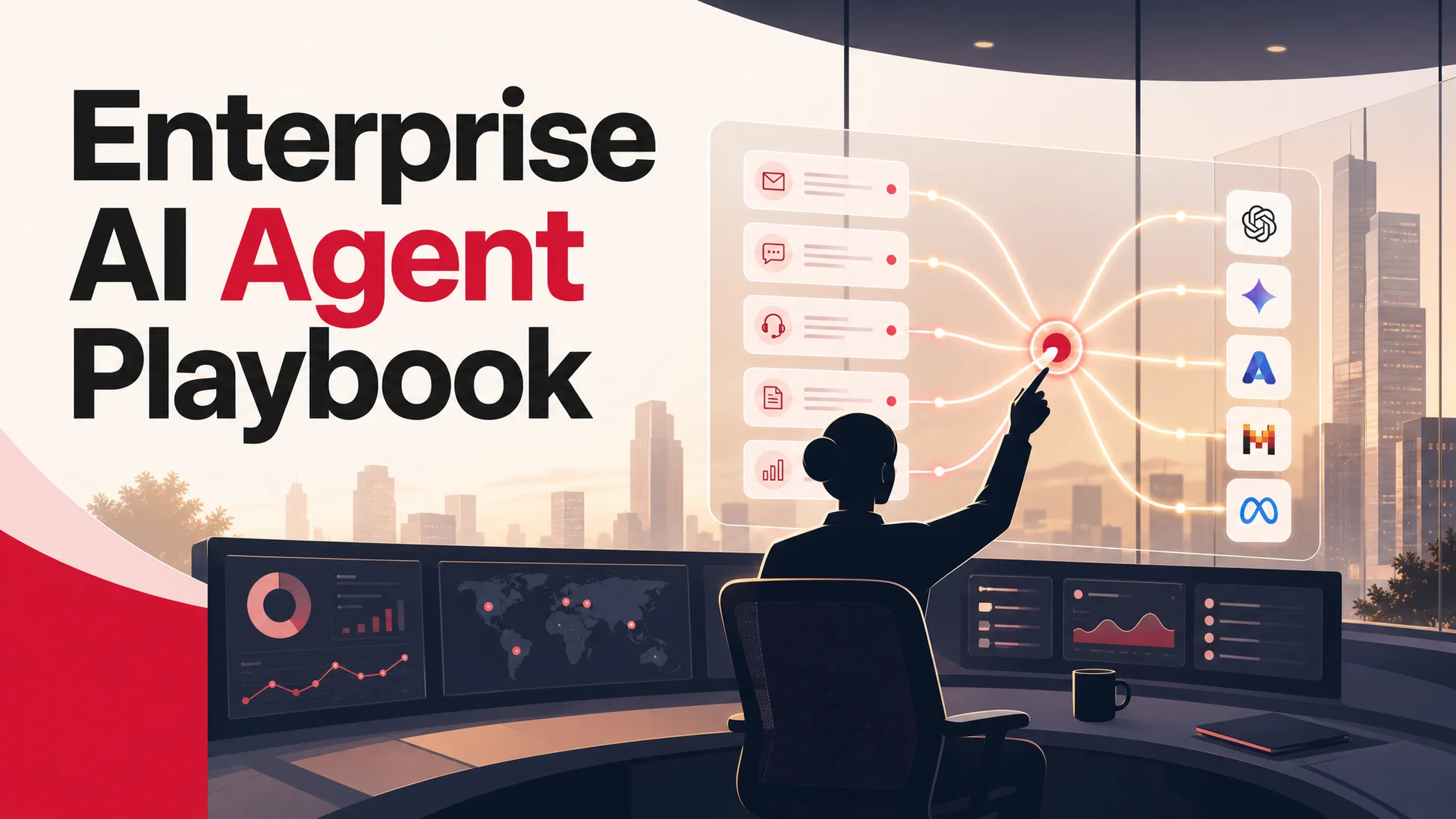
The pragmatic answer for most enterprises is both. Use a closed model for the cases where capability matters most - long, ambiguous escalations, multi-step reasoning, sensitive customer-facing language. Use an open-weight model for the high-volume routine layer, where price-per-resolution is the dominant cost driver. Use whichever the policy requires for regulated workloads. A platform that lets you mix and match without rebuilding is what makes this practical.
Wrapping Up
Enterprise AI projects do not usually fail because the models are not capable enough. The current models are wildly capable. They fail because the rollout gets stuck in committee, the corpus is never cleaned up, the integrations are never wired, and the escalation paths are never written. Six months in, the team has a slide deck and no agent.
That is the gap Berrydesk closes.
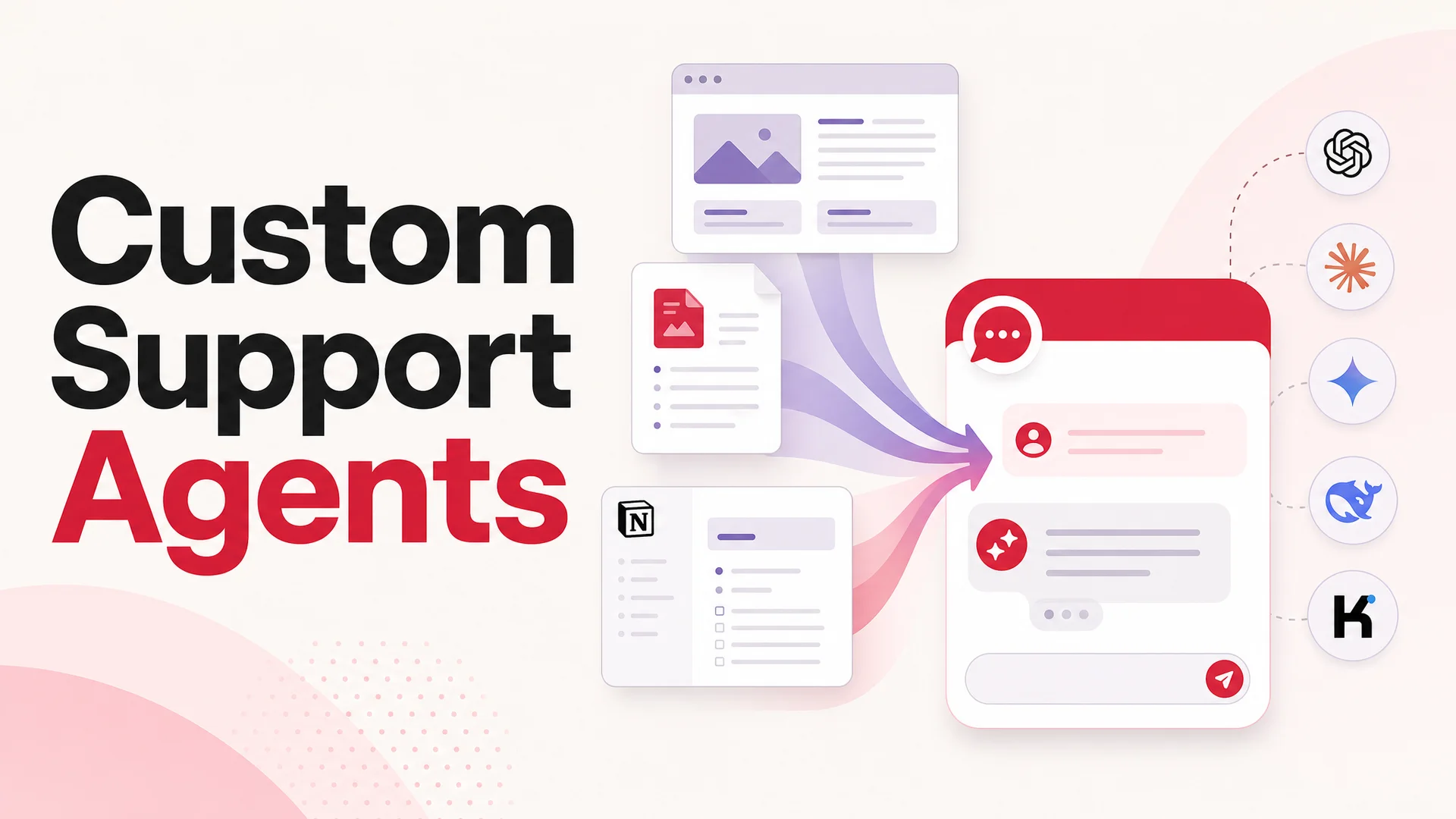
Pick a model - or pick several, and route between them. Train on the documents, websites, Notion workspaces, Google Drive folders, and YouTube channels you already use. Brand the chat widget so it looks like part of your product, not a third-party widget. Add AI Actions for booking, payments, and the CRUD operations your support team performs every day. Deploy to your website, Slack, Discord, WhatsApp, and the other surfaces where customers and employees already are.
Four steps. No multi-quarter implementation. No vendor lock-in to a single model that may not be on the leaderboard six months from now. The same platform that lets a small team launch a branded agent in an afternoon scales to the routing, security, and tool integrations enterprise workloads actually need.
If your support backlog is the bottleneck this week, it does not have to be the bottleneck next week. Start building on Berrydesk and ship something real before the next Monday morning queue arrives.
 Berrydesk
Launch your enterprise AI agent in an afternoon
- Pick from GPT-5.5, Claude Opus 4.7, Gemini 3.1, DeepSeek V4, Kimi K2.6, GLM-5.1, Qwen, MiniMax - or route between them
- Train on your docs, websites, Notion, Google Drive, and YouTube; deploy to web, Slack, Discord, and WhatsApp
Set up in minutes

Chirag Asarpota is the founder of Strawberry Labs, the team behind Berrydesk - the AI agent platform that helps businesses deploy intelligent customer support, sales and operations agents across web, WhatsApp, Slack, Instagram, Discord and more. Chirag writes about agentic AI, frontier model selection, retrieval and 1M-token context strategy, AI Actions, and the engineering it takes to ship production-grade conversational AI that customers actually trust.