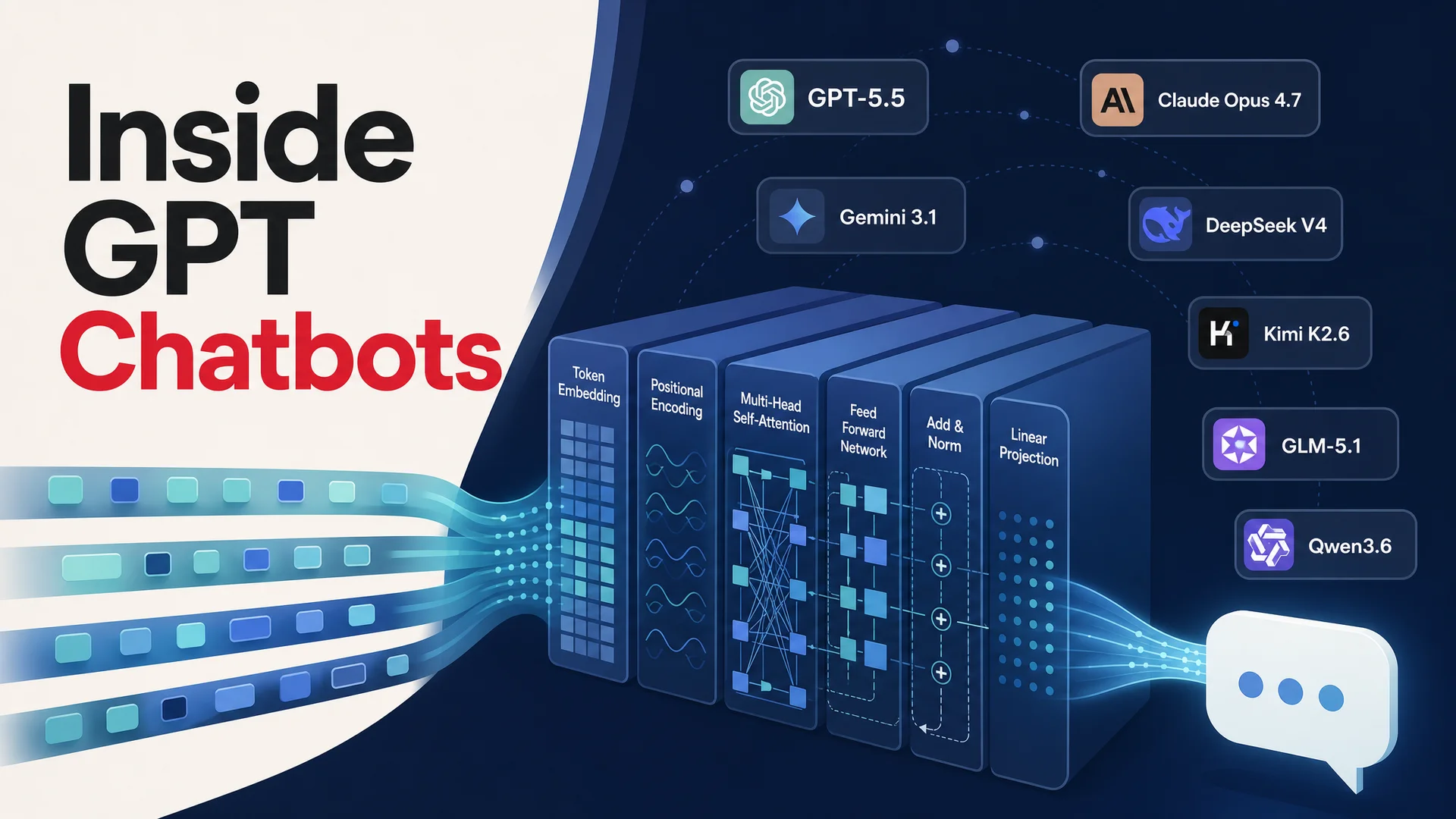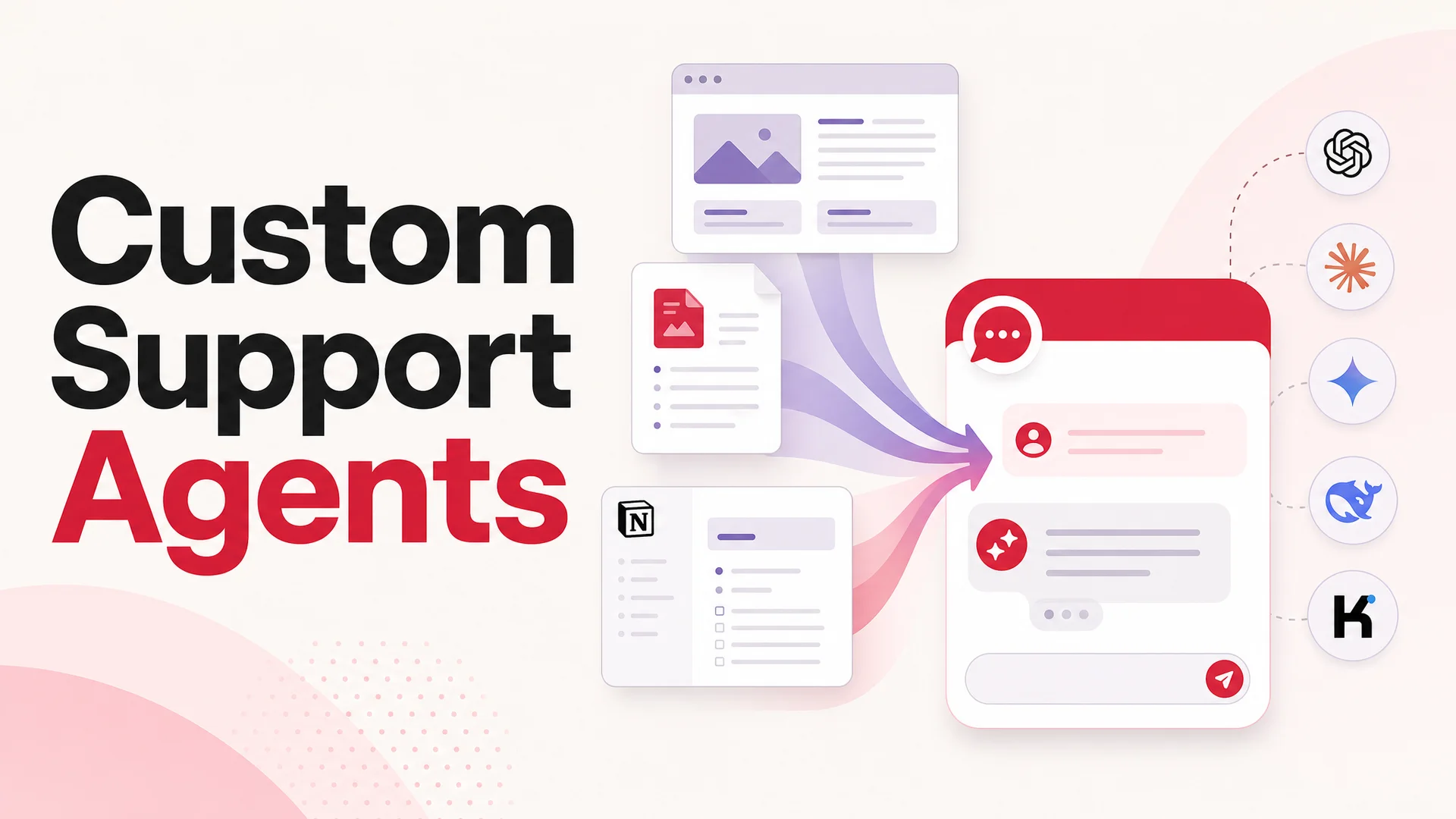
ChatGPT is impressive in the abstract. Ask it about thermodynamics, sonnet structure, NBA box scores, or the basics of Kubernetes and it will give you a competent answer. But the moment you point it at your own world - your refund policy, your SKU catalog, the warranty edge cases that only your senior CSMs know about - its general fluency starts to feel hollow. The model has read a lot of the internet. It has read essentially nothing about your business.
A generic chatbot answers generic questions. It can tell a curious shopper what a return policy "usually" looks like, but it cannot tell your shopper, ordering your product, in your country, what their refund window is and how long the courier will take. That gap - between a bot that sounds smart and a bot that is useful - is closed almost entirely by training.
In 2026 there are two clean, no-code ways to close that gap. One uses OpenAI's Custom GPTs, which keep the trained assistant inside ChatGPT itself. The other uses an agent platform like Berrydesk, which lets you build a branded, multi-channel AI agent that runs on the model of your choice and lives wherever your customers actually are. This guide walks through both, plus the technique decisions underneath - RAG vs long context vs fine-tuning, model selection, data preparation, and the practices that keep an agent accurate as your business changes.
What "training" actually means in 2026
The word "training" gets thrown around loosely. In the strict sense, training a model from scratch means running tens of thousands of GPU-hours on a corpus the size of the public internet. No support team is doing this. When most people say "train the chatbot," they mean one of three more practical things:
- Grounding it in your knowledge so it answers from your documentation, not the model's general worldview.
- Tuning its behavior so it sounds like your brand, follows your policies, and refuses things you do not want it to do.
- Connecting it to your systems so it can actually act - look up an order, reschedule a meeting, refund a charge - instead of only describing how a customer might do those things.
Almost all of this is built on top of a frontier large language model. You are not changing the model's weights. You are changing the context it sees and the tools it has, and that turns out to be enough for production support.
The two foundational techniques are familiar:
- Retrieval-Augmented Generation (RAG) indexes your knowledge into a vector database and pulls the most relevant chunks into the model's context at every turn. The model answers from what it just read, not from what it vaguely remembers.
- Fine-tuning adjusts a model's weights on examples specific to your domain - usually hundreds or thousands of paired prompts and ideal answers. It changes how the model behaves, not what it knows.
In 2026 there is a third lever that has reshaped the calculus: long-context prompting. Claude Opus 4.6 and Sonnet 4.6 ship with a 1M-token context window at no surcharge. Gemini 3.1 Ultra goes to 2M. DeepSeek V4 Flash, Kimi K2.6, and MiMo-V2-Pro all reach 1M. For a mid-sized support knowledge base, that is enough to fit the entire thing into a single prompt. RAG stops being a hard requirement and becomes a cost and latency optimization - you reach for it when your corpus is huge or your traffic is high, not because the model otherwise cannot see the data.
For most support deployments, the right answer in 2026 is still RAG plus a thoughtful system prompt, because it is cheaper and faster per request. But the safety net of long-context means you can prototype an agent in an afternoon by simply pasting your help center into the prompt, and then move to retrieval once you have proven the use case.
Picking the right model
The single biggest decision before you train is which model sits underneath. The landscape has fractured in a useful way: there are clear leaders for raw reasoning, clear leaders for cost, and clear leaders for agentic tool use, and serious teams route between them.
Frontier closed models are still the safest pick for difficult escalations. GPT-5.5 Pro runs parallel reasoning chains, which makes it excellent at multi-step problem solving inside a conversation. Claude Opus 4.7 leads SWE-bench Pro at 64.3% and is, by reputation, the most reliable model for following complex policies - useful when you have a refund flow with twelve conditions. Gemini 3.1 Ultra has the longest context and the strongest multimodal support, so it is the natural pick when customers send screenshots, PDFs, or short videos of a problem.
Open-weight models are where the cost story is. DeepSeek V4 Flash runs at $0.14 per million input tokens and $0.28 per million output, which is roughly an order of magnitude below the frontier closed models for the kind of routine questions that make up most support volume. MiniMax M2.7 is roughly 8% the price of Claude Sonnet at twice the speed and posts a 56.22% on SWE-Pro - overkill for most ticket triage, but excellent value for higher-tier reasoning. Z.ai's GLM-5.1 (MIT-licensed) and Alibaba's Qwen3.6 family give you on-prem options that genuinely keep up on agentic benchmarks; the dense Qwen3.6-27B beats 397B-parameter MoE rivals on agentic coding tests, which translates into reliable tool calling for your AI Actions.
For agentic flows specifically - the moment your bot stops talking and starts doing something - Kimi K2.6 and GLM-5.1 matter. Kimi K2.6 sustains 12-hour autonomous coding sessions and can swarm 300 sub-agents across 4,000 coordinated steps. GLM-5.1 runs an 8-hour autonomous plan-execute-test-fix loop. You will not need 12 hours of autonomy for a support ticket, but the underlying robustness is the same property you want when the agent has to chain a lookup, a policy check, and a refund.
A reasonable default in 2026 looks like this: route the first reply through DeepSeek V4 Flash or MiniMax M2 for cost, escalate to Claude Opus 4.7 or GPT-5.5 when the conversation goes off-script, and reach for Gemini 3.1 Ultra when there is media in the thread. Berrydesk lets you wire that routing without writing it yourself.
Option 1: Train ChatGPT with Custom GPTs
Custom GPTs are mini, configurable instances of ChatGPT. You give one a name, a system prompt, a handful of files, optionally some tool actions, and OpenAI bundles all of that into a stable assistant your team or your customers can launch from the ChatGPT sidebar.
The mental model is simple: a Custom GPT is ChatGPT plus context. Your uploaded files become a private knowledge layer the model consults at answer time. Your instructions act as a persistent system prompt that shapes tone and behavior. The result is a focused assistant that, while still rooted in the underlying GPT-5.5 stack, behaves like a domain expert for the topic you trained it on.
A concrete example. Imagine a regional rental-car company called ChicCars with about 40 vehicles, a handful of locations, and a sales team that constantly fields the same five questions: which car for a road trip, which one fits a child seat plus two suitcases, what's the cancellation window, what's the deposit, and what's covered if the car is damaged. A Custom GPT trained on the fleet sheet, the rental terms, and a short tone-of-voice document can handle most of that conversation cleanly inside ChatGPT's interface.
Step-by-step: building a Custom GPT
You need an active ChatGPT Plus subscription (currently $20/month) or a workspace seat that includes GPT building rights.
- Open the GPT builder. Sign in at chat.openai.com, click the workspace switcher, and choose Explore GPTs → Create.
- Name and describe the assistant. Give it a clear name and a one-sentence description of its job. Specificity here pays off.
- Write the instructions. This is the persistent system prompt. State the assistant's role, the audience it's serving, the tone you want, and any hard rules - for example, "Never quote a price; always send customers to the booking page for live availability." A strong instruction is two or three short paragraphs, not a one-liner.
- Upload your training data. Open the Configure tab and scroll to Knowledge. Add your fleet PDFs, rental policy documents, FAQ exports, and any internal glossary. Custom GPTs accept up to 20 files by default in most plans.
- Configure capabilities. Decide whether the assistant should use web browsing, code interpreter, or DALL-E. For a customer-support assistant, you usually want browsing off and code interpreter off - both increase variance and reduce predictability.
- Test, then publish. Use the right-hand preview to ask the questions your customers actually ask. Watch for hallucinations and tighten your instructions until the assistant stays in its lane. When it feels right, click Save and choose visibility: Only me, Anyone with a link, or Public.
Where Custom GPTs fall short
Custom GPTs are an excellent prototype tool. As a production support channel, they have five real limitations.
Brand identity is generic. A Custom GPT lives inside the ChatGPT shell. Your colors, logo, voice, avatar, and product styling don't carry through. The user knows they're talking to ChatGPT, not to your brand.
Distribution is ChatGPT's, not yours. Customers must visit chatgpt.com, sign in to a paid Plus account, and navigate to your GPT. You can't drop the assistant into a chat widget on your pricing page, route it through your help center, or hand it to a customer over WhatsApp.
Account requirements exclude most users. Anyone who interacts with your Custom GPT needs their own ChatGPT account, and the most useful tier requires Plus. That instantly disqualifies it as a public-facing customer-support surface for the majority of B2C audiences.
Data handling is opaque. Files uploaded to a Custom GPT can, depending on your plan and settings, be exposed to anyone with a link to the assistant. Prompt-injection attacks against shared GPTs that exfiltrate uploaded files are well documented. For anything regulated - health, finance, legal - this risk profile is a non-starter.
You're locked to one model family. Custom GPTs only run on OpenAI's models. You can't route easy questions to a cheap open-weight model like DeepSeek V4 Flash and reserve frontier reasoning for the hard ones. In a year where Claude Opus 4.7 leads SWE-bench Pro at 64.3%, Gemini 3.1 Pro tops GPQA Diamond at 94.3%, and Kimi K2.6 runs 12-hour autonomous agentic sessions, single-model lock-in is a real cost.
If your goal is a quick internal helper for teammates who already pay for ChatGPT, Custom GPTs are fine. If your goal is a customer-facing support agent, you'll feel all five of these constraints quickly.
Option 2: Train an AI agent on your data with Berrydesk
Berrydesk is a no-code platform for building branded AI support agents. You feed it your knowledge, choose a model, configure the chat widget, optionally wire in AI Actions for things like bookings or refunds, and deploy to your website, Slack, Discord, WhatsApp, and other channels - without forcing your customers to sign up for anything.
The point of Berrydesk is to remove the gap between "I have a trained assistant" and "my customers can talk to it." Custom GPTs solve the first half. Berrydesk solves both.
Why this matters in 2026 specifically: the model layer has fragmented. The right model for a routine "where's my order?" message is not the right model for a multi-step refund involving a payment provider, a CRM lookup, and a policy check. Berrydesk lets you pick from GPT-5.5 and GPT-5.5 Pro, Claude Opus 4.7 and Sonnet 4.6, Gemini 3.1 Ultra and Pro, DeepSeek V4 (Pro and Flash), Kimi K2.6, GLM-5.1, Qwen 3.6, MiniMax M2.7, and others, then route traffic accordingly.
What you get out of the box
Speed to first agent. A working agent - trained, branded, and embedded - takes minutes, not days. Most teams have something usable in their first session.
Privacy by default. Your training data is not used to train any underlying foundation model. You control retention. For regulated industries, MIT- and Apache-licensed open-weight models like GLM-5.1 and Qwen3.6-27B unlock on-prem and air-gapped paths that simply don't exist with a Custom GPT.
Both consumer and internal use cases. The same platform handles a customer-facing support agent on a Shopify store and an internal HR assistant for a 600-person company.
Real distribution. Embed the chat widget on your site with a snippet, drop it into WordPress, or deploy through Slack, Discord, or WhatsApp. Customers don't need any account anywhere.
A genuine free tier. You can build, train, and test a real agent without paying.
AI Actions, not just chat. Bookings, payments, order lookups, ticket creation, and refunds run as tool calls inside the conversation. Agentic models from this generation - Kimi K2.6, GLM-5.1, Claude Opus 4.7, Qwen 3.6, MiMo-V2-Pro - make these flows reliable rather than demoware.
Step 1: Sign up and create an agent
Create a Berrydesk account with an email and password. From the dashboard, click New Agent. You'll be prompted to give it a name and pick a starting model - GPT-5.5 is a sensible default for English-language support; Claude Opus 4.7 is a strong pick when accuracy on long, policy-heavy answers matters; DeepSeek V4 Flash is the cost-optimized choice for high volume.
Step 2: Add data sources
Berrydesk accepts several input types. You can use one or combine all of them.
File uploads. Drag PDFs, DOCX, TXT, CSV, or Markdown files into the data panel. Best for static knowledge - manuals, policy documents, internal wikis.
Website crawl. Paste a root URL, click Fetch links, then select which pages to ingest. This is the fastest way to absorb an existing help center or marketing site.
Direct text. Paste content directly when the source isn't a file or a webpage - pricing tables, talking points, internal notes that have never been written down.
Q&A pairs. Add questions and exact answers manually for situations where determinism matters. Refund policy, return windows, escalation triggers, anything legal-adjacent.
Notion. Connect a Notion workspace and select pages or databases. Edits in Notion sync without re-uploading.
Google Drive. Pull in Docs, Sheets, and Slides. Useful when your team's source of truth lives there.
YouTube. Add a video or playlist URL and Berrydesk extracts the transcript. Strong for product walkthroughs and training content that was filmed but never written up.
Step 3: Brand and configure
Open Settings to set the agent's display name, avatar, color scheme, welcome message, fallback behavior, and the tone-of-voice instructions. This is also where you choose which model the agent uses, set guardrails, and decide what happens when the agent doesn't know the answer (escalate to a human, send an email, open a ticket, or simply say so).
Step 4: Add AI Actions (optional but powerful)
If your agent needs to do more than answer, configure AI Actions. Common patterns: look up an order in Shopify, create a Stripe refund, schedule a meeting in Calendly, file a ticket in Zendesk or Linear, take a payment, or check inventory. Each action is a typed tool call the model can invoke when the conversation calls for it.
This is where the model choice starts to matter. Agentic-first models like Kimi K2.6 and GLM-5.1 plan and execute multi-step actions reliably. For lower-stakes single-call actions, the cost difference between Claude Opus 4.7 and DeepSeek V4 Flash is roughly two orders of magnitude, and routing traffic accordingly is the difference between a sustainable unit economic model and an unsustainable one.
Step 5: Deploy
Click Connect to generate an embed snippet for your website, or pick a channel - Slack, Discord, WhatsApp, Messenger, or a direct API endpoint. The agent is now live, branded, trained on your data, and reachable wherever your customers prefer to talk.
How to feed data to your agent: every supported method, compared
Whether you call it training, feeding, or grounding, the goal is the same - get accurate information into the model's working memory at answer time. Here's the full menu, with the trade-offs.
File uploads. Both Custom GPTs and Berrydesk accept PDFs, DOCX, TXT, and CSV. Fastest path when your knowledge already lives as documents. Caveat: PDF extraction quality varies. Scanned PDFs without OCR layers will produce garbage. Run them through OCR first.
Website crawls. Berrydesk crawls a domain and extracts content from every page. Ideal for help centers, public docs, and marketing sites. Watch for two issues: noisy navigation and footer copy bloating the index, and stale content that contradicts your current policy. Most teams crawl, then prune.
Direct text input. For small, focused chunks - a pricing table, a tone-of-voice paragraph, the three escalation rules nobody wrote down - pasting directly is faster than creating a file. It also gives you tight control over chunking.
Q&A pairs. The most precise method. You define the question and the exact answer. The agent is biased toward this answer when the user's question is semantically close. Use this for high-stakes or legally sensitive responses where you cannot tolerate variance - refund eligibility, SLA commitments, regulated disclaimers.
Notion. Connect a workspace, select pages, and let edits flow through. The right answer for teams whose knowledge actually lives in Notion, because it removes the export-and-reupload chore.
Google Drive. Same idea, different store. Pull in Docs, Sheets, and Slides directly. Particularly useful for ops and finance teams whose source of truth is a spreadsheet.
YouTube. Pull transcripts from videos or playlists. Strong fit for product training videos, recorded webinars, and demo libraries - content that exists but isn't written down.
The pattern across all these methods is a trade-off between effort and control. File uploads and crawls are fast but loose. Q&A pairs and direct text are slower but predictable. Most production deployments combine all of them: a broad crawl plus a Notion connection for breadth, then a tight set of Q&A pairs for the questions where accuracy is non-negotiable.
Best practices for training a support agent
Picking a tool gets you to the starting line. The work that determines whether the agent is good is in the data and the iteration.
1. Clean the data before you upload it
The "garbage in, garbage out" cliché is tired because it is exactly right. An agent that has been fed three slightly different versions of your refund policy will pick one at random, often the wrong one. Before you index anything:
- Deduplicate - if your help center, your old wiki, and a Notion page all describe shipping, pick one source of truth and archive the others.
- Strip dead content - old promotions, deprecated SKUs, internal-only drafts.
- Resolve contradictions - if two pages disagree, fix the underlying source, not the chatbot's behavior.
This is the single highest-leverage hour of work in the entire process. Every wrong answer the agent gives in production traces back, more often than not, to ambiguity it inherited from the corpus.
2. Prefer clean text formats
Modern parsers handle PDFs and Word docs reasonably well, but they are still the most common source of weird artifacts - mid-paragraph page breaks, headers and footers that bleed into the body, OCR garbage from scanned pages. Where you have a choice, give the agent markdown or plain text.
For structured data - product catalogs, pricing tables, order metadata - CSV or JSON is far better than a screenshot of a spreadsheet. Long-context models are remarkably good at reading tabular data when it actually arrives as a table.
3. Label and segment your knowledge
Vector search is good but not magic. If your retrieval system has to choose between five chunks that all mention "warranty," it will pick based on raw similarity - which is not always the same as relevance. Tagging content by category ("returns," "shipping," "B2B accounts") and by audience ("new customers," "enterprise") gives the agent something to filter on, and dramatically improves precision.
Segmenting also lets you route. A B2B inquiry can use a different prompt and a different knowledge slice than a consumer return question, even though both run through the same agent.
4. Keep the data fresh
Knowledge bases drift the moment you stop watching them. Prices change, products are discontinued, policies are updated, integrations get renamed. An agent that confidently quotes last quarter's return window is worse than one that admits ignorance. Set a recurring review - weekly for fast-moving catalogs, monthly for slower businesses, never longer than quarterly. The platforms that crawl your sources on a schedule (Berrydesk does this) make this much less manual, but someone still needs to own the upstream sources.
5. Test edge cases relentlessly
Your agent will handle the ten most common questions on day one. The questions that hurt you in production are the eleventh through hundredth - the unusual returns, the partial refunds, the customer who is somehow both a B2B account and a consumer subscriber. Build a list of edge cases by mining real ticket history. Run the agent against them before you deploy and after every meaningful change. A small evaluation set you trust beats a large one you do not.
6. Write the system prompt with care
The system prompt is where you encode behavior - tone, scope, escalation rules, what the agent is forbidden from saying. Two principles matter:
- Be specific about what not to do. "Never quote a price not present in the product database" is a stronger guardrail than "be careful with pricing."
- Be specific about when to hand off. A clear "if the customer asks for a manager, asks about a legal issue, or expresses frustration twice, transfer to a human" rule prevents the agent from grinding through situations it cannot resolve.
In 2026, with frontier models that follow instructions well, a tight system prompt does an enormous amount of the work that older deployments tried to do with fine-tuning.
7. Wire up actions, not just answers
A support agent that can only answer is an FAQ. A support agent that can act - issue a refund, change a shipping address, reschedule a booking, look up an order - is a member of the team. AI Actions in 2026 are reliable enough to put in front of customers, partly because the underlying agentic models have gotten dramatically better at structured tool use.
Start with the action that costs your support team the most time. For most ecommerce teams, that is order lookup and refund. For SaaS, it is account status and subscription changes. For services businesses, it is rescheduling. Get that one action right, deploy it, measure the deflection, then add the next one.
Common pitfalls to avoid
A few patterns trip up almost every team training their first agent.
Stale data. A support agent trained in January will give January answers in May. Set a recurring re-sync - Berrydesk's Notion, Drive, and website connectors handle this automatically - and audit Q&A pairs whenever the underlying policy changes.
Conflicting sources. When your help center says "30-day returns" and your terms-of-service PDF says "14 days," the agent will guess. Resolve conflicts in your sources before training, not after the agent answers a customer.
Over-reliance on file uploads. Files are the lowest-effort input and produce the lowest-quality answers when used alone. Pair them with a small set of Q&A pairs covering the top 20 questions you actually receive.
Treating training as one-time work. It is not. Your business changes; your data needs to change with it. The teams that get stuck are the ones that ship the agent and then stop touching it.
Indexing the wrong thing. Internal Slack history, ticket threads with PII, draft documents - these often get swept into the upload because they are accessible. Keep the corpus to material that is genuinely intended to be customer-facing knowledge.
Hiding the human handoff. A bot that refuses to admit it is stuck damages trust. Make escalation easy and visible from the very first message ("Talk to a human" should always be one click away).
Picking a single model and locking in. The model landscape is moving fast enough that whatever you pick today will not be the best choice in six months. Use a platform that lets you swap or route - being able to shift routine traffic to DeepSeek V4 Flash when it dropped to $0.14 per million input tokens was a real cost win for teams that had that flexibility.
Skipping the eval set. Without a fixed list of test conversations you re-run after every change, you have no way to know whether your latest tweak helped or hurt. It does not need to be elaborate - fifty representative tickets in a spreadsheet is enough to start.
RAG vs long context vs fine-tuning: which lever, when
A short decision guide, since this is the question that comes up most often:
- Use RAG when your corpus is large (more than a few hundred pages), changes frequently, or your traffic is high enough that prompt cost matters. This is the right default for most support deployments.
- Use long context when your corpus is modest (under a few hundred pages of dense text), you are prototyping, or you want a single-model fallback when retrieval misses. Gemini 3.1 Ultra's 2M-token window or Claude Opus 4.6's 1M window can swallow a surprising amount.
- Use fine-tuning rarely, and only after RAG and prompting have plateaued. It is expensive to do well, fragile when your data shifts, and in 2026 the gap it closes versus a strong system prompt on a frontier model is usually small. The exception is style - if you need an extremely specific brand voice that prompting cannot pin down, fine-tuning a smaller open-weight model is worth considering.
In practice, almost every Berrydesk deployment is RAG plus a careful system prompt plus AI Actions, with long context as a fallback for unusual queries.
Custom GPTs vs Berrydesk: choosing between them
If you're a one-person team running an internal helper for yourself, a Custom GPT is the lowest-effort option. You're already paying for Plus, the surface is familiar, and the data is going to live in OpenAI's tenancy anyway.
If you're deploying anything customer-facing, the calculus inverts. You need branding, multi-channel distribution, no account requirements for end users, model choice, AI Actions, and clear data handling. That's the gap Berrydesk is built to close.
A useful way to think about it: Custom GPTs are a feature inside ChatGPT. Berrydesk is a product for running AI customer support. The two solve adjacent but different problems, and most teams that try Custom GPTs as a customer channel end up moving on within a month or two.
Frequently asked questions
Can ChatGPT actually be trained on custom data? In the practical sense most people mean - yes. You can ground GPT-5.5, Claude Opus 4.7, Gemini 3.1 Ultra, or any modern model on your own data through Custom GPTs (OpenAI's built-in option) or through an agent platform like Berrydesk. Both accept files, text, and website content. Berrydesk additionally supports Notion, Google Drive, YouTube, and structured Q&A. Neither approach requires you to fine-tune model weights, which is overkill for the vast majority of customer-support use cases.
Do I need a ChatGPT Plus account to use Berrydesk? No. Berrydesk is independent. You sign up with an email, pick a model from inside the platform - GPT, Claude, Gemini, DeepSeek, Kimi, GLM, Qwen, MiniMax, and others - and the platform handles the model API access on your behalf. Your customers don't need any account anywhere.
Is there a free plan? Yes. Berrydesk has a free tier that lets you build and test a real agent - train it on your data, brand the widget, deploy it to a test page - before committing to a paid plan.
Will my training data be used to train the underlying models? No. Training data uploaded to Berrydesk is not used to train any foundation model. For regulated workloads, you can choose open-weight options like GLM-5.1 (MIT-licensed) or Qwen3.6-27B (Apache 2.0) for on-prem and air-gapped deployments where the data never leaves your infrastructure.
Which model should I pick? Start with the default and tune from there. As a rough heuristic: GPT-5.5 for general English support, Claude Opus 4.7 or Sonnet 4.6 when answer length and nuance matter (1M-token context window at no surcharge helps here), Gemini 3.1 Ultra for multimodal use cases, DeepSeek V4 Flash or MiniMax M2 when cost-per-resolution is the binding constraint, and Kimi K2.6 or GLM-5.1 when the agent needs to run multi-step actions reliably.
Train your first agent in an afternoon
Training an AI support agent in 2026 is no longer a research project. The frontier models have gotten reliable enough, the open-weight ecosystem has driven costs low enough, and the platforms have absorbed enough of the engineering work that a competent support lead can ship a real agent in a single working session - not a quarter, not a sprint.
The work that still matters is the work no one else can do for you: deciding what your agent should know, what it should never say, when it should hand off, and which actions it is allowed to take on a customer's behalf. Get those right and the rest is configuration.
You now have two real paths to an AI-trained-on-your-data assistant: the OpenAI-native Custom GPT, fine for internal helpers, and the Berrydesk agent, built for the customer-facing case where branding, multi-channel deployment, and model choice actually matter. If you want to try the second path, you can build your first agent for free at berrydesk.com - most teams have a working, branded, trained agent live on their site by the end of their first session.
 Berrydesk
Launch a trained AI support agent in minutes
- Train on docs, sites, Notion, Drive, and YouTube - no code
- Pick GPT, Claude, Gemini, DeepSeek, Kimi, GLM, or Qwen per use case
Set up in minutes

Chirag Asarpota is the founder of Strawberry Labs, the team behind Berrydesk - the AI agent platform that helps businesses deploy intelligent customer support, sales and operations agents across web, WhatsApp, Slack, Instagram, Discord and more. Chirag writes about agentic AI, frontier model selection, retrieval and 1M-token context strategy, AI Actions, and the engineering it takes to ship production-grade conversational AI that customers actually trust.