Customer support is the part of the business you can't quietly defund and hope nobody notices. The moment response times slip or replies start sounding canned, churn picks up, refund requests rise, and every paid acquisition dollar becomes more expensive to recoup. Support is also where most of your product feedback lives, where loyalty is either won or lost, and where a single mishandled ticket can become a public review.
So you can't cut it. But you also can't keep paying for it the way support has historically been paid for - headcount that grows linearly with ticket volume, tooling that charges per seat, and queues that get deeper every time you launch a new SKU or expand to a new region.
The good news is that the math has changed. The 2026 model landscape - frontier reasoners with million-token context windows, open-weight agentic models from DeepSeek, Z.ai, Moonshot, MiniMax, Alibaba, and Xiaomi priced at fractions of a cent per resolution - finally makes it realistic to deflect most of your queue without making the experience worse. Combine that with a few process fixes that have been overdue for years, and you can cut support costs meaningfully without cutting service.
Here are ten ways teams are doing it right now.
Use the right technology
1. Put a real AI agent in your chat widget, not a deflection bot
The old chatbot pattern - a search box with a smile, dressed up as a conversation - is gone. The job of the widget in 2026 is to resolve, not just capture. That means answering policy questions in the customer's words, pulling live data from your systems, and completing real transactions inside the conversation.
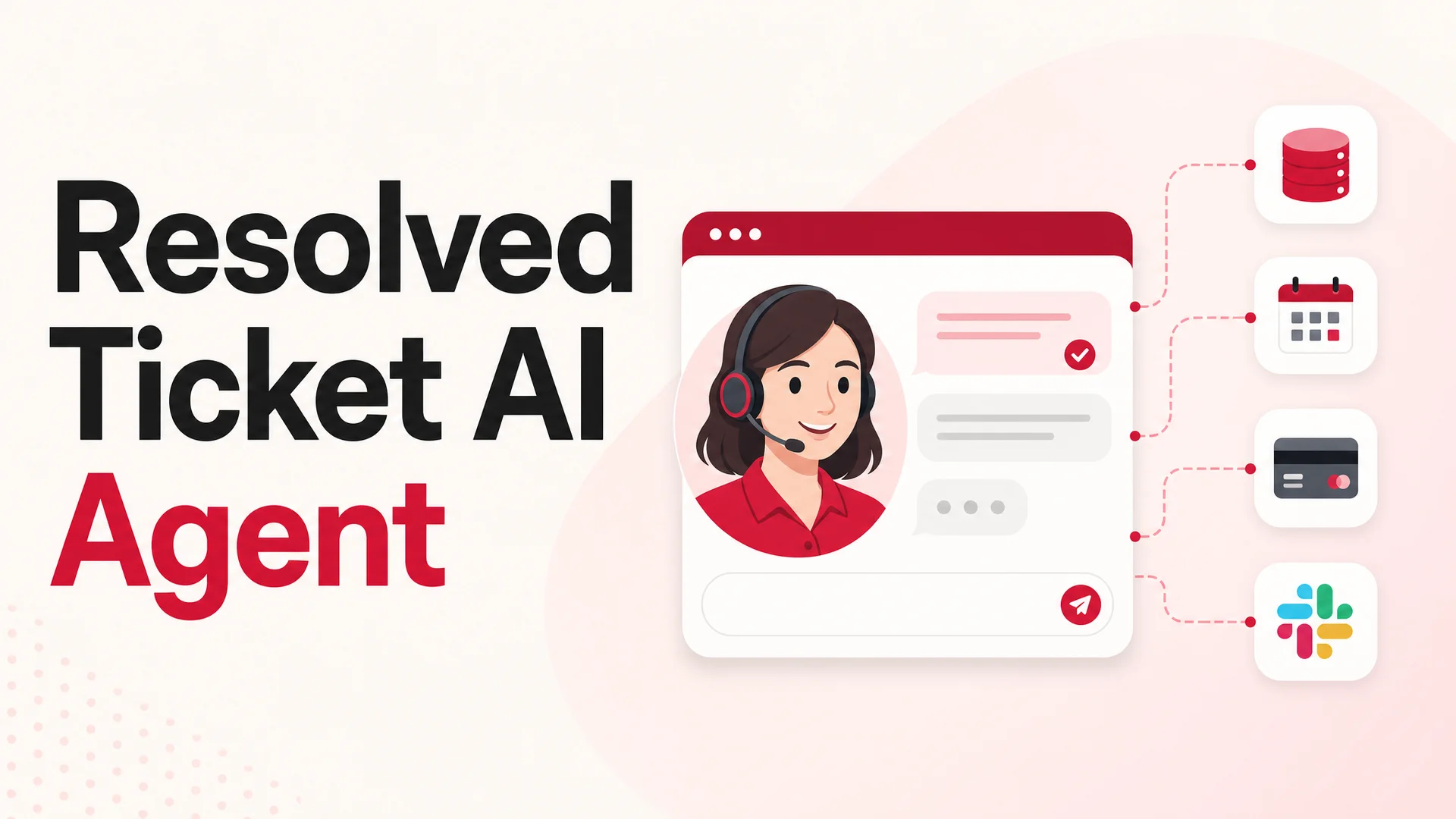
This is exactly what Berrydesk is built for. You pick a model - GPT-5.5 or GPT-5.5 Pro for parallel reasoning, Claude Opus 4.7 when you want the strongest tool-using reasoner on the market, Gemini 3.1 Ultra when you need 2M tokens of context, or any of the open-weight options like DeepSeek V4 Flash, Kimi K2.6, GLM-5.1, Qwen3.6, MiniMax M2.7, or Xiaomi MiMo-V2-Pro for cost-sensitive routing. You train it on your docs, website, Notion, Google Drive, and YouTube. You brand the widget. You wire up AI Actions for the work that used to require a human. Four steps, one agent that's actually useful from day one.
The widget then lives wherever your customers are - the marketing site, the in-product surface, Slack, Discord, WhatsApp - instead of forcing everyone into a single ticket form.
2. Automate the repetitive 70%
Most support queues look the same once you cluster the tickets: password resets, order status, refund requests, address updates, invoice resends, plan changes, "where do I find X" navigation questions. None of these need a human. They need accurate access to your systems and the discipline to follow your policy.
In Berrydesk, AI Actions are how you wire that up. The agent can call your order management system, query Stripe, update a Shopify shipping address, post to Slack, fire a webhook, or trigger a Zapier flow - inside the conversation, in seconds. Pair that with the agentic tool-use models that came online in 2026 - Kimi K2.6's coordinated multi-step planning, GLM-5.1's plan-execute-test-fix loop, Claude Opus 4.7's reliability on complex tool sequences - and you get the kind of execution that used to need a human in the loop. Refunds, exchanges, and account changes finish inside the chat instead of becoming three-day email threads.
3. Choose helpdesk software that scales the way you do
Plenty of support orgs are still paying enterprise per-seat pricing for software they barely use. The clean version of the stack in 2026 is leaner: an AI agent on the front line, a lightweight ticketing tool for the cases that get escalated, and clean integrations between them. What to look for:
- Transparent, predictable pricing that doesn't punish you for hiring
- First-class integration with your AI agent, your CRM, and your email
- Operational basics done well - collision detection, internal notes, canned replies, decent search
- An API or webhook layer so you can move data without paid middleware
If your helpdesk is the bottleneck rather than the accelerator, that's a sign you're paying for the wrong shape of tool.
Optimize your support processes
4. Make your knowledge base actually load-bearing
A weak knowledge base is a tax you pay on every single ticket. Every customer who couldn't find an answer in your docs is a customer who had to ask, which is an agent who had to answer, which is money you didn't need to spend.
A working knowledge base is searchable, current, written from the customer's perspective rather than the engineer's, and dense with screenshots and short clips for anything procedural. Then it has to be used. The AI agent should cite it, the onboarding emails should link to it, the in-product UI should point to it at the moment the question is most likely to come up.
The 2026 unlock here is context length. With Gemini 3.1 Ultra at 2M tokens and Claude Sonnet 4.6, DeepSeek V4, and Kimi K2.6 all at 1M, an agent can hold your entire help center, the full conversation history, and the relevant policy documents in-context at once. RAG becomes a tuning lever for cost and latency, not a hard requirement for coverage. That dramatically reduces the "the agent didn't find the right doc" failure mode that used to push tickets back into the human queue.
5. Route tickets to the right place the first time
Tickets that bounce between teams are some of the most expensive tickets you handle. They consume time from each agent who touches them, they annoy the customer, and they distort your SLAs.
Smart routing fixes the cheapest version of this problem first: tag and route on keywords and intent, triage with the AI agent before a human ever sees the ticket, and assign by skill and availability rather than round-robin. With Berrydesk handling first contact, the agent can collect the diagnostic details an engineer would have asked for anyway - order ID, browser, error message, screenshot - before it escalates. By the time a human picks up the conversation, the work is half done.
6. Build a real library of canned responses and internal docs
Every support team answers the same fifty questions over and over. Writing those answers from scratch every time is wasted motion. A maintained library of canned responses lets agents reply faster without sounding like a phone tree, and gives you a place to update tone and policy in one spot instead of thirty inboxes.
Internal docs - the ones your customers never see - matter just as much. They're how you onboard new agents in days instead of weeks, how you keep replies consistent across shifts, and how institutional knowledge survives turnover. Feed those internal docs into your Berrydesk agent too: the same canned-response library that helps your humans makes your AI agent more on-brand.
Scale smart without breaking the bank
7. Use the AI agent to absorb peak load
Live chat is great until a launch, an outage, or a Black Friday hits and the queue blows up. Hiring for peak is wasteful; hiring for trough leaves you exposed.
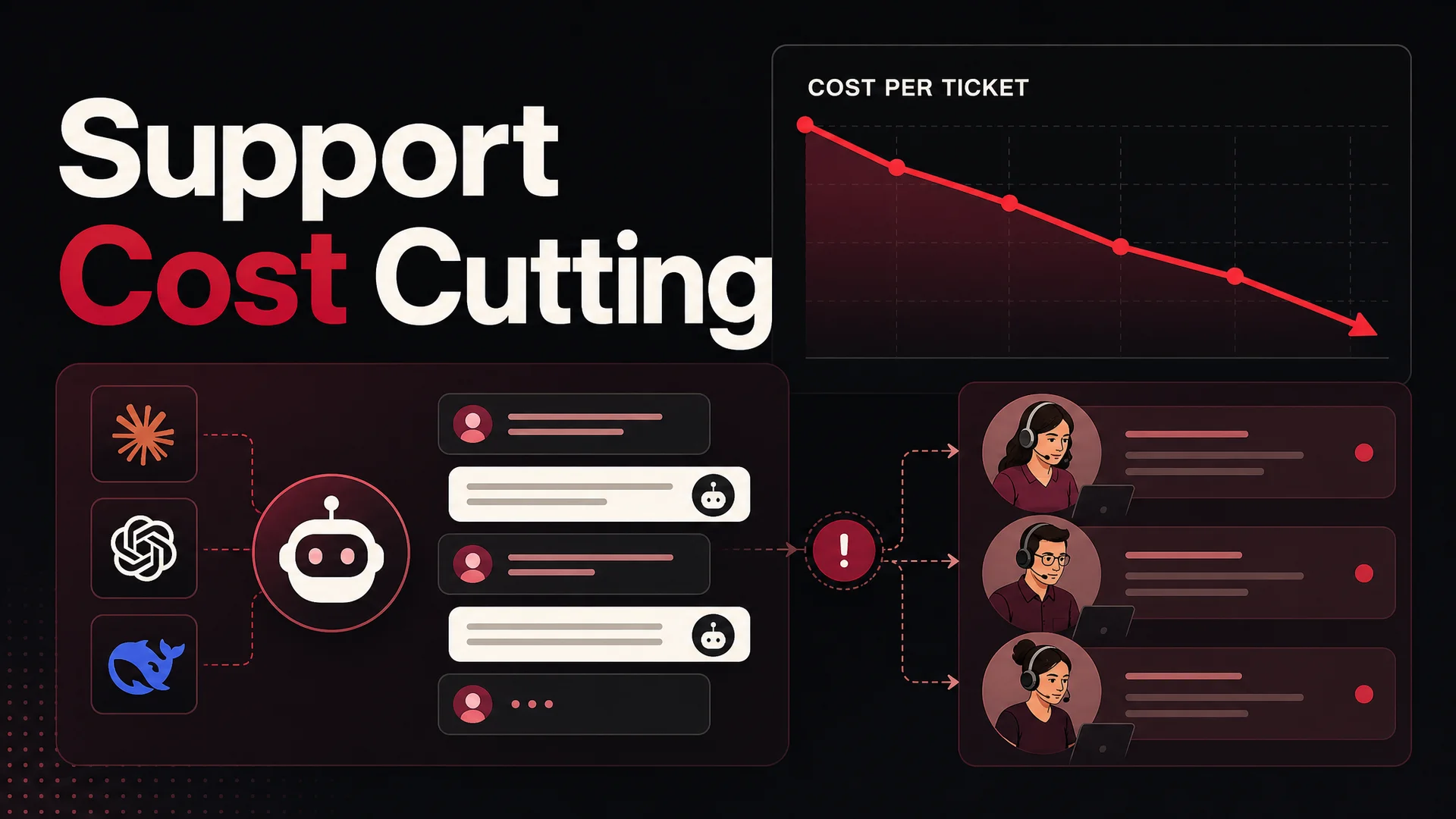
An always-on AI agent absorbs the spikes. With Berrydesk, you can route routine traffic to a low-cost open-weight model - DeepSeek V4 Flash at $0.14 / $0.28 per million input/output tokens, MiniMax M2.7 at roughly 8% the price of Claude Sonnet at twice the speed - and reserve the frontier models for the genuinely hard cases. A typical mid-market deployment can resolve a routine ticket for fractions of a cent and still keep Claude Opus 4.7, GPT-5.5 Pro, or Gemini 3.1 Ultra in the loop for the messy escalations where reasoning quality matters.
That routing decision is the single biggest cost lever most support teams haven't pulled yet.
8. Let the agent finish the job, not just answer the question
There's a real difference between a chatbot that says "Here's how to cancel your order: go to Settings → Orders → ..." and an agent that just cancels the order. The first one is a deflection metric. The second one is a resolution.
In Berrydesk, AI Actions close that loop. "Cancel my order" triggers the cancellation. "Update my shipping address" writes back to your fulfillment system. "Send me my last invoice" pulls it from Stripe and emails it. "Reschedule my appointment" hits your calendar. The customer doesn't get instructions; they get the outcome. And the support team doesn't get a ticket they have to action by hand.
This is the part of the workflow that the 2026 agentic models - Kimi K2.6 with its 4,000-step coordinated execution, GLM-5.1 with its long autonomous plan-execute-test-fix loops, Claude Opus 4.7's tool reliability - make genuinely production-grade. Two years ago, demoing this kind of multi-step action was easy and shipping it was hard. Now shipping it is the default.
9. Set expectations early so the ticket never gets opened
A surprising share of support volume comes from mismatched expectations rather than actual product problems. The shipping window quoted on the marketing page didn't match reality. A feature limit wasn't disclosed at signup. A scheduled outage wasn't communicated. A price change landed without warning.
The cheapest ticket is the one that never gets created. Quote shipping windows you can hit. Surface limits and caveats in the product UI at the moment the customer is about to bump into them. Send proactive updates when something is going to change. Let the AI agent do the proactive outreach - a one-off message in the widget when a customer's flight gets delayed, their package is late, or their plan is about to renew costs almost nothing and saves a real ticket.
10. Outsource selectively, not desperately
When in-house bandwidth runs out, outsourcing can extend your team without breaking the budget - but only if you're picky about who you partner with. The cheapest BPO is rarely the cheapest in total cost once you account for the rework, the brand damage, and the management overhead.
Look for partners with industry knowledge, written SLAs, the flexibility to scale up and down with your traffic, and a willingness to hand back tone and brand control. Use outsourcing for overflow and after-hours coverage rather than as a wholesale replacement for your in-house team. And before you outsource a queue, ask whether your AI agent could deflect 30–60% of it first; that's usually the better deal.
What to watch out for
A few traps worth knowing about as you cut costs:
- Deflection-rate vanity metrics. Measure resolution, not deflection. A "deflected" ticket that comes back tomorrow as a refund request is a false economy.
- Routing decisions you can't change. Pick a platform that lets you swap models per use case. The frontier moves every few weeks now, and the right model for billing questions isn't necessarily the right model for technical troubleshooting.
- AI Actions without guardrails. Refunds, cancellations, and account changes need clear policy. Define what the agent is allowed to do unilaterally, what needs human approval, and what should never happen inside an automated flow.
- Knowledge bases that quietly rot. Stale docs are worse than no docs because they actively mislead the agent. Set a review cadence and assign owners.
- Single-vendor lock-in on the model layer. Open-weight models - GLM-5.1 under MIT, Qwen3.6-27B under Apache 2.0, MiMo-V2-Pro under MIT - give you on-prem and air-gapped deployment options that matter for regulated industries. Don't paint yourself into a corner with a closed model when you don't have to.
Bringing it together
Cutting support costs in 2026 isn't a single move. It's a stack: a smarter widget on the front line, automation for the repetitive work, an AI agent that can finish actions instead of just answering questions, a knowledge base that actually loads the agent up with the right context, and a routing strategy that sends each query to the cheapest model that can resolve it well. None of these on its own is dramatic. Together, they reshape the unit economics of support.
Berrydesk is built for exactly this stack. Pick from GPT, Claude, Gemini, DeepSeek, Kimi, GLM, Qwen, MiniMax, and more. Train the agent on your docs, site, Notion, Drive, or YouTube. Brand the widget. Wire up AI Actions for bookings, refunds, and lookups. Deploy to your site, Slack, Discord, WhatsApp, and the rest of the channels your customers already live in.
Ready to lower your cost per ticket without lowering the bar on the experience? Start building your Berrydesk agent - it takes minutes, not weeks.
 Berrydesk
Drop your cost per ticket without dropping the experience
- Route routine traffic to low-cost open-weight models, escalate the hard stuff to frontier reasoners
- Resolve refunds, lookups, and bookings inside the chat with AI Actions - no agent required
Set up in minutes

Chirag Asarpota is the founder of Strawberry Labs, the team behind Berrydesk - the AI agent platform that helps businesses deploy intelligent customer support, sales and operations agents across web, WhatsApp, Slack, Instagram, Discord and more. Chirag writes about agentic AI, frontier model selection, retrieval and 1M-token context strategy, AI Actions, and the engineering it takes to ship production-grade conversational AI that customers actually trust.