For a decade, "support chatbots" promised transformation and shipped frustration. They could string together a greeting and a fallback message, but the moment a customer asked anything real - Where is my order? Can I change my plan? Why was I charged twice? - the conversation collapsed into a handoff or a dead end.
That gap is closed. The combination of frontier reasoning models, million-token context windows, and reliable tool use means a support agent can now do what your best human reps do: read the situation, pull up the relevant account data, take an action in your backend, and confirm the resolution - all inside a single chat.
This guide is a hands-on blueprint for building one on Berrydesk. No code. No engineering team required. By the end, you will have an agent that is trained on your knowledge, wired into your business systems, branded as part of your product, and live everywhere your customers already are.
Why a 2026 AI Agent Beats Anything Your Old Chatbot Could Do
Support inboxes are dominated by a small set of high-volume, low-complexity tickets. Order status. Password resets. Subscription changes. Cancellation requests. Refund eligibility. "Does your product do X?" These questions arrive in waves, they all have known answers, and they tie up the same humans who should be working on the genuinely thorny escalations.
First-generation chatbots failed here because they were essentially keyword routers with a thin script on top. They could not understand intent, they could not look anything up, and they could not act. A 2026 AI agent is structurally different. It is built on three layers that, until recently, were not all production-ready at the same time:
- A reasoning brain. Frontier models like Claude Opus 4.7 (which leads SWE-Bench Pro at 64.3% for complex multi-step tasks), GPT-5.5 Pro, and Gemini 3.1 Ultra can interpret ambiguous, multi-part customer messages and decide what to do about them. Open-weight frontier models - DeepSeek V4, Z.ai's GLM-5.1, Moonshot's Kimi K2.6, MiniMax M2.7 - give you the same level of reasoning at a fraction of the cost for routine traffic.
- A long memory. Context windows of 1M tokens (Claude Opus 4.6, DeepSeek V4, MiMo-V2-Pro) and 2M (Gemini 3.1 Ultra) mean an agent can hold your full help center, the customer's complete conversation history, and your refund policy in working memory at once. RAG becomes a tuning lever, not a hard requirement.
- Reliable hands. This is the part that changed most recently. Agentic tool-use models - Kimi K2.6, GLM-5.1, Claude Opus 4.7, Qwen3.6, MiMo-V2-Pro - can chain dozens of tool calls without losing the plot. That is what makes "look up the order, check the refund policy, issue the refund, send the confirmation" reliable instead of demoware.
When those three layers come together inside a support product, you stop having a chatbot and start having a teammate. Three things change for the business:
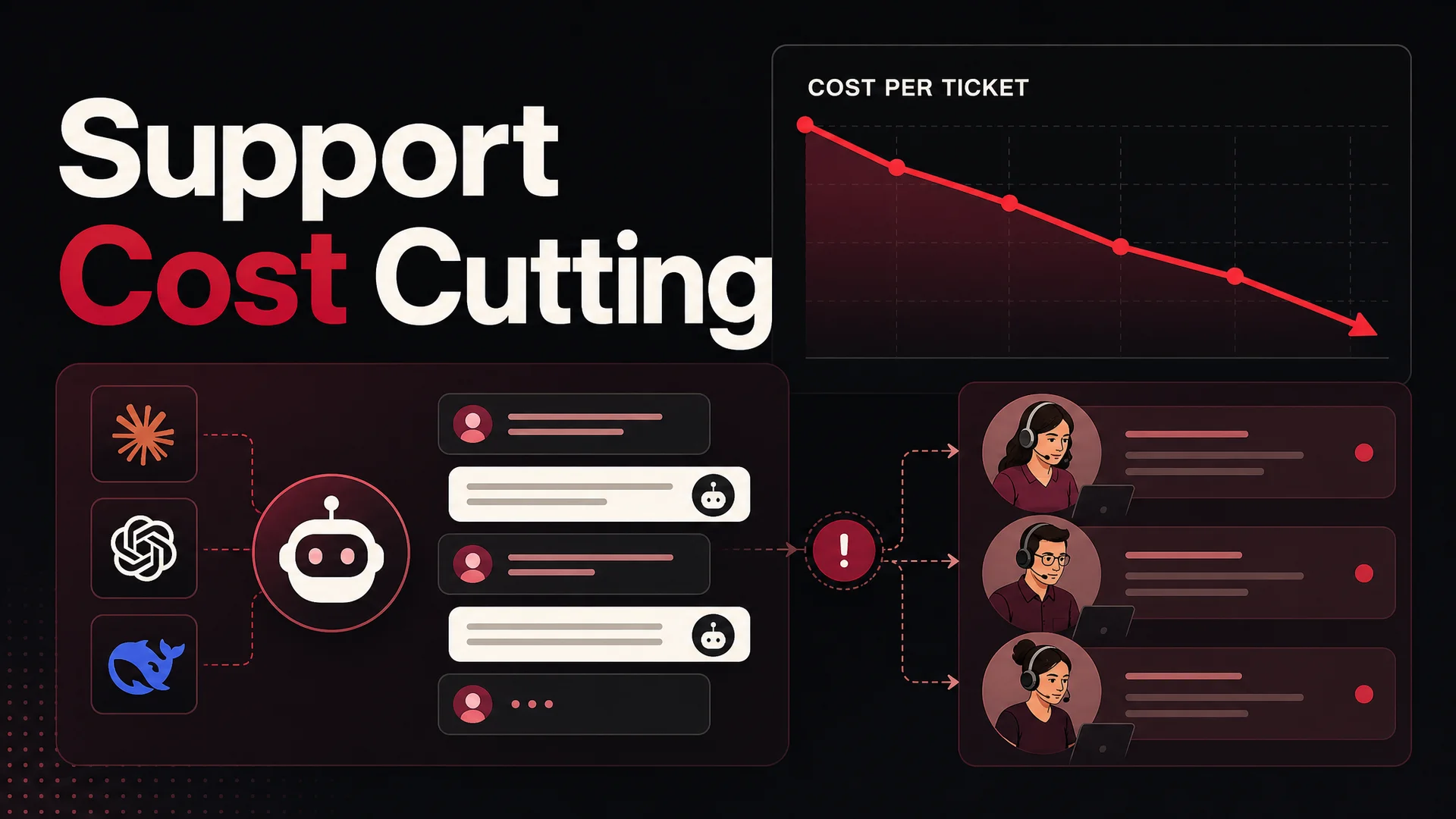
- Cost per resolution drops sharply. Routing routine tickets to DeepSeek V4 Flash (about $0.14 per million input tokens / $0.28 per million output) or MiniMax M2 (roughly 8% the price of Claude Sonnet at twice the speed) puts the marginal cost of a resolved ticket into the fractions of a cent. You reserve premium models for the hard escalations where the quality difference actually matters.
- Customers get answers in seconds, not hours. A human queue is a queue. An AI agent is parallel by default. Whether ten people or ten thousand are typing right now, every one of them is being helped immediately, 24/7, in their own language.
- Your team gets their job back. The work that is left for humans is the work humans are good at - judgment calls, edge cases, relationship-building, angry customers who need empathy. Burnout drops. Quality goes up.
The rest of this post is the how. Five steps, end to end.
Your 5-Step Blueprint for a Real Support Agent
Step 1: Build the Brain - Train Your Agent on What You Already Know
An agent is only as good as its grounding. Before you wire up actions or worry about deployment, focus on knowledge. The goal is to give your agent a single, well-organized source of truth so it answers questions the way your best support lead would.
Start a free agent on Berrydesk - no credit card needed - and you'll land in a workspace where you can pick a model, point at your sources, and start chatting in a sandbox.
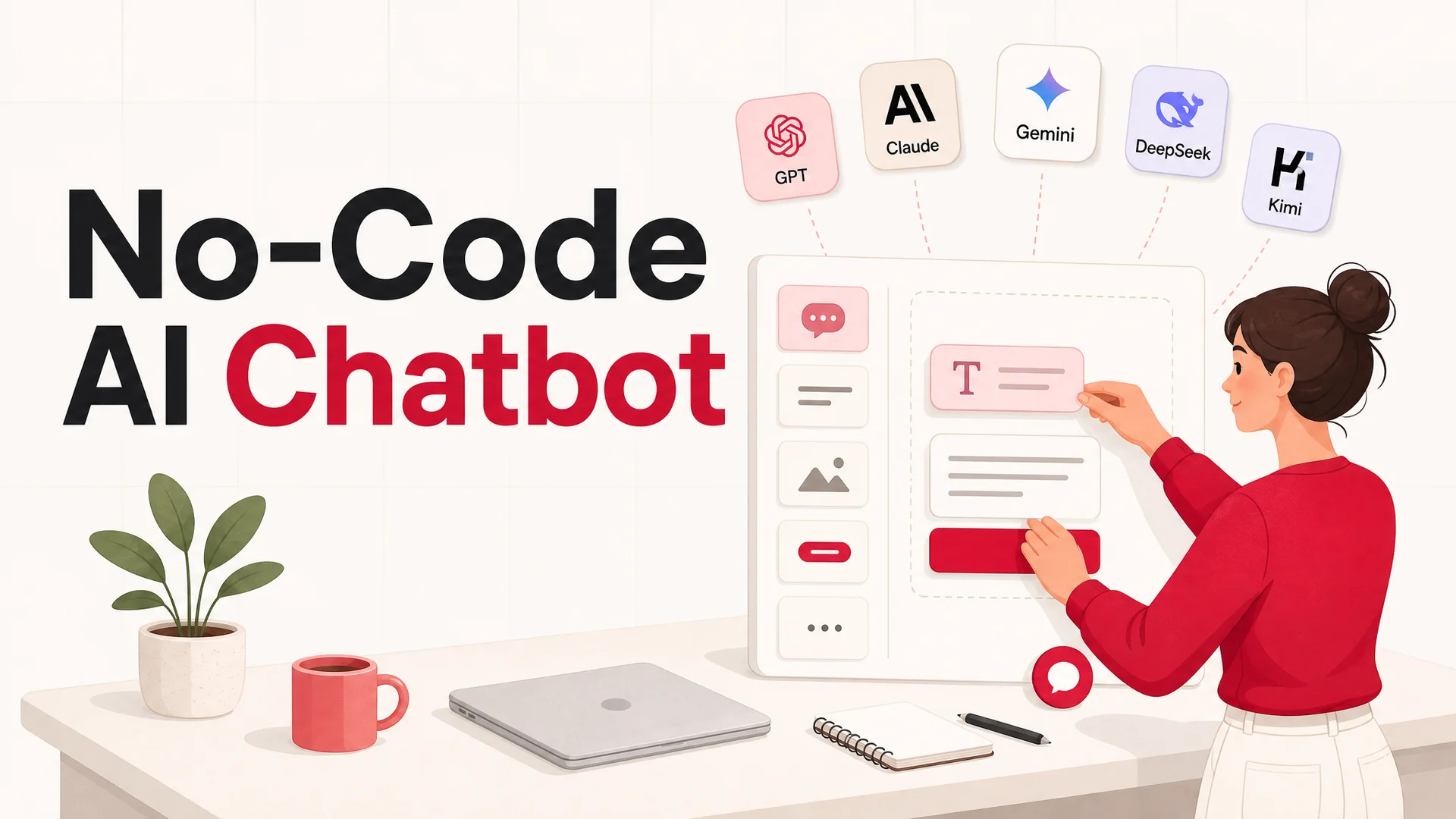
The first decision is which model to use. Berrydesk lets you choose from GPT, Claude, Gemini, DeepSeek, Kimi, GLM, Qwen, MiniMax, and others, and you can switch at any time. A reasonable default for most support deployments looks like this:
- Claude Opus 4.7 or Sonnet 4.6 when you want top-tier reasoning and the calm, careful tone customers tend to like. Sonnet 4.6 ships with a 1M-token context window at no surcharge - useful when you are loading a sprawling help center.
- GPT-5.5 when you need its breadth on general knowledge, or your team is already standardized on the OpenAI stack.
- Gemini 3.1 Pro or Ultra when conversations involve images, screenshots, or video - Ultra's 2M context plus native multimodality is unmatched for "here's a photo of the broken thing" tickets.
- DeepSeek V4 Flash, MiniMax M2, or Qwen3.6-27B for high-volume routine traffic where you want frontier-grade quality at open-weight pricing.
- GLM-5.1 or Qwen3.6-27B (open weights, MIT or Apache 2.0) when compliance, on-prem, or air-gapped requirements rule out a hosted-only model.
Once a model is selected, gather the source material. The minimum viable knowledge set for a support agent is usually:
- Your help center articles and FAQs
- Product documentation and changelogs
- Pricing, refund, shipping, and warranty policies
- Onboarding guides and "getting started" content
- Public marketing pages that answer "what does your product do?"
Berrydesk's data sources tab accepts files (PDF, DOCX, TXT, MD, CSV), pasted text, full-site crawls of any URL you point it at, Notion workspaces, Google Drive folders, and YouTube channels - useful if your team has invested in video walkthroughs that customers should be able to "ask" instead of scrub through. Connect what you have, kick off training, and move to the playground.
The playground is where you stress-test the brain before anyone real talks to it. Throw at it the ten most common tickets your team handles this month. Ask the same question three different ways - terse, polite, frustrated - and watch how the answers vary. When the agent gets something wrong, fix the root cause: add a missing doc, clarify an ambiguous one, or tighten the system prompt. Retrain. Repeat. You will hit "this is genuinely useful" faster than you expect.
Step 2: Connect Its Hands - Turn On Your First AI Actions
A knowledgeable agent that can only talk is still half a product. The leap from "answers questions" to "solves problems" happens when you turn on AI Actions - the structured tools your agent calls to get things done in your stack.
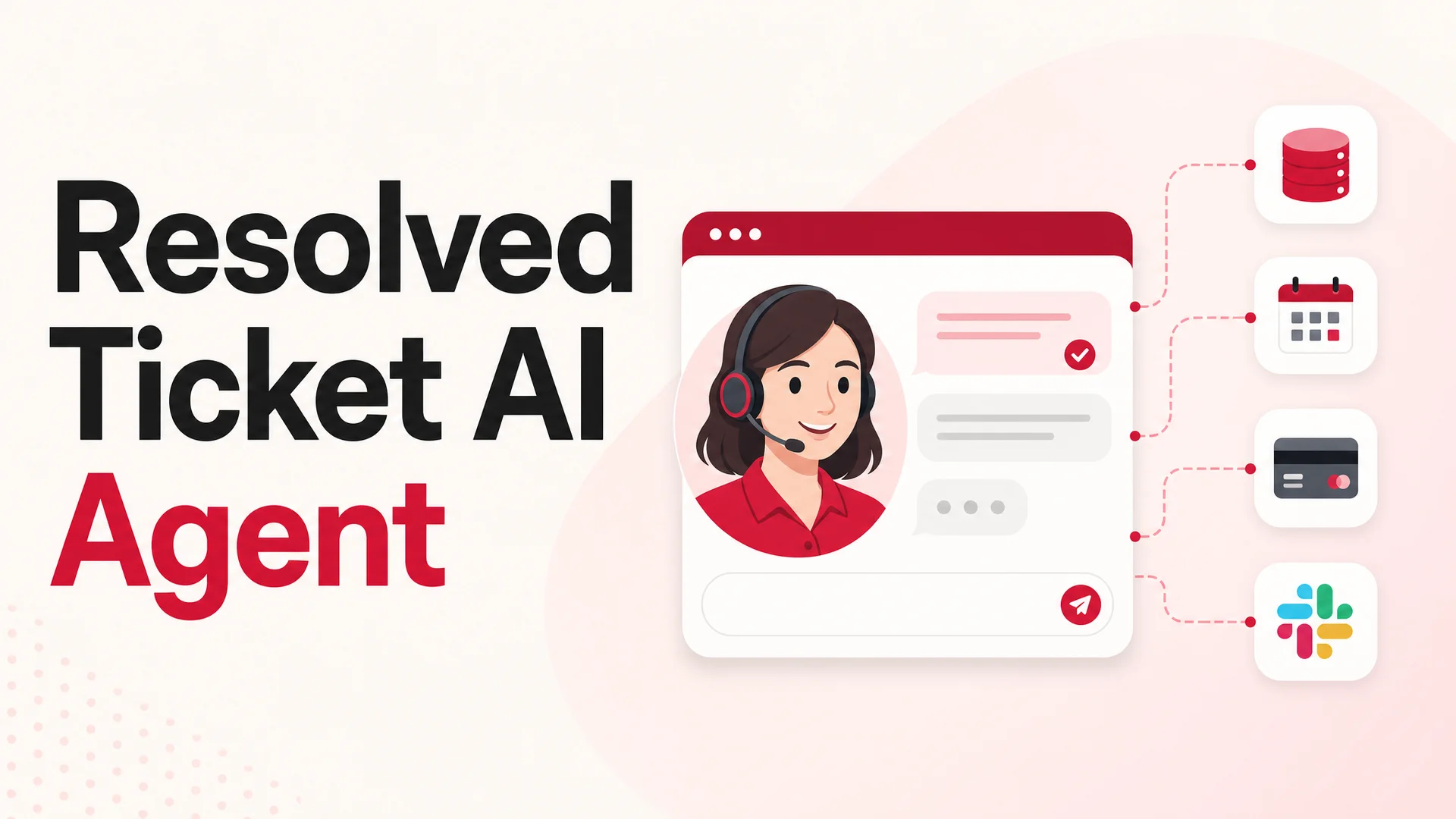
In Berrydesk, AI Actions live under the Actions tab. The pre-built integrations cover most of what a support team needs on day one, and none of them require code:
- Calendar booking (Cal.com, Calendly). Customers can pick a slot for a demo, an onboarding call, or a renewal conversation right inside the chat. Your agent reads availability, presents options, and confirms the booking - no email ping-pong.
- Lead capture. When someone signals buying intent, the agent collects name, work email, company, and any qualifying fields you specify, then drops the record into your CRM or a webhook. Sales picks it up warm.
- Slack and Discord alerts. Route specific intents - "this customer is angry," "this is a security question," "this customer is on the enterprise plan and is asking about renewal" - to the right channel or person. Your team is paged only when it matters.
- Helpdesk handoff. When the agent decides a human is needed, it can open a ticket in your existing helpdesk with a clean summary of what was already tried, what the customer wants, and what context the human needs. Handoffs stop being restarts.
- Stripe and payments. Look up invoices, retrieve subscription status, pause or cancel plans, send a payment link. The agent handles the unsexy billing tickets that eat up an outsized share of human support time.
Pick two or three actions to start. The goal at this stage is not coverage - it is proving end-to-end resolution on the highest-volume ticket type you see. If "where is my order?" is forty percent of your inbox, build for that one first. If demo bookings are the bottleneck, start there. A single action that resolves cleanly is worth more than ten actions that each almost work.
Step 3: Grant It Superpowers - Wire Up Custom Actions
Pre-built integrations cover the universal stuff. Your real moat is in the actions that touch your systems - your store, your CRM, your billing platform, your operations dashboards. Berrydesk's Custom Actions let you connect to any API in your stack with a structured schema, an authentication block, and a description of when the agent should call it.
The classic example is order status. The Custom Action looks roughly like this in plain English:
- Trigger when a customer asks about an order, shipment, tracking, or delivery.
- Ask for an order number or email if you don't already have it from the session.
- Call your store's API (Shopify, WooCommerce, BigCommerce, or your own backend) with that identifier.
- Pull tracking status, carrier, expected delivery date, and any flagged exceptions.
- Render the answer back to the customer in a clean, conversational format - and offer next steps if the package is delayed or lost.
What used to be a multi-touch ticket - customer writes in, agent acknowledges, agent looks up the order, agent copies the tracking link, agent replies, customer follows up - collapses into a fifteen-second self-serve resolution.
The same pattern works for refunds (check eligibility, issue the refund, send confirmation), subscription changes (look up the plan, swap or cancel, update billing), account modifications (change email, reset MFA, update shipping address), and tier-specific routing (look up the customer's plan and apply different policy logic for free vs paid vs enterprise). Anything your support team does by clicking through an internal admin tool is a candidate for a Custom Action.
This is where agentic tool-use models earn their keep. Kimi K2.6 can run autonomous coding sessions of up to twelve hours and coordinate swarms of up to 300 sub-agents across 4,000 steps. GLM-5.1 runs an eight-hour plan-execute-test-fix loop. You will not need that much horsepower for a single support ticket - but the same underlying reliability is what makes a four-step refund flow ("look up order, check policy, refund, confirm") work the first time, every time.
A note on guardrails. When you give an agent the ability to issue refunds or modify accounts, set explicit boundaries: cap refund amounts, require confirmation steps for destructive operations, scope database queries to the authenticated customer's own data, and log every action with full traceability. Berrydesk's action configuration supports each of these, and you should treat them as non-negotiable on day one rather than something to layer in later.
Step 4: Brand It and Deploy Everywhere Your Customers Are
A support agent only matters where your customers actually reach out. For most businesses, that means the website is table stakes - and a few other surfaces matter more than you'd think.
In Berrydesk, the Branding step is where you make the widget look like part of your product instead of a generic chat bubble. Pick the colors, upload your logo and avatar, set the agent's name and personality, choose the launcher position, and define the welcome message. Customers should not feel like they were handed off to a bolt-on tool - they should feel like they're still talking to your brand.
Then deploy. The website widget is a single line of script that you paste into your HTML or your tag manager. From there, expand to the channels where your audience already lives:
- Slack and Discord for B2B, developer tools, and community-led products. Your agent answers in your support channels, escalates to humans when needed, and never sleeps.
- WhatsApp for international consumer brands, e-commerce, and any market where WhatsApp is the default messaging app. Conversations there have far higher open rates than email.
- Embedded inside your product as a help drawer, an in-app assistant, or an onboarding companion. The closer support is to the moment of confusion, the higher the resolution rate.
- Your existing helpdesk as a tier-zero layer that handles the easy tickets and routes the rest, so your humans only see the ones worth their time.
You don't need to do all of these on day one. Start where the volume is, get a clean resolution rate, and expand from there.
Step 5: Treat It Like a Team Member - Review and Train Weekly
The biggest mistake teams make after launch is assuming an AI agent is a "set it and forget it" deployment. It isn't. Treat it like a junior teammate in their first month: brilliant in flashes, occasionally confidently wrong, and getting noticeably better every week if you give it feedback.
Block thirty minutes a week to open the activity dashboard and read transcripts. You are looking for three signals:
- Questions the agent failed to answer. These are knowledge gaps. Write a doc, add it as a source, retrain. The next customer who asks gets a real answer.
- Repetitive tasks the agent escalated to humans. These are missing actions. Build the Custom Action that lets the agent handle it next time.
- Wrong answers that sounded confident. These are tuning problems. Tighten the system prompt, add explicit guardrails, or pick a stronger model for that intent. If your routine traffic is on a smaller open-weight model and you see consistent slips on a specific category, route just that category to Claude Opus 4.7 or GPT-5.5 - Berrydesk supports per-intent model routing.
Track three numbers. Resolution rate (the share of conversations that ended without human escalation). Customer satisfaction on agent-handled conversations specifically. Cost per resolved ticket. If all three are moving the right direction month over month, you have a real product on your hands.
Common Pitfalls - and How to Avoid Them
A few patterns separate teams whose AI agents take off from teams whose agents stall out at "kind of works."
Over-trusting RAG when long context would do. Modern context windows are huge. Claude Sonnet 4.6 and DeepSeek V4 ship with 1M tokens; Gemini 3.1 Ultra ships with 2M. For most help centers, you can simply load the whole thing into context and skip retrieval entirely on small-to-medium knowledge bases. Retrieval is still useful at scale, but it is no longer mandatory, and it introduces failure modes - wrong chunk, missing chunk, stale chunk - that pure long-context avoids.
Optimizing for the wrong model tier. Picking the most expensive model "to be safe" is a real money pit at support volumes. Most support traffic does not need frontier reasoning - it needs accurate retrieval and a confident, on-brand response. Use a strong open-weight model (DeepSeek V4 Flash, MiniMax M2, Qwen3.6-27B) for the mainline and reserve premium models (Claude Opus 4.7, GPT-5.5 Pro, Gemini 3.1 Ultra) for the escalations that justify the unit cost.
Underestimating the brand layer. A generic, off-the-shelf widget signals "this company outsourced its care to a bot." A widget that matches your visual identity, uses your tone, and addresses customers by name signals "this company invested in me." The work to do this is small. The trust differential is not.
Wiring actions before the brain is solid. Hooking up a refund action when the agent still hallucinates the refund policy is how you create a bad day. Get knowledge accuracy stable in the playground first. Then add actions one at a time, each behind appropriate guardrails.
Silent rollout. Give your support team visibility into what the agent is doing. Pipe transcripts into Slack, share weekly resolution-rate numbers, and treat early failures as a shared learning loop. Agents that are introduced as a black box rarely get the curation they need to thrive.
Open Weights, Long Context, and What That Means for You
A short detour, because it changes how you should think about the buy/build math in 2026.
For most of the last few years, "use AI for support" effectively meant "pay a frontier lab per token." That math is no longer the only option. The April 2026 wave of open-weight releases - DeepSeek V4, Kimi K2.6, GLM-5.1, Qwen3.6, MiniMax M2.7, Xiaomi MiMo-V2 - pushed serious frontier-grade capability into models you can run yourself, on your own infrastructure, under permissive licenses.
Three concrete consequences for support teams:
- Cost per resolution can drop an order of magnitude. A routine "where is my order?" interaction on DeepSeek V4 Flash or MiniMax M2 costs a tiny fraction of the same interaction on a closed frontier model - and the answer quality is functionally identical for that class of question.
- On-prem and air-gapped deployments are real. GLM-5.1 ships under MIT. Qwen3.6-27B ships under Apache 2.0. MiMo-V2 weights are open under MIT. For regulated industries - health, finance, government, defense - that means you can run a frontier-grade support agent inside your own perimeter without a single byte of customer data leaving your infrastructure.
- You don't have to pick. Berrydesk lets you mix. Route ninety percent of traffic to a fast, cheap open-weight model. Route the gnarly, escalation-prone ten percent to Claude Opus 4.7. Use Gemini 3.1 Ultra only when the customer attached an image. Each turn is on the right model for that turn.
This is the structural reason it suddenly makes sense to deploy AI at the front of the funnel for every customer interaction, not just a curated subset. The economics finally work.
Stop Answering. Start Resolving.
The era of dead-end chatbots is over for real this time. The pieces that were missing - reliable reasoning, long memory, dependable tool use, affordable inference - all shipped over the last twelve months, and they all shipped at the same time.
What that gives you is a chance to rebuild the front of your support funnel around an agent that does not just deflect tickets but actually closes them. Knowledge plus action plus brand plus reach. Trained on your docs, wired into your stack, sitting on the model that fits each turn, deployed everywhere your customers already are.
The first version takes under an hour to stand up. The next version, the one that handles forty percent of your inbox without anyone noticing, is a few weeks of weekly review and incremental Custom Actions away.
Ready to build yours? Start your free agent at berrydesk.com - pick a model, point it at your docs, and watch your queue shrink.
 Berrydesk
Launch your AI agent in minutes
- Train on docs, websites, Notion, Drive, and YouTube - no code
- Add AI Actions for orders, refunds, bookings, and payments
Set up in minutes

Chirag Asarpota is the founder of Strawberry Labs, the team behind Berrydesk - the AI agent platform that helps businesses deploy intelligent customer support, sales and operations agents across web, WhatsApp, Slack, Instagram, Discord and more. Chirag writes about agentic AI, frontier model selection, retrieval and 1M-token context strategy, AI Actions, and the engineering it takes to ship production-grade conversational AI that customers actually trust.