Most support chatbots are stuck in an awkward middle ground. They can read your help center and paraphrase it back. They can handle small talk. They can sometimes guess which article to link to. But the moment a customer wants something done - a plan changed, an invoice resent, a booking rescheduled - the conversation collapses into "let me transfer you to a human."
That gap is where customer effort piles up, where CSAT erodes, and where teams quietly burn through headcount to plug the leak.
This post is about closing that gap. Not in some far-off roadmap sense - today, with the tools sitting in front of you. We'll walk through how AI Actions in Berrydesk turn a passive answer engine into an agent that completes work, why this is suddenly reliable in 2026 in a way it wasn't even a year ago, and how to think about which workflows to automate first.
Why "Answering" Stopped Being Enough
For most of the last few years, the unspoken contract with chatbots was this: they answer informational questions, and humans handle anything that touches a system of record. Customers learned this the hard way. They'd open a chat window, ask if they could downgrade their plan, get pointed at a help article, and then either give up or escalate.
The economics of that contract are awful. Industry benchmarks have hovered around 60–80% of inbound support tickets being repetitive, well-defined requests - the kind that don't actually need human judgment. They need a lookup, a write to a database, an email confirmation, and a polite reply. The reason humans were doing them anyway was that the AI couldn't be trusted to call your APIs without making something up or going off-script.
That trust gap has now closed. The class of models powering modern support agents - Claude Opus 4.7, GPT-5.5, Gemini 3.1 Ultra, plus open-weight agentic models like Moonshot's Kimi K2.6, Z.ai's GLM-5.1, Alibaba's Qwen 3.6, and Xiaomi's MiMo-V2-Pro - were specifically trained for tool use, multi-step planning, and recovering from errors mid-task. Claude Opus 4.7 leads SWE-bench Pro at 64.3%; GLM-5.1 runs an 8-hour autonomous plan-execute-test-fix loop; Kimi K2.6 can run 12-hour autonomous coding sessions and orchestrate up to 300 sub-agents. The headline numbers are about software engineering, but the same capability is exactly what makes a support agent reliable when it has to chain "look up the user, validate the request, call the upgrade endpoint, send a confirmation."
You don't need a bot that can write a kernel patch. You need one that can finish the four-step workflow your customer is asking for without inventing a refund. Models in 2026 can do that.
What an AI Action Actually Is
Before going deeper, let's be precise about what we're building. An AI Action in Berrydesk is a structured tool that the agent can choose to invoke during a conversation. It has four parts:
- A name and description, which tell the model when this action is appropriate.
- A set of input parameters, with types and descriptions, that the model fills in by extracting information from the conversation (and asking follow-up questions if anything is missing).
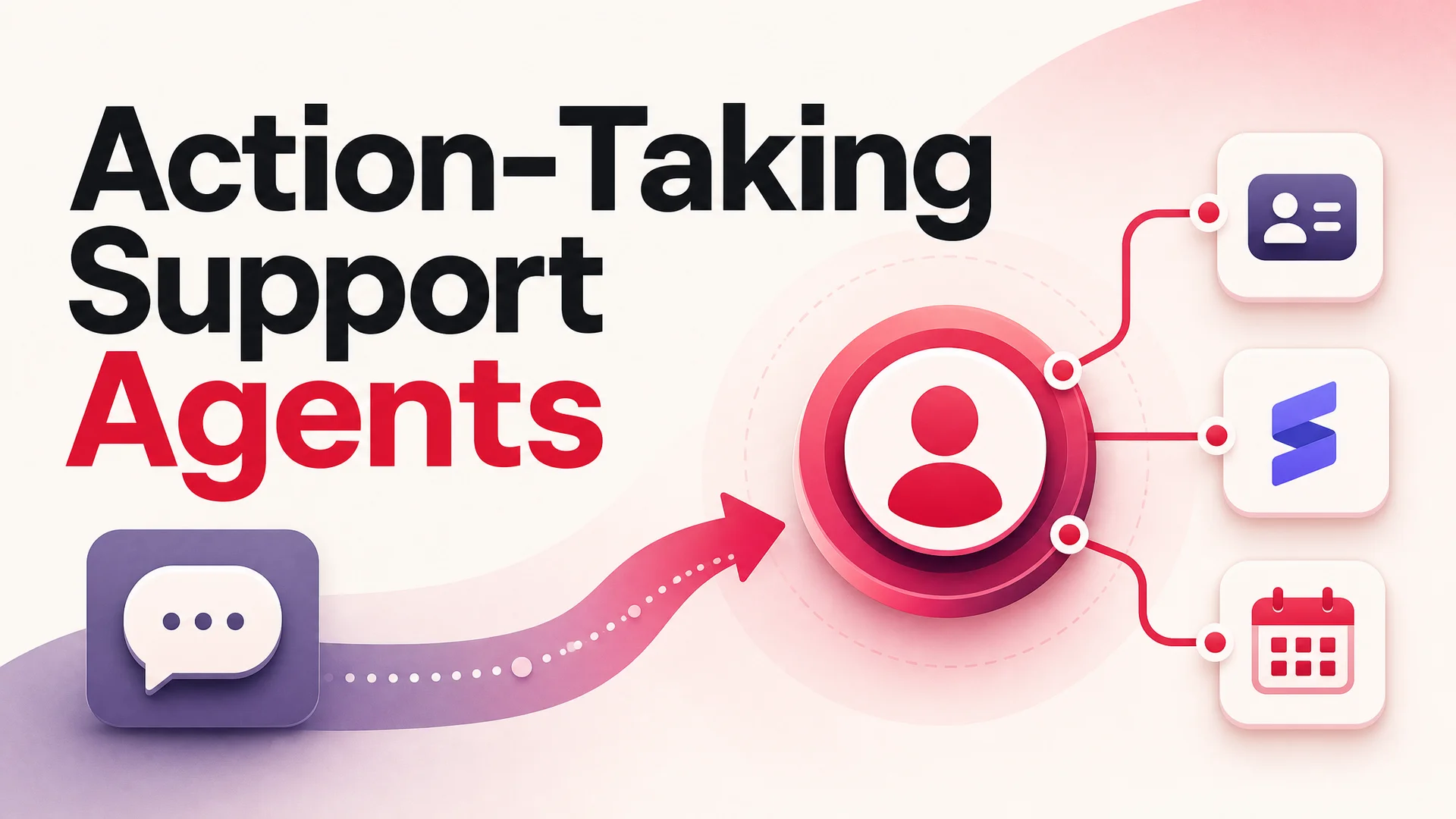
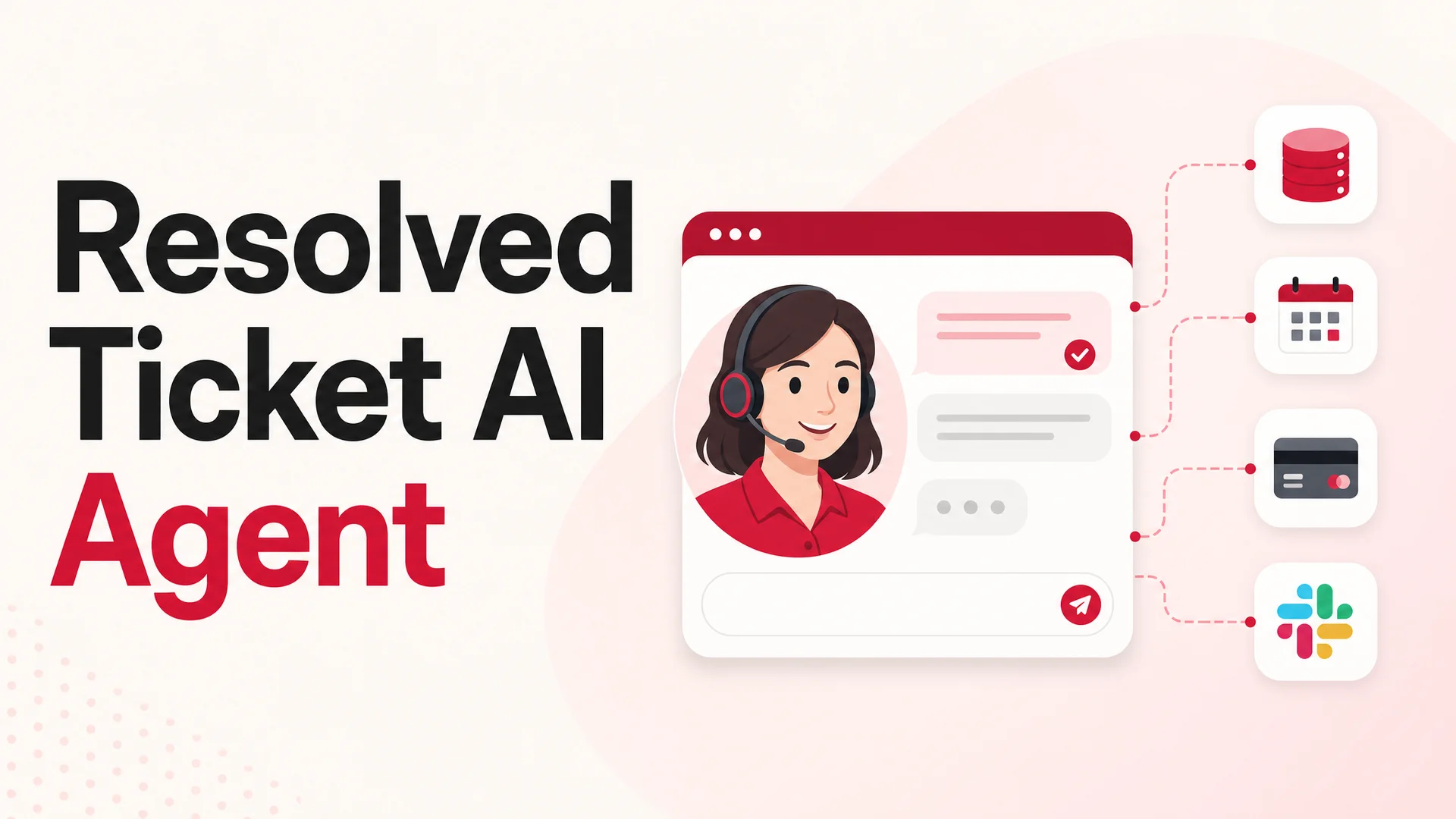
- An endpoint or integration target - usually one of your existing API routes, but also things like Stripe, Calendly, Slack, or your CRM.
- A response handler that turns the API result back into something the agent can summarize for the user.
Conceptually it's the same pattern as function calling on the underlying model - but you don't have to write the orchestration. Berrydesk handles the validation, retries, parameter extraction, and human-readable confirmation; you just describe what you want done.
The single most important thing to internalize: the model decides when to call the action. You don't write rules like "if the user message contains the word 'cancel', run the CancelSubscription action." You describe the action well, and the model picks the right one based on intent. Done correctly, this is dramatically more robust than intent classifiers, because the model is reasoning about the whole conversation, not pattern-matching keywords.
The Tickets You Should Be Automating First
If you've been around a support queue for more than a week, the candidates for automation are obvious. They're the ones your team complains about. A short, very real list:
- "Can I downgrade / upgrade / cancel my plan?" A direct API call against your billing system. The agent confirms the new plan, runs the change, and returns the prorated amount.
- "What's left on my current plan?" A read against your usage table. The agent pulls live numbers and explains them in context.
- "Add my teammate to the workspace." Validate the email, hit your invite endpoint, confirm.
- "Send me my latest invoice." A Stripe lookup, a signed URL, a one-line reply.
- "I need to reschedule my onboarding call." A Calendly action that finds the existing booking and swaps the slot.
- "Where's my order?" A read against your fulfillment provider, with a tracking link in the reply.
- "Refund my last charge." Bounded by policy guardrails (e.g. only within 14 days, only under $X), with a Slack escalation if anything trips the limits.
- "Reset my password / 2FA." A password reset email or a 2FA reset flow gated by identity verification.
- "Apply this discount code to my next renewal." A write against your billing system, scoped to allowed codes only.
- "Update my shipping address." A write to the order or account record.
Each of these is the same shape: clear intent, bounded input, deterministic outcome. They're also, almost without exception, the ones currently consuming the most human hours in your support team. If an agent can handle even half of them end-to-end, you free your humans for the cases that actually need a human.
The framing that helps: don't ask "what can AI do?" Ask "what does my team do over and over again that has a clear API behind it?" Those are your first ten actions.
Building an AI Action in Berrydesk: A Walkthrough
Here's the actual flow, using "Upgrade Plan" as a worked example. You don't need to be an engineer to set it up, but someone on the team will need to know which API endpoint corresponds to the workflow.
1. Describe the action and when to use it
In your Berrydesk dashboard, create a new AI Action and give it a clear name like upgrade_plan. Then write a short description aimed at the model, not at humans - something like "Use this action when an authenticated user asks to move to a higher subscription tier. Confirm the target plan with the user before calling." Models are surprisingly literal about descriptions; a clear "when to use" line dramatically reduces false triggers.
2. Define the inputs the agent must collect
List the parameters the action needs - for an upgrade, that's typically user_id (which you can autofill from the authenticated session), target_plan (the plan name), and an optional confirmation boolean. Mark which fields are required and give each one a description. The model will use those descriptions to ask the user follow-up questions when fields are missing. If the user says "upgrade me" and you've defined target_plan as required with the description "the plan the user wants to move to", the agent will naturally reply "Sure - would you like Standard, Pro, or Business?" without you writing that prompt anywhere.
3. Wire it to your API
Drop in your endpoint - for example, POST https://api.yourcompany.com/billing/upgrade - along with auth headers and the parameter mapping. Berrydesk handles the request, captures the response, and surfaces errors back to the model so it can recover gracefully (retrying with corrected inputs, or apologizing and escalating to a human if the system says no). For sensitive actions, scope the API key to the minimum permissions required; the agent only needs the ability to perform exactly the action you've described, nothing more.
4. Set guardrails
This is the step most teams skip and later regret. For any action that writes to a system of record, add explicit boundaries: a refund action should cap the refund amount and require the original charge to be within a recent window; a teammate-invite action should be limited to verified domains; a cancellation should require a confirmation step with the user. Berrydesk lets you express these as policy rules the model has to satisfy before the action fires. Treat guardrails as part of the action definition, not as an afterthought.
5. Test in the playground
Run a handful of conversations that try to trigger the action - including a few that shouldn't trigger it. The most useful tests aren't the happy path; they're the edge cases. "I want to cancel" should not silently downgrade the user. "What's the difference between Pro and Business?" should answer the question, not run the upgrade. "Upgrade my plan - actually wait, never mind" should bail cleanly. Spend twenty minutes here and you'll catch most of the rough edges before any customer sees them.
6. Deploy
Once it behaves, ship it. The action becomes available across every channel where your Berrydesk agent is live - your website widget, Slack, Discord, WhatsApp, or wherever you've deployed. The same action runs in every channel because the model and the tool definitions are shared.
Choosing the Right Model for Action-Heavy Agents
A practical question once you're ready to ship: which underlying model should power an agent that takes action on real customer accounts?
The honest answer is that it depends on the action's blast radius. Berrydesk lets you swap the model freely, so you can match the model to the workload rather than locking into one provider.
- For high-stakes actions - refunds, cancellations, anything writing to billing - you want the most reliable tool-using model available. Claude Opus 4.7 is the current pick if you want a closed model that almost never hallucinates a tool call; GPT-5.5 Pro with parallel reasoning is excellent when the agent has to weigh several possible actions before deciding. Both are pricier per token, but the cost of a mistaken refund dwarfs the cost of a few thousand tokens of inference.
- For high-volume informational and low-risk write actions - invoice lookups, status checks, simple updates - open-weight models from the latest wave are a step-change in cost. DeepSeek V4 Flash at $0.14 / $0.28 per million input/output tokens turns most resolutions into fractions of a cent. MiniMax M2 runs at roughly 8% the price of Claude Sonnet at twice the speed and now hits 56.22% on SWE-Bench Pro, so it's not a quality compromise for routine work.
- For agentic chains with many sub-steps - anything that involves searching across multiple systems, summarizing, and then acting - Kimi K2.6 and GLM-5.1 are both built for this. K2.6 can swarm up to 300 sub-agents across 4,000 coordinated steps; GLM-5.1 (MIT-licensed, trained entirely on Huawei Ascend chips) leads its peer group on SWE-Bench Pro at 58.4. If your support workflow looks more like an investigation than a single API call, these are worth a serious look.
- For regulated, on-prem, or air-gapped deployments - healthcare, finance, government - the MIT/Apache-licensed open weights from Qwen 3.6, GLM-5.1, and Xiaomi's MiMo-V2-Pro mean you can run the entire agent inside your own infrastructure. Qwen3.6-27B specifically is dense and Apache 2.0, and outperforms 397B-param MoE rivals on agentic coding benchmarks while being small enough to deploy on a single multi-GPU box.
The most common pattern we see in production: route the bulk of traffic to a fast open-weight model, escalate ambiguous or sensitive turns to a frontier model, and pin the highest-risk actions (anything financial) to the most reliable model regardless of cost. Berrydesk handles the routing for you.
Long Context Changes the Architecture
One more thing has shifted that's easy to miss. For years, building a useful support agent meant building a careful retrieval pipeline - chunking your help center, embedding it, tuning a retriever, and praying the right snippets ended up in context. RAG was load-bearing.
In 2026, the frontier context windows have grown to the point where you can often skip most of that. Claude Opus 4.6 and Sonnet 4.6 ship with a 1M-token context window at no surcharge. Gemini 3.1 Ultra goes to 2M tokens with native multimodal across text, image, audio, and video. DeepSeek V4 (Flash and Pro) and Xiaomi's MiMo-V2-Pro both support 1M context.
In practical terms: for many companies, the entire knowledge base, the full conversation history, the policy doc, and the relevant account record will all fit in context together. You no longer have to choose what the agent gets to see for any given turn. This makes actions more reliable, because the model has the full picture when deciding whether to call a tool and what parameters to pass. It also means RAG becomes a tuning lever - useful for very large or frequently changing corpuses - rather than a hard requirement for any deployment.
For an action-heavy agent, the implication is that your knowledge base and your tool definitions should be co-located in the system prompt where possible. The model reasons about both at the same time, and the quality of the reasoning is dramatically better than the older "retrieve then decide" pattern.
Common Pitfalls (and How to Avoid Them)
If you're going to put an action-taking agent into production, here are the failure modes worth designing against from day one.
Vague action descriptions. If the description says "use this for billing", the model will use it for anything billing-adjacent - including questions where it should just answer rather than act. Spell out the exact intent and include negative examples in the description if needed.
Missing identity checks. An agent that can change a user's plan based purely on what's typed in the chat is a phishing surface. Always verify the user before destructive actions - through the authenticated session, an email link, or an OTP step - and bake the verification into the action's preconditions.
No escalation path. Some percentage of conversations will need a human, no matter how good the agent is. Define the handoff explicitly: when does the agent escalate, what context does it pass, and where does the human pick up? Berrydesk supports handoff to your existing helpdesk so the agent can drop into a Zendesk, Front, or Intercom thread with the full conversation history attached.
Optimizing the wrong metric. It's tempting to measure "deflection rate" - the percentage of conversations that didn't need a human. But you can deflect by being unhelpful. The metric that matters is resolution rate at acceptable CSAT: of the conversations you handled end-to-end, how many actually solved the customer's problem and left them happy? Track that, and the rest follows.
Skipping evals. Every time you change a model, prompt, or action definition, you should re-run a fixed set of test conversations and verify nothing regressed. This is unglamorous, and it's the single biggest difference between deployments that improve over time and deployments that decay silently.
The Bigger Picture
The shift from chatbots to agents isn't really about a new feature. It's about what a software product is when its customer-facing surface can both explain itself and operate itself. For most of the history of SaaS, your product was a UI plus a help center; the customer did the work, and support was where they came when the UI failed them.
An AI agent with action capabilities collapses those two things. The customer says what they want, and the system does it. The UI becomes one of several ways to drive the product, not the only one. The help center becomes context the agent reasons over, not a destination the customer has to visit. Support stops being a cleanup operation for the product's gaps and becomes part of the product itself.
You don't have to commit to that worldview to get value. Even if you only ship five well-scoped AI Actions covering the top of your ticket distribution, you'll see the impact in CSAT, in resolution time, and in the fraction of your team's day that gets clawed back for the cases that actually deserve their attention.
Build agents that finish the job. Customers can tell the difference.
Ready to ship one? You can spin up an agent in Berrydesk, train it on your docs, wire your first AI Action to a real API, and deploy it to your site, Slack, Discord, or WhatsApp in an afternoon. Start at berrydesk.com.
 Berrydesk
Launch a support agent that actually does the work
- Pick from GPT-5.5, Claude Opus 4.7, Gemini 3.1, DeepSeek V4, Kimi K2.6, and more
- Wire AI Actions to your APIs in minutes - no engineering rebuild required
Set up in minutes

Chirag Asarpota is the founder of Strawberry Labs, the team behind Berrydesk - the AI agent platform that helps businesses deploy intelligent customer support, sales and operations agents across web, WhatsApp, Slack, Instagram, Discord and more. Chirag writes about agentic AI, frontier model selection, retrieval and 1M-token context strategy, AI Actions, and the engineering it takes to ship production-grade conversational AI that customers actually trust.