The OpenAI API is still the default starting point for teams that want to put a large language model behind a product feature, internal tool, or customer-facing agent. In 2026 the surface looks very different from the GPT-4-era code snippets that still circulate online: GPT-5.5 and GPT-5.5 Pro are the current flagships, parallel reasoning is a first-class parameter, the Responses API has displaced Chat Completions for most new builds, and OpenAI is now one model family among several worth routing between.
This guide walks through the parts that actually matter when you sit down to build something real. What changes when you go from the chat interface to programmatic access, how the request lifecycle works, how to choose a model without lighting your budget on fire, what production code looks like once you're past "hello world," and where an open-weight model from DeepSeek, Moonshot, or Z.ai will get you the same outcome at a fraction of the cost. Code samples are in Python because the official SDK is the most polished there, but the concepts translate cleanly to TypeScript, Go, or anything that can speak HTTP.
By the end you should be able to choose a model with intent, ship a first call, layer in streaming, structured outputs, and tool use, and know which optimizations actually move the needle on latency and bill size.
What the OpenAI API Actually Gives You
The OpenAI API is a programmatic interface to the same model weights that power ChatGPT, exposed over HTTP. Instead of typing into a browser and watching tokens stream into a chat box, your code sends a JSON payload to an endpoint and receives a JSON response. That changes a few things that matter.
You get control over which model handles which request. ChatGPT routes you to whatever OpenAI thinks fits; the API lets you pin GPT-5.5 nano for cheap classification and GPT-5.5 Pro for the hard escalations. You also get parameters that don't exist in the chat UI: temperature, max output tokens, system or developer instructions, JSON schema enforcement, function calling, parallel tool use, reasoning effort, and (on GPT-5.5) parallel reasoning streams.
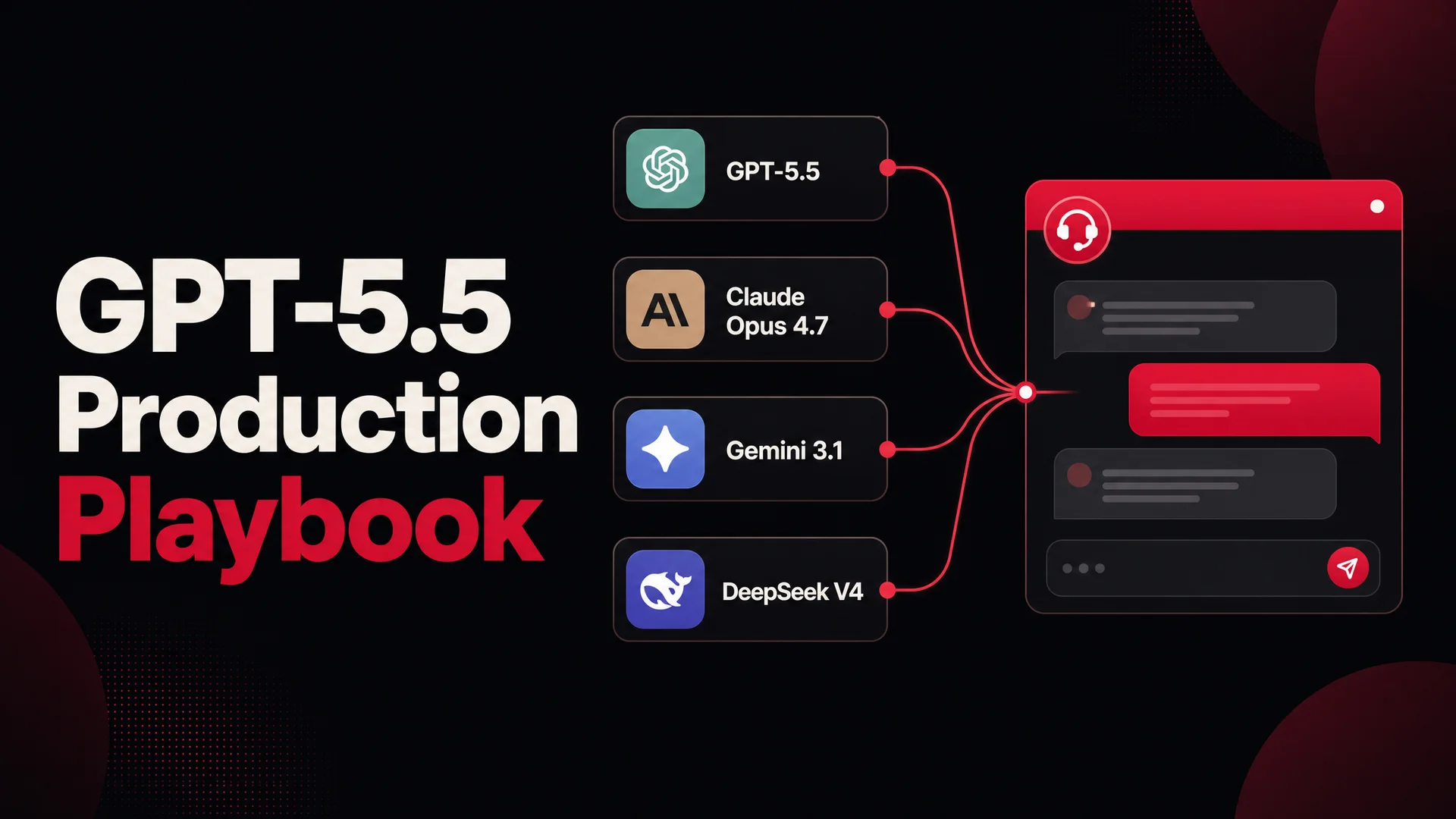
You also get something a chat UI can't give you: composition. The output of one call becomes the input to the next, you can fan out a hundred calls in parallel, and you can mix OpenAI with non-OpenAI models inside the same pipeline. That last part matters more than it used to. The frontier in 2026 is no longer one company; routing between providers is now table stakes for any serious deployment.
If you want all of this without writing the plumbing yourself, Berrydesk wraps OpenAI plus Claude, Gemini, DeepSeek, Kimi, GLM, Qwen, and MiniMax behind a single agent you can configure in four steps and deploy to your site, Slack, Discord, or WhatsApp. The rest of this guide assumes you're going hands-on with the raw API.
How a Single API Call Flows End to End
Before you write a line of code, it helps to have a clean mental model of what happens between sending a request and getting a billed response.
Your application builds a payload. You assemble a JSON object that names a model, supplies a list of messages (a developer instruction, the user turn, optionally previous assistant turns), and any parameters such as temperature, max_output_tokens, or a tool schema. You send it as an HTTPS POST to OpenAI's endpoint with your API key in the Authorization header.
OpenAI runs inference. The model reads your messages, decodes the request through its tokenizer, and generates an output sequence one token at a time. If you set stream: true, the server flushes tokens to you as it produces them; otherwise the full response arrives once decoding finishes. For reasoning-capable models, the server may run hidden chain-of-thought before emitting any user-visible output, and the cost of that hidden reasoning is billed as output tokens.
Your application receives the response. The reply contains the generated text (or tool call), a usage block reporting input and output token counts, the model version that handled the request, a unique ID for support purposes, and a finish_reason telling you whether the model stopped naturally, hit your token cap, or was cut off by a tool call.
You get billed. The bill is computed from the token counts in that usage block. Input and output are priced separately, and output is consistently more expensive than input - typically four to six times more on flagship models, because output tokens force the model to actually run forward generation.
Every cost lever you have lives somewhere in that loop. Shorter prompts cost less. Cached prompts cost a fraction of fresh ones. Smaller models cost a fraction of larger ones. Capping max_output_tokens keeps a runaway model from charging you to ramble. Streaming doesn't change the bill but radically changes how fast the user perceives a response. Once you internalize the cycle, every other optimization in this guide is just a knob on it.
OpenAI's 2026 Model Lineup
Pricing changes monthly, so treat the structure here as the durable part and check the OpenAI pricing page for current per-token rates.
GPT-5.5 family (current flagship, April 2026)
GPT-5.5 Pro is the top of the lineup. It runs parallel reasoning streams, which means it can explore several solution paths simultaneously and pick the strongest. It is the right call only when you genuinely need the deepest available reasoning - hard math, complex multi-step planning, code generation on tricky greenfield problems. Output tokens are expensive, so don't aim it at FAQ traffic.
GPT-5.5 is the workhorse flagship. It handles most agentic tasks, complex instruction following, multimodal input, and high-quality content generation. For a customer support agent that needs to reason carefully about policy edge cases, this is usually the right ceiling.
GPT-5.5 mini is the model most new applications should start on. It's significantly cheaper than full GPT-5.5 while retaining the same context window and most of the capability. Coding, agent loops, mid-quality generation, RAG-backed support - all comfortable on mini.
GPT-5.5 nano is built for high-throughput, low-stakes work: classification, intent detection, routing, ranking, lightweight extraction. Use it as the front door of any pipeline that wants to dispatch only the hard subset of traffic to a bigger model.
Codex on the GPT-5 stack handles dedicated code generation workloads if that's your specific problem.
Reasoning specialists
OpenAI continues to ship reasoning-tuned models alongside the general lineup. They use more output tokens than chat-tuned siblings because the reasoning passes are billed, but on multi-step problems they routinely beat a flagship at a fraction of the price-per-correct-answer. Use them when the task has a verifiable correct answer (math, structured planning, code) rather than for open-ended writing.
What sits next to OpenAI in 2026
Pricing context is incomplete without the rest of the field, because the cheapest path to a working support agent in 2026 often isn't OpenAI:
- Anthropic ships Claude Opus 4.7 (currently leading SWE-bench Pro at 64.3% on complex coding) and Claude Opus 4.6 / Sonnet 4.6 with a 1M-token context window at no surcharge.
- Google ships Gemini 3.1 Ultra with a 2M-token context, natively multimodal across text, image, audio, and video, and Gemini 3.1 Pro leading GPQA Diamond at 94.3%.
- DeepSeek V4 (April 2026) is open source. The Flash variant prices at $0.14 / $0.28 per million input/output tokens - roughly an order of magnitude cheaper than flagship closed models for routine traffic.
- Moonshot Kimi K2.6 is open-weight, agentic-first, and runs 12-hour autonomous coding sessions. Native video input.
- Z.ai GLM-5.1 is MIT-licensed, scores 58.4 on SWE-Bench Pro, runs an 8-hour autonomous plan-execute-test-fix loop, and was trained entirely on Huawei Ascend chips - relevant if your procurement cares about supply chain.
- Alibaba Qwen 3.6 ships a 27B dense Apache-2.0 model that beats much larger MoE rivals on agentic coding, plus a 35B MoE for local deploys.
- MiniMax M2.7 is open-weight and runs at roughly 8% the price of Claude Sonnet at twice the speed.
For most production support workloads, the right architecture in 2026 is to route routine traffic to one of the cheap open-weight models (DeepSeek V4 Flash or MiniMax M2 are the obvious picks) and reserve GPT-5.5, Claude Opus 4.7, or Gemini 3.1 Ultra for the small slice of conversations that actually need frontier intelligence.
How to Pick a Model Without Burning Your Budget
A simple decision tree handles most cases:
- Short, high-volume classification or routing: GPT-5.5 nano, or DeepSeek V4 Flash if cost is the hard constraint.
- Customer support Q&A on top of a knowledge base: GPT-5.5 mini is usually plenty. If you're seeing more than a few thousand resolutions a day, model the math against DeepSeek V4 Flash or MiniMax M2 - the gap is large.
- Agentic workflows with tool calls (booking, refunds, order lookups): GPT-5.5, Claude Opus 4.7, or Kimi K2.6 / GLM-5.1 if you want open-weight agentic chops.
- Multimodal (image, audio, video) input: GPT-5.5 or Gemini 3.1 Ultra, depending on which modality dominates.
- Hard reasoning, verifiable correctness: an OpenAI reasoning model or GPT-5.5 Pro.
- Regulated industry, on-prem requirement: GLM-5.1 (MIT), Qwen 3.6-27B (Apache 2.0), or MiMo-V2 (MIT).
Two principles worth absorbing. First, start one tier cheaper than you think you need; quality regressions are easier to detect than a bill surprise. Second, don't pick once and freeze. The price-performance frontier in 2026 moves every few weeks, and the teams winning on margin are running quarterly bake-offs and re-routing traffic.
Generating an OpenAI API Key
The mechanics of getting credentials hasn't changed much.
Sign in at platform.openai.com. In the dashboard sidebar, open API keys, then Create new secret key. Give it a project-scoped name (prod-support-agent, staging-codex, etc.) so you can rotate or revoke without taking down everything. Copy the key the moment it appears - OpenAI shows it exactly once, and a lost key has to be regenerated.
Store the key in a secret manager (1Password, AWS Secrets Manager, Doppler, your platform's equivalent) or a .env file that is gitignored:
OPENAI_API_KEY="sk-..."
Add .env to .gitignore before you do anything else. The single most common cause of compromised OpenAI keys is a junior dev pushing a .env to a public repo and a bot sweeping for the prefix within minutes. If you suspect a leak, revoke the key immediately from the dashboard and rotate.
A few habits worth adopting from day one: project-scoped keys per environment, hard monthly spend caps in the billing dashboard, and a separate read-only key for any usage analytics tooling. None of this matters until something goes wrong, and then it's the difference between a $30 panic and a $30,000 invoice.
Setting Up Your Development Environment
The OpenAI API is HTTP, so any language works. Three are common enough to be worth comparing.
Python
Python is the dominant choice for AI work and the OpenAI Python SDK is the most polished of the official clients. Combined with python-dotenv for environment management, httpx or tenacity for retries, and the broader scientific stack for any data work that surrounds the model, it's the lowest-friction option for most prototypes and a perfectly fine production language too. Examples in this guide are in Python.
TypeScript / Node.js
If you're building anything that ends up in a browser or runs on Vercel, Cloudflare Workers, or a Node backend, TypeScript is the natural pick. The official openai npm package mirrors the Python SDK's surface area, and async/await semantics map cleanly to streaming. Frameworks like Next.js, AI SDK, and tRPC all have first-class OpenAI integrations.
Java, Go, Rust, .NET
OpenAI ships official or community-maintained clients for all of these. Java and .NET tend to be picked for enterprise environments where the rest of the stack is already there; Go shines for high-throughput backend services where you want predictable latency under load. The trade-off is mostly tooling maturity around the surrounding ecosystem (vector stores, evals, observability) rather than the API client itself.
Project setup in Python
mkdir support-agent && cd support-agent
python -m venv .venv && source .venv/bin/activate
pip install openai python-dotenv
echo "OPENAI_API_KEY=sk-..." > .env
echo ".env" > .gitignore
You're now ready to make a call.
Your First API Call
import os
from dotenv import load_dotenv
from openai import OpenAI

load_dotenv()
client = OpenAI(api_key=os.environ["OPENAI_API_KEY"])

response = client.chat.completions.create(
    model="gpt-5.5-mini",
    messages=[
        {"role": "system", "content": "You are a concise technical assistant."},
        {"role": "user", "content": "Explain prompt caching in two sentences."},
    ],
)

print(response.choices[0].message.content)
print(f"Tokens used: {response.usage.total_tokens}")
That's the entire shape of an API call. Everything else in this guide is a refinement on those eight lines.
Streaming, Structured Outputs, and Function Calling
Three features turn a toy script into a production component.
Streaming
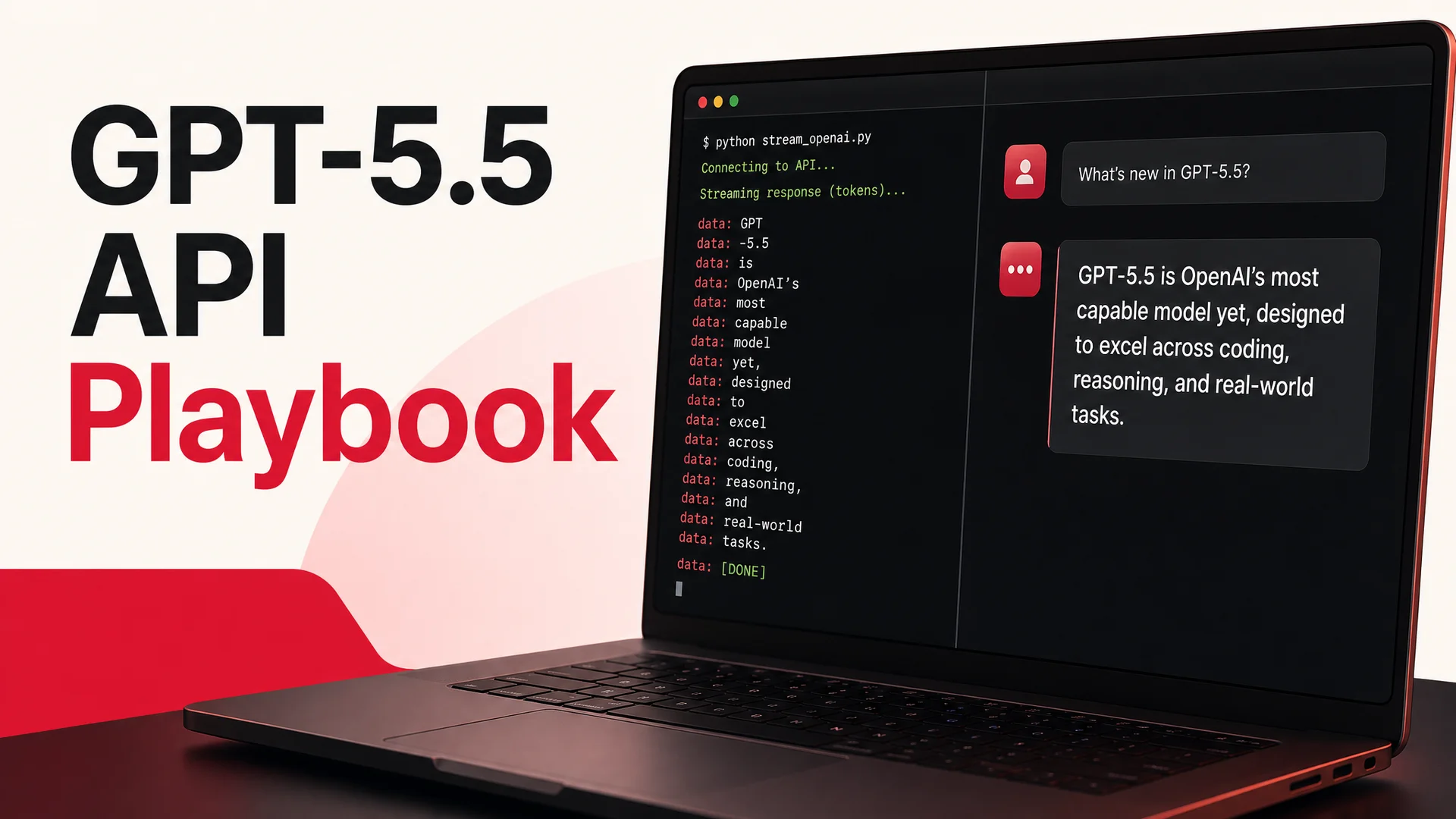
Token-by-token streaming is the difference between a chat UI that feels instant and one that feels broken. It does not change the bill - you pay for the same tokens - but it changes time-to-first-token from seconds to a few hundred milliseconds.
stream = client.chat.completions.create(
    model="gpt-5.5-mini",
    messages=[{"role": "user", "content": "Write a short haiku about caching."}],
    stream=True,
)

for chunk in stream:
    delta = chunk.choices[0].delta.content
    if delta:
        print(delta, end="", flush=True)
Stream by default in any user-facing surface. Don't stream for batch jobs where nobody is watching.
Structured outputs
If you need the model's output to fit a JSON schema - and you almost always do, the moment the response feeds another system - use schema-enforced outputs rather than parsing free-form text and praying.
response = client.chat.completions.create(
    model="gpt-5.5-mini",
    messages=[
        {"role": "user", "content": "Extract product, price, and category from: 'The new XPhone Pro is $1,099 and is a smartphone.'"}
    ],
    response_format={
        "type": "json_schema",
        "json_schema": {
            "name": "product",
            "schema": {
                "type": "object",
                "properties": {
                    "product": {"type": "string"},
                    "price": {"type": "number"},
                    "category": {"type": "string"},
                },
                "required": ["product", "price", "category"],
            },
        },
    },
)
The model is constrained at decode time to produce valid JSON matching the schema. No regex, no JSON.parse failures, no defensive cleanup code in your application layer.
Function calling
Function calling is what turns a model from a text generator into an agent. You declare a function the model is allowed to invoke, and the model decides - based on the user's message - whether and with what arguments to call it. Your code executes the function and feeds the result back into the conversation.
tools = [{
    "type": "function",
    "function": {
        "name": "lookup_order",
        "description": "Look up the status of an order by ID.",
        "parameters": {
            "type": "object",
            "properties": {"order_id": {"type": "string"}},
            "required": ["order_id"],
        },
    },
}]

response = client.chat.completions.create(
    model="gpt-5.5",
    messages=[{"role": "user", "content": "Where's order #A-4471?"}],
    tools=tools,
)

tool_call = response.choices[0].message.tool_calls[0] if response.choices[0].message.tool_calls else None
This is the foundation of every "AI Action" you've seen marketed in the last year. Berrydesk's AI Actions for booking, payments, refunds, and order lookups are all just well-orchestrated tool calls under the hood - the value is in the orchestration, the retries, and the policy guardrails, not the primitive itself.
The newer Responses API on the GPT-5.5 stack is worth a look once you have function calling working. It adds chain-of-thought persistence between turns, native built-in tools (web search, file search, computer use), and a phase parameter that prevents reasoning models from stopping early in agentic loops. For new agentic builds it's the recommended path; existing Chat Completions code keeps working and doesn't need to migrate.
Best Practices for Production
The gap between a working demo and a production system is mostly hidden in failure modes the demo never hit.
Be explicit in prompts, then write evals
Specificity in prompts beats clever wording. State the role, the constraints, the output format, and any examples up front. The bigger leverage, though, is writing evals before you ship - twenty to fifty representative inputs with the expected output for each, run on every prompt or model change. Without evals, every "small tweak" is a coin flip on regressions.
Cap output tokens
Set max_output_tokens on every call. The model's job is to give you the answer, not to fill its context window. A well-tuned cap saves money and surfaces prompt issues earlier (you'll notice when a 100-token answer wants to be 500 because the prompt is confused).
Cache aggressively
OpenAI's prompt caching gives major discounts on repeated input prefixes. If your support agent always prepends the same 4,000-token system prompt and knowledge snippet, that prefix should be cached on every call. Order your messages so the stable parts are first and the user-specific parts come last. Same applies to any closed model with caching support.
Handle failures like the network exists
Your code will see rate limit errors, transient connection failures, and the occasional model outage. Wrap calls in retry logic with exponential backoff and jitter:
import time
from openai import APIError, RateLimitError, APIConnectionError

def call_with_retry(client, **kwargs):
    for attempt in range(4):
        try:
            return client.chat.completions.create(**kwargs)
        except RateLimitError:
            time.sleep((2 ** attempt) + (0.1 * attempt))
        except (APIConnectionError, APIError) as e:
            if attempt == 3:
                raise
            time.sleep(1 + attempt)
For anything user-facing, also set a hard timeout and a fallback path - a cached canned answer, a cheaper model, a "let me get back to you" handoff to a human.
Long context is not free, but it changes the calculus
GPT-5.5's 1M-class context window, Claude Sonnet 4.6's 1M, and Gemini 3.1 Ultra's 2M change a calculation that used to be a given: that you must chunk and retrieve. With long context you can stuff an entire knowledge base, the full conversation history, and policy documents into a single call and let the model attend over all of it. RAG becomes a tuning lever - useful for very large corpora and freshness - rather than a hard architectural requirement. The trade-off is cost per call and latency. For a support agent, the right move is often a hybrid: dense retrieval for the heavy corpus, full long-context for the active conversation and operative policy.
Route models, don't pin them
Hardcoding gpt-5.5 everywhere is the simplest way to overpay. The same conversation often has cheap turns and expensive turns; a routing layer that sends "what's your refund policy?" to a small model and "I'm furious, my order is wrong, my flight leaves in two hours, fix it" to a frontier model is where margin lives. Berrydesk does this routing automatically across nine model families; if you're rolling your own, plan for it from day one.
Lock down the key, monitor the spend
Project-scoped keys, hard monthly caps, billing alerts at 50% / 80% / 100%, regular rotation, and a weekly glance at the usage dashboard. None of this is glamorous; all of it has caught real incidents.
Rate Limits and Account Tiers
OpenAI gates throughput by account tier - requests-per-minute and tokens-per-minute scale with your spend history and account age. New accounts start in lower tiers and graduate as cumulative spend crosses thresholds. Hitting a limit returns a 429; well-implemented SDKs back off automatically.
Two practical notes. First, your tier is the wall you'll hit before the model is. If you're building anything with bursty traffic - a support agent during a product launch, a bulk content job - request a tier bump in advance, not the morning of. Second, batch and flex processing tiers offer 50% discounts in exchange for relaxed latency guarantees. For overnight content generation, evals, or backfilling embeddings, batch is almost always the right answer.
What to Build
A non-exhaustive list of things teams are shipping on the OpenAI API in 2026, with the model choice that usually fits.
Customer support agents
The biggest single use case. An agent that handles tier-one volume - order status, returns, password resets, plan changes, billing questions - frees humans for the conversations that actually need them. GPT-5.5 mini handles most of the work; function calling integrates with your CRM, ticketing, billing, and order systems. If you'd rather not write the orchestration layer, Berrydesk deploys a branded agent in four steps and routes between nine model families automatically.
Internal copilots
The dark horse. A copilot trained on internal documentation, runbooks, and policy answers questions employees would otherwise file as tickets to ops, IT, or HR. Long context windows make the document-loading story trivial; tool calling lets the copilot actually take actions (file the ticket, kick off the workflow) rather than just describing them.
Productivity assistants
Calendar wrangling, email drafting, meeting summary, action-item extraction. Strong fit for GPT-5.5 mini with calendar and email API integration via tools.
Education and tutoring
Conversational tutors that adapt to a learner's level, generate practice problems, and grade responses. Reasoning models are the right pick for math and science; chat-tuned models for language and writing.
Content production at scale
Blog drafts, social posts, product copy, email sequences. Use a reasoning model or GPT-5.5 for first drafts, GPT-5.5 nano for batch edits and grading, evals to keep brand voice consistent.
Data exploration and reporting
Natural-language interfaces to a database, automated weekly reports that explain what changed and why, dashboards with narrative accompaniments. Long-context models can ingest entire query results and summarize, freeing you from prompt-engineering the size limits.
Developer tools
Code review, test generation, refactor suggestions, documentation drafting. Codex on the GPT-5 stack is purpose-built; Claude Opus 4.7 leads SWE-bench Pro at 64.3% if you want a second model in the loop. GLM-5.1 and Kimi K2.6 are credible open-weight options for teams that need to keep code on-prem.
Knowledge bases with retrieval
Even with long-context models, RAG remains the right architecture for very large corpora and freshness-sensitive content. Pair an embedding model with your vector store of choice, retrieve the top-k chunks, and stuff them into a chat completion or response.
Common Pitfalls
A short list of mistakes that show up over and over.
Pinning the most expensive model "just to be safe." This is the single biggest source of overspend. Always benchmark mini and nano variants on your real workload before reaching for the flagship.
Not capping output tokens. Without a cap, a confused prompt can drive a 50x bill increase on a single call. Set a sensible cap and surface the finish_reason in your logs.
Treating tool calls as deterministic. A model deciding to call a function is a probabilistic event. Validate arguments, handle the case where the model calls the wrong tool or the right tool with bad arguments, and wrap side-effect-producing tools (payments, refunds, sends) in human approval for anything financially material.
Logging full prompts and outputs to a SaaS log aggregator. This is how PII ends up in places you didn't intend. Redact before logging.
Skipping evals. A change to a prompt or model that "looks fine" in three test cases will quietly break in twenty edge cases you forgot existed. Evals are unsexy and they're the difference between shipping confidently and shipping superstitiously.
Forgetting open-weight alternatives exist. A team doing a million resolutions a month will cross five figures of OpenAI spend per month before they think to benchmark DeepSeek V4 Flash or MiniMax M2 against the same workload. By the time accounting flags it, six months of unnecessary spend has already happened.
Frequently Asked Questions
Is the OpenAI API the same thing as ChatGPT? No. ChatGPT is the consumer interface at chat.openai.com. The OpenAI API is a developer interface that exposes the same model weights with parameters (temperature, max tokens, tool definitions, structured outputs, reasoning effort) that the chat UI doesn't surface. The API is what you build products on top of.
What's the newest model in the API? GPT-5.5 and GPT-5.5 Pro, released April 2026. Pro adds parallel reasoning. Both have descendants in the mini and nano tiers for cheaper, faster work, and Codex on the GPT-5 stack is the dedicated coding variant.
How much does it cost to run a customer support agent? It depends on traffic shape and quality bar. A reasonable rule of thumb: a routine support conversation on GPT-5.5 mini costs cents; the same conversation on DeepSeek V4 Flash (open-weight, $0.14 / $0.28 per million tokens) costs fractions of a cent. A flagship-only architecture is rarely the right one at scale; route traffic.
Should I use the Responses API or Chat Completions?
For new agentic projects on GPT-5.5, the Responses API is the recommended path - chain-of-thought persistence, built-in tool integrations, the phase parameter for agent loops. Existing Chat Completions code keeps working; don't migrate without a reason.
Do I need RAG with a 1M-token context window? Sometimes. For corpora that fit in context, you can skip retrieval and stuff the whole thing in. For very large or very fresh corpora, retrieval still wins on cost and latency. The right architecture is usually hybrid: retrieval for the heavy corpus, full long-context for the active conversation and operative policy.
Can I deploy on-prem? Not OpenAI. If on-prem or air-gapped is a hard requirement - regulated industry, sovereign data, government customer - the open-weight frontier (GLM-5.1 under MIT, Qwen 3.6-27B under Apache 2.0, MiMo-V2 under MIT) is where to look. They're closer to OpenAI than they've ever been on coding and agentic benchmarks.
Is there a free tier? OpenAI gives new accounts limited credits, but ongoing use is paid. Costs at the prototyping stage are negligible - you can do a lot of development for under $5 - but plan for the bill scaling with traffic.
Where to Go From Here
Pick one specific problem. Ship it on GPT-5.5 mini. Add streaming. Write evals. Cap tokens. Add function calling for whatever real action your agent needs to take. Once it's working, benchmark a cheaper open-weight model against the same workload and route traffic if the math works. That sequence - narrow problem, working baseline, optimize - beats trying to architect the perfect multi-model agent on day one.
If the goal is a customer support agent specifically and you'd rather not own the orchestration layer, Berrydesk handles model selection, routing, training on your docs, branded chat widget, AI Actions for bookings and payments, and deployment to your site, Slack, Discord, and WhatsApp - built on the same models this guide covers. Pick a model, point it at your knowledge, ship.
 Berrydesk
Skip the boilerplate. Launch a support agent in minutes.
- Pick GPT-5.5, Claude Opus 4.7, Gemini 3.1, DeepSeek V4, Kimi K2.6, GLM-5.1, or Qwen 3.6
- Train on your docs, deploy to your site, Slack, Discord, or WhatsApp
Set up in minutes

Chirag Asarpota is the founder of Strawberry Labs, the team behind Berrydesk - the AI agent platform that helps businesses deploy intelligent customer support, sales and operations agents across web, WhatsApp, Slack, Instagram, Discord and more. Chirag writes about agentic AI, frontier model selection, retrieval and 1M-token context strategy, AI Actions, and the engineering it takes to ship production-grade conversational AI that customers actually trust.