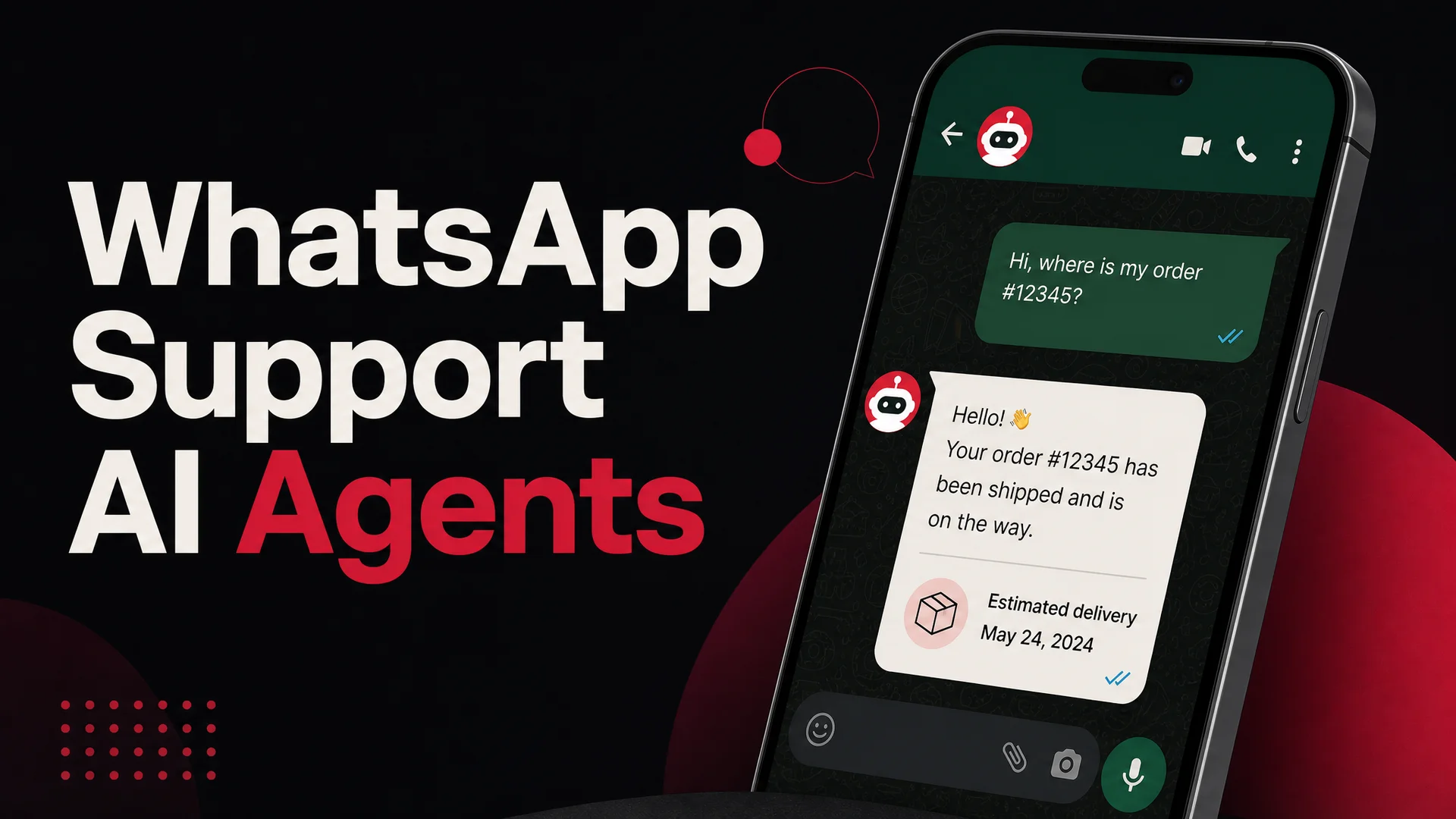
WhatsApp is the default support channel for most of the world. If you sell into Latin America, Southeast Asia, the Middle East, Africa, or large parts of Europe, your customers are not sending you tickets - they are sending you WhatsApp messages. The question for support teams in 2026 is no longer whether to be on WhatsApp, but how to staff it without burning out a human queue. AI agents are the answer, and the setup is shorter than most teams expect.
This guide walks through the full process: getting WhatsApp Business API access, picking the right model for your traffic mix, training an agent on your business data with Berrydesk, wiring it into your number, testing it without scorching your reputation, and tuning it once real conversations start flowing. We will also cover group deployments, a few common pitfalls, and what is actually different about WhatsApp AI agents in 2026 compared to the keyword-bot era.
Why WhatsApp AI agents look different in 2026
The WhatsApp bots most companies remember from 2022 were rule-based. They walked customers through scripted decision trees: type "1 for order status, 2 for returns." If a customer phrased anything off-script, the bot dead-ended into "I did not understand that" and dumped the conversation onto a human.
The current generation is structurally different. Modern WhatsApp agents sit on top of large language models - GPT-5.5 and GPT-5.5 Pro from OpenAI, Claude Opus 4.7 and Sonnet 4.6 from Anthropic, Gemini 3.1 Ultra and Pro from Google, and an open-weight tier that has matured rapidly: DeepSeek V4, Moonshot Kimi K2.6, Z.ai's GLM-5.1, Alibaba's Qwen 3.6 family, MiniMax M2.7, and Xiaomi's MiMo-V2-Pro. Berrydesk lets you choose any of them as the brain of your agent, or route different conversation types to different models.
What that buys you on WhatsApp specifically:
- Real natural language understanding. A customer in Dubai writing "hey are you guys open right now or should I message tomorrow morning" does not need to match any keyword. The agent reads the timezone hint, infers the question, and answers cleanly.
- Long context. With Claude Sonnet 4.6 and Opus 4.6 shipping at a 1M-token context window, and Gemini 3.1 Ultra at 2M, an agent can hold your full knowledge base, the customer's entire prior message history, and your refund policy in-context at the same time. RAG becomes a tuning lever, not a hard prerequisite.
- Agentic tool use. Claude Opus 4.7 (64.3% on SWE-Bench Pro), Kimi K2.6 (orchestrating up to 300 sub-agents), GLM-5.1 (58.4 on SWE-Bench Pro under an MIT license), and Qwen3.6 are reliable enough for AI Actions - actually creating an order, refunding a payment, looking up a shipment, booking an appointment. This used to be demoware. In 2026 it is production-ready.
- Cost that scales. Open-weight models have collapsed the per-resolution cost. DeepSeek V4 Flash sits at $0.14 / $0.28 per million input/output tokens. MiniMax M2 runs at roughly 8% of the price of Claude Sonnet at 2x the speed. Routine WhatsApp traffic - order status checks, hours, return windows - can be handled at fractions of a cent per resolution, with the frontier models reserved for the hard escalations.
The result is that you can put an AI agent on WhatsApp that handles 60–80% of inbound messages cleanly, hands off the rest to a human with full context, and costs less than a single part-time agent's salary even at high volume.
What WhatsApp AI agents actually get used for
Before walking through setup, it is worth being concrete about what you are building. The use cases that produce real ROI fall into a few buckets:
Customer support automation. Order status, shipping windows, return eligibility, warranty questions, troubleshooting steps, store hours, and the long tail of FAQ traffic. This is the bread and butter. A mid-sized e-commerce brand we have seen onboard typically sees 70%+ deflection on this category once the agent has been trained on the help center, product catalog, and policy docs.
Lead qualification. Inbound WhatsApp clicks from ads or Instagram DMs land in your number. The agent qualifies - budget, use case, timing - captures contact details, and routes hot leads to a human in Slack or your CRM. The cost of qualifying a lead drops by an order of magnitude versus a paid SDR doing the same work.
Appointment booking. Clinics, salons, dental offices, consultancies, real estate agents - any service business that schedules. With Berrydesk's AI Actions, the agent can read availability from your calendar, propose slots, confirm a booking, and send a reminder, all inside the WhatsApp thread.
Commerce. Product recommendations based on what the customer has bought before, cart recovery messages, payment links sent directly inside the chat, and post-purchase upsell flows. The conversion advantage comes from the fact that the customer never leaves the messaging app they are already in.
Multilingual support. A single agent handling Spanish, Portuguese, Arabic, Vietnamese, Hindi, and English in the same number, picking up the language of whoever messaged. With modern LLMs, this works without you maintaining separate bots or hiring multilingual staff.
Internal team support. WhatsApp groups for ops, field staff, or new hires can have an AI agent that answers policy and process questions on demand instead of pinging a manager.
Step 1: Get WhatsApp Business API access
There are two ways onto WhatsApp at a business level: the WhatsApp Business app (free, single device, no API access) and the WhatsApp Business Platform (the API, required for any agent integration). To run an AI agent you need the second one.
Apply through the WhatsApp Business Platform. You will need:
- A registered business
- A verified Facebook Business Manager account
- A phone number that is not currently tied to a personal WhatsApp account
- A clear description of how you intend to use the API
Approval times have improved compared to a few years ago - many businesses now get cleared in a few days rather than weeks - but plan for a one-week buffer. Make sure your intended use case is consistent with WhatsApp's Commerce Policy and Business Policy. Restricted categories (alcohol, regulated financial products, certain healthcare niches) need extra documentation.
Pick a Business Solution Provider
You do not talk to the WhatsApp API directly. You go through a Business Solution Provider (BSP), which handles the messaging infrastructure, template approval, and webhooks. Common options:
- Twilio
- MessageBird (now Bird)
- Vonage
- Sinch
- 360dialog
- Infobip
Berrydesk integrates with all of the major BSPs. When you compare them, the variables that actually matter are: per-message pricing in your customer regions, template approval turnaround, webhook reliability under burst load, and whether the BSP gives you raw API access or a thicker abstraction layer. For most support workloads, Twilio and 360dialog are reasonable defaults; for heavy outbound campaigns, the regional players (Bird in EU, Sinch in APAC) often have better unit economics.
Once you are approved and have a BSP, set up your business profile: legal name, description, category, hours, address, and a logo. This is what customers see when they open your contact card - it doubles as a trust signal, especially in regions where WhatsApp scams are common.
Step 2: Build the agent in Berrydesk
Berrydesk's setup is four steps: pick a model, train on your sources, brand the chat surface, and add AI Actions. None of it requires code.
Pick a model
This is a real decision in 2026, not a default. The right choice depends on traffic mix:
- High-volume routine traffic (order status, FAQ): DeepSeek V4 Flash or MiniMax M2.7 give you near-frontier quality at a fraction of the cost. For a brand handling 50,000 conversations a month, this can be the difference between a $400 model bill and a $4,000 one.
- Complex troubleshooting and policy reasoning: Claude Sonnet 4.6 (1M context, no surcharge) is the sweet spot. Claude Opus 4.7 if you need the strongest tool use.
- Multimodal product support (customers sending photos of a damaged item, video of a malfunction): Gemini 3.1 Ultra is natively multimodal across text, image, audio, and video, and its 2M-token context lets it reason over long visual histories.
- On-prem or air-gapped deployments (regulated industries): GLM-5.1 (MIT license), Qwen3.6-27B (Apache 2.0), and MiMo-V2-Pro (MIT) are all open-weight and strong enough for production.
- Agentic workflows (book this, refund that, escalate the other): Claude Opus 4.7, Kimi K2.6, GLM-5.1, and Qwen3.6 are all reliable here.
Berrydesk also supports model routing - send the easy 80% of traffic to a cheap open-weight model, and reserve a frontier model for messages flagged as complex, escalation-bound, or commerce-related. This is how teams running serious volume keep unit economics sane.
Train on your sources
Connect the data the agent should know:
- Help center articles or doc sites
- Your public website (Berrydesk crawls and indexes it)
- Notion workspaces
- Google Drive folders
- YouTube channels (for product walkthroughs)
- Uploaded PDFs, Word docs, or CSVs
- Direct text snippets for tone, persona, or policy nuance
The training is incremental - you can add or remove sources later without rebuilding from scratch. For a typical support deployment, plan to load: the help center, the product catalog or pricing page, the refund and shipping policies, and a short persona description ("answer warmly, never promise dates we have not committed to, escalate any legal or refund-over-$X question").
Brand the chat surface
WhatsApp itself is WhatsApp - you cannot reskin the chat thread. But Berrydesk also gives you a website widget, a customer portal, and embeddable surfaces, all of which can mirror the WhatsApp agent. Set the avatar, name, color, and welcome copy here; on WhatsApp, the avatar and business profile are what your customer sees.
Add AI Actions
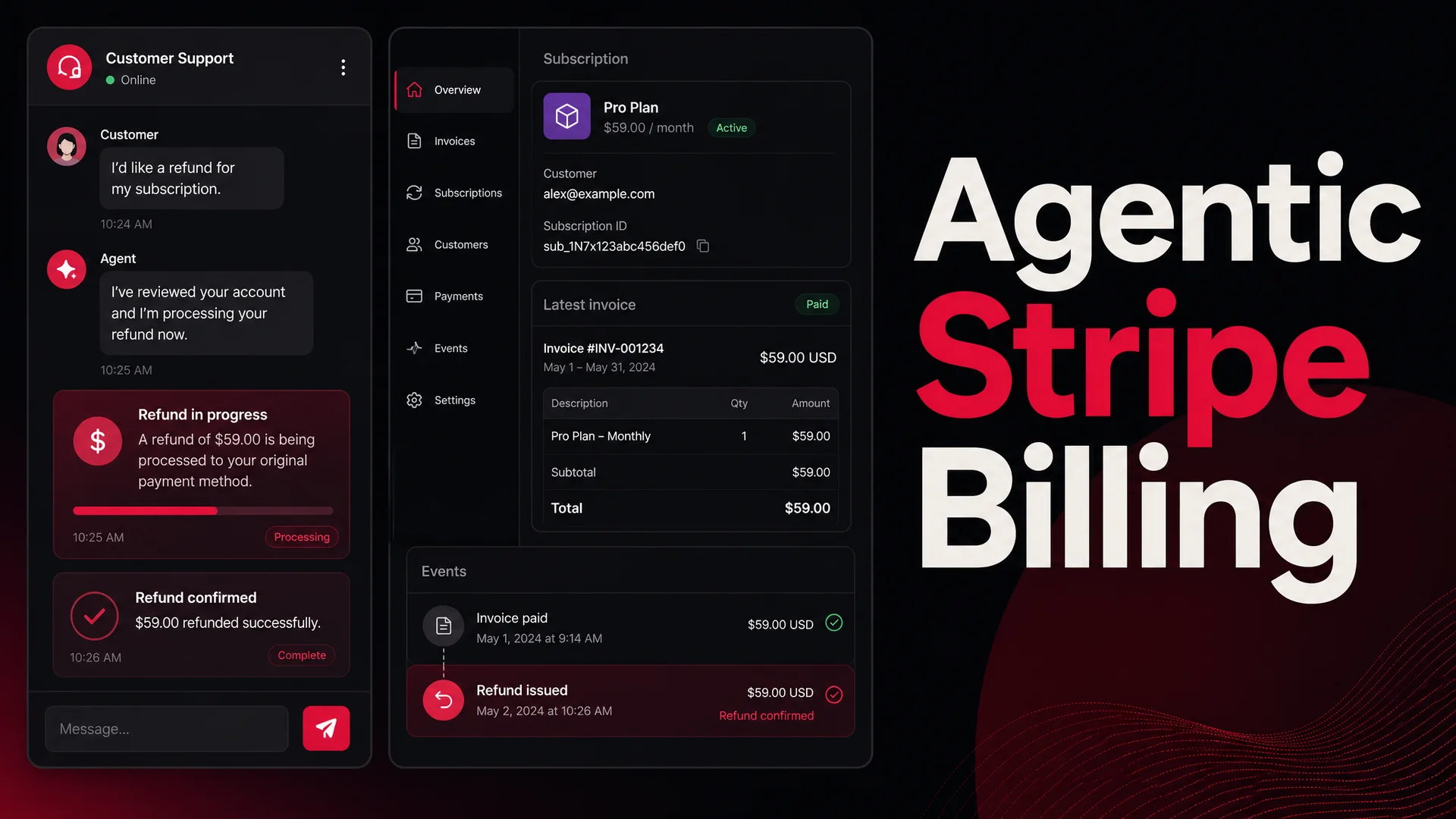
This is what separates a chatty agent from a useful one. AI Actions are tools the agent can call: lookup an order in Shopify, fetch a shipment status from your 3PL, create a Stripe refund, schedule a slot on Cal.com, push a ticket into Zendesk or Linear, post a Slack message to a human team. You define the action once; the agent decides when to call it based on the conversation. Berrydesk handles the auth, retries, and audit trail.
For WhatsApp specifically, the actions that earn their keep on day one are: order lookup, refund initiation (with a human-approval threshold), shipment tracking, appointment booking, and a "human, please" handoff that pings your team in Slack or your inbox with the full transcript and context.
Step 3: Connect Berrydesk to your WhatsApp number
Inside Berrydesk, open the Channels tab and add WhatsApp. You will be asked for:
- Your BSP credentials (API key or token)
- The phone number ID assigned by WhatsApp
- The webhook URL Berrydesk gives you (paste this into your BSP's webhook config)
Subscribe the webhook to inbound message events, message status events (delivered/read), and any template-related events your BSP exposes. Test the connection from inside Berrydesk - the dashboard will confirm a round trip and surface any auth or permission issues clearly.
If you are running multiple WhatsApp numbers (e.g. one per region, or one per brand under a holding company), Berrydesk supports multi-number setups under a single workspace, with separate agents, training data, and routing rules per number.
Step 4: Test before you launch
A bad first day on WhatsApp damages your reputation in a way a bad first day on a website widget does not. Customers screenshot WhatsApp threads and post them. Test thoroughly.
Internal QA. Use a test number provided by your BSP. Run the agent through your top 50 expected questions, your top 10 edge cases, and at least 5 deliberately adversarial messages (rude, off-topic, attempting prompt injection, asking for things you cannot offer). Confirm responses are accurate, polite, and stay in scope.
Multilingual smoke tests. If you support multiple languages, run the same scenarios in each. Modern models handle this well, but tone can drift across languages - a polite English agent can come off blunt in Japanese without explicit guidance.
Tool-call rehearsals. For every AI Action, trigger it with the exact phrasing a customer would use and confirm the action fires correctly, including the failure paths (what does the agent say if Stripe is down? if the order is not found? if the customer is not authenticated?).
Soft launch. Roll out to a controlled audience first - a beta cohort, internal staff, one country, or one product line. Watch the conversations live for a few days. You will see tone and edge-case issues that internal QA missed.
Step 5: Roll out and monitor
When you are confident, expose the WhatsApp number publicly: add it to your site, your social profiles, your email signatures, your packaging inserts, your IVR. Announce that customers can message you on WhatsApp. Make the contact path obvious.
In Berrydesk's analytics, watch four numbers:
- Deflection rate - share of conversations resolved without human handoff. A healthy steady-state for support workloads is 60–80%.
- CSAT or thumbs-up/down rate - quality signal from customers themselves.
- Escalation accuracy - when the agent does hand off to a human, was that the right call? Both over-escalation and under-escalation cost you.
- Time-to-first-response - should be near-instant on WhatsApp; if you see lag, it is usually a webhook or model latency issue, not the agent itself.
Review conversation logs weekly for the first month, then monthly. Most quality issues come from gaps in training data, not from the model - and they are fixable in minutes by adding a doc, snippet, or AI Action.
A note on WhatsApp groups
Groups are where teams coordinate and customer communities gather. You can add a Berrydesk agent to a WhatsApp group as a participant; it will read group messages and respond when appropriate.
WhatsApp's policies require that bots in groups respond only when mentioned or when a message clearly falls inside their scope. Configure your agent to default to silence and only speak when @-mentioned, when a question explicitly addresses it, or when a message contains a high-confidence trigger. Otherwise group members will mute you within an hour.
The use cases that work well in groups: internal team support (new hires asking policy questions), customer community management (answering recurring product questions so your team is not repeating itself ten times a week), and event coordination (logistics questions for a webinar, conference, or launch).
Common pitfalls
A few patterns we see new deployments fall into, all avoidable:
- Treating it like a script. If you wrote 200 if-this-then-that rules into your agent's persona, you have built a rule-based bot with extra steps. Train on documents and let the model reason; reserve hard rules for non-negotiables (don't quote prices we did not list, don't promise refunds over $X without human review).
- One model for everything. Routing every message to GPT-5.5 Pro is expensive and slower than necessary. Route routine traffic to an open-weight model and reserve frontier models for hard cases.
- No human handoff. Even an agent that resolves 80% of conversations needs a clean path for the other 20%. Build the handoff before launch, not after the first complaint.
- Stale training data. A help center that hasn't been updated since launch is a big source of wrong answers. Set a quarterly review or, better, give your support and product teams direct access to update the agent's sources.
- Skipping the soft launch. Going from internal QA straight to your full customer base is how you discover edge cases at scale, in public, with screenshots.
Free vs paid: what you actually get
Berrydesk has a free tier that includes AI-powered responses on real LLMs (not rule-based scripts), training on your own sources, multilingual support, and the WhatsApp channel. It is not a 7-day trial - it is a permanent tier. For a solo operator or a small business handling under a few hundred conversations a month, it is enough to validate the use case and run a real production agent.
Paid plans add higher message volume, custom branding, advanced AI Actions (Shopify, Stripe, Calendly, Linear, Salesforce), team workspaces, role-based access, audit logs, and the option to bring your own model keys for full cost control. The pricing scales with usage, not with seat count, which matches how support volume actually grows.
Wrapping up
WhatsApp is where your customers are, and AI agents in 2026 are finally good enough to handle the channel without embarrassing your brand. The setup is short - an afternoon of focused work for the technical pieces, a week or two of soft-launch tuning before full rollout. The payoff is a 24/7 frontline that handles the bulk of your inbound, hands off cleanly when it should, and costs a fraction of what a comparable human team would.
If you want to try it without committing budget, start a free Berrydesk agent, point it at your help center, and connect a test WhatsApp number. You will know within an hour whether it fits.
 Berrydesk
Launch your WhatsApp AI agent in minutes
- Train on your docs, site, Notion, and Drive - no decision trees
- Pick from GPT-5.5, Claude Opus 4.7, Gemini 3.1, DeepSeek V4, Kimi K2.6 and more
Set up in minutes

Chirag Asarpota is the founder of Strawberry Labs, the team behind Berrydesk - the AI agent platform that helps businesses deploy intelligent customer support, sales and operations agents across web, WhatsApp, Slack, Instagram, Discord and more. Chirag writes about agentic AI, frontier model selection, retrieval and 1M-token context strategy, AI Actions, and the engineering it takes to ship production-grade conversational AI that customers actually trust.