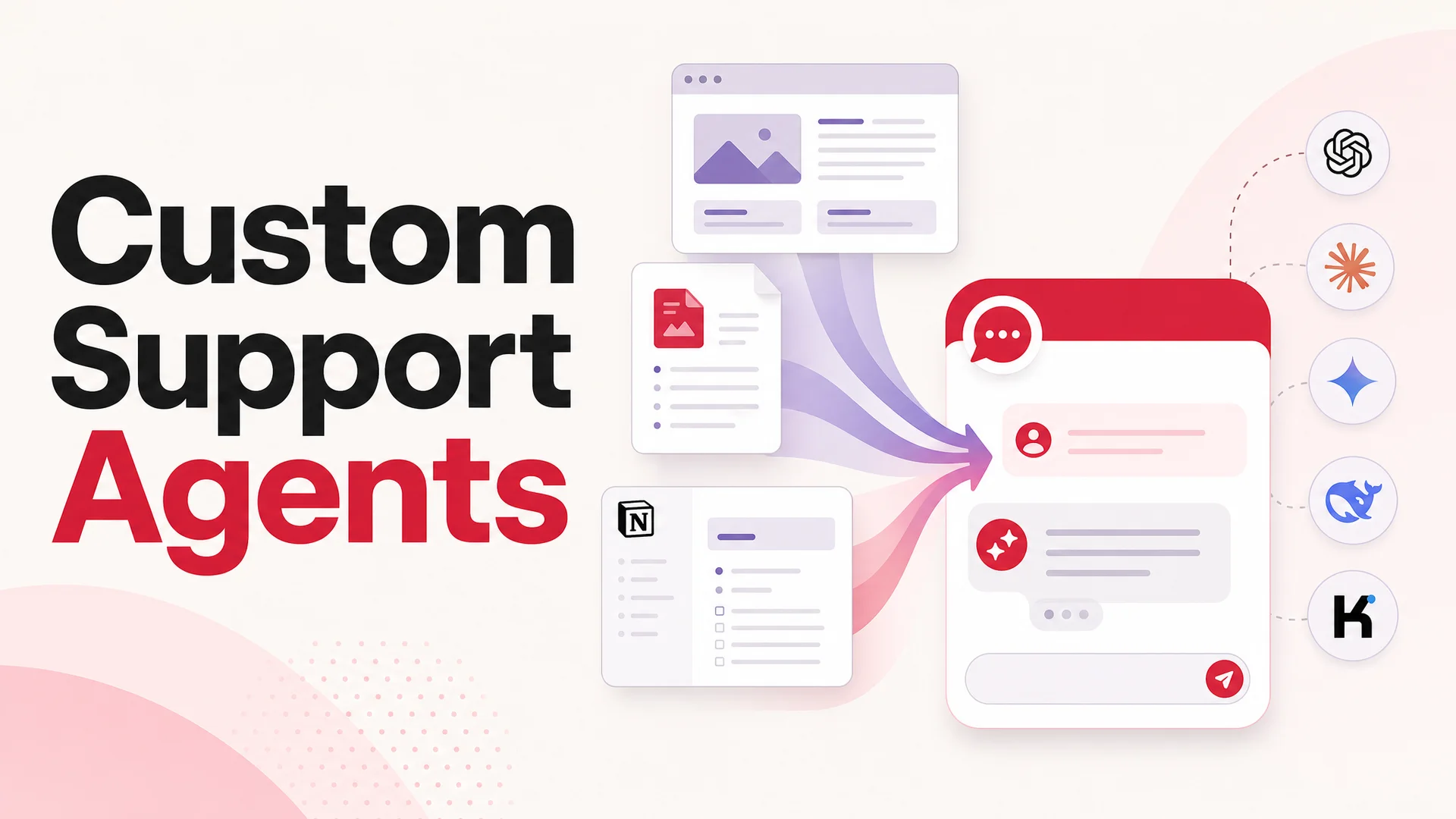
You have probably had the thought: "I want a ChatGPT-style assistant for my own site, fed on my own data, behaving like it actually understands my product." Maybe you want a support agent that knows every page of your help center, every quirk in your billing flow, every line of your refund policy. Maybe you want something that lives behind your auth wall and handles account-specific lookups. Either way, you want it on your domain, in your brand, with your rules.
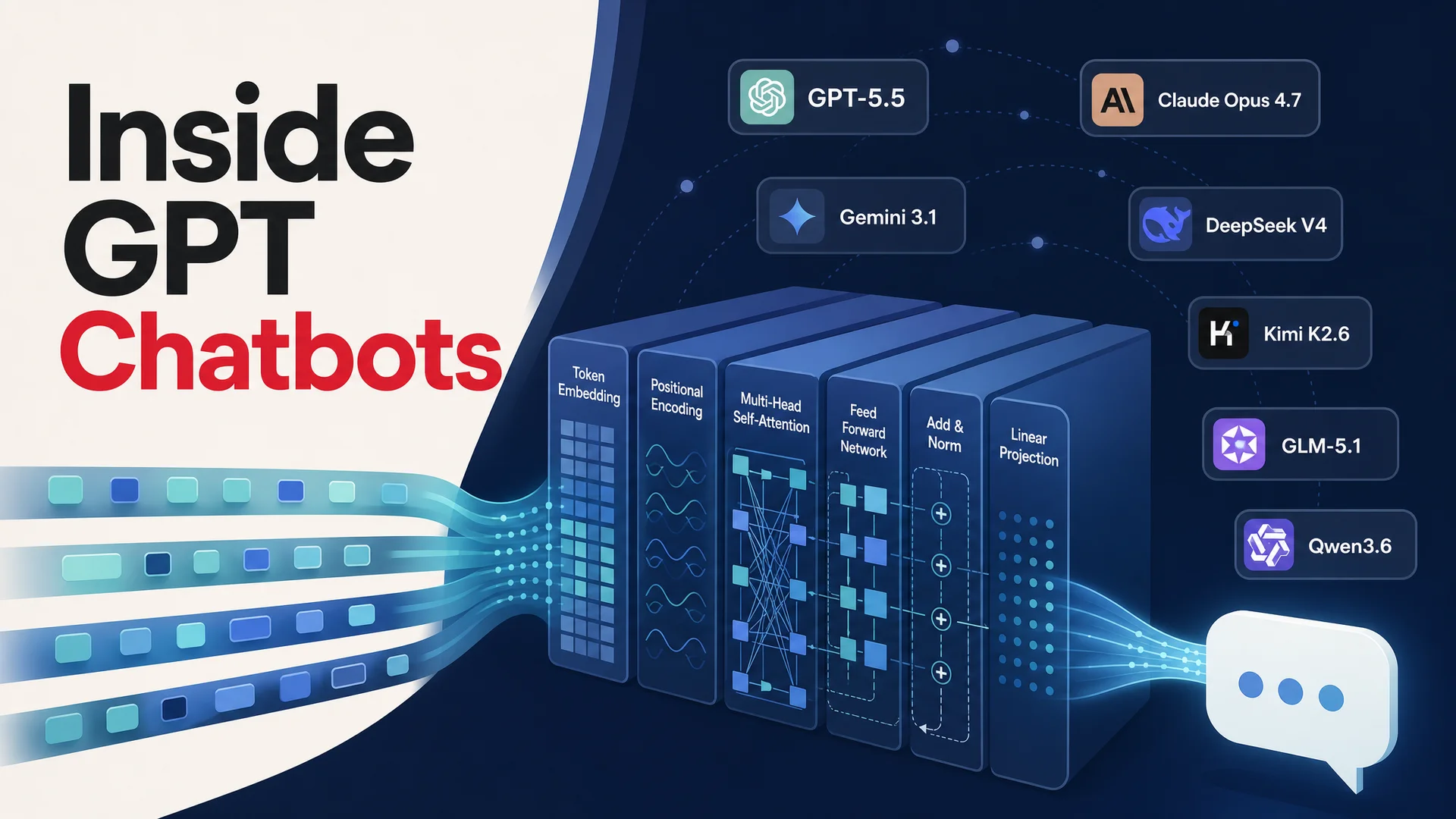
Then you start the build, and the wall of decisions hits. Which model? GPT-5.5? Claude Opus 4.7? Should you go open-weight with DeepSeek V4 Flash to save money? Do you need RAG, or does a 1M-token context window remove that headache? Where do embeddings live? How do you stream tokens to the browser without it feeling janky? How do you keep the agent on-topic, on-brand, and not hallucinating the order status of a customer who never placed an order?
Wiring all of this together against raw provider APIs is a lot of code, a lot of plumbing, and a lot of edge cases that only show up in production at 2 a.m. - when a model deprecates, a token gets leaked into a log, or your retrieval grader starts citing a stale PDF. The promise of the SDK is "20 lines and you're chatting." The reality is closer to a four-week project that you keep maintaining forever.
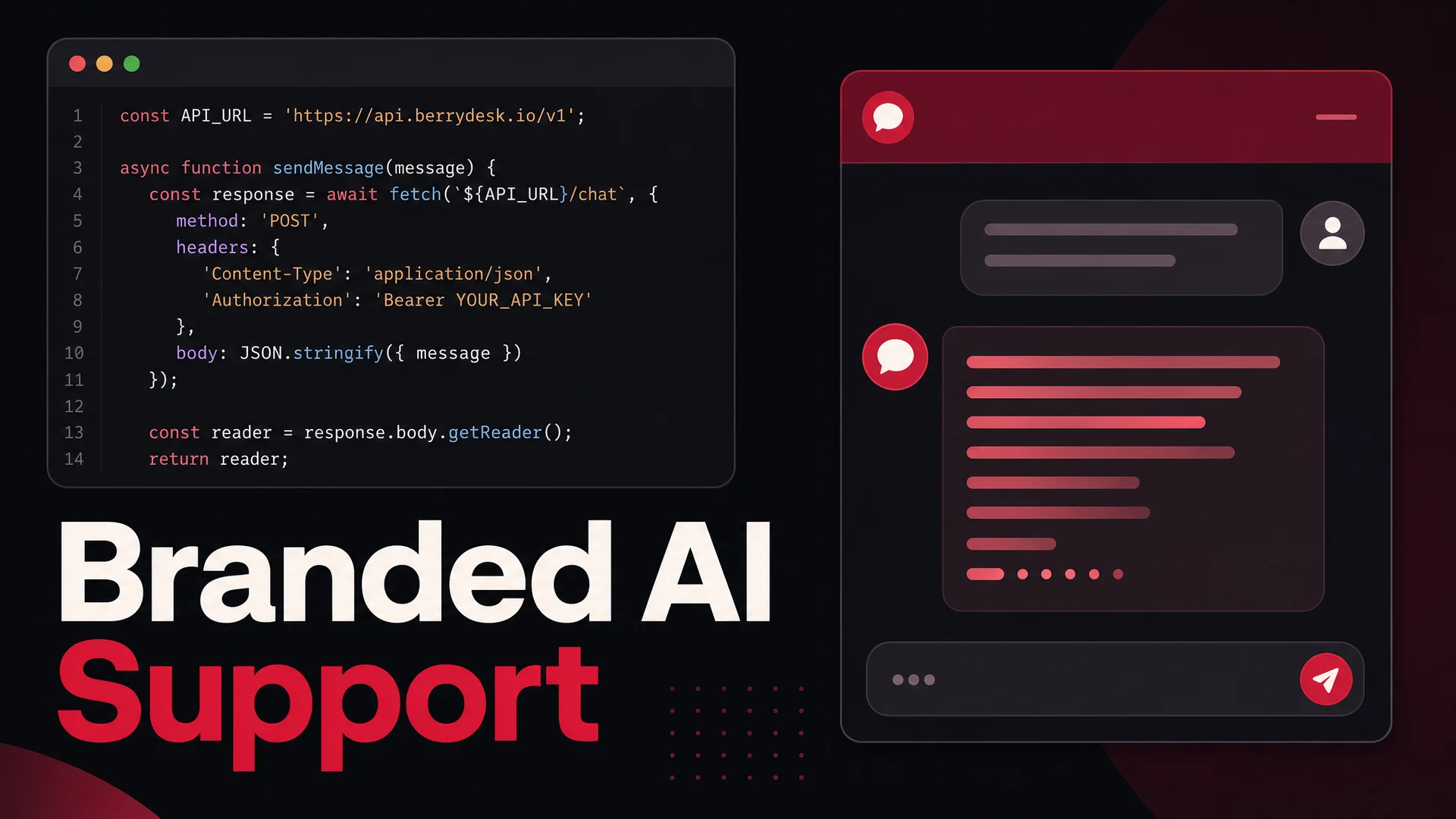
This guide is the shortcut. We will build a branded AI support agent that runs on your own page, talks to your own data, and streams responses in real time - using the Berrydesk API as the engine instead of stitching everything together by hand. By the end you will have two paths in your toolkit: the no-code builder for the cases where you just want it live, and a clean code path for the cases where you want full control of the UI and the conversation logic.
What You'll Have at the End
Two working artifacts:
- A Berrydesk-trained AI agent - pick the model, point it at your data, brand the widget - usable through the Berrydesk dashboard without writing any code.
- A small custom HTML/CSS/JavaScript chat UI that hits the Berrydesk Chat API directly, streams the response into the page, and is yours to extend however you want - slot it into a Next.js app, a Shopify section, a Vue component, a mobile webview, anywhere a
fetchcall works.
You can stop after the first one if a hosted widget is all you need. Most teams do. The reason to keep going is when you want a chat experience that feels like part of your product - same typography, same spacing, same animations, deep links into your own UI from the assistant's responses, custom auth state passed through, or specialized rendering of structured data the agent returns.
The 2026 Model Picture, in One Paragraph
It is worth pausing here, because the model landscape in May 2026 is genuinely different from what most "build a chatbot" tutorials assume. The frontier closed models are GPT-5.5 and GPT-5.5 Pro, Claude Opus 4.7 (currently leading SWE-bench Pro at 64.3%) and Sonnet 4.6 with a 1M-token context window at no surcharge, plus Gemini 3.1 Ultra with 2M tokens and native multimodal. The open-weight side has caught up in a way that matters for your wallet: DeepSeek V4 Flash at $0.14 / $0.28 per million input/output tokens, Moonshot Kimi K2.6 with 12-hour autonomous coding sessions, Z.ai's GLM-5.1 (MIT-licensed, 58.4 on SWE-Bench Pro, beating GPT-5.4 and Claude Opus 4.6 on that benchmark), Alibaba's Qwen 3.6 family, MiniMax M2 at roughly 8% the price of Claude Sonnet, and Xiaomi's MiMo-V2-Pro. Berrydesk supports all of these, which means in the example below you can swap a single string and route routine FAQ traffic to DeepSeek V4 Flash for fractions of a cent per resolution while reserving Claude Opus 4.7 for the gnarly escalations.
We will use this leverage in the code: the model parameter is just a string, and the cost-per-resolution math changes more by your model choice than by anything else you do.
What You Need Before You Touch Code
Almost nothing. Berrydesk does the heavy lifting on retrieval, prompt orchestration, model routing, conversation state, and tool execution, so the prerequisites are short:
- A Berrydesk account.
- An agent trained on your data - even a trivial one is enough to test against.
- An API key.
Head to berrydesk.com, create an account, and you will land in the agent builder. Pick a model - for this example we will start with Claude Opus 4.7 for quality and later show how to fall back to DeepSeek V4 Flash for high volume - and feed the agent its training data.
Berrydesk accepts a wide range of training sources. PDFs, Word docs, Markdown, plain text, individual URLs, full-site crawls, Notion workspaces, Google Drive folders, and YouTube transcripts. For our walkthrough we will pretend we are building a support agent for a fictional university called "New Age World University" and train it on a handful of PDFs containing fabricated catalog and admissions data. The exact source does not matter for the API mechanics - what matters is that once the agent is trained, the API call to talk to it is the same regardless of whether the underlying knowledge is two PDFs or two thousand.
If you want a deeper walk through the training step, the dashboard has source-level controls for chunking, refresh schedules for live web pages, and a per-source toggle to re-embed when documents change.
Grab Your API Key
After your agent is trained, you need credentials to talk to it from outside the dashboard. The free tier ships with the embedded widget, which is enough for the no-code path. Direct API access is part of the paid tiers - if you have not upgraded yet, do that first, then come back here.
To find your key:
- Open the Dashboard.
- Click Settings in the top bar.
- Choose API Keys in the left sidebar.
- Click Create API Key, name it something specific to the surface you are deploying to (
marketing-site-prod,ios-app-staging, etc.), and copy the value.
Treat the key like a password. Do not commit it to a public repo, do not embed it in client-side production JavaScript, and do not paste it into a Slack thread. For real deployments, your browser code calls your own backend, your backend reads the key from an environment variable, and only the backend talks to Berrydesk. The example below uses the key directly in client code for clarity - it is fine for prototyping, but plan to move it server-side before you ship.
You will also need your Agent ID, which is the unique identifier for the trained agent you want to query. Find it under the agent's Settings tab.
With the key and the agent ID in hand, we can build the front end.
Step 1: The HTML Skeleton
We need three things in the DOM: a container that holds the conversation, an input where the user types, and a send button. Nothing fancy - once it works, you can drop it into whatever framework you prefer.
<!DOCTYPE html>
<html lang="en">
<head>
    <meta charset="UTF-8">
    <meta name="viewport" content="width=device-width, initial-scale=1.0">
    <title>NawBot - New Age World University</title>
    <link rel="stylesheet" href="styles.css">
</head>
<body>
    <div class="chat-container">
        <h1>NawBot</h1>
        <div class="chat-window" id="chat-window">
            <div class="chat-message bot-message">Hi! Ask me anything about admissions, courses, or campus life.</div>
        </div>
        <div class="chat-input">
            <input type="text" id="message" placeholder="Type a message…" />
            <button onclick="sendMessage()" aria-label="Send">
                <svg xmlns="http://www.w3.org/2000/svg" width="22" height="22" viewBox="0 0 24 24" fill="none" stroke="currentColor" stroke-width="2" stroke-linecap="round" stroke-linejoin="round">
                    <line x1="22" y1="2" x2="11" y2="13"></line>
                    <polygon points="22 2 15 22 11 13 2 9 22 2"></polygon>
                </svg>
            </button>
        </div>
    </div>
    <script src="chatbot.js"></script>
</body>
</html>
A few things to notice. The greeting bubble is rendered server-side in the HTML, not fetched - this keeps the first paint instant and avoids an empty-state flash. The send button uses an inline SVG so we are not paying for an icon library. The script tag is at the bottom so the DOM is fully parsed before the JavaScript binds events.
Step 2: The Styles
This stylesheet keeps the chat window a fixed height with internal scrolling, and gives bot and user messages distinct shapes so the conversation reads at a glance. Tailor the colors to your brand - the chat experience is one of the most visible pieces of UI on your site, and a generic gray bubble undermines the rest of the work.
body {
    font-family: -apple-system, BlinkMacSystemFont, "Segoe UI", sans-serif;
    background-color: #f5f5f5;
    display: flex;
    justify-content: center;
    align-items: center;
    height: 100vh;
    margin: 0;
}

.chat-container {
    width: 400px;
    max-width: 90%;
    background: white;
    border-radius: 12px;
    box-shadow: 0 8px 24px rgba(0, 0, 0, 0.08);
    overflow: hidden;
    display: flex;
    flex-direction: column;
}

h1 {
    background: #6b3fa0;
    color: white;
    padding: 14px;
    text-align: center;
    margin: 0;
    font-size: 18px;
    font-weight: 600;
}

.chat-window {
    padding: 14px;
    flex-grow: 1;
    overflow-y: auto;
    display: flex;
    flex-direction: column;
    max-height: 420px;
}

.chat-message {
    padding: 10px 14px;
    margin: 6px 0;
    border-radius: 18px;
    max-width: 75%;
    word-wrap: break-word;
    line-height: 1.4;
}

.bot-message {
    background: #f1efff;
    color: #1a1a1a;
    align-self: flex-start;
    border-radius: 18px 18px 18px 4px;
}

.user-message {
    background: #6b3fa0;
    color: white;
    align-self: flex-end;
    border-radius: 18px 18px 4px 18px;
}

.chat-input {
    display: flex;
    border-top: 1px solid #ececec;
    padding: 10px;
    align-items: center;
}

.chat-input input {
    flex-grow: 1;
    padding: 10px 14px;
    border: none;
    border-radius: 20px;
    outline: none;
    background: #f5f5f5;
    margin-right: 8px;
    font-size: 14px;
}

.chat-input input::placeholder { color: #aaa; }

.chat-input button {
    background: none;
    border: none;
    cursor: pointer;
    padding: 8px;
    color: #6b3fa0;
}

.chat-input button:hover { color: #4d2c75; }
.chat-input button:focus { outline: none; }
Step 3: The Chat Logic
Now the actual API call. Before pasting code, here is the contract:
- Endpoint:
POST https://api.berrydesk.com/v1/chat - Headers:
Authorization: Bearer <YOUR_API_KEY>andContent-Type: application/json - Body fields:
messages- an array of{ role, content }objects covering the conversation so far. Roles areuserandassistant.agentId- the ID of the trained agent you want to talk to.stream- boolean. Whentrue, the response comes back as a stream of partial tokens, which is what gives you the typewriter effect users expect from modern AI products.temperature- a 0-to-1 float controlling randomness. For support, keep it low (0.1–0.4) so the agent stays grounded.model- optional string overriding the agent's default model. Valid values includeclaude-opus-4-7,claude-sonnet-4-6,gpt-5-5,gpt-5-5-pro,gemini-3-1-ultra,gemini-3-1-pro,deepseek-v4-flash,deepseek-v4-pro,kimi-k2-6,glm-5-1,qwen-3-6-max,qwen-3-6-27b,minimax-m2-7,mimo-v2-pro, and more.conversationId- optional. Pass a stable ID to thread messages together in the dashboard analytics and feed past turns back as context automatically.
Here is the full client:
const apiKey = 'bd_live_43753f0b431a4b1c…';   // move to your backend in production
const agentId = 'agt_8PrL19i1s2zXxyzAB';
const conversationId = crypto.randomUUID();

async function sendMessage() {
    const messageInput = document.getElementById('message');
    const message = messageInput.value;
    const chatWindow = document.getElementById('chat-window');

    if (message.trim() === '') return;

    const userMessageDiv = document.createElement('div');
    userMessageDiv.classList.add('chat-message', 'user-message');
    userMessageDiv.innerText = message;
    chatWindow.appendChild(userMessageDiv);
    chatWindow.scrollTop = chatWindow.scrollHeight;

    messageInput.value = '';

    const botMessageDiv = document.createElement('div');
    botMessageDiv.classList.add('chat-message', 'bot-message');
    chatWindow.appendChild(botMessageDiv);

    try {
        const response = await fetch('https://api.berrydesk.com/v1/chat', {
            method: 'POST',
            headers: {
                'Authorization': `Bearer ${apiKey}`,
                'Content-Type': 'application/json',
            },
            body: JSON.stringify({
                messages: [{ content: message, role: 'user' }],
                agentId,
                conversationId,
                stream: true,
                temperature: 0.2,
                model: 'claude-opus-4-7',
            }),
        });

        if (!response.ok) {
            const errorData = await response.json();
            throw new Error(errorData.message || 'Request failed');
        }

        const reader = response.body.getReader();
        const decoder = new TextDecoder();
        let botMessage = '';

        while (true) {
            const { done, value } = await reader.read();
            if (done) break;
            botMessage += decoder.decode(value, { stream: true });
            botMessageDiv.innerText = botMessage;
            chatWindow.scrollTop = chatWindow.scrollHeight;
        }
    } catch (error) {
        botMessageDiv.innerText = 'Sorry - something went wrong. Please try again.';
        console.error('Error contacting agent:', error);
    }
}

document.getElementById('message').addEventListener('keypress', (e) => {
    if (e.key === 'Enter') sendMessage();
});
A few details worth walking through, since this is where most "it works in the demo, breaks in production" bugs live.
The streaming reader uses an await-based loop instead of recursive read() callbacks. The behavior is the same, but the loop is easier to extend with cancellation, abort signals, and per-chunk side effects. If your users tend to send a follow-up before the previous response finishes, you will eventually want an AbortController so a new send cancels the in-flight stream.
The conversationId is generated once per page load with crypto.randomUUID(). That means every reload starts a fresh thread. For a real product you almost certainly want to persist it - localStorage is fine for an anonymous marketing site, an authenticated user ID hashed into a deterministic conversation ID is better for a logged-in product. Berrydesk stitches the conversation context together server-side from this ID, so you do not need to ship the entire chat history on every request.
The error path replaces the empty bot bubble with a fallback message. This sounds obvious but is a common omission - without it, an API failure leaves a permanently blank gray bubble in the conversation, which looks worse than a polite error.
Step 4: Add a Model Router (Optional, Powerful)
Once the basic flow works, the single biggest cost lever you have is picking the right model for the question. A repetitive "what's your refund policy" should not run on Claude Opus 4.7. A confused customer trying to articulate a billing edge case should not run on a 7B local model.
Berrydesk supports model routing in the agent settings - a primary model with a list of fallbacks and routing rules - but you can also drive it from the client by switching the model parameter based on heuristics. A pragmatic split:
- DeepSeek V4 Flash ($0.14 / $0.28 per million tokens) for FAQ-style queries that match documented intents. At those prices, even a chatty support volume is rounding-error in the budget.
- MiniMax M2.7 (roughly 8% the cost of Claude Sonnet, ~2x speed) for medium-complexity queries that need decent reasoning but do not justify frontier pricing.
- Claude Opus 4.7 or GPT-5.5 Pro for the long tail - multi-step troubleshooting, sensitive accounts, anything where the cost of a wrong answer dwarfs the cost of the call.
The result is a cost curve that scales sub-linearly with traffic, and an experience tier that scales super-linearly with question difficulty.
Step 5: Keep the Agent on the Rails
A working API call is not the same as a production-grade agent. Things to wire up before you point real customers at it:
Identity-aware queries. If the agent might do anything user-specific - order lookups, refund processing, subscription changes - your server must inject the authenticated user's ID into the request, not the client. Otherwise a curious user can rewrite the request body and impersonate someone else. Berrydesk's AI Actions take a server-signed identity context for exactly this reason.
Rate limits. Apply per-IP and per-conversation limits at your edge. The Berrydesk API has its own protection, but you do not want to discover the limit by hitting it during a launch.
Topic guardrails. In the agent settings, define what the agent will and will not answer. A support agent for a university should not be giving stock advice. The dashboard exposes both an allowlist (topics the agent is for) and a denylist (topics the agent should refuse), and the agent will return a polite, brand-consistent refusal when a user wanders out of bounds.
Hallucination handling. Even Claude Opus 4.7 will occasionally invent a policy clause that does not exist in your docs. Two mitigations: lower the temperature (0.1–0.2 for support, where you want determinism over creativity), and turn on grounded citations in the agent settings so every answer renders the source chunks it was based on. Users tolerate "I don't know - here's how to reach a human" far better than a confidently wrong answer.
Escalation path. Always have one. The agent should know when to hand off, and the handoff should be one click, not a customer copying their session somewhere else. Berrydesk integrates with Slack, Discord, WhatsApp, and standard help-desk tools so the conversation continues in whatever channel your team already lives in.
Common Pitfalls to Skip
A few traps that come up in nearly every team's first build:
- Embedding API keys in client-side code that hits production traffic. Fine for a personal demo, a leak waiting to happen for a real site. Always proxy through your own server.
- Forgetting to pass the prior turns. If you only ever send the latest message, the agent has amnesia. Use
conversationId(Berrydesk's preferred path) or assemble themessagesarray yourself with the last N turns. - Treating model choice as a one-time decision. The frontier moved twice between January and May 2026. Plan to A/B-test new models against your existing one when they ship - Berrydesk lets you swap the model on a live agent without retraining.
- Skipping logging. You cannot improve what you cannot see. Pipe conversations into your analytics from day one. The dashboard does this by default; if you are calling the API directly, set
conversationIdso the same data lands there. - Assuming RAG is mandatory. With 1M-token context windows on Claude Sonnet 4.6 and DeepSeek V4 Flash, and 2M on Gemini 3.1 Ultra, a small-to-medium knowledge base can fit entirely in the prompt. Long-context is now a real alternative to retrieval, especially for agents whose source material is bounded - a single product's docs, a single help center. Berrydesk handles both modes transparently; the choice mostly affects latency and cost rather than answer quality.
Where to Take It From Here
The code above is a working chatbot, but a working chatbot is not the same as a useful support agent. The substance happens in what you wire up around the API call.
AI Actions. Connect the agent to your real systems - Stripe for refunds, Shopify or WooCommerce for orders, Cal.com for booking, your internal ticketing system for handoffs. Berrydesk runs these as tool calls behind the scenes, with structured arguments validated server-side, so the agent can actually resolve a ticket instead of just describing how the user could resolve it themselves.
Multi-channel deployment. The same trained agent ships to your website widget, Slack, Discord, WhatsApp, and email. The conversation history follows the user across surfaces, so a question started on the marketing site gets resumed in WhatsApp when they log in.
On-prem and air-gapped deploys. If you are in a regulated industry - healthcare, finance, public sector - the MIT-licensed open-weight models (GLM-5.1, Qwen3.6-27B, MiMo-V2-Pro) make a fully self-hosted Berrydesk deployment viable. Same dashboard, same agent definition, models running on your infrastructure.
Branding the widget. If you are using Berrydesk's hosted widget, every visual choice - colors, fonts, avatar, opening message, suggested prompts - is configurable without touching code. If you are using the API directly, as in this guide, the UI is entirely yours.
The whole point of doing this through an API platform instead of a stack of provider SDKs is that the boring parts - retrieval, prompt orchestration, model routing, conversation state, citations, guardrails, analytics - are already built and battle-tested. You spend your time on the parts that are specific to your product.
Ready to ship one? Spin up an agent on berrydesk.com, train it on your docs, grab an API key, and the same code you just walked through will be talking to your real data in the time it takes to make a coffee.
 Berrydesk
Ship a custom AI support agent without rebuilding the stack
- Pick from GPT-5.5, Claude Opus 4.7, Gemini 3.1, DeepSeek V4, Kimi K2.6, GLM-5.1, Qwen 3.6, MiniMax M2 - swap any time
- Train on docs, sites, Notion, Drive, YouTube and embed via widget or call the API directly
Set up in minutes

Chirag Asarpota is the founder of Strawberry Labs, the team behind Berrydesk - the AI agent platform that helps businesses deploy intelligent customer support, sales and operations agents across web, WhatsApp, Slack, Instagram, Discord and more. Chirag writes about agentic AI, frontier model selection, retrieval and 1M-token context strategy, AI Actions, and the engineering it takes to ship production-grade conversational AI that customers actually trust.