Telegram crossed one billion monthly active users in 2025 and kept climbing through 2026. Most companies still pretend the platform doesn't exist.
That is a strategic miss. Telegram's audience skews technical, asynchronous, and ready to talk to bots - they have been doing it for years, long before ChatGPT trained the rest of the world. If you have a product, a community, or a support queue, you can meet those users inside the app they already live in, and you can do it with an AI agent that handles 24/7 conversations without a human in the loop.
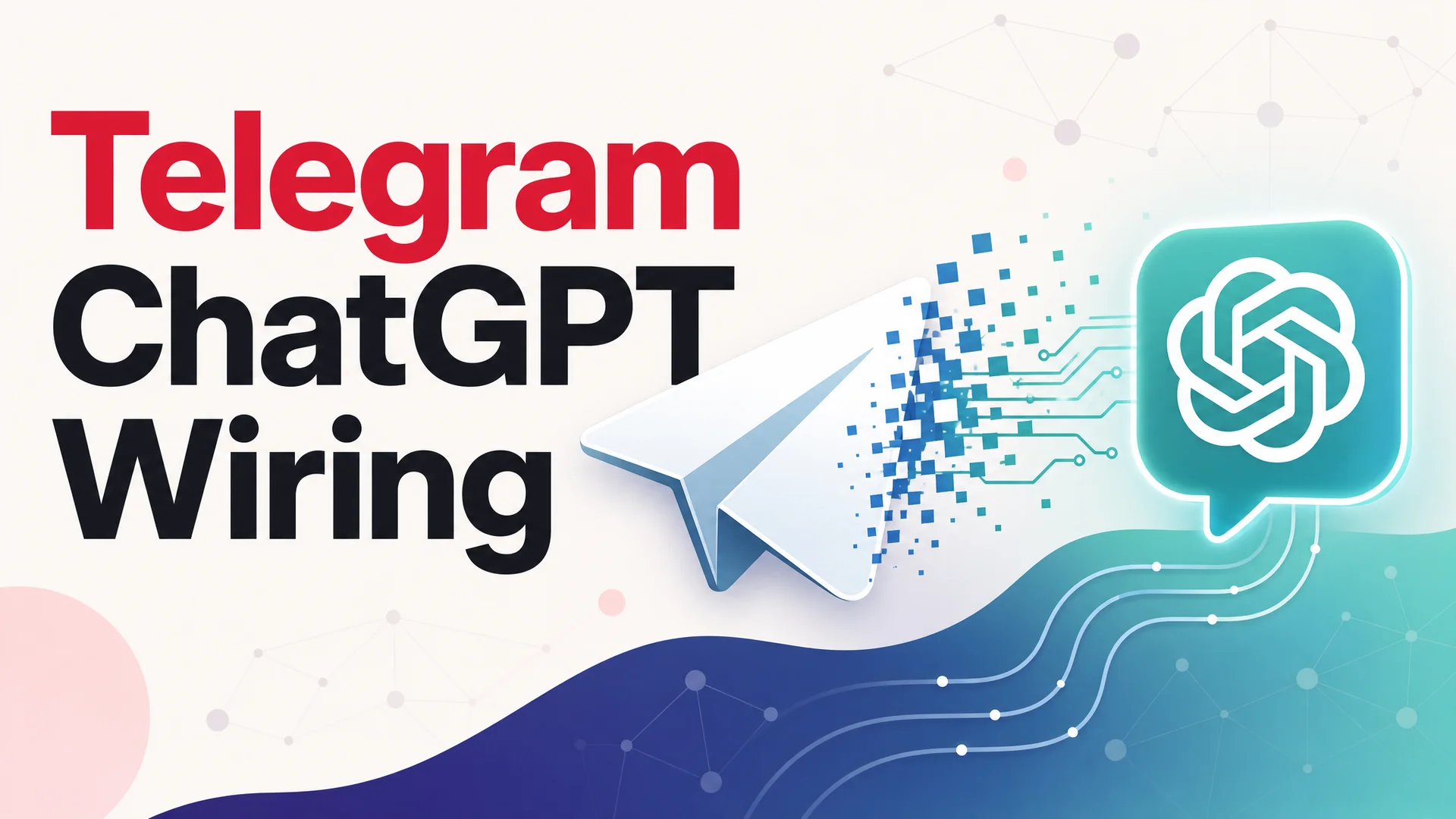
This guide walks through three concrete ways to put ChatGPT - or, just as easily, Claude Opus 4.7, Gemini 3.1, DeepSeek V4, Kimi K2.6, or any other 2026 frontier model - into a Telegram bot. We will cover the developer path, the no-code path, and the AI-writes-the-code path. Then we will be honest about why all three are the wrong move for most businesses, and what to use instead.
Is There an Official ChatGPT Bot for Telegram?
No. OpenAI has never shipped a first-party ChatGPT bot for Telegram, and as of May 2026 there is no sign that is changing. The only way to bring ChatGPT-style conversations into Telegram is through third-party tools.
That sounds limiting until you realize what it actually unlocks. Because you are wiring up an API yourself (or letting a platform do it for you), you are not stuck with one model. You can route Telegram traffic to GPT-5.5 for general chat, Claude Opus 4.7 for nuanced support questions, Gemini 3.1 Ultra when a 2M-token context window matters, or DeepSeek V4 Flash when you want production responses at $0.14 per million input tokens. The lack of an official bot is the reason model choice is wide open.
Below, the three methods. They differ in how much code you write, how much you spend, and how much you have to keep alive at 3 a.m. when something breaks.
Method 1: Self-Hosted Open-Source Bot (Best for Developers)
If you want full control and you are comfortable with a terminal, the strongest open-source option in 2026 is still ChatGPT-Telegram-Bot by yym68686. It is actively maintained, well-documented, and supports modern model APIs out of the box.
Why this repo over the alternatives
A lot of ChatGPT-Telegram bots from 2023 and 2024 have gone dormant. This one keeps shipping. It speaks the OpenAI-compatible API format natively, which means it works against GPT-5.5, GPT-5.5 Pro, and any provider that exposes an OpenAI-format endpoint - and a huge number of them now do, including Anthropic via gateways, Google's Gemini compatibility layer, DeepSeek, Moonshot's Kimi K2.6, Z.ai's GLM-5.1, and Alibaba's Qwen3.6 family. For providers that insist on their own format, you can pair the bot with the same author's uni-api project, which translates between formats and lets you run multiple models side by side from a single bot.
It also goes well past basic chat: voice and image processing, a plugin system with web search and code execution, conversation memory, model grouping (so different commands can hit different models), and proper multi-user isolation.
What you need before you start
Three things: a Telegram bot token from @BotFather, an API key for your model of choice, and a place to host the bot. Hosting can be a $5 VPS, a free Fly.io or Railway hobby tier, a home server, or a Docker container on whatever infrastructure you already run.
Setup, end to end
Step 1. Create the Telegram bot. Open Telegram, message @BotFather, send /newbot, pick a display name and a username ending in bot, and copy the token it returns. Treat that token like a password.
Step 2. Deploy the container. Docker is the fastest path. The shape is essentially:
docker run -p 80:8080 --name chatbot -dit \
  -e BOT_TOKEN=your_telegram_bot_token \
  -e API_KEY=your_model_api_key \
  -e BASE_URL=https://api.openai.com/v1 \
  -v ./user_configs:/home/user_configs \
  yym68686/chatgpt:latest
Swap BASE_URL for whichever provider you want as the default. Point it at https://api.deepseek.com/v1 to default to DeepSeek V4 Flash, at Anthropic's gateway for Claude Opus 4.7, or at your own LiteLLM/uni-api proxy if you want to fan out across several models. A docker-compose.yml works equally well if you prefer declarative deploys, and a clone-and-run from source is fine if you want to read everything before you trust it.
Step 3. Configure inside Telegram. Message your bot, run /info to inspect the active model and plugin configuration, and use /start to set or rotate API keys without touching the host.
What you sign up for
You own everything: uptime, observability, secret rotation, abuse handling, rate limit accounting, and the inevitable late-night fix when a model provider changes a header. For a personal project or an internal tool, that is fine. For a customer-facing channel, the operational tax adds up fast.
Method 2: Zapier or Make (Best No-Code Path)
If you do not want to write any code, automation platforms like Zapier and Make are the most accessible way to bridge Telegram and a model API. They sit in the middle: catch a Telegram message, send it to the model, push the response back.
How the workflow looks
In Zapier, you build a three-step Zap. Trigger: Telegram Bot, "New Message." Action one: a chat completion against OpenAI, Anthropic, or any provider with a Zapier integration. Action two: Telegram Bot, "Send Message," using the model's reply. The same shape works in Make with slightly different terminology (scenarios, modules) and slightly cheaper pricing at higher volumes.
Setup walkthrough
Step 1. Create the bot with @BotFather exactly as in Method 1.
Step 2. In Zapier or Make, create a new automation. Connect your Telegram bot using the token. Connect your model provider with an API key. Wire the modules together. In the model step, write a system prompt that defines the bot's persona and the boundaries of what it will answer.
Step 3. Send a test message. If the response comes back inside a few seconds, turn the workflow on and you are live.
What you get for free
No infrastructure to babysit. The setup is a 15- to 30-minute job. You can extend the workflow with anything else the platform connects to - log every conversation to a Google Sheet, post a summary to Slack when a high-value keyword appears, push leads into HubSpot. That composability is the real reason no-code platforms are useful here.
What you give up
Zapier's free tier caps you at a low task count per month, and a single bot exchange can burn multiple tasks (one for the trigger, one for the model call, one for the reply, more if you add logging). Paid plans start north of $20 per month and scale with volume; high-traffic Telegram bots get expensive quickly. Latency is noticeably worse than a direct integration because each message round-trips through the automation platform's queue. Conversation memory does not exist unless you bolt on a database step. Anything advanced - voice transcription, image understanding, streaming partial responses - is awkward at best.
For a side project or an MVP, that is acceptable. For a support workload at scale, the bills and the latency become the story.
Method 3: Let a GPT Write the Bot for You
The newest path is also the strangest. OpenAI's GPT Store includes custom GPTs designed to spit out Telegram bot code on demand. You describe what you want, the GPT generates the Python (or Node.js) project, and you deploy it.
How it actually works
You open ChatGPT, find a Telegram bot creator GPT, and have a conversation: "Build a Telegram bot that uses Claude Opus 4.7 to answer customer questions about my SaaS product. Keep conversation history per user. Hand off to a human if confidence is low." The GPT returns code - usually with python-telegram-bot and your model SDK - that you can lift directly into a project.
Setup walkthrough
Step 1. Open the GPT in ChatGPT. The custom GPTs that produce Telegram bot code are searchable by name in the GPT Store; pick one with strong recent reviews.
Step 2. Describe the bot. Be specific: which model, which features, persistence layer (Redis, SQLite, none), command structure, error handling. The more concrete you are, the less rework you do later.
Step 3. Deploy. This is where the asterisks pile up. The GPT generates code; it does not host it. You still need a Replit, Railway, Fly.io, or VPS deployment, environment variables for your tokens, and a process supervisor to keep the bot alive. You will likely need to debug at least one issue - wrong dependency version, a deprecated method, a mishandled webhook - before it runs cleanly.
Where this method shines and where it doesn't
It is genuinely useful as a head start for someone who already knows what a requirements.txt is. You can iterate with the GPT, ask for new features, paste in error messages, and get patches back. It is not useful for someone who has never opened a terminal - the deployment step is not optional, and the code will need at least light debugging for production.
Why DIY Falls Apart for Customer-Facing Use
All three methods work. Pick the one that matches your skill level, deploy it, and you have a Telegram bot that talks to a frontier model. Done.
For a personal project, an internal helper, or a Discord-style community bot, that is the end of the conversation. For a business that wants to use Telegram as a real customer channel, it is the start of a much longer one.
Each of the three methods leaves you on the hook for everything that turns a prototype into a product:
- Knowledge. A raw model call knows the public internet. It does not know your refund policy, your SKUs, your shipping windows, or which features are gated to which plan. Every answer is a roll of the dice.
- Actions. A chat completion is just text. It cannot check an order, refund a charge, book a meeting, or open a Linear ticket without you wiring up tools, schemas, retries, and idempotency yourself.
- Handoff. When the model cannot help, the conversation either dies or hallucinates. There is no built-in path to a human teammate inside your existing helpdesk.
- Observability. You will not know which questions are getting bad answers until customers complain. Building structured logging, evals, and a review UI is its own project.
- Compliance. SOC 2, GDPR, data residency, retention rules, and "do not train on customer data" guarantees do not happen by accident. They take real engineering and real audits.
- Cost control. Routing every message - including the ones a $0.14/M-token open-weight model could handle - to GPT-5.5 Pro or Claude Opus 4.7 is the easy way to set fire to a budget.
You can solve every one of those problems with code. Most teams should not.
A Better Approach: One Agent, Every Channel
Berrydesk takes the opposite approach to a per-channel bot. You build one AI agent, train it on your business, and deploy that same agent everywhere your customers reach out - your website, Slack, Discord, WhatsApp, Telegram, and more.
What you actually configure
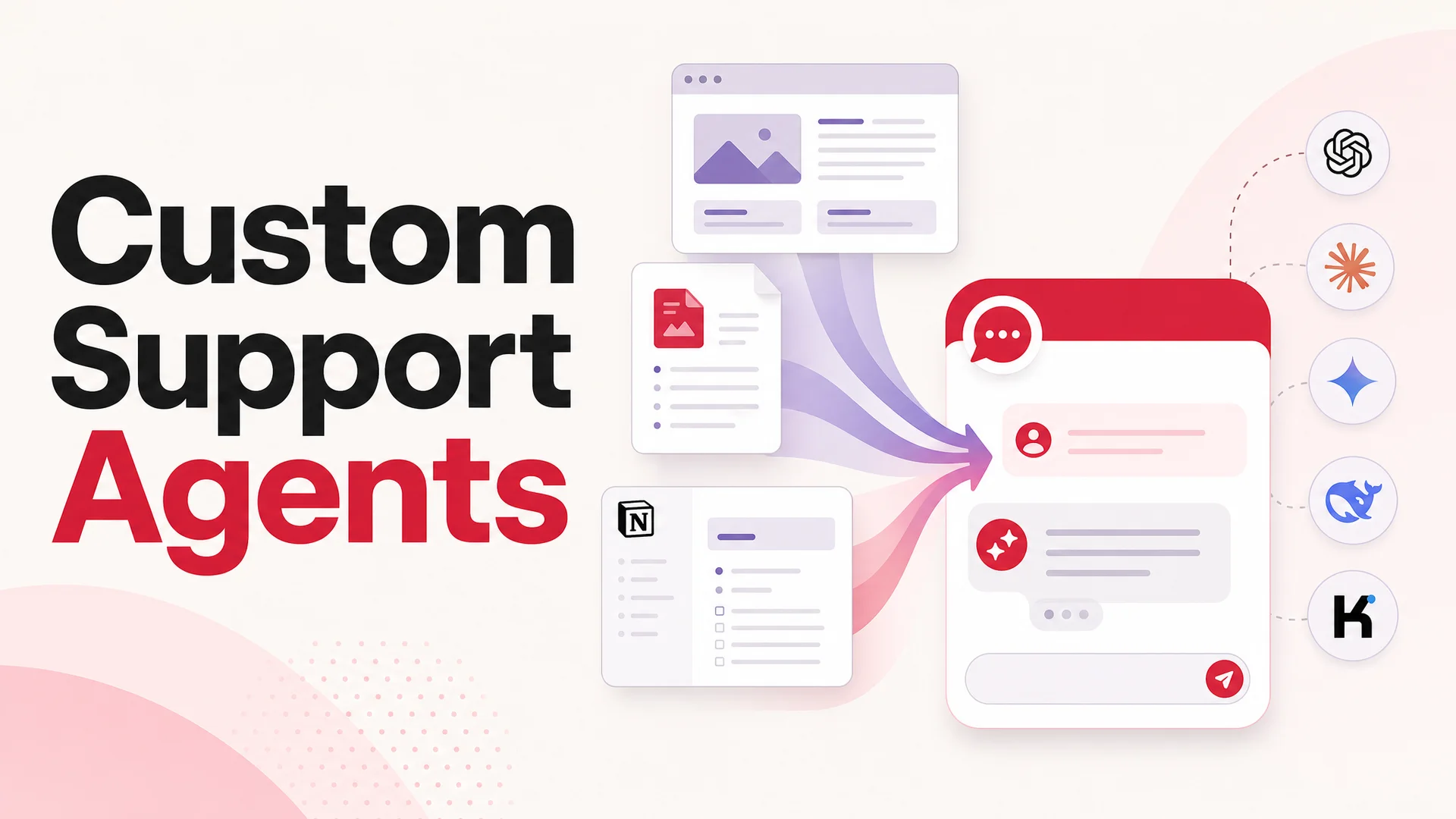
A Berrydesk agent is built in four steps. Pick the model - GPT-5.5 or GPT-5.5 Pro for general reasoning, Claude Opus 4.7 when you need the strongest coding and tool-use behavior (it leads SWE-bench Pro at 64.3%), Gemini 3.1 Ultra when a 2M-token context window solves your problem outright, DeepSeek V4 Flash or MiniMax M2 when you want frontier quality at a fraction of a cent per resolution, or Kimi K2.6, GLM-5.1, Qwen3.6, MiMo and others when an open-weight, agentic-first model is the right fit. Train it on your docs, your website, Notion workspaces, Google Drive folders, or YouTube transcripts. Brand the chat widget so it looks like part of your product, not a vendor's badge. Add AI Actions for the things the agent should be able to do - book a meeting, look up an order, kick off a refund, take a payment - not just talk about.
Then deploy. The same trained agent runs on your website widget and pipes into Slack, Discord, WhatsApp, Telegram, and whatever else you want to plug in.
Why this matters for Telegram specifically
When a customer messages your Telegram bot asking about your refund policy, a raw model call answers from training data and lawyer-style hedging. A Berrydesk agent that has been trained on your actual policy answers correctly, cites the source, and can trigger the refund itself if your AI Actions are wired up.
That single difference is the entire ROI argument. The DIY bot is a chatbot. The Berrydesk agent is a teammate.
Routing across models, not picking one
The 2026 model landscape is unusually good news for support teams, because the cheap models are also genuinely capable. DeepSeek V4 Flash runs at $0.14 per million input tokens and $0.28 per million output, with a 1M-token context window. MiniMax M2 ships at roughly 8% the price of Claude Sonnet at twice the speed. GLM-5.1 is MIT-licensed, runs an eight-hour autonomous plan-execute-test-fix loop, and beats GPT-5.4 and Claude Opus 4.6 on SWE-Bench Pro despite being trained entirely on Huawei Ascend chips.
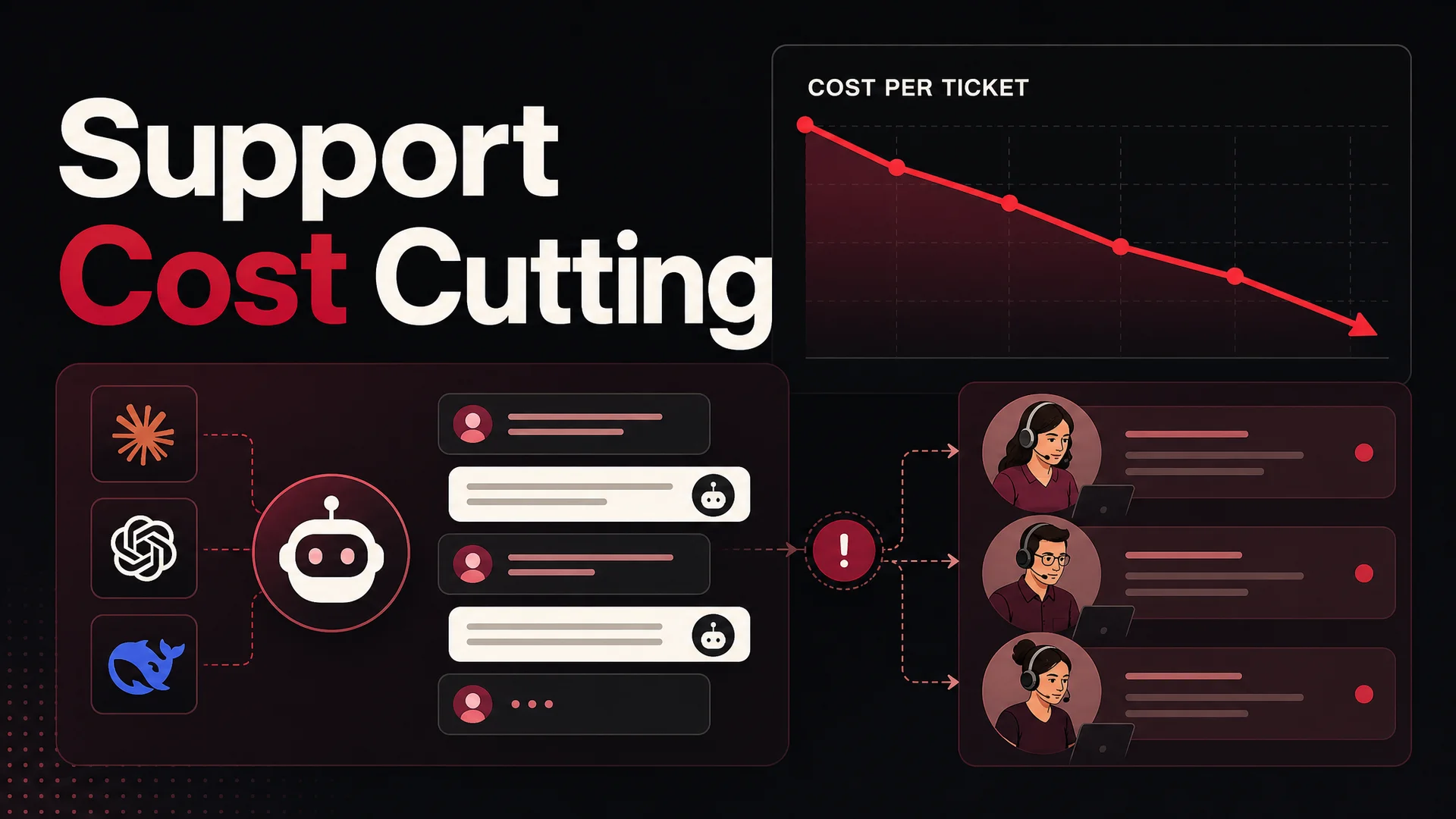
What that means in practice: a Berrydesk deployment can route the long tail of routine "where is my order" questions to DeepSeek V4 Flash or MiniMax M2 for fractions of a cent each, and reserve Claude Opus 4.7, GPT-5.5 Pro, or Gemini 3.1 Ultra for the gnarly edge cases - billing disputes, technical escalations, multi-step troubleshooting - where the marginal model cost is irrelevant compared to a wrong answer. You do not have to pick a single model for your entire support volume. You should not.
Long-context changes the playbook
The other thing the 2026 model wave changed is how you think about RAG. With Claude Opus 4.6 and Sonnet 4.6 shipping a 1M-token context window at no surcharge, Gemini 3.1 Ultra at 2M, and DeepSeek V4 Flash and Kimi K2.6 at 1M, you can fit an entire mid-sized knowledge base, the user's full conversation history, and your policy docs into a single prompt. RAG becomes a tuning lever for cost and latency rather than a hard requirement for accuracy. Berrydesk handles that trade-off for you so you do not have to rebuild your retrieval pipeline every time a new model ships.
AI Actions that actually do things
The biggest shift in 2026 is that agentic tool use stopped being a demo and started being production-ready. Kimi K2.6 can sustain 12-hour autonomous coding sessions with up to 300 sub-agents and 4,000 coordinated steps. Claude Opus 4.7 leads complex coding benchmarks. GLM-5.1, Qwen3.6, and Xiaomi MiMo-V2-Pro were all built agentic-first.
For a support agent, that translates to AI Actions you can trust in front of customers. Berrydesk agents can take a Stripe payment, book a Cal.com or Calendly slot, look up an order in your e-commerce platform, create or update a ticket in Zendesk or Linear, push records into your CRM, and chain those actions inside a single conversation without losing track. That is what customers actually want from a "support bot" - not a Q&A machine, but something that can resolve the issue.
Compliance, security, and the on-prem option
The MIT-licensed Chinese open-weight models - GLM-5.1, Qwen3.6-27B, Xiaomi MiMo - also unlock something the closed-frontier-only world could not: real on-prem and air-gapped deployments for regulated industries. If you are in healthcare, finance, or government and you have been told you cannot use a hosted model, this is the year that changes. Berrydesk supports model routing across hosted and self-hosted deployments so you do not have to pick between capability and compliance.
Best Practices for AI on Telegram
Whichever path you take - DIY or platform - a few principles separate bots that customers tolerate from bots that customers actually use.
Be honest that it is AI. Open the conversation with "Hi, I am the AI assistant for [Company]." Telegram users in particular have a sharp nose for stealth bots and will turn on you the moment they suspect. Transparency sets the right expectations and earns the patience you need when an answer is imperfect.
Define the perimeter. Tell users what the agent can and cannot help with up front. If it handles support questions but not sales pricing, say so. If it can take a payment but not refund one, say so. Frustration comes from mismatched expectations, not from limitations.
Plan for failure as a first-class case. Every AI agent will hit questions it cannot answer or actions it cannot complete. The interesting question is what happens next. With a DIY bot, the user gets a wrong answer or silence. With Berrydesk, the conversation routes to a human teammate inside your existing helpdesk, with the full transcript attached. Build for the handoff from day one.
Watch the conversations. Review what users are actually asking, where the agent struggles, and where it confidently gets things wrong. This is trivial in Berrydesk's analytics and effectively impossible on a self-hosted bot unless you stand up your own logging stack and review UI.
Respect privacy by default. Be explicit about what you collect and why. If you serve users in the EU, GDPR is not optional. Berrydesk is built with enterprise security and compliance in mind; a self-hosted bot is exactly as compliant as the engineer who set it up.
Mind the cost curve. The single biggest cost mistake teams make in 2026 is routing every Telegram message through the most expensive model they have access to. Use the cheap, capable models for the 80% of routine traffic and save the frontier for the 20% that matters. Berrydesk handles the routing logic so you do not have to write it.
FAQ
Is there an official ChatGPT bot for Telegram?
No. As of May 2026, OpenAI has not released a first-party Telegram bot for ChatGPT. You can access ChatGPT-class capabilities through self-hosted open-source bots, no-code automation platforms like Zapier or Make, or AI agent platforms like Berrydesk that connect to Telegram and dozens of other channels.
Can I run an AI bot on Telegram for free?
Sort of. The open-source self-hosted bot in Method 1 is free to run, but you still pay for model API usage and hosting. Zapier's free tier exists but caps you at a low task count that gets eaten in normal bot conversations. The cheapest serious option in 2026 is to point any of these methods at an open-weight frontier model - DeepSeek V4 Flash at $0.14 per million input tokens, or a self-hosted MIT-licensed model like GLM-5.1 or Qwen3.6 if you have the GPUs.
Which model should I use for a Telegram support bot?
It depends on the question, which is exactly why you should not pick one. Route routine traffic to a fast, cheap model - DeepSeek V4 Flash, MiniMax M2, or Qwen3.6 - and escalate hard cases to Claude Opus 4.7, GPT-5.5 Pro, or Gemini 3.1 Ultra. Berrydesk lets you configure that routing without writing any glue code.
What is the best way to use AI on Telegram for a business?
A platform like Berrydesk. It trains the agent on your actual business data, lets you pick and route between models, gives you AI Actions for real workflows like bookings and payments, ships analytics and human handoff out of the box, and deploys the same agent to every other channel your customers use. DIY methods are great for prototypes and personal projects; they are the slow road to a real product.
Does Berrydesk integrate with Telegram?
Yes - Telegram is one of the channels Berrydesk supports alongside your website widget, Slack, Discord, WhatsApp, and others. The same trained agent, the same AI Actions, the same analytics, every channel.
Can a Telegram AI bot handle voice and image messages?
Yes. The open-source bot in Method 1 supports voice and image natively. With a platform like Berrydesk, multimodal handling is built in and benefits from frontier multimodal models like Gemini 3.1 Ultra (natively multimodal across text, image, audio, and video) and Kimi K2.6 (native video input).
How do I create the Telegram bot itself?
Every method shares the same first step. Open Telegram, message @BotFather, send /newbot, choose a display name and a username ending in bot, and copy the API token. What you do with the token after that - wire it to a self-hosted bot, plug it into Zapier, or hand it to Berrydesk - is the part that determines whether you end up with a side project or a product.
Get Started
Telegram is a channel most companies still under-invest in, which is exactly why moving on it now pays. The harder question is not how to connect ChatGPT to Telegram. It is how to give your customers great AI-powered service everywhere they reach out, with one agent that knows your business, can take real actions, and hands off cleanly when it should.
That is what Berrydesk is built for. Pick a model, train on your docs, brand the widget, add AI Actions, and deploy to Telegram and every other channel in a single workflow. Build your agent for free at berrydesk.com and have it live before the end of the day.
 Berrydesk
Launch your AI agent in minutes
- Train on your docs, sites, Notion, Drive, or YouTube - pick GPT-5.5, Claude Opus 4.7, Gemini 3.1, DeepSeek V4, Kimi K2.6, GLM-5.1, Qwen3.6, MiniMax M2 or others
- Deploy the same agent to your website, Slack, Discord, WhatsApp, Telegram, and more
Set up in minutes

Chirag Asarpota is the founder of Strawberry Labs, the team behind Berrydesk - the AI agent platform that helps businesses deploy intelligent customer support, sales and operations agents across web, WhatsApp, Slack, Instagram, Discord and more. Chirag writes about agentic AI, frontier model selection, retrieval and 1M-token context strategy, AI Actions, and the engineering it takes to ship production-grade conversational AI that customers actually trust.