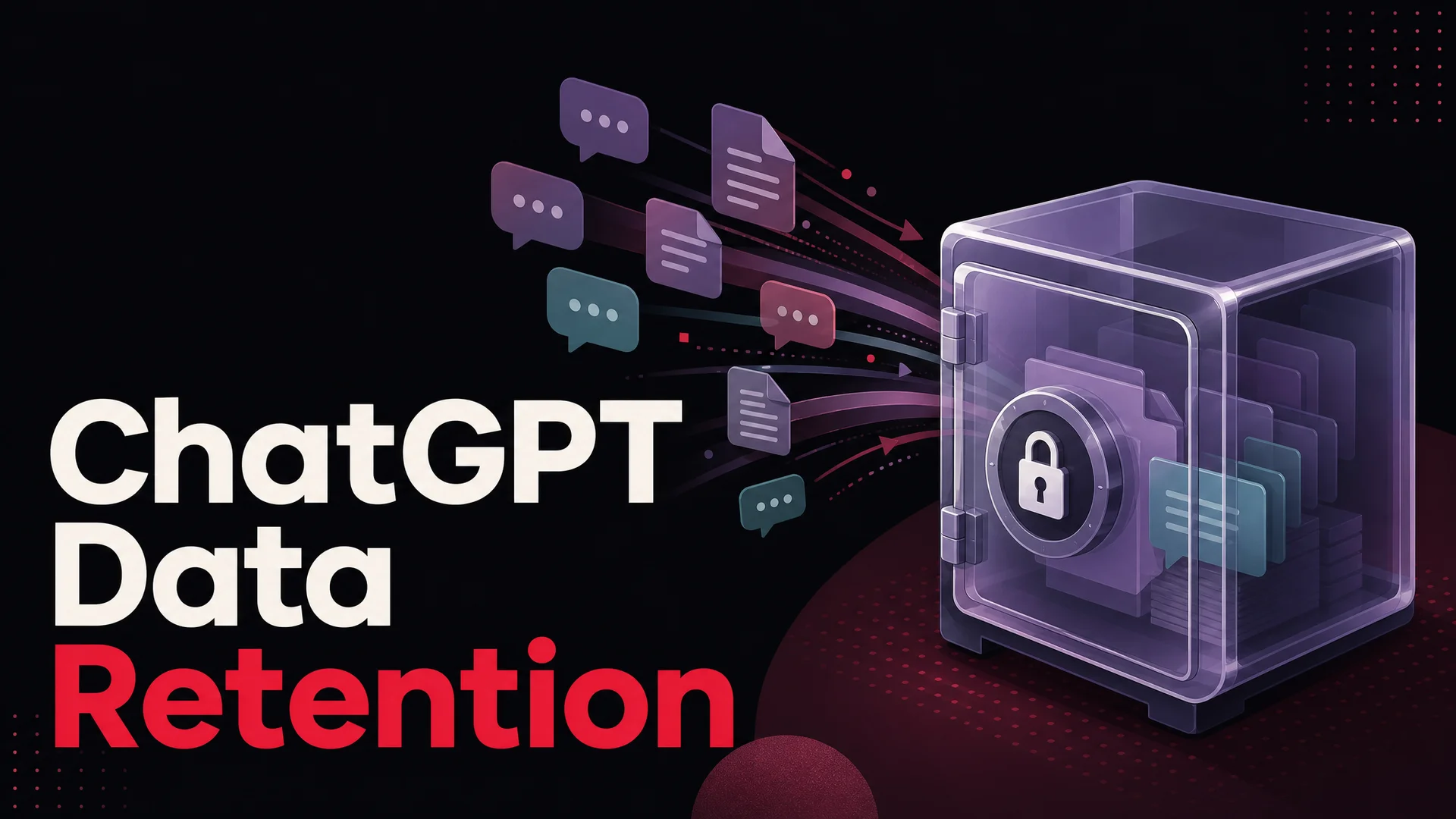
Short answer: yes, ChatGPT keeps what you type. Every prompt, every uploaded file, every follow-up - by default it lands on OpenAI's servers, and a slice of it can be reviewed by humans or used to train future models unless you change the settings yourself.
That is fine for casual brainstorming. It is a real problem if you are a support team feeding customer emails, account numbers, refund disputes, or internal playbooks into a public chat window. Below is what ChatGPT actually stores in May 2026, what controls exist today, and why teams running customer-facing AI usually move off the consumer product to a dedicated platform.
What ChatGPT actually collects
OpenAI's privacy policy splits the data it gathers into two buckets, and both have grown in scope as the product moved from a chat box into a multimodal agent that can browse, run code, watch video, and take actions.
The first bucket is content you provide. That covers every prompt you send, every file you upload (spreadsheets, PDFs, screenshots, audio, now full video clips into GPT-5.5), every output you give a thumbs-up or thumbs-down, and every voice clip from voice mode. Connectors that pull from Gmail, Drive, GitHub, or Notion add whatever those tools surface during a session. If your team pastes a customer's order history into a prompt to draft a reply, that order history is now content you provided.
The second bucket is data generated automatically. This is the metadata layer: timestamps, session length, device and browser fingerprints, IP address, approximate geolocation, billing details on Plus and Team accounts, and a long tail of telemetry around how you use individual features. None of it sounds dramatic on its own, but stitched together it produces a precise picture of who is asking what, from where, and how often.
In aggregate, OpenAI is logging:
- Account profile. Name, email, phone, and any payment information attached to a paid plan.
- Conversation history. Stored on US servers, retained until you delete it, and accessible to OpenAI engineers under defined access policies.
- Geolocation. Coarse location derived from your IP - enough to identify a city.
- Activity signals. Which features you use, how long sessions run, which models you select, what you regenerate.
- Commercial records. Subscription state, renewal history, refund events.
- Diagnostic logs. IP, user agent, error traces, performance data.
- Cookies and identifiers. First-party cookies for session state, plus analytics identifiers across web and mobile.
How OpenAI uses what it collects
Two uses matter most for anyone considering ChatGPT for work.
The first is model improvement. By default, conversations on Free, Plus, and Pro plans are eligible to be used to train future OpenAI models, including GPT-5.5 and whatever follows it. "Training" here is a loose word - it covers everything from the broad pretraining mix to fine-tuning passes, RLHF labeling, and red-team work. A subset of conversations is reviewed by human annotators, contracted reviewers, or OpenAI safety staff to grade responses or flag harms.
The second is operations and legal. Logs are retained for security investigations, abuse detection, billing, and to comply with subpoenas, court orders, and lawful government requests. OpenAI's policy commits to not selling personal data for advertising, but it does share data with subprocessors, infrastructure providers, and authorities where required.
The practical takeaway has not changed since the early days of ChatGPT: assume anything you type into the consumer product could be read by a stranger - an OpenAI reviewer, a vendor, a regulator, or in the worst case, an attacker who breaches a logging system. Treat it the way you would treat a shared Google Doc that an unknown intern has read access to.
What changed with GPT-5.5 and the 2026 model wave
The privacy model is mostly unchanged from a year ago, but the surface area has grown sharply. GPT-5.5 and GPT-5.5 Pro, released in April 2026, run parallel reasoning across longer trajectories, which means a single "conversation" can include dozens of intermediate tool calls, file reads, and web fetches that all become part of the stored transcript. If you ask the agent to plan a campaign by reading three internal docs from Drive, all three documents' contents are now embedded in your chat record.
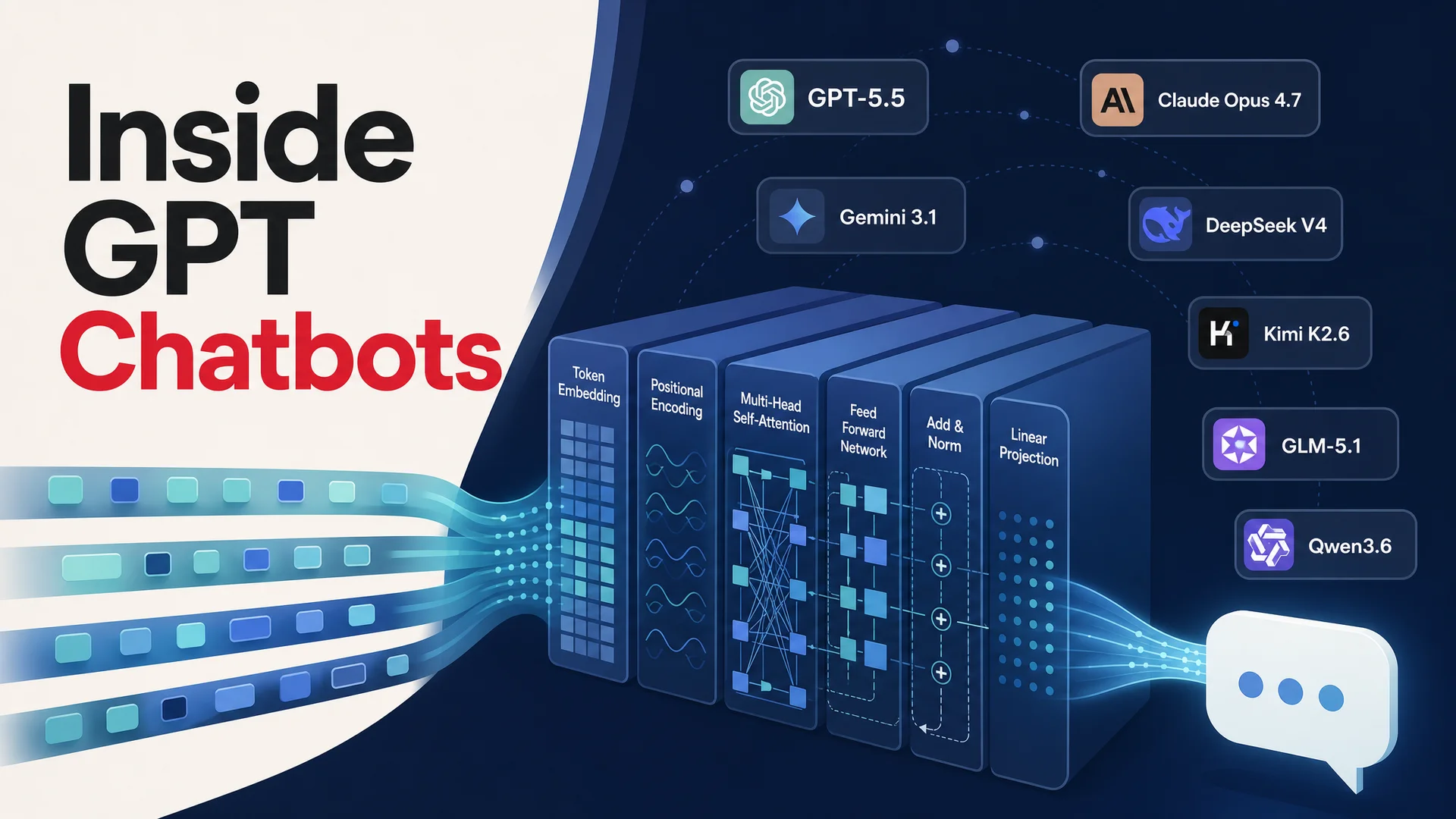
The same is true for Claude (Anthropic's Opus 4.7 and Sonnet 4.6 with their 1M-token context window), Gemini 3.1 Ultra (2M-token context, native video), and the open-weight frontier - DeepSeek V4, Kimi K2.6, GLM-5.1, Qwen 3.6, MiniMax M2.7, and Xiaomi MiMo-V2-Pro. Bigger contexts mean it has become normal to drop a 200-page policy manual or six months of CRM notes into a single prompt. That is convenient, and it means your retention exposure per session is an order of magnitude larger than it was on a 2024-era 8K-token chatbot.
For consumer ChatGPT specifically, the longer the context, the more incentive there is to be careful about what you let into it.
How to limit what ChatGPT stores
OpenAI does give individual users a few controls. None of them are perfect, but they meaningfully reduce exposure.
1. Turn off model training
In Settings → Data Controls, switch off Improve the model for everyone. Conversations after that toggle are not used to train future models. The trade-off is real: turning it off also disables persistent chat history in some account states, so a power user who relies on ChatGPT remembering past projects has to either accept training or accept losing memory. Enterprise, Team, and Edu plans default to no training, which is one of the few clean reasons to upgrade if compliance is the driver.
2. Use Temporary Chats
Open the model picker in the top left and toggle on Temporary chat. Sessions started this way disappear from your history within 30 days and are excluded from training. ChatGPT also forgets you between sessions in this mode - there is no continuity, no project memory, no carryover into the next conversation. Useful for one-off queries with sensitive data; painful as a daily driver.
3. Use the Privacy Portal
OpenAI runs a privacy request portal where you can export your data, ask for personal information to be removed from training sets, or delete your account entirely. Account deletion wipes the associated chats and metadata, subject to OpenAI's standard retention periods for fraud, billing, and legal hold.
4. Avoid pasting what you cannot afford to leak
The most reliable control is the boring one. Strip identifiers before you paste. Replace customer names with placeholders. Do not feed payment data, government IDs, source code your employer treats as confidential, or anything covered by a non-disclosure agreement into a public chat window. The setting toggles help; discipline at the keyboard helps more.
The privacy concerns worth taking seriously
A few categories of risk go beyond "OpenAI uses chats for training."
- Data breaches. A vendor that stores hundreds of millions of conversations is a high-value target. There have already been incidents - bug-driven exposure of titles and partial messages, leaked plugin tokens, and credential stuffing against accounts. The bigger the data lake, the more attractive it is.
- Resurfacing of training data. Researchers have shown repeatedly that large models can be coaxed into reproducing fragments of their training set, including personal information and copyrighted text. The 2024 New York Times lawsuit against OpenAI is the loudest example, and similar adversarial extraction attacks continue to land against frontier models.
- Cross-tenant prompt and tool injection. Modern agents read the web, follow links, and use tools. A maliciously crafted page can hijack the agent's instructions and exfiltrate context - including whatever sensitive content sits in the same conversation.
- Government and legal access. OpenAI's policy permits disclosure to government authorities under valid legal process. For regulated workloads - health, finance, defense - that may be incompatible with sectoral rules.
- Consent and provenance. When a support rep pastes a customer's email into ChatGPT, the customer never consented to OpenAI processing their data. That gap creates real exposure under GDPR, the California Consumer Privacy Act, and an expanding patchwork of regional laws that landed in 2025 and 2026.
Is it safe for companies to use ChatGPT for support?
Sometimes - for narrow, generic tasks like rephrasing a draft, generating a regex, or sketching a Notion page from a rough outline. The line gets crossed the moment you push customer data, internal documentation, or proprietary code into the prompt.
That is why the list of organizations that ban or restrict ChatGPT keeps growing. Major banks, defense contractors, several Fortune 100 manufacturers, and consumer giants like Apple and Samsung have at various points blocked the consumer product internally. The pattern is consistent: leadership likes the productivity story, security finds a near-miss, and the company shifts to a controlled deployment.
For customer support specifically, the exposure is amplified. Every ticket touches at least one identifiable individual. A ticketing workflow that funnels conversations into an unconfigured ChatGPT account is, in effect, a continuous personal-data export.
A dedicated platform is the right answer for support workloads
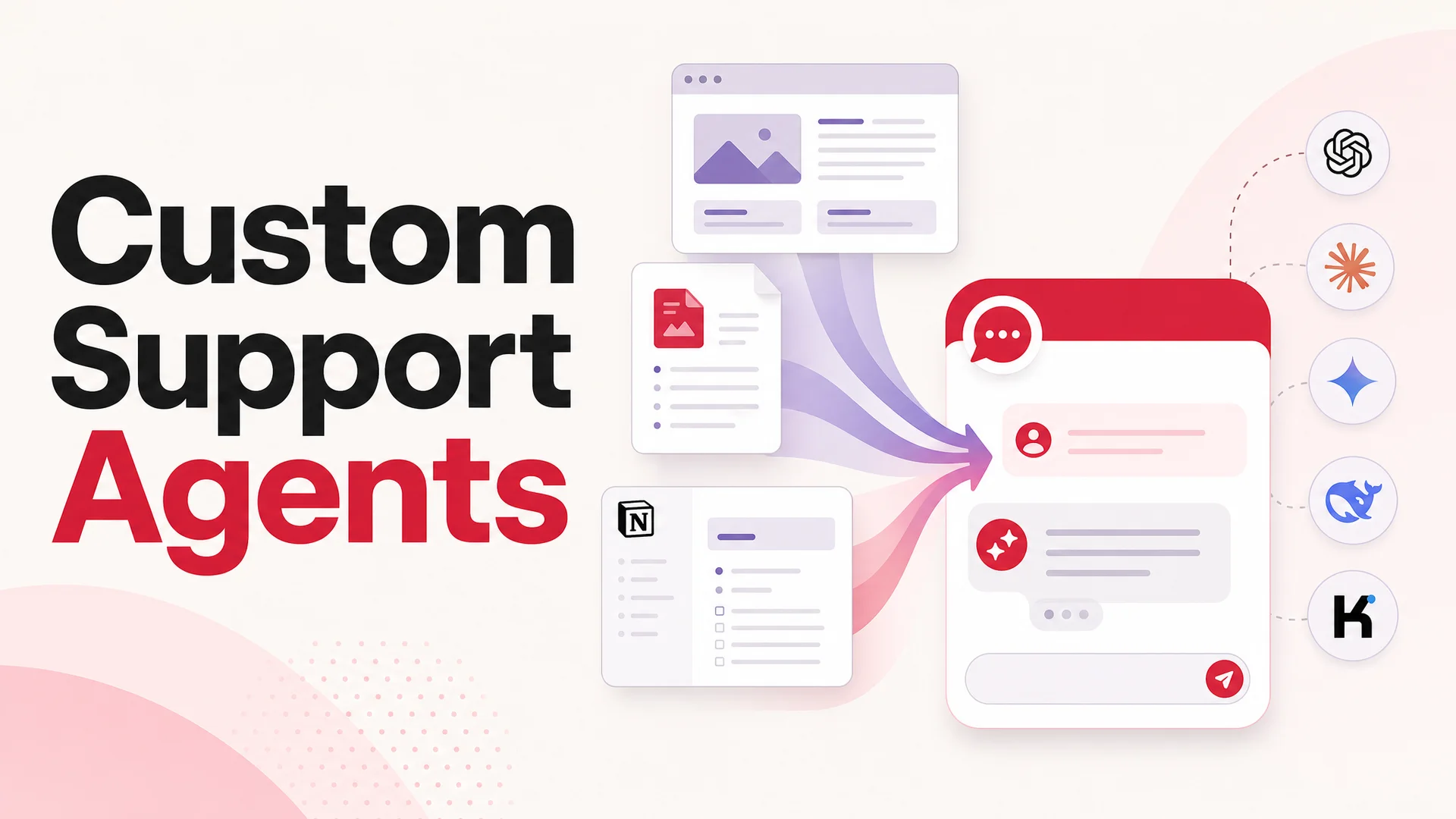
This is the gap Berrydesk fills. Instead of pasting customer data into a general-purpose chatbot, you launch a dedicated AI agent that runs on a model of your choice with workspace-scoped data controls.
A few things change when you move from consumer ChatGPT to a purpose-built agent platform:
- Model choice without model lock-in. Berrydesk supports GPT-5.5 and GPT-5.5 Pro, Claude Opus 4.7 and Sonnet 4.6, Gemini 3.1 Ultra and Pro, DeepSeek V4 Flash and V4 Pro, Kimi K2.6, GLM-5.1, Qwen 3.6, MiniMax M2.7, and Xiaomi's MiMo line. Route routine traffic to a cheap, fast open-weight model - DeepSeek V4 Flash runs at roughly $0.14 / $0.28 per million input/output tokens - and reserve Claude Opus 4.7 or Gemini 3.1 Ultra for the hard escalations.
- No training on your data. Customer conversations are not used to train base models. Improvements stay scoped to your workspace.
- MIT and Apache-licensed deployments for regulated workloads. Open-weight Chinese frontier models - GLM-5.1 (MIT), Qwen 3.6-27B (Apache 2.0), MiMo-V2-Pro (MIT) - let you run on infrastructure you control, including on-prem and air-gapped setups for healthcare, finance, and government.
- Knowledge that lives where you put it. Train the agent on your help center, websites, Notion, Google Drive, or YouTube content. The 1M and 2M-token context windows in the latest Claude, DeepSeek, and Gemini families mean entire knowledge bases can sit in-context, turning RAG into a tuning lever instead of a hard requirement.
- AI Actions for real work. Bookings, payments, refunds, order lookups, account changes - agentic models like Kimi K2.6 (12-hour autonomous coding sessions, swarms up to 300 sub-agents), GLM-5.1 (8-hour plan-execute-test-fix loops), and Claude Opus 4.7 (64.3% on SWE-Bench Pro) make these flows reliable rather than demoware.
- Deploy where customers are. A single agent can answer on your website widget, in Slack, in Discord, on WhatsApp, and over email - without re-pasting context across channels.
Common pitfalls to avoid
A few mistakes show up over and over when teams first move support workloads onto AI:
- Treating "no training" as the whole privacy story. The toggle matters, but logging, retention, and access controls matter more. Read the data processing addendum, not just the marketing page.
- Letting reps paste raw tickets into the public ChatGPT app as a shadow workflow. If you do not give your team a sanctioned tool, they will use an unsanctioned one. Roll out a dedicated agent and turn off the side door.
- Picking one model and freezing. Costs and capabilities are moving every few weeks in 2026. A platform that lets you swap models per-conversation or per-tier saves real money - Kimi K2.6 or DeepSeek V4 Flash for triage, frontier closed models for hard cases.
- Skipping the human handoff. Even the best agents need a clean exit to a human. Plan the handoff before you plan the deployment.
- Underestimating prompt injection. Customers can paste hostile content into a chat. Constrain what your agent is allowed to do with tools, and log every action it takes.
The bottom line
ChatGPT saves your data because the product was designed that way: storage powers memory, training, debugging, and most of what makes the consumer experience feel intelligent. As an individual you can dampen the exposure with Temporary Chats, the training opt-out, and the privacy portal. As a support team, those controls are not enough, and pasting customer data into a public chatbot is a compliance incident waiting to happen.
If you are running customer support and you want the productivity of GPT-5.5, Claude Opus 4.7, Gemini 3.1, or any of the new open-weight frontier models without the data-handling baggage of the consumer ChatGPT app, launch your agent on Berrydesk. Pick the model, train on your own sources, brand the widget, wire up AI Actions, and keep your customers' data where it belongs - in your workspace.
 Berrydesk
Run support on AI without handing your data to OpenAI
- Pick from GPT-5.5, Claude Opus 4.7, Gemini 3.1, DeepSeek V4, Kimi K2.6, GLM-5.1, and more - all with workspace-level data controls.
- Train on your docs, deploy to web, Slack, WhatsApp, and Discord, and keep customer data out of public training pipelines.
Set up in minutes

Chirag Asarpota is the founder of Strawberry Labs, the team behind Berrydesk - the AI agent platform that helps businesses deploy intelligent customer support, sales and operations agents across web, WhatsApp, Slack, Instagram, Discord and more. Chirag writes about agentic AI, frontier model selection, retrieval and 1M-token context strategy, AI Actions, and the engineering it takes to ship production-grade conversational AI that customers actually trust.