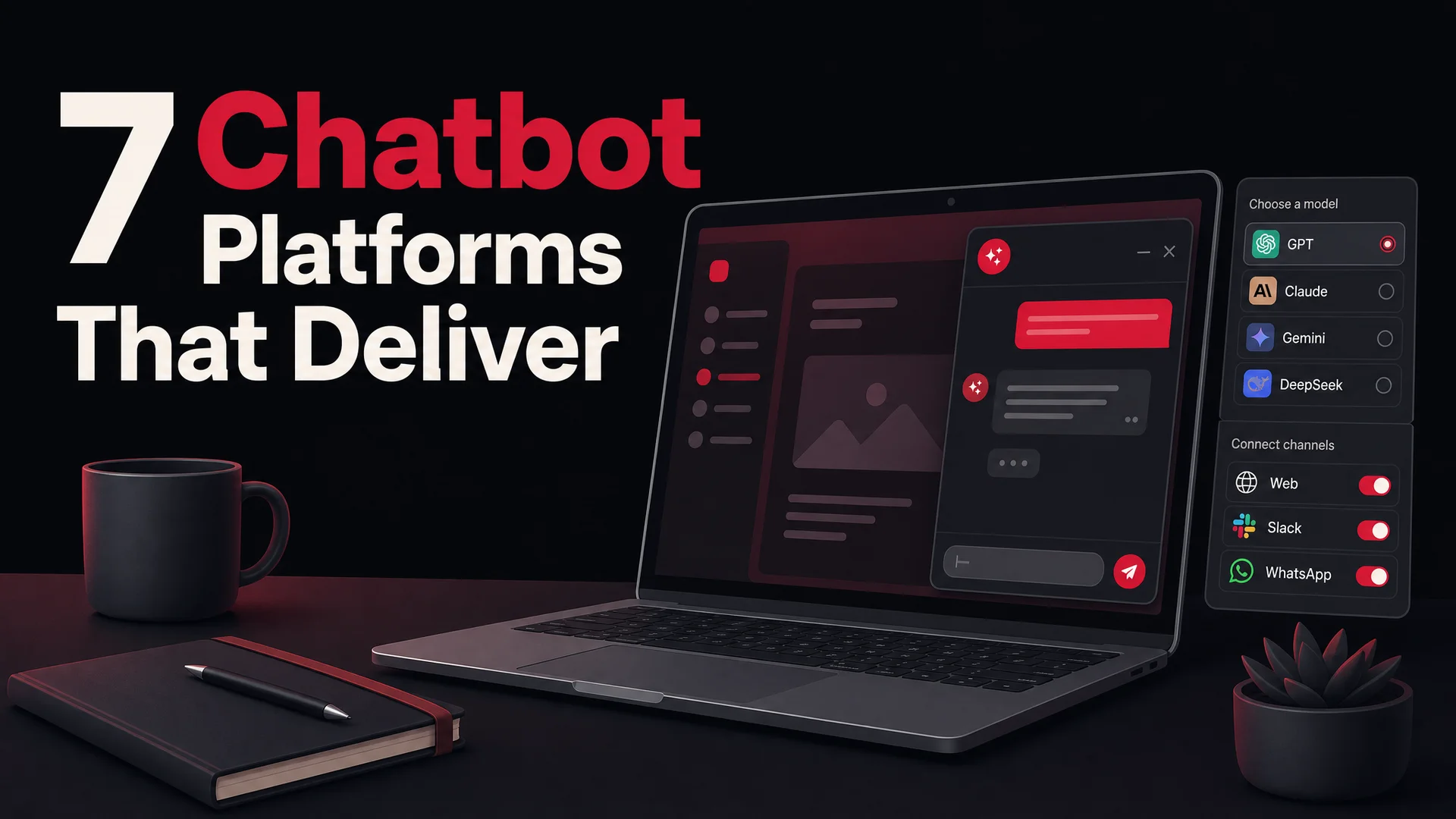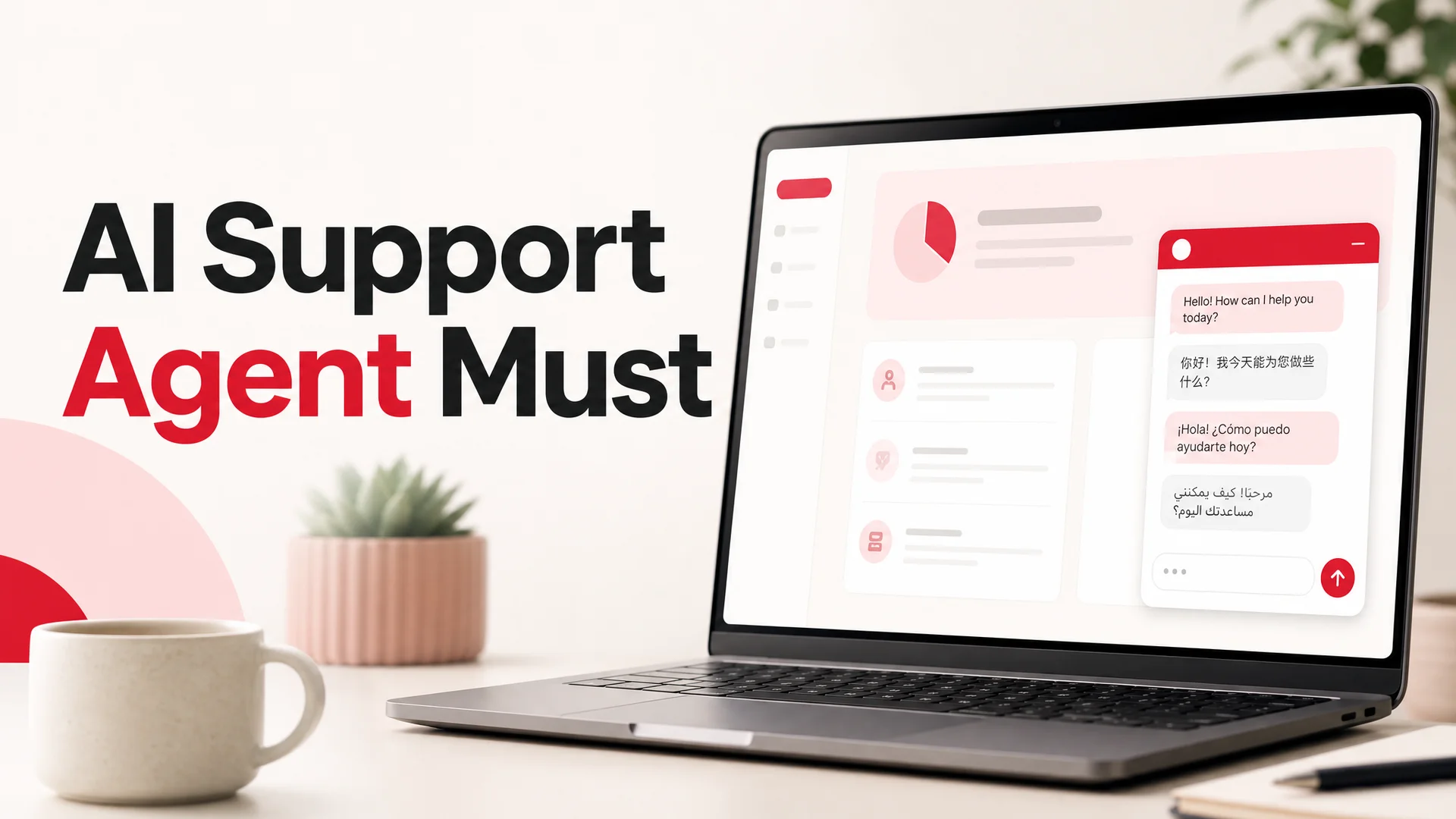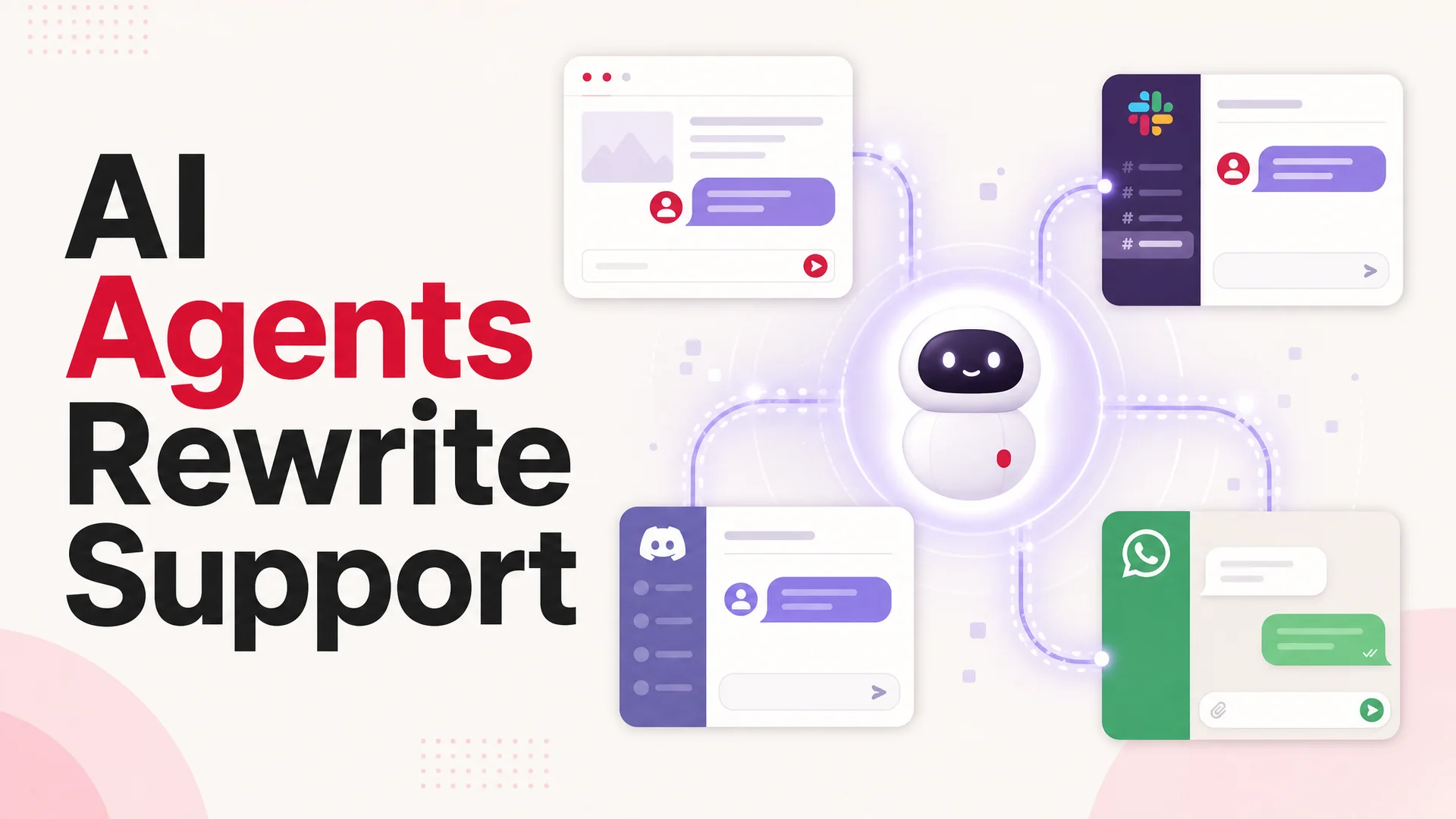
A few years ago, "ChatGPT on your website" was the headline feature, and Custom GPTs gave anyone with an OpenAI account the ability to bottle up a system prompt, a few documents, and some tool calls into a private assistant. It was a genuinely useful feature. It was also a walled garden. Everything you build inside ChatGPT - the persona, the knowledge, the guardrails - only works for people who are already inside ChatGPT, signed in, and willing to navigate to your specific GPT.
That is fine if your audience is "other power users who live in ChatGPT." It is the wrong shape for a business. The people you actually want to talk to - your customers, your prospects, your support queue - are on your website, on your app, on your help center, and increasingly inside Slack, Discord, and WhatsApp. They are not going to bounce out to chat.openai.com to ask about your return policy.
In 2026, the framing is too narrow on the other side too. The interesting question now isn't whether you can drop a chat widget onto a page - that part is solved - but which model should sit behind it, how it should be trained on your business, and what it should be allowed to do once a customer starts typing. The agents customers actually want to talk to today book appointments, look up orders, issue refunds, and pull policy answers from a 1M-token knowledge base. They are not glorified autocomplete.
This guide walks through what changed in the model landscape since the original "embed ChatGPT" guides were written, why a custom on-site agent is now meaningfully better than what runs inside ChatGPT, and exactly how to ship a branded AI agent on your homepage, help center, or storefront in an afternoon.
What "embedding ChatGPT" actually means in 2026
You cannot literally lift the consumer ChatGPT experience and paste it into your site. What you embed is a chat widget powered by a frontier model - and that model can be GPT-5.5 if you want, but it can just as easily be Claude Opus 4.7, Gemini 3.1 Pro, DeepSeek V4 Flash, or one of the open-weight Chinese frontier releases that have reshaped the cost curve over the last six months.
Custom GPTs were designed in a world where GPT-4 was the only reasonable game in town, context windows were measured in tens of thousands of tokens, and the idea of an agent reliably booking a meeting or processing a refund was still demoware. That world is gone.
By May 2026 the bench looks completely different. OpenAI's GPT-5.5 and GPT-5.5 Pro use parallel reasoning chains. Anthropic's Claude Opus 4.7 leads SWE-Bench Pro at 64.3% and is paired with Claude Opus 4.6 and Sonnet 4.6 - both shipping a one-million-token context window at no premium. Gemini 3.1 Ultra carries a two-million-token window and is natively multimodal across text, image, audio, and video. On the open-weight side, DeepSeek V4 Flash serves at $0.14 / $0.28 per million input/output tokens, Z.ai's GLM-5.1 (MIT-licensed, trained entirely on Huawei Ascend chips) outscores GPT-5.4 and Claude Opus 4.6 on SWE-Bench Pro, Moonshot's Kimi K2.6 can run twelve-hour autonomous coding sessions and orchestrate up to 300 sub-agents, and MiniMax M2.7 hits Claude-class quality at roughly 8% of the price.
What does any of that have to do with a chat widget on your homepage? Three things.
The cost floor for a high-quality customer support agent has collapsed. You can route routine traffic - "where is my order," "how do I cancel," "do you ship to Germany" - to DeepSeek V4 Flash or MiniMax M2 at fractions of a cent per resolution, and reserve Claude Opus 4.7, GPT-5.5 Pro, or Gemini 3.1 Ultra for the gnarly escalations that actually need frontier reasoning. Custom GPTs cannot do this. They run on whatever OpenAI decides to back them with, and you pay accordingly.
One-million- to two-million-token context windows change what "training" even means. The old workflow was: chunk your knowledge base, embed it, set up a vector store, retrieve top-k chunks, and pray your retrieval picked the right ones. With a million tokens of context, you can now pour an entire help center, full conversation history, and your refund policy into a single prompt and let the model reason across the whole surface. RAG becomes a tuning lever for cost, not a hard requirement for quality.
Agentic tool-use has crossed the line from cute to load-bearing. Models like Claude Opus 4.7, Kimi K2.6, GLM-5.1, Qwen3.6, and MiMo-V2-Pro are reliable enough that an on-site agent can actually book a demo, process a refund, look up an order, take a payment, or escalate to a human inside Slack - without falling apart halfway through. Custom GPTs have actions, but they are constrained to what fits inside ChatGPT's tool runtime.
So the practical question is no longer "how do I get my Custom GPT onto my website." It is "how do I build a real custom AI agent - model of my choosing, trained on my data, branded for my business, wired into the channels I actually use - and deploy it where my customers are."
Two paths: build it yourself or use a platform
You have two real paths.
The first is wiring up a model API yourself - OpenAI, Anthropic, Google, or one of the open-weight providers - and building the widget, the knowledge base, the conversation memory, the escalation logic, and the analytics. This is doable. It's also expensive in engineering time. A serious in-house build is weeks of work for the first version and a permanent maintenance line item, because every model release changes the prompting landscape and every channel you add (Slack, WhatsApp, Discord) is its own integration.
The second is using an AI agent platform that handles the model routing, the training pipeline, the widget, the integrations, and the deployment. For most businesses - especially ones where the agent is a means to an end, not the product itself - this is the right call. You are not in the business of maintaining tokenizer changes between Claude Opus 4.6 and 4.7. You are in the business of answering customers fast and accurately.
The rest of this guide assumes you're going with a platform. We'll use Berrydesk because it gives you access to the full 2026 model lineup - GPT-5.5, Claude Opus 4.7, Gemini 3.1, DeepSeek V4, Kimi K2.6, GLM-5.1, Qwen 3.6, MiniMax M2 - under one configuration, with the option to mix and match per use case.
Step 1: Choose the right AI agent platform
Not every "chatbot builder" is built for what 2026 customer support actually requires. Before you sign up anywhere, run the platform through this checklist.
Multi-model support, not single-vendor lock-in. A platform that only ships OpenAI is a platform betting your support quality on a single roadmap. The strongest setups today let you pick a model per agent, or even per task. You might want Claude Opus 4.7 for nuanced policy questions, GPT-5.5 for general conversation, DeepSeek V4 Flash for high-volume FAQ traffic where cost matters, and an open-weight model like GLM-5.1 (MIT license, 754B-param MoE) or Qwen3.6-27B (Apache 2.0, dense) if you have data residency or air-gap requirements.
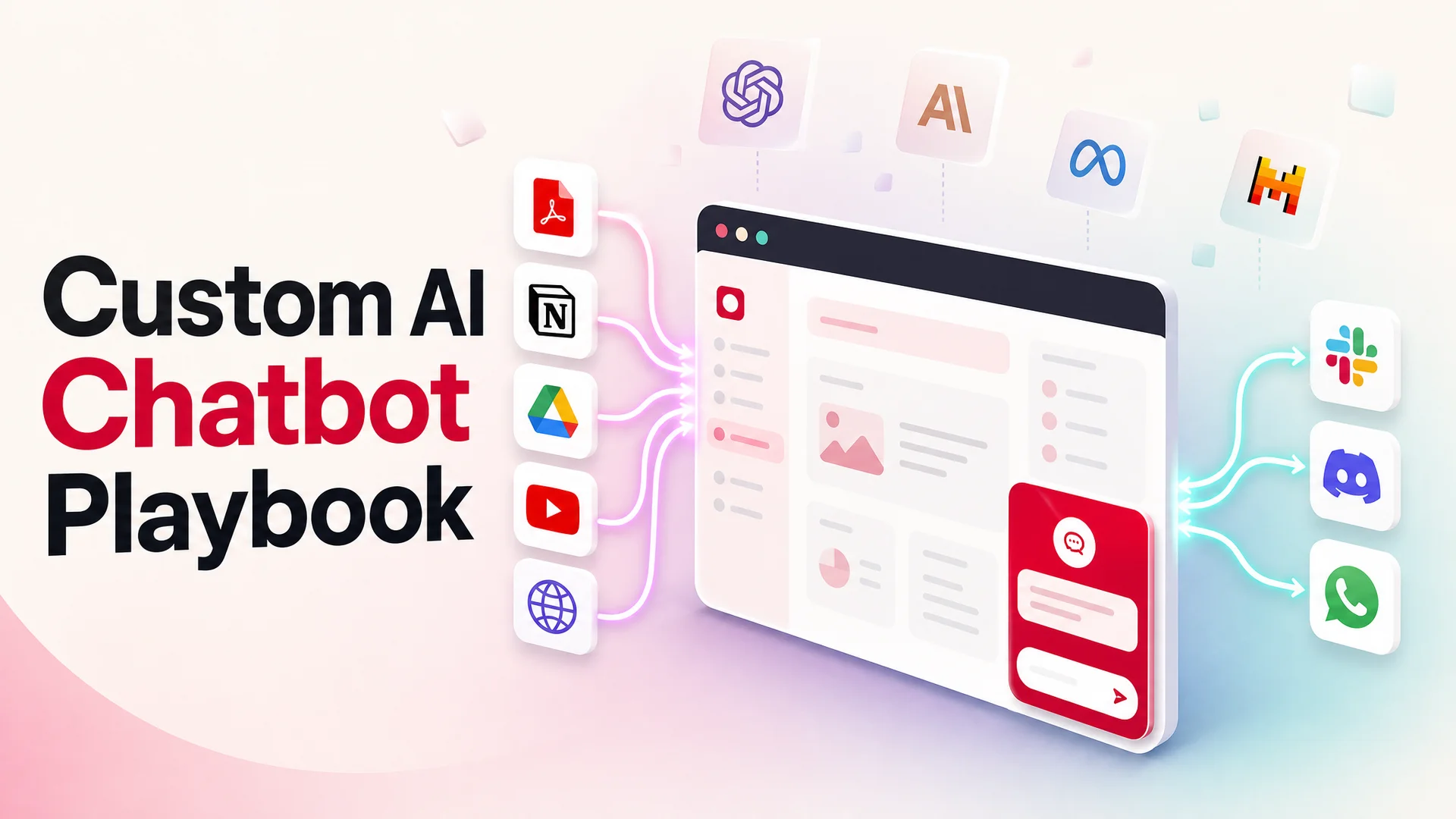
A real training pipeline, not just file upload. Your agent is only as good as what it knows. Look for ingest from PDFs, websites (full crawl, not single page), Notion, Google Drive, and YouTube transcripts at minimum. Re-crawling matters too - your help center changes weekly, and you don't want a stale knowledge base on day 30.
Brandable widget, not generic chat bubble. Customers can tell when a widget was bolted on. The good platforms let you control colors, typography, the launcher icon, the welcome message, the avatar, the suggested-question chips, and the off-hours behavior. If the platform's "customization" is a color picker and nothing else, keep looking.
AI Actions, not just answers. This is the biggest 2026 differentiator. Agentic tool-use models - Claude Opus 4.7, Kimi K2.6, GLM-5.1, Qwen3.6, MiMo-V2-Pro - make it reliable to wire your agent to real systems: bookings, payments, refunds, order lookups, CRM writes, ticket creation. A platform without an actions layer is a platform that can only ever talk; you'll still need a human for anything that touches a database. Berrydesk's AI Actions cover bookings and payments out of the box, plus arbitrary HTTP integrations for the long tail.
Multi-channel deployment. Your customers are not all on your website. Look for a single agent definition that deploys to your site, Slack, Discord, WhatsApp, and email so you don't end up training five different bots.
Analytics that show you what's broken. Every conversation is a free product research session if you have the tooling. Look for transcripts, topic clustering, deflection rate, escalation rate, and per-question CSAT. Without this you're flying blind.
A meaningful free tier or trial. You will not know if a platform fits until you've trained it on your real content and watched it answer real questions. A platform that hides behind a sales call is a platform that doesn't trust its own product.
Headroom to scale. A small site might start with a few hundred conversations a month and grow to tens of thousands. Make sure the per-conversation economics still work at the top end.
Step 2: Build and train your agent
Once you've picked a platform, the build itself is the fastest part. On Berrydesk it's roughly four steps; on most modern platforms the shape is similar.
1. Create the agent
Sign up at berrydesk.com and start a new agent. You'll be asked to give it a name (this becomes the default display name in the widget), pick a primary model, and optionally choose a fallback. If you're not sure which model to start with, Claude Sonnet 4.6 is a strong default for support workloads - fast, cheap by frontier standards, and the 1M-token context means you don't have to be precious about how much knowledge you load.
2. Train on your sources
This is where most of the quality comes from, so it's worth doing carefully. The original Custom GPT flow leaned on a small handful of files plus a system prompt. That is fine for a personal assistant, thin for a business. Berrydesk supports several ingest paths:
- Website crawl. Point it at your homepage or help center and let it pull every linked page. Set a re-crawl cadence - weekly is sensible for most businesses, daily if your inventory or pricing moves.
- Document upload. PDFs, Word docs, Markdown, plain text. Useful for policy documents, internal SOPs, product spec sheets, and anything that lives outside your public site.
- Notion. Connect a workspace and select the pages or databases the agent should learn from. Updates sync automatically.
- Google Drive. Same idea - pick the folders, the agent stays in sync as you edit.
- YouTube. Useful if your product has video tutorials. The agent ingests the transcripts and can cite specific timestamps in answers.
- Q&A pairs. For the questions you already know come up constantly, write the answer yourself and pin it. This is your override layer when you want the agent to answer a question a specific way.
The practical effect is that you stop having to maintain a separate "AI training corpus." The same documentation your team already updates becomes the agent's knowledge base.
A good first training pass covers your help center, your top five product pages, your refund and shipping policies, and a couple dozen Q&A pairs for the questions your team is already tired of answering. Then test it. If an answer is wrong, the fix is almost always upstream - either the source content is unclear, or you need a Q&A override.
3. Configure tone and guardrails
In the agent settings, set the persona - friendly, formal, concise, warm. Set what it should refuse to do (talk about competitors, discuss pricing for enterprise tiers, give legal or medical advice). Set its escalation rule - when it doesn't know, when it should hand off, where the handoff goes. This is where the model choice starts to matter: Claude Opus 4.7 and GPT-5.5 are both notably better than older models at staying inside guardrails without sounding robotic about it.
4. Wire up AI Actions
If your agent needs to do anything beyond answer, this is where it happens. Common ones for support:
- Order lookup. Connect to Shopify, WooCommerce, or your custom backend so the agent can pull order status from an email and an order number.
- Booking. Connect a calendar so the agent can offer slots and confirm appointments without a human in the loop.
- Refunds and credits. Define a policy ("under $50 and within 30 days, auto-approve") and let the agent execute within those bounds.
- Ticket creation. When the agent escalates, it should create a real ticket in your helpdesk with the full conversation context attached.
The reason this works in 2026 - and didn't, reliably, two years ago - is that frontier models are now genuinely good at structured tool use. Claude Opus 4.7 and Kimi K2.6 in particular handle multi-step action sequences with retry and self-correction.
Step 3: Embed the agent on your website
Once the agent is trained and the actions are wired, embedding is the easy part. In the Berrydesk dashboard, open your agent and go to Deploy → Website. You'll see two embed options.
Floating chat bubble. A small launcher in the bottom-right (or wherever you configure) of every page. Clicking it expands the conversation. This is what most sites want - it's unobtrusive, always available, and customers know what to do with it. Copy the script tag and paste it before the closing </body> tag in your site template. On most platforms this is a one-line change.
Inline iframe. A full chat surface embedded directly into a page. Useful when you want a dedicated "talk to an agent" page, or when the chat is the primary interaction on a landing page. Copy the iframe snippet and drop it where you want the conversation to appear.
If you're on a hosted website builder, the embed step varies slightly:
- Webflow. Project settings → Custom code → Footer code. Paste the script.
- Wix. Settings → Custom code → Add custom code, set it to load on all pages, place in body end.
- Squarespace. Settings → Advanced → Code injection → Footer.
- WordPress. Either paste into your theme's
footer.php, or use a header/footer scripts plugin if you don't want to touch theme files. - Shopify. Online Store → Themes → Edit code →
theme.liquid, before</body>. - Framer. Project settings → Custom code → End of
<body>.
After paste, refresh your site. The widget should appear within a few seconds. Open it, ask a question you trained it on, and confirm the answer.
Step 4: Publish to other channels
Berrydesk supports a long list of deployment surfaces from the same agent definition. From the Deploy tab:
- Slack for internal-knowledge agents your employees can DM.
- Discord for community support, especially in developer and gaming markets.
- WhatsApp for consumer brands operating in regions where WhatsApp is the default communication channel.
- Email and inbox integrations for the long tail of support questions.
- API access if you want to embed the agent inside your own product.
Each channel uses the same underlying agent, the same training data, and the same AI Actions. You configure once and meet your users wherever they actually are.
Six custom AI agents worth building for your website
Once the deployment piece is solved, the more interesting question is what to actually build. These six are the patterns Berrydesk customers ship most often, and each one lands somewhere different on the cost / quality curve.
1. A 24/7 customer support agent
The classic. Most support tickets are not interesting - they are the same ten or twenty questions repeating in different words. An agent trained on your help center, your product docs, and your past resolved tickets can deflect 60–80% of that volume around the clock, and escalate the rest to a human with full context attached.
The trick is the routing. Send the routine "where is my order" / "how do I reset my password" traffic to a low-cost open model like DeepSeek V4 Flash or MiniMax M2. Reserve Claude Opus 4.7 or GPT-5.5 Pro for ambiguous, multi-step, or emotionally loaded conversations where reasoning quality is what determines whether you keep the customer.
2. A product recommendation agent
If you sell more than one SKU, you have a product-fit problem. Customers do not always know which subscription tier matches their usage, which model has the specs they need, or which plan covers the integration they care about. A static comparison table answers a fraction of those questions; a conversational agent can ask clarifying questions, weigh trade-offs, and surface the specific option that fits.
This is a use case where context window matters. With a million-token context, the agent can hold your entire catalog, pricing structure, comparison docs, and a few hundred past conversations in-prompt - meaning it can reason about combinations and edge cases without needing perfectly tuned retrieval. For high-stakes purchases, route the final recommendation step through Gemini 3.1 Pro or Claude Opus 4.7.
3. A lead generation agent
A static lead form captures an email and maybe a job title. A conversational agent can do that, plus qualify the lead in real time - what they are trying to solve, what they have tried, what their budget shape is, what their timeline looks like - and route hot leads straight into your CRM with a prefilled call booked.
The leverage here is that the conversation feels like help, not a form. The customer is asking the agent questions about your product. The agent is, in parallel, asking the right discovery questions back. By the time the conversation ends, both sides have what they need.
4. A site navigation and onboarding agent
This one is underrated. A surprising amount of churn comes from customers who could not find a feature, did not know how to do a specific task, or gave up halfway through onboarding. A custom agent embedded on the site can guide users through specific flows in plain language - "show me how to invite my team," "help me connect my data source," "where do I change my plan" - and deep-link them to the exact screen.
For teams with a lot of UI surface area or non-trivial setup steps, this can shift activation rates more than any documentation refresh. Any question that gets asked twenty times in a week is a sign of either a missing feature or a missing doc.
5. A conversational polling and research agent
The classic widget poll is a multiple-choice cul-de-sac. A conversational agent can ask the same opening question, then probe based on the answer - "interesting, can you say more about why?" - and surface qualitative themes that a checkbox poll never could.
This is a strong fit for product research, churn surveys, NPS follow-ups, and post-purchase feedback. Long-context models matter here too: the agent can reference what the respondent already said earlier in the conversation, ask coherent follow-ups, and produce a clean structured summary at the end. Running these at scale used to require a research team. Now it is one agent, one prompt, and a results dashboard.
6. A customer feedback and insights agent
Closely related, but pointed at existing customers rather than prospects. The hardest part of feedback collection has always been getting people to answer at all - long surveys get abandoned, short ones do not capture nuance. A conversational feedback agent can hit a middle ground: a quick first question, a follow-up only if the answer is interesting, and an exit ramp the moment the customer has had enough.
The output is the part most teams miss. Instead of a pile of free-text responses nobody reads, the agent can cluster, summarize, and tag themes automatically - "twelve customers this week mentioned the new pricing, eight of them negatively, here are the representative quotes." That goes from raw conversations to a Monday-morning briefing without anyone reading every transcript.
Pitfalls to watch for
A few things that consistently trip up first-time deployments.
Picking one model and never revisiting. The model landscape in 2026 moves in months, not years. The right default in February may not be the right default in May. Build with a platform that lets you swap models without rebuilding the agent, and re-evaluate at least quarterly.
Skipping the action layer. An agent that can only answer questions is half an agent. The bookings, refunds, lookups, and ticket-creation actions are where deflection actually happens. If your agent ends every conversation with "please contact support," you have built a search interface, not an agent.
Over-training on stale content. Crawling your entire site once and never re-crawling is a guaranteed accuracy problem six months in. Set a re-crawl cadence and stick to it. Connect live sources - Notion, Drive, your website crawl - so updates propagate automatically rather than requiring a manual retrain.
Not setting the "I don't know" behavior. A model with a 1M-token context will still hallucinate confidently if you don't give it permission to say "I'm not sure, let me get a human." Configure the escalation path explicitly.
Picking the most expensive model for everything. GPT-5.5 Pro and Claude Opus 4.7 are excellent. They're also overkill for "what are your shipping hours?" Route routine traffic to DeepSeek V4 Flash or MiniMax M2 and reserve the frontier models for the tickets that actually need them. The cost difference at scale is measured in orders of magnitude.
Forgetting the off-hours flow. What happens when a customer asks something the agent escalates but it's 2 a.m.? Make sure the handoff creates a ticket with full context, not a dropped conversation.
Skipping the analytics review. Read transcripts. Every week. The first month of conversations is the most valuable product research you'll ever get for free, and the gaps in your knowledge base will be obvious within an hour of reading.
No clean human handoff. Some conversations should not be resolved by an AI. Make sure there is a clean escalation path with full conversation context attached, and make the handoff fast - not buried behind three "are you sure?" prompts.
Open-weight vs closed frontier: a practical take
This trade-off comes up in every serious deployment. The short version:
Closed frontier models - GPT-5.5 / 5.5 Pro, Claude Opus 4.7, Gemini 3.1 Ultra - are still the ceiling for hard reasoning, nuanced tone, and complex multi-step actions. If a wrong answer costs you a customer or a chargeback, this is where you spend.
Open-weight models - DeepSeek V4, GLM-5.1 (which beat GPT-5.4 and Claude Opus 4.6 on SWE-Bench Pro at 58.4), Kimi K2.6, Qwen 3.6, MiMo-V2-Pro, MiniMax M2 - are extraordinary value for routine traffic and have specific advantages closed models can't match: MIT or Apache licensing for some, on-prem and air-gapped deployment for regulated industries, and pricing that makes high-volume use cases economically viable.
The right answer for most businesses is both: a routed setup where the agent picks the model based on the question, and you only pay frontier prices when the question actually needs frontier reasoning. Berrydesk's model picker is built for exactly this - you don't have to commit to one provider, and switching is a configuration change, not a rebuild.
The short version
Custom GPTs were a useful first step. They proved that a non-engineer could shape an LLM around their own use case. But the place that mattered - your customers' actual surface area - was always going to be your own site, your own app, your own Slack, your own WhatsApp, not chat.openai.com.
The 2026 model landscape has made the on-your-site version meaningfully better than the inside-ChatGPT version. You can pick from frontier closed models or near-frontier open weights. You can train on any source you maintain. You can let the agent take real actions, not just answer in a chat box. And you can deploy the same agent across every channel without rebuilding it for each one.
Embedding an AI agent on your site in 2026 is no longer a project. It's an afternoon, if you've picked the right platform. The harder work - and the part that pays off - is choosing the right model mix, training carefully on real content, wiring up the actions that turn the agent from a search box into a colleague, and reading the transcripts every week to make it better.
If you have been waiting to take your custom AI off the ChatGPT island, now is a good time. Build your agent on Berrydesk, train it on what you actually know, brand it for your business, and put it where your customers already are - live before the end of the day.
 Berrydesk
Launch a custom AI agent on your site in minutes
- Pick from GPT-5.5, Claude Opus 4.7, Gemini 3.1, DeepSeek V4, Kimi K2.6, GLM-5.1, Qwen, MiniMax, and more
- Train on docs, websites, Notion, Drive, or YouTube - then embed anywhere
Set up in minutes

Chirag Asarpota is the founder of Strawberry Labs, the team behind Berrydesk - the AI agent platform that helps businesses deploy intelligent customer support, sales and operations agents across web, WhatsApp, Slack, Instagram, Discord and more. Chirag writes about agentic AI, frontier model selection, retrieval and 1M-token context strategy, AI Actions, and the engineering it takes to ship production-grade conversational AI that customers actually trust.